Free printable graph paper
65 free templates: grid, dot, isometric, polar, music staff and specialty paper. Pick a template, choose a size and line color, and print or download a vector PDF at exact physical scale. No signup, no watermarks.
Most popular
The templates people print the most, pre-selected with our most-used settings.
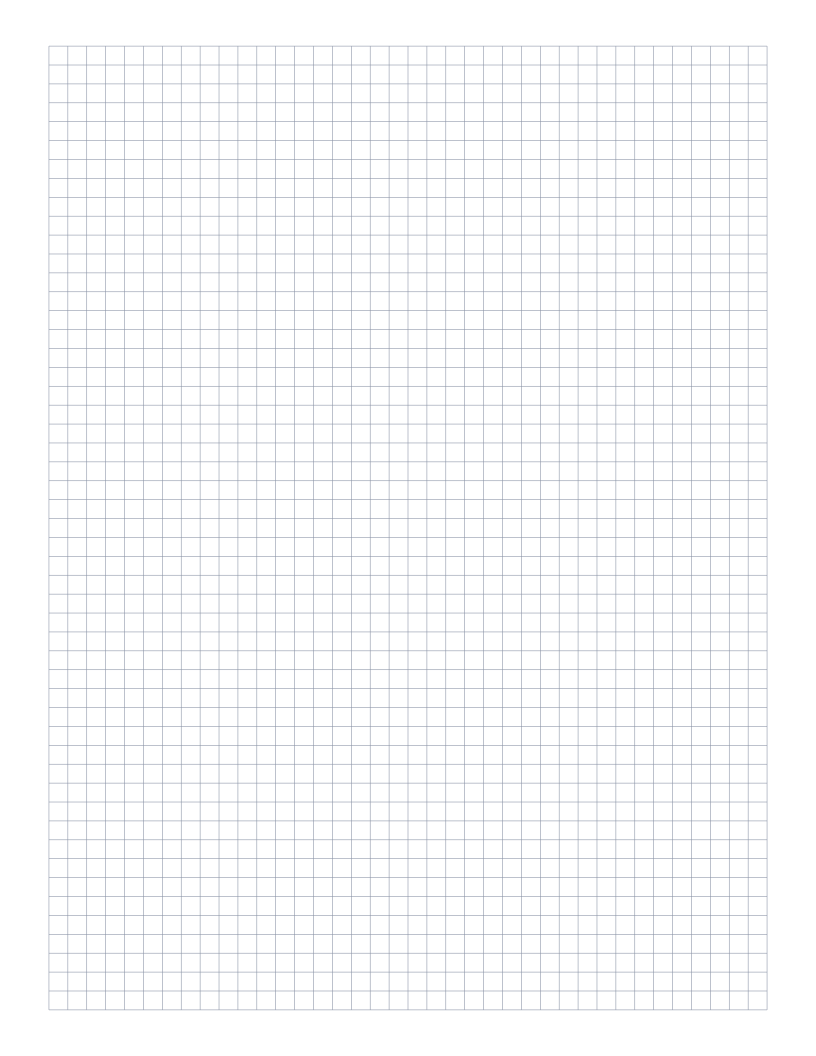
5mm Graph Paper
Standard 5mm square grid: the most popular spacing for math, engineering and general use.
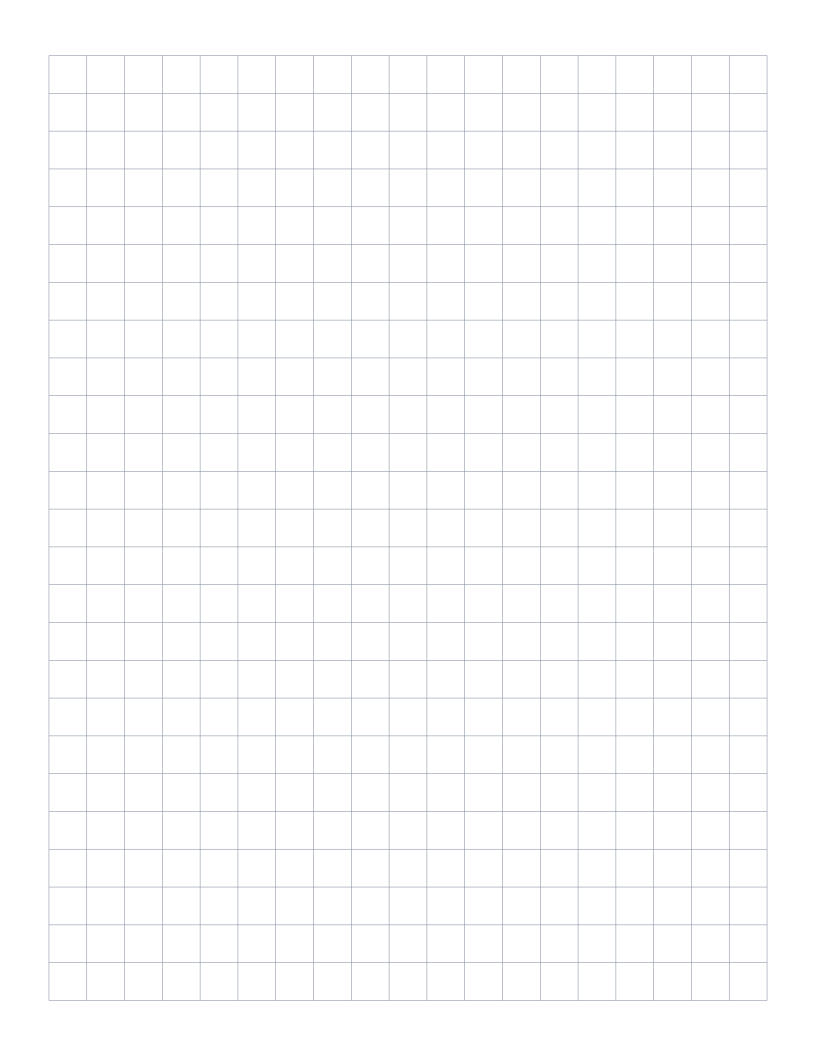
1cm Graph Paper
1 centimeter grid: the everyday graphing standard for elementary math and primary school.
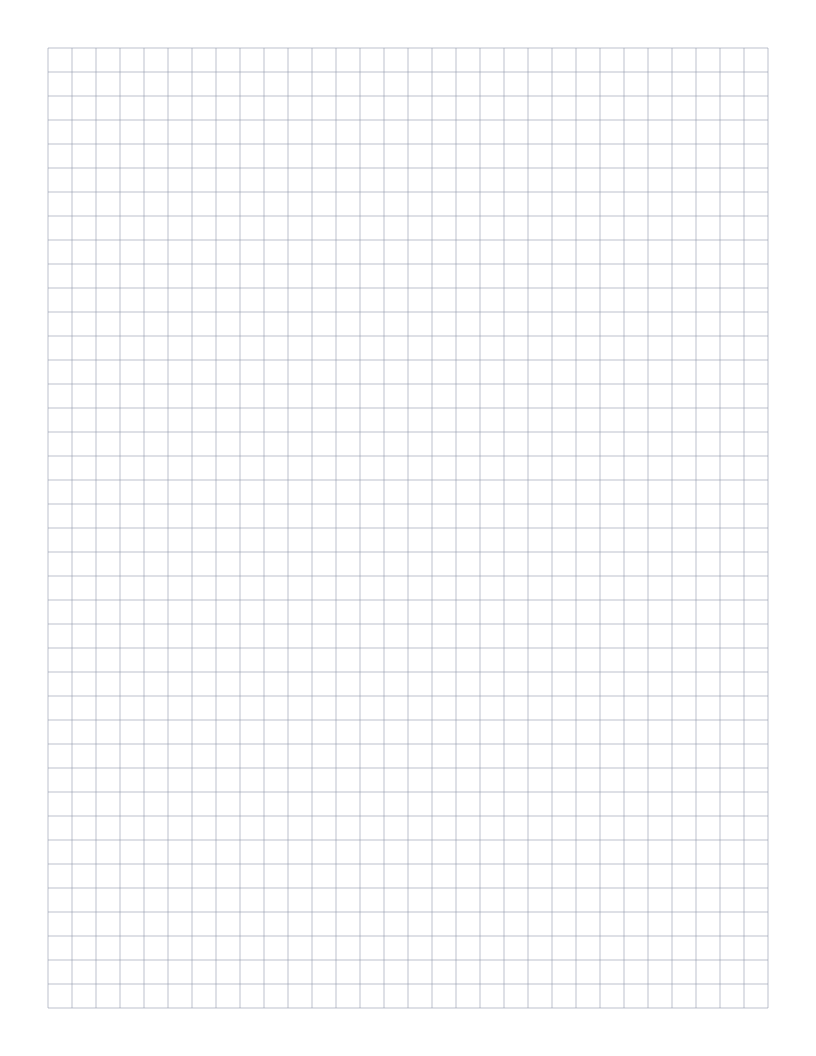
1/4 Inch Graph Paper
Classic four-squares-per-inch quad ruled paper: the US engineering standard.

Dot Grid Paper (5mm)
Subtle 5mm dot grid: the gold standard for bullet journals and clean sketches.
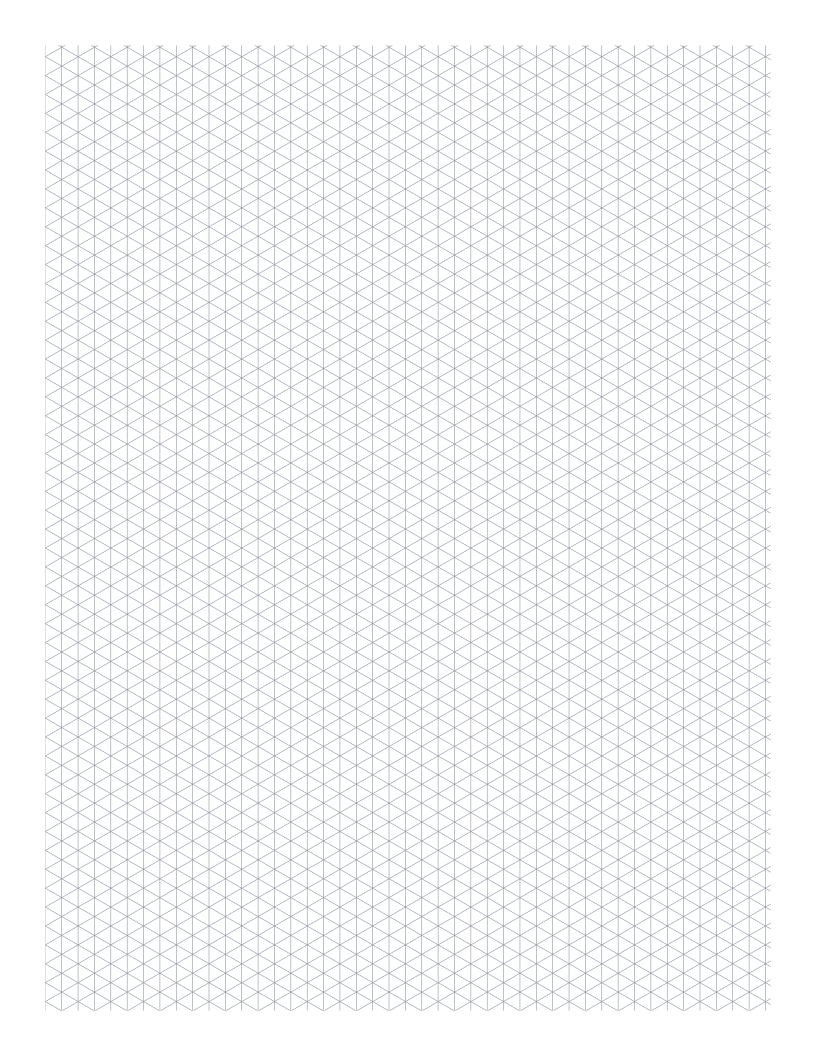
Isometric Graph Paper
Triangular 30°/60° grid for 3D drawings, technical sketches and Minecraft-style design.
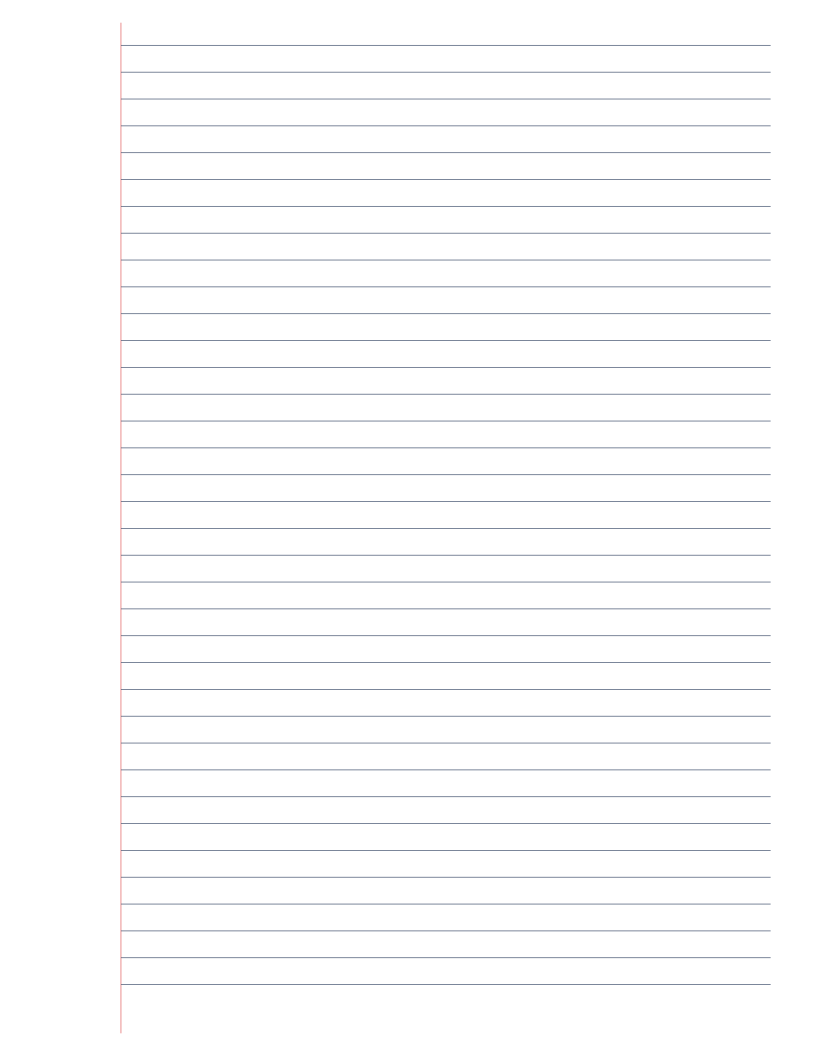
Lined Paper (College Ruled)
Classic college-ruled lined paper: 7.1mm line spacing with a red margin.
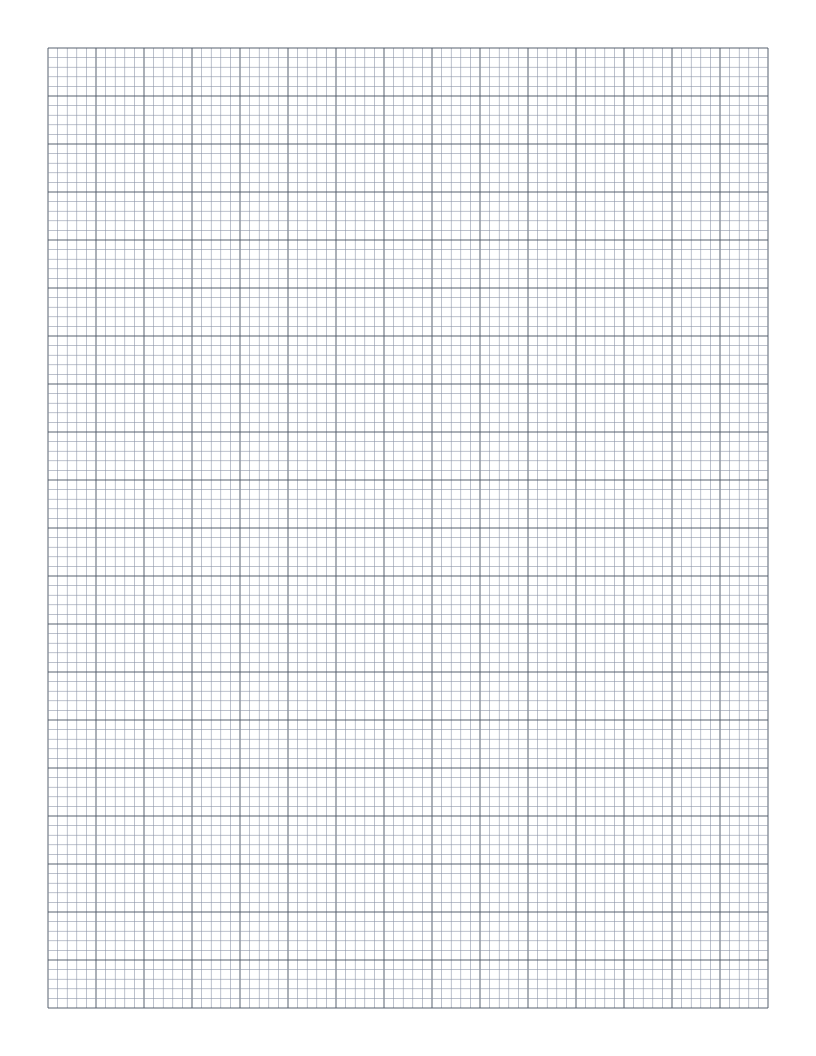
Engineering Paper
10 squares per inch: the classic green-tint engineering pad layout in printable form.
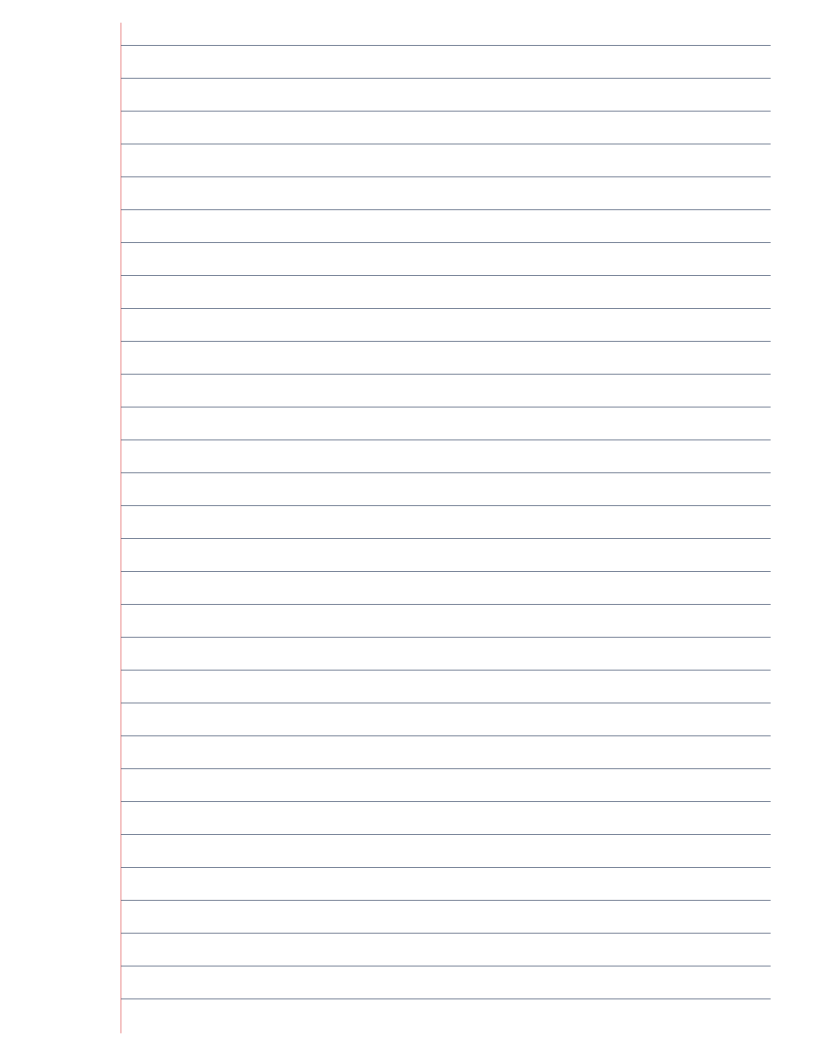
Wide Ruled Lined Paper
Classic wide-ruled lined paper: 8.7mm line spacing, the US elementary school standard.
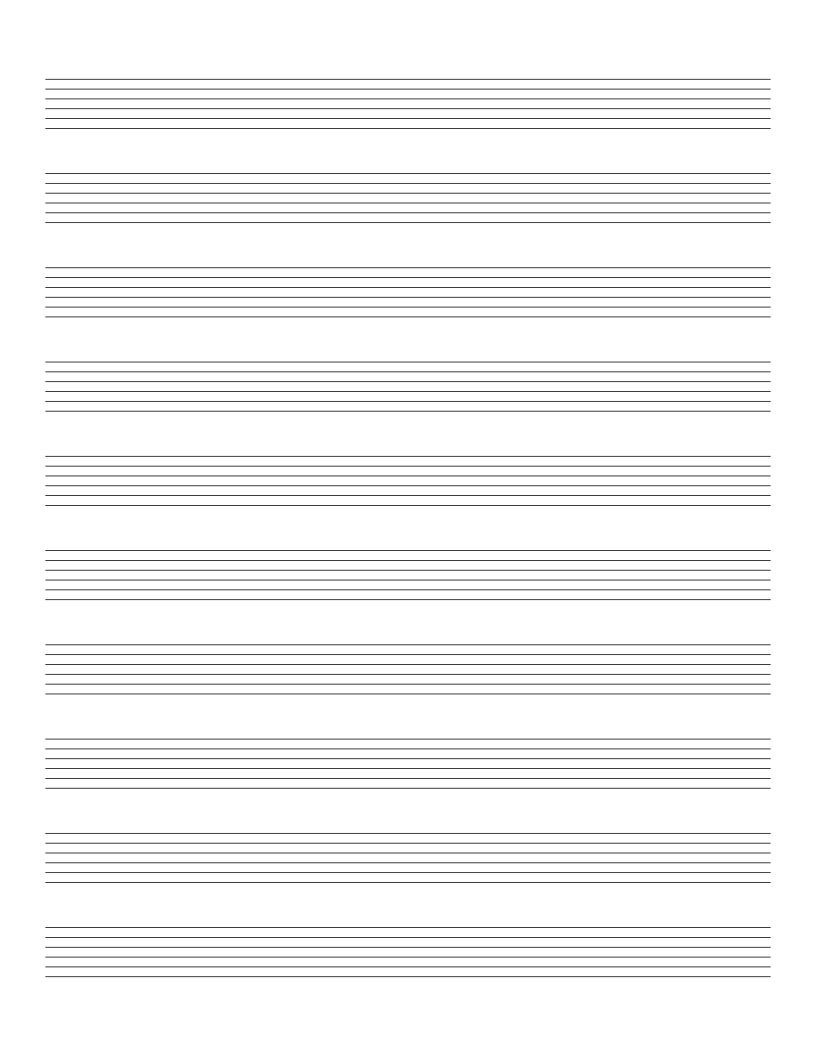
Guitar Tab Paper
6-line guitar tablature paper: for writing out riffs, songs and exercises.
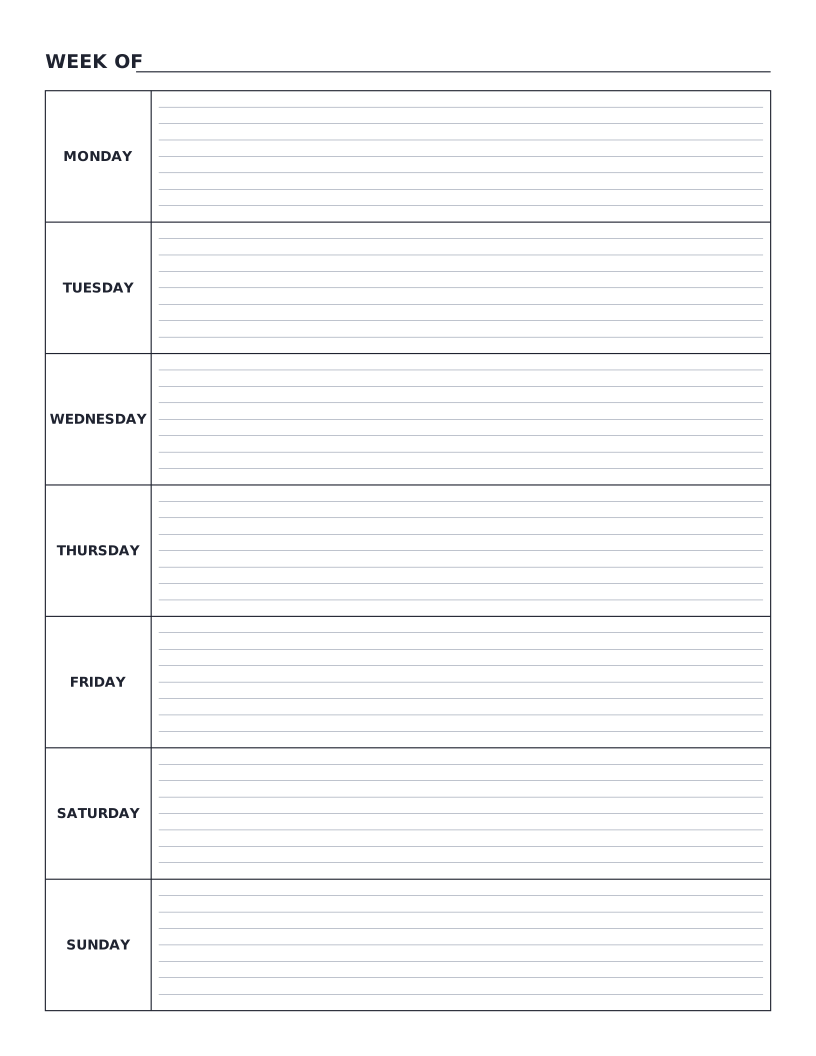
Weekly Planner
Monday-to-Sunday weekly planner: seven labelled day rows with writing lines for tasks, notes and appointments.
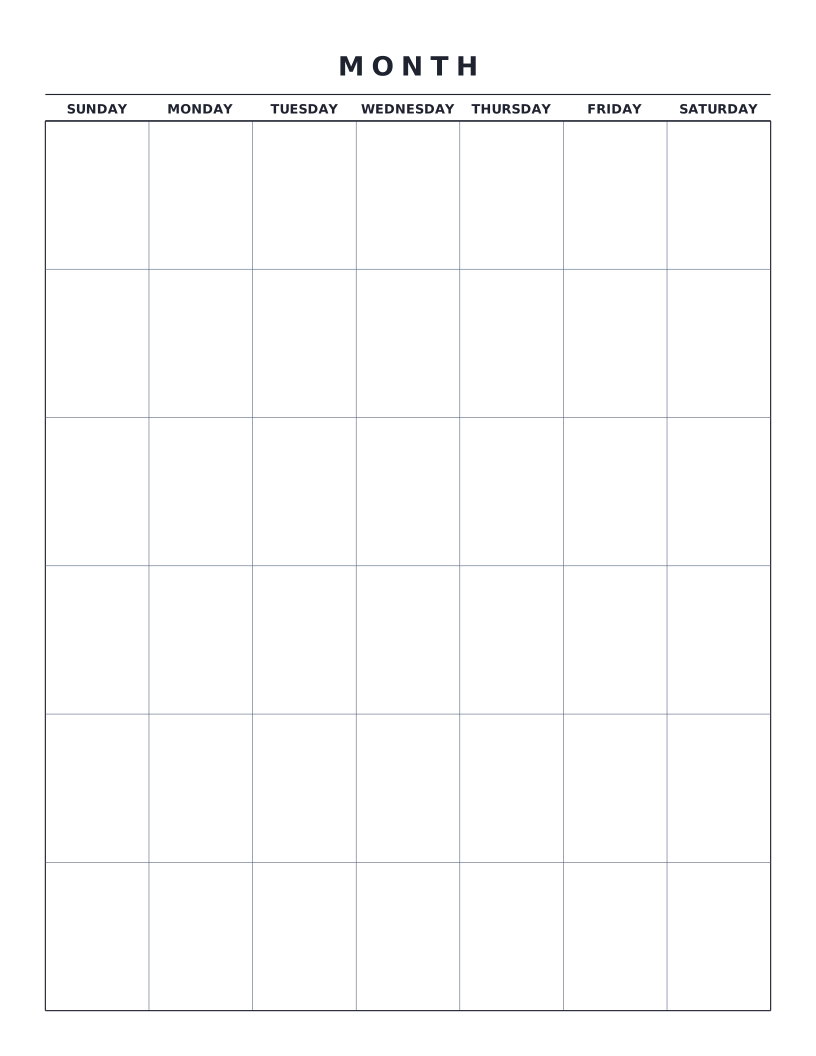
Monthly Calendar
Blank monthly calendar grid: six weeks × seven days, ready to fill in for any month of any year.
Grid Paper
Classic square grids for math, engineering, and graphing.
5mm Graph Paper
Standard 5mm square grid: the most popular spacing for math, engineering and general use.
1cm Graph Paper
1 centimeter grid: the everyday graphing standard for elementary math and primary school.
1/4 Inch Graph Paper
Classic four-squares-per-inch quad ruled paper: the US engineering standard.
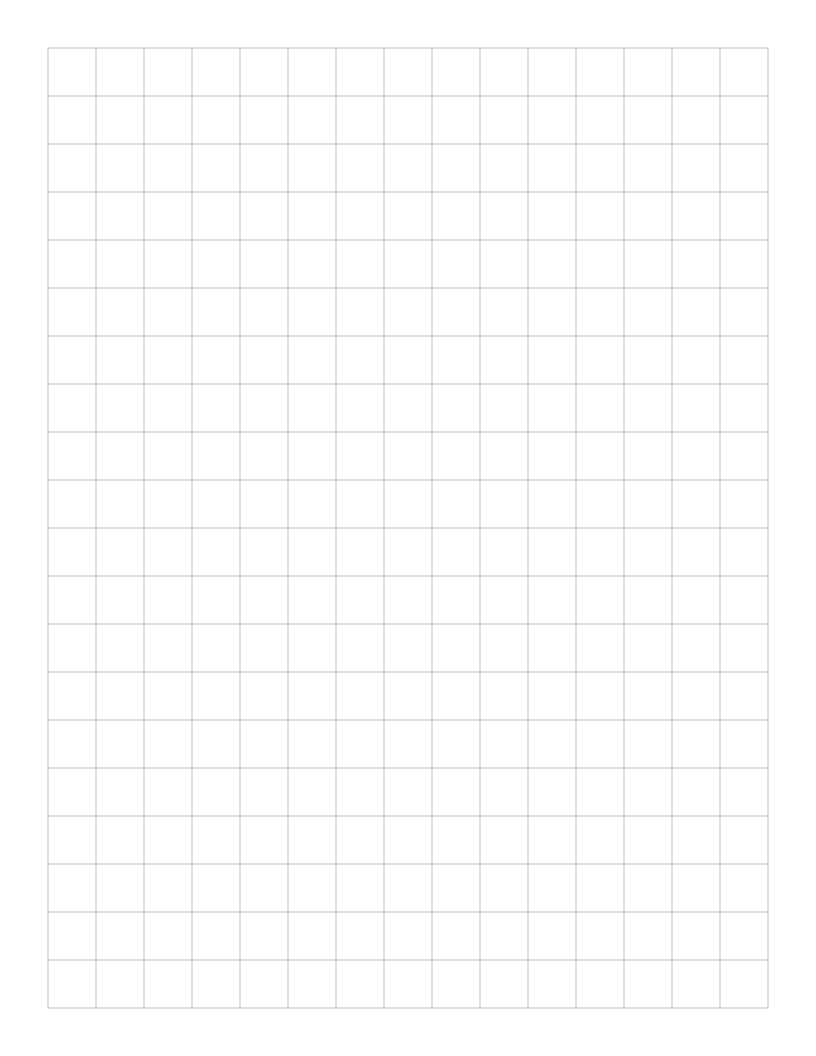
1/2 Inch Graph Paper
Two squares per inch: large grid that doubles as a 2D ruler for measurement.
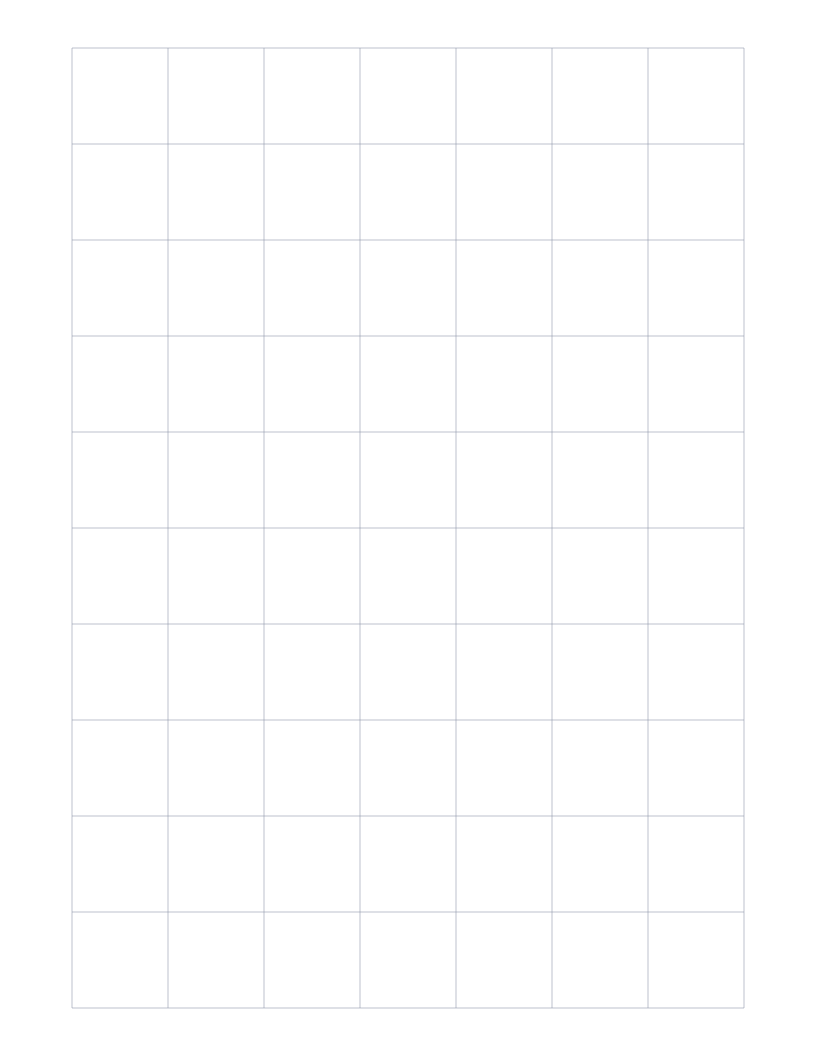
1" Graph Paper
One inch grid: the largest squares we offer, great for posters and quick layout work.
Engineering Paper
10 squares per inch: the classic green-tint engineering pad layout in printable form.
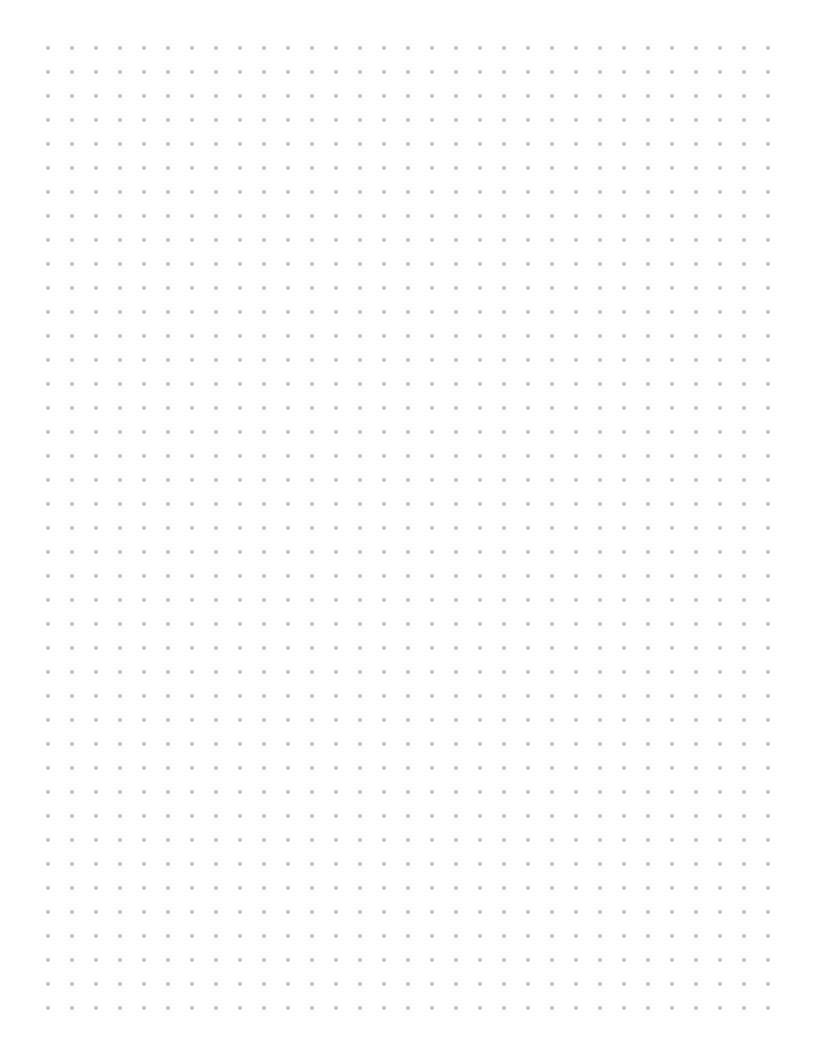
Dot Grid
Subtle dots for bullet journaling, sketching, and notes.
Specialty
Isometric, hexagonal, triangular and other purpose-built grids.
Isometric Graph Paper
Triangular 30°/60° grid for 3D drawings, technical sketches and Minecraft-style design.

Hexagonal Graph Paper
Hexagonal tessellation: perfect for tabletop wargaming, organic chemistry and tile-based games.
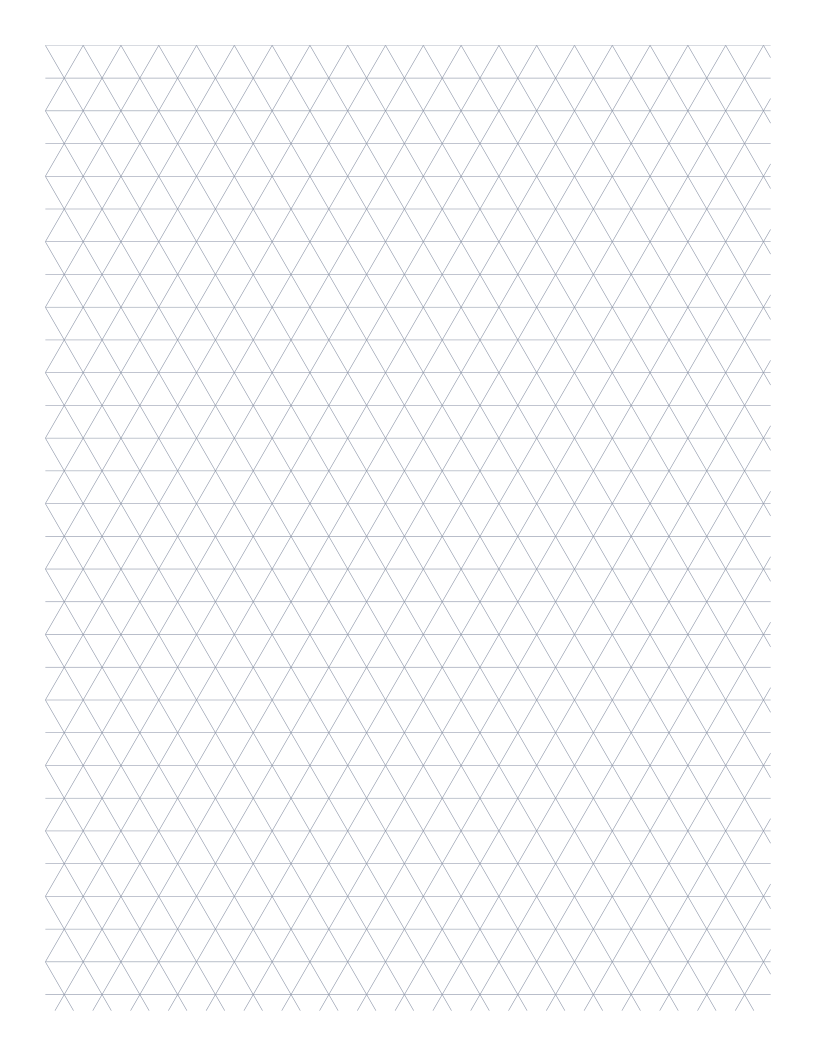
Triangular Graph Paper
Equilateral triangle grid: useful for ternary diagrams and tessellation art.
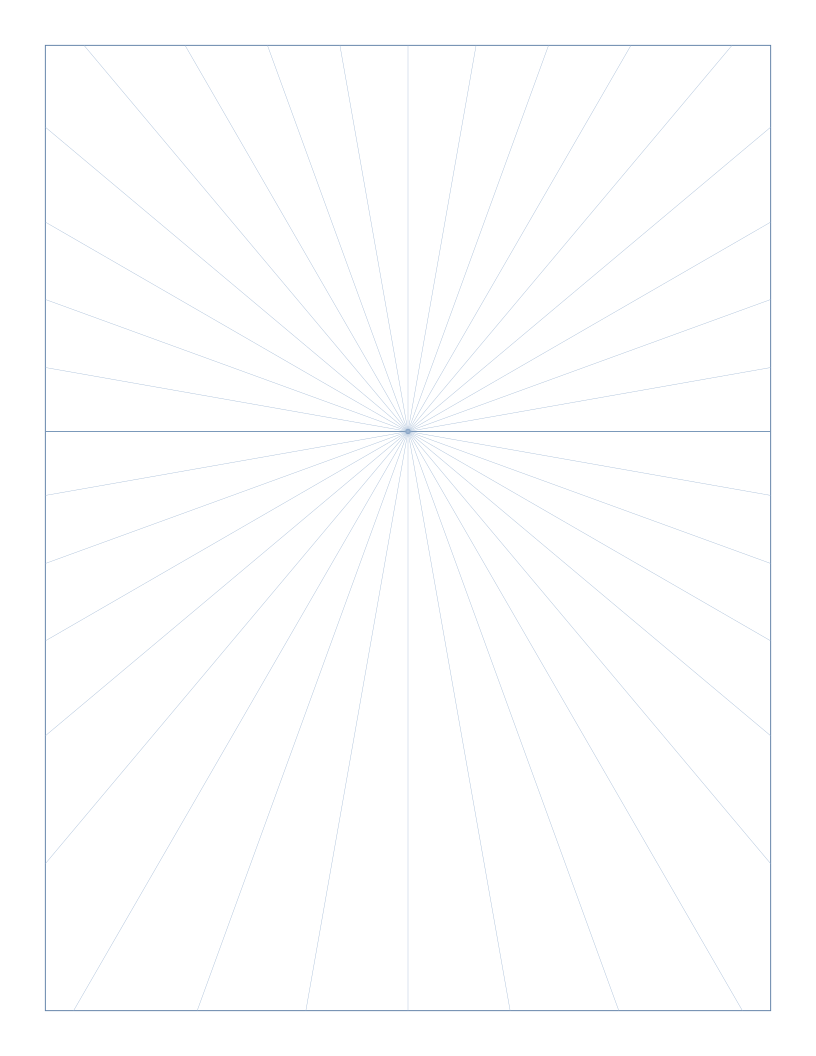
1-Point Perspective Grid
Single vanishing point on the horizon with radiating guides: the classic setup for hallways, rooms and street scenes.
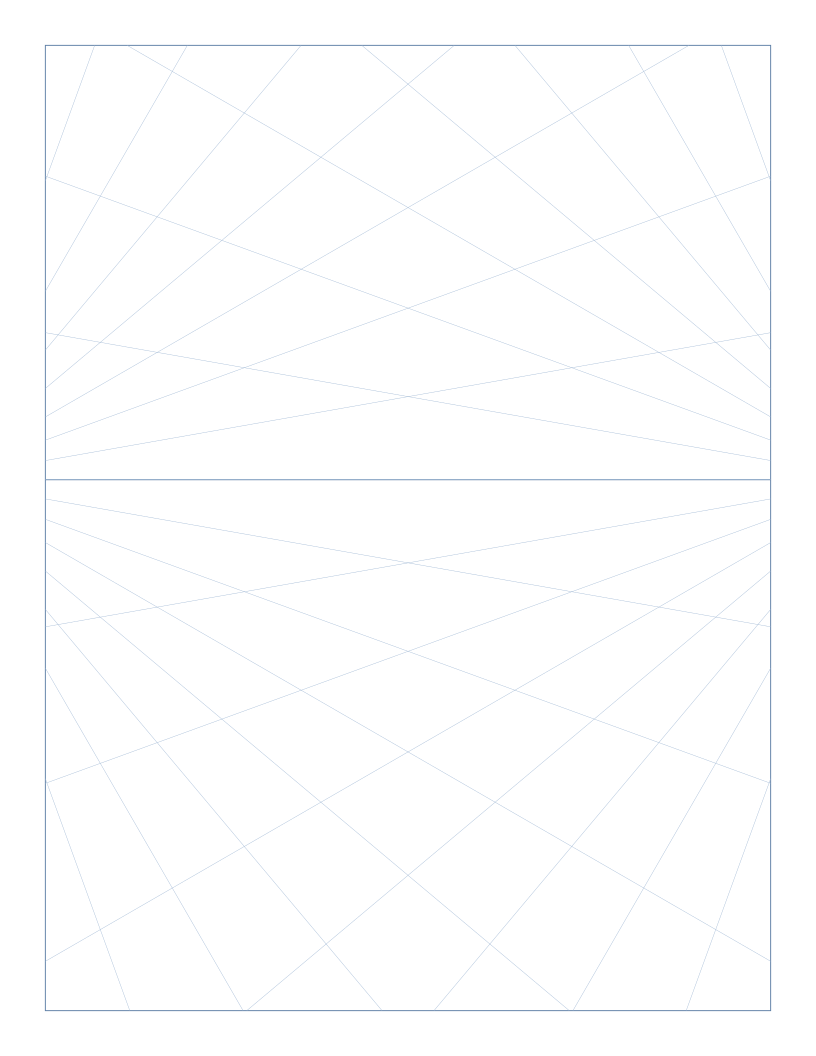
2-Point Perspective Grid
Two vanishing points on the horizon, set wide for natural-looking corners: the standard for architecture and product illustration.
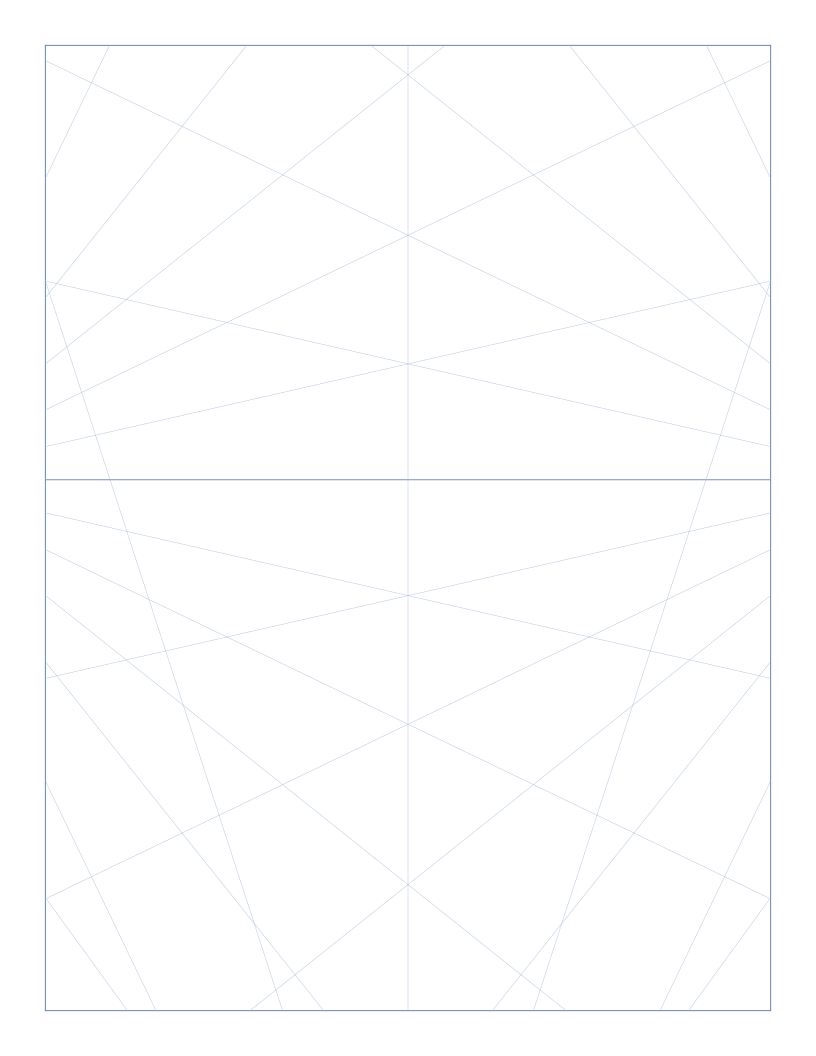
3-Point Perspective Grid
Two vanishing points on the horizon plus a third below the page: the standard layout for looking up at tall buildings.
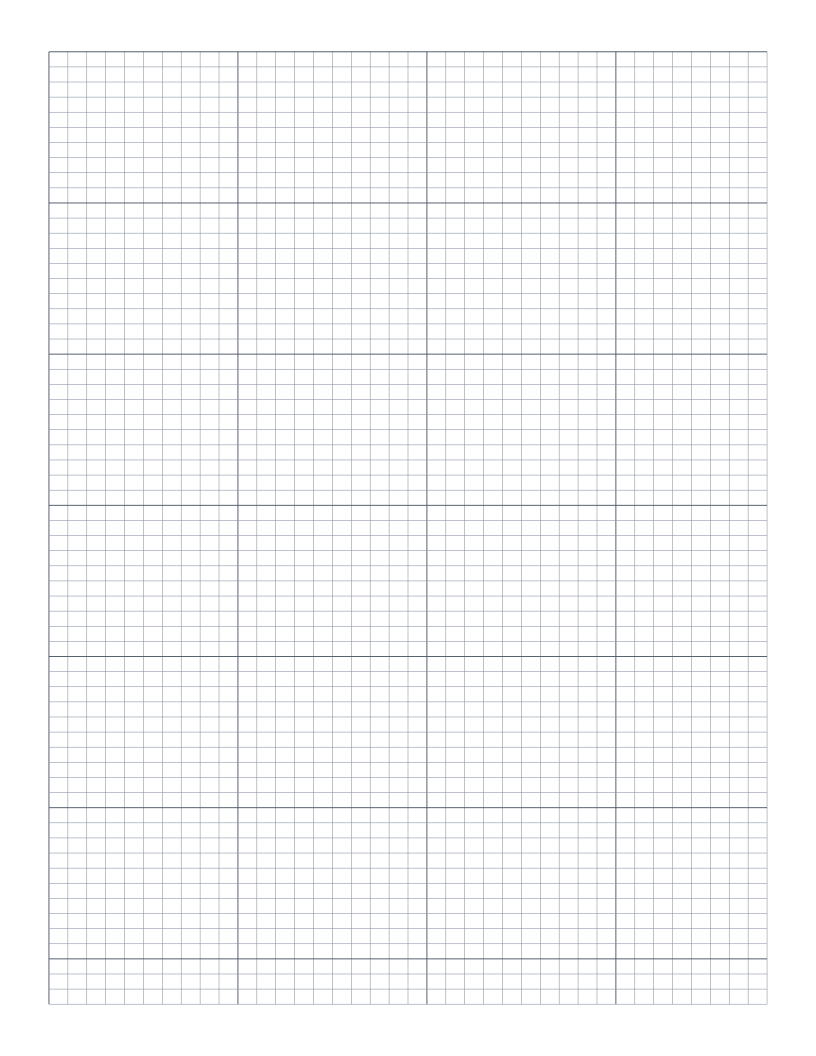
Knitting Chart Paper
Rectangular cells (5:4 aspect ratio) matching the stitch gauge of stockinette knitting: charts look right when knit up.
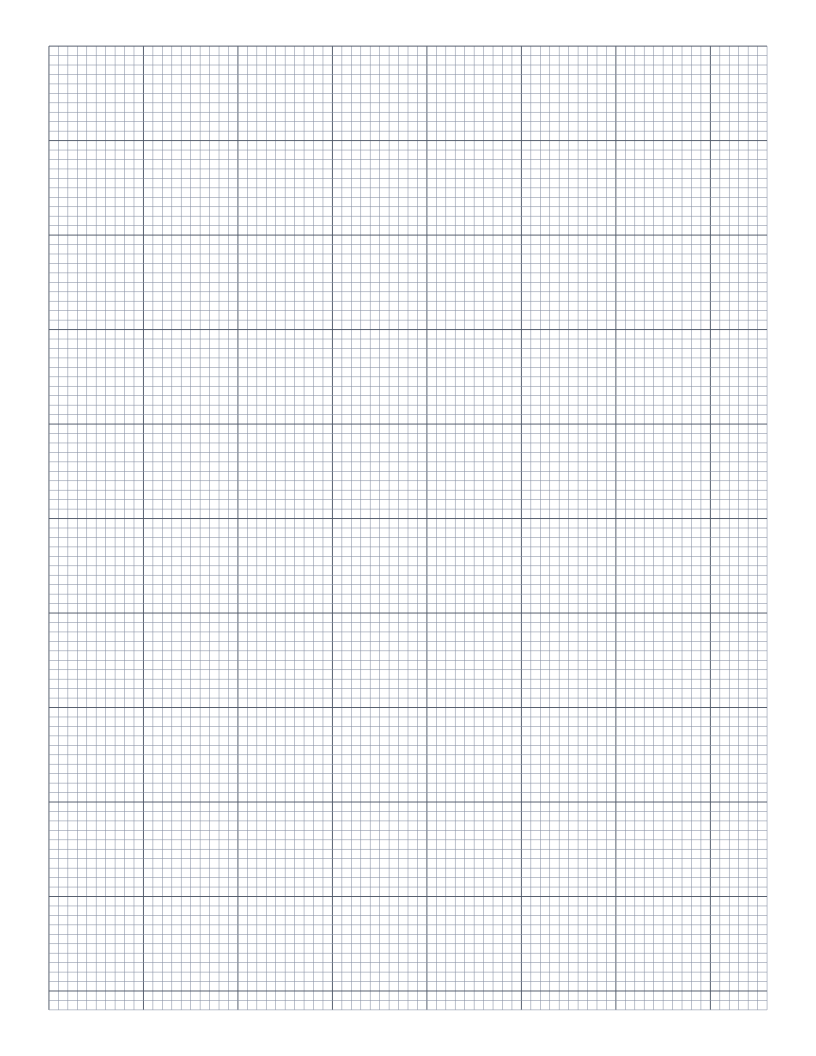
Cross-Stitch Pattern Paper
Fine 2.5mm grid with heavier 10×10 block lines: the standard format for charting cross-stitch and needlepoint patterns.
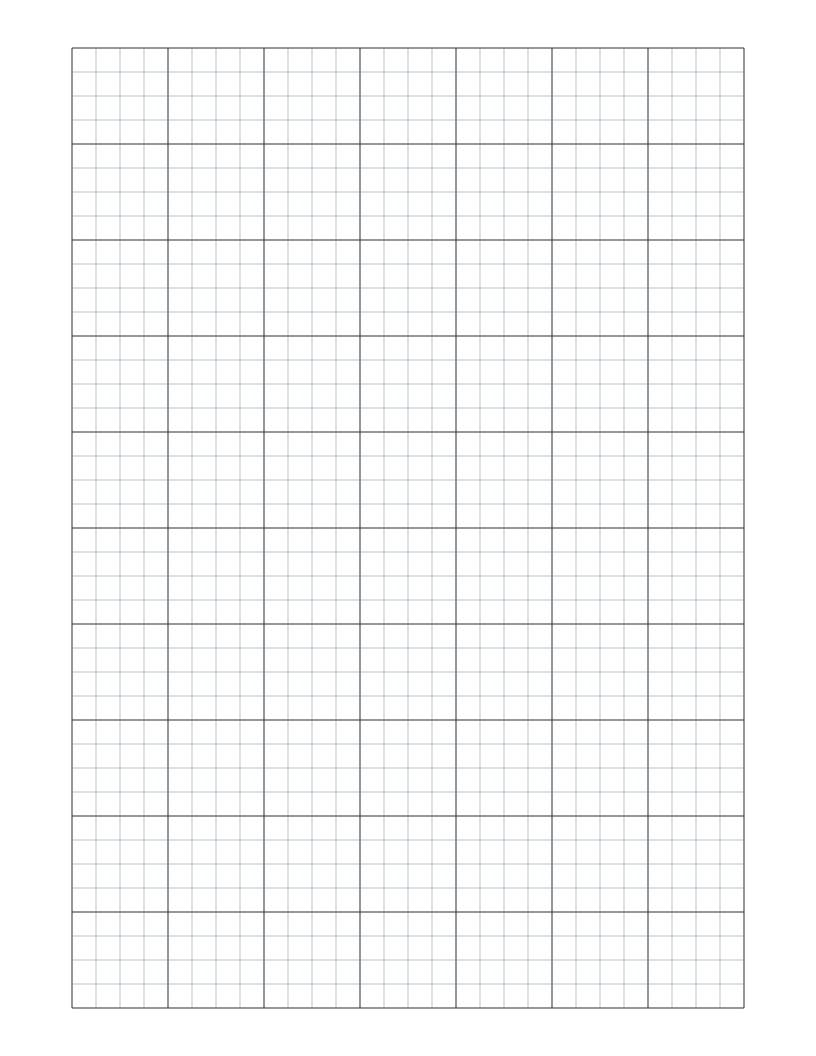
Dungeon Map Paper
Heavy 1-inch grid with faint 1/4-inch subdivisions: the standard scale for tabletop battle maps and dungeon design.
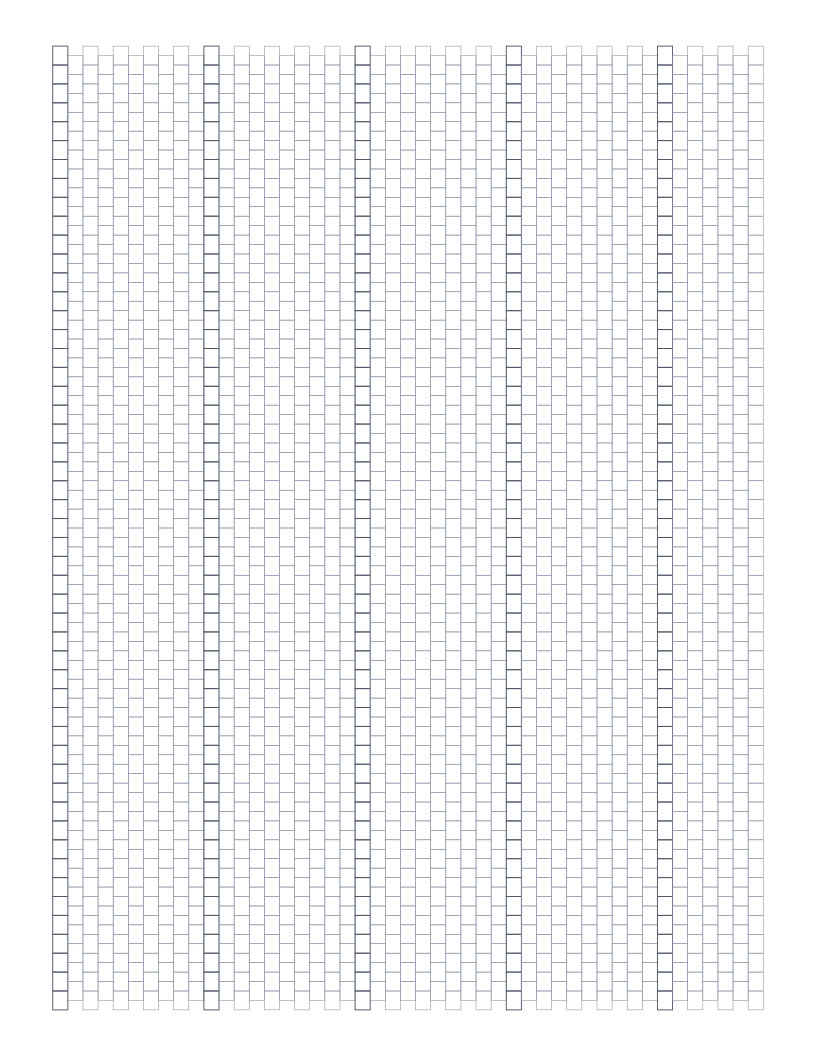
Peyote Stitch Beading Paper
Offset rectangular cells matching the peyote-stitch bead geometry: alternate columns drop by half a bead, the standard chart format for peyote beadwork.
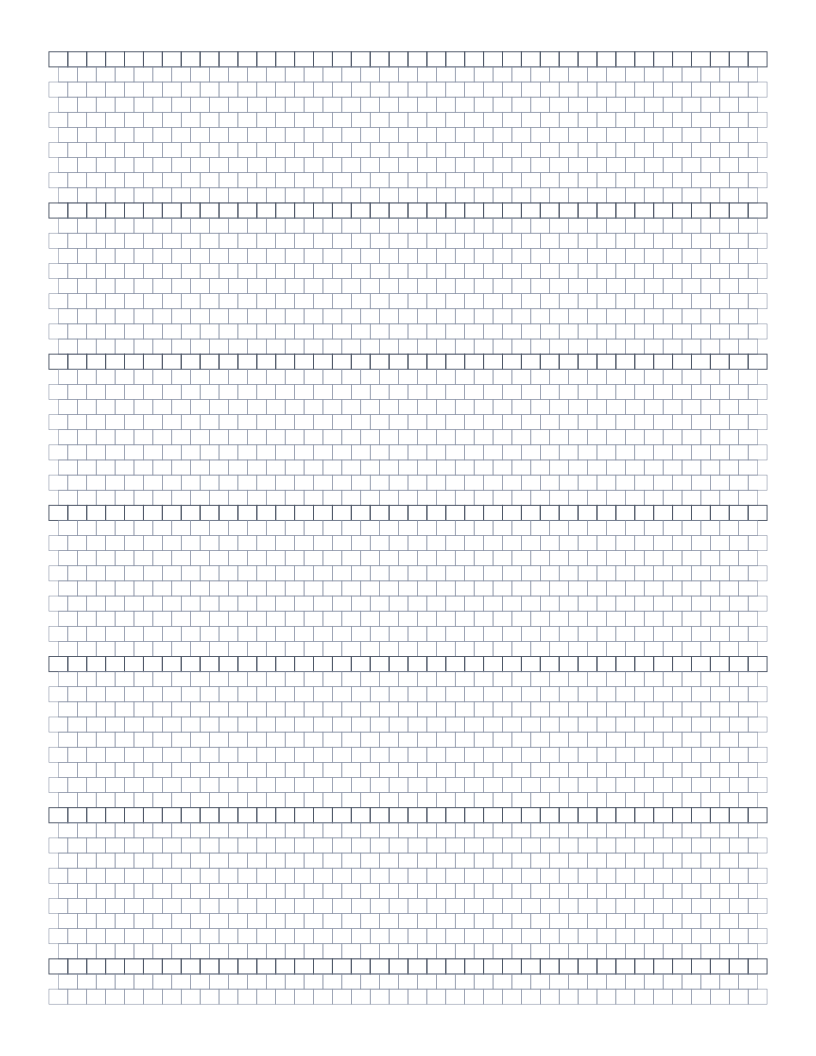
Brick Stitch Beading Paper
Offset rectangular cells matching the brick-stitch bead geometry: alternate rows shift by half a bead like a brick wall, the standard chart for brick-stitch beadwork.
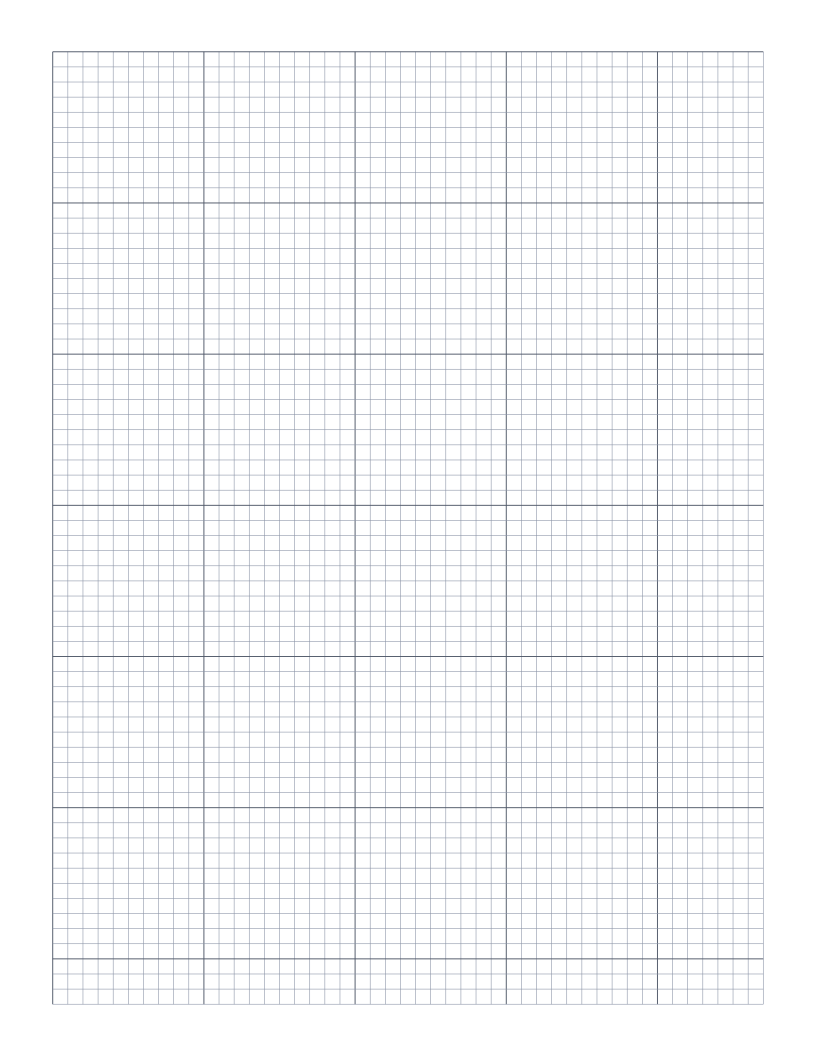
Loom Beading Paper
Regular square grid for loomed beadwork: rows and columns align orthogonally with no offset, matching the warp-and-weft of a bead loom.
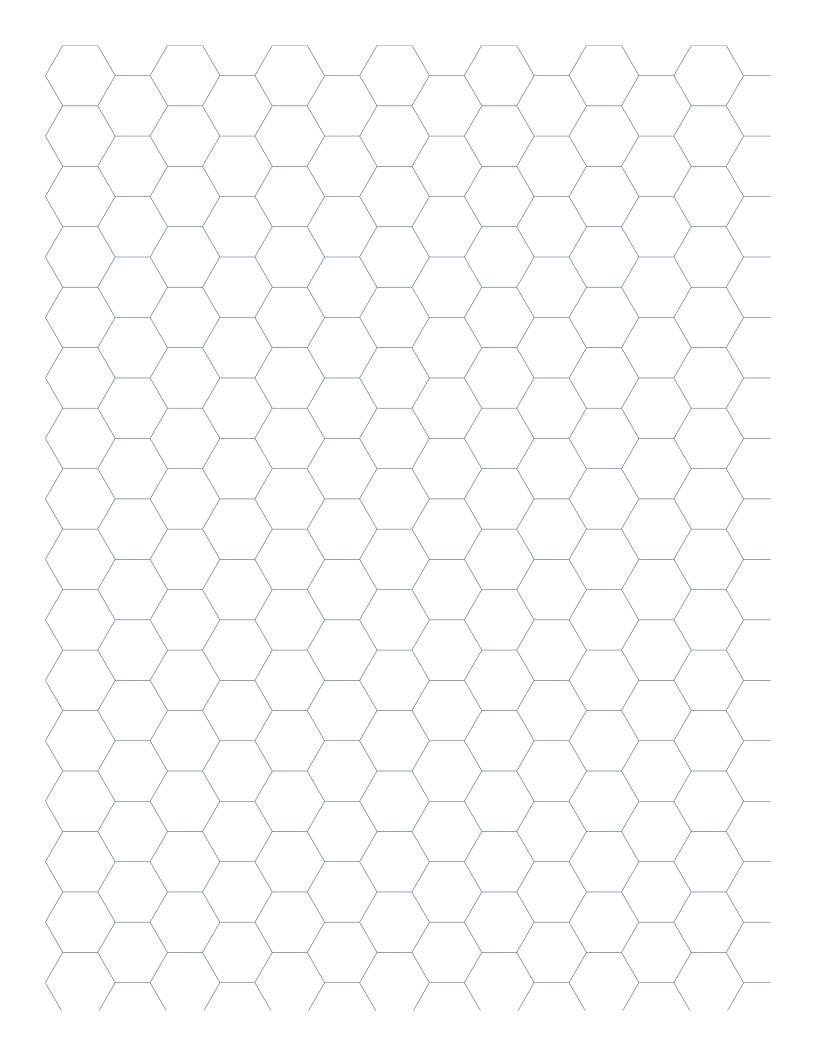
Hex Battle Map (Tactical)
Larger hex grid (16mm flat-to-flat) sized for tactical wargames and hex-based RPG combat: matches the standard 5/8" hex used by Battletech, Star Fleet Battles and others.
Scientific
Polar, Smith, log and probability paper for plotting data.
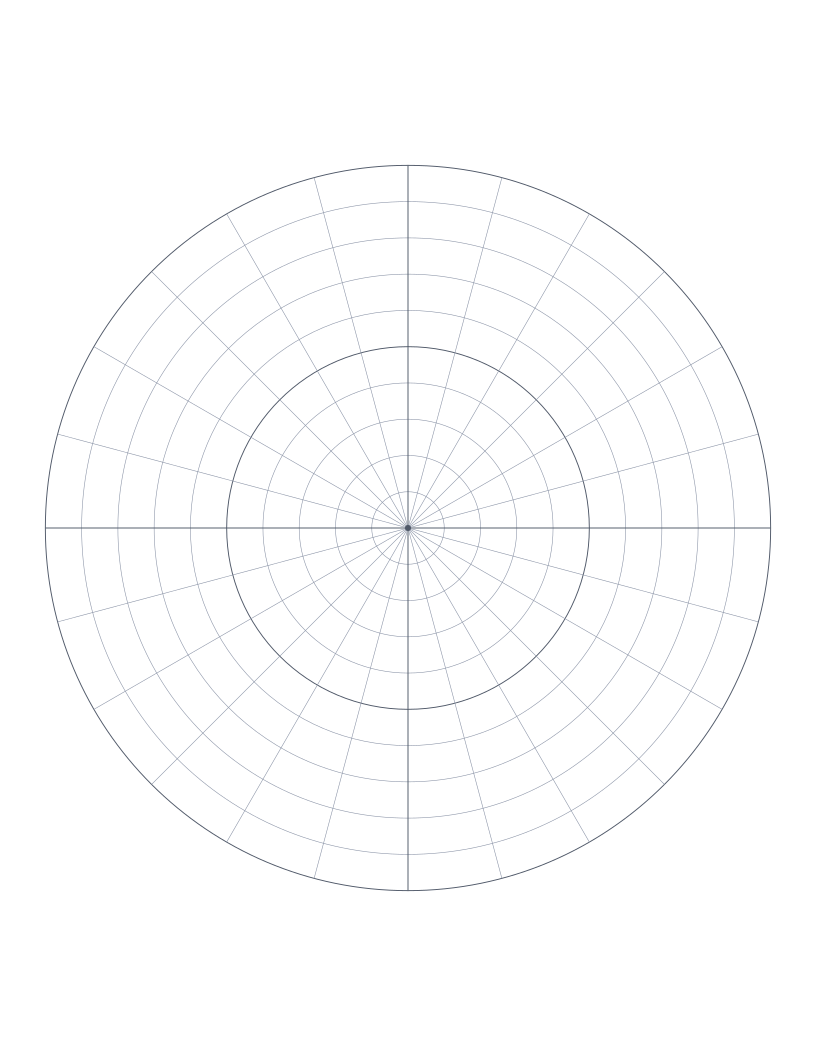
Polar Graph Paper
Concentric circles with radial spokes: for polar coordinates, vector diagrams and circular design.
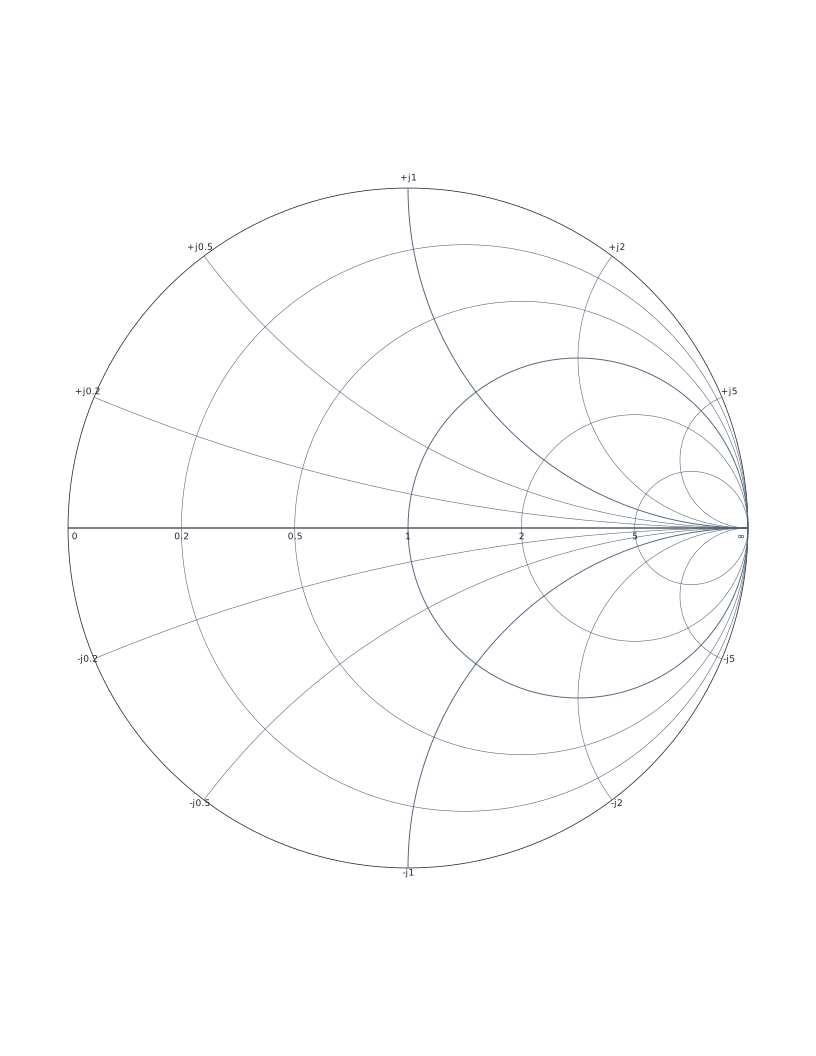
Smith Chart
Classic Smith chart for transmission line impedance matching and RF engineering.
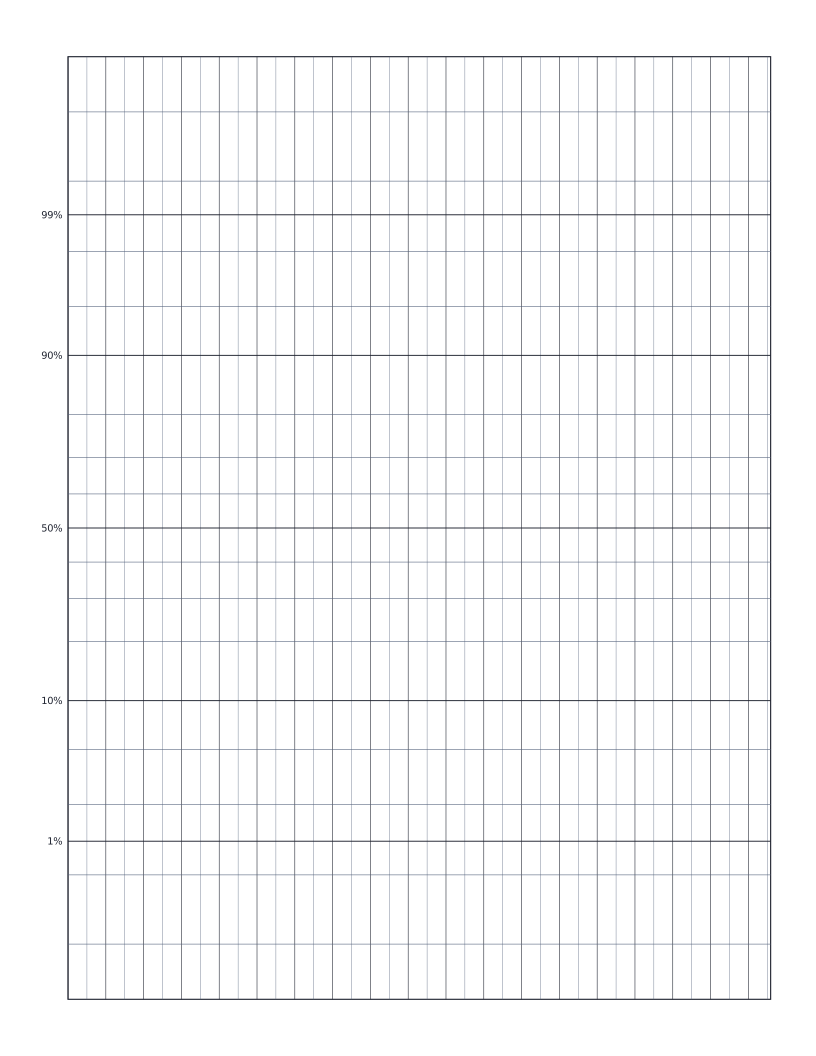
Normal Probability Paper
Normal probability paper: y-axis scaled by inverse normal CDF for plotting distribution data.
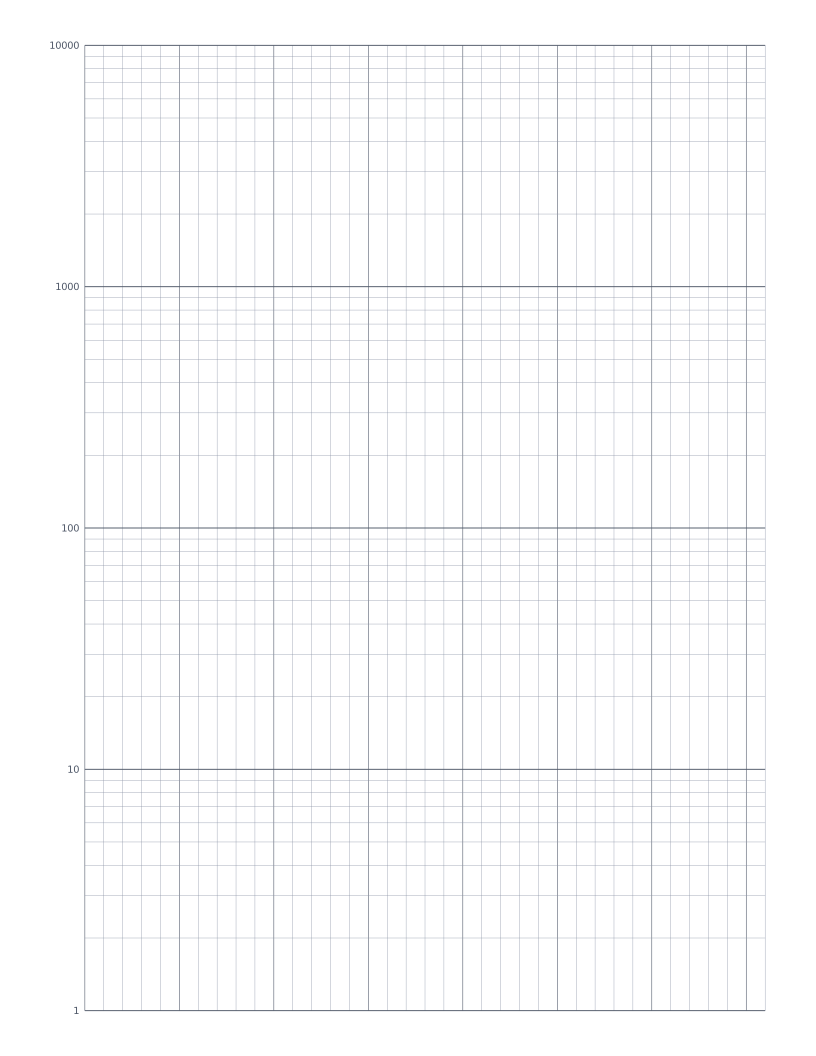
Semi-Log Graph Paper
Linear x-axis with a 4-decade logarithmic y-axis: the standard sheet for plotting exponentials and decay curves.
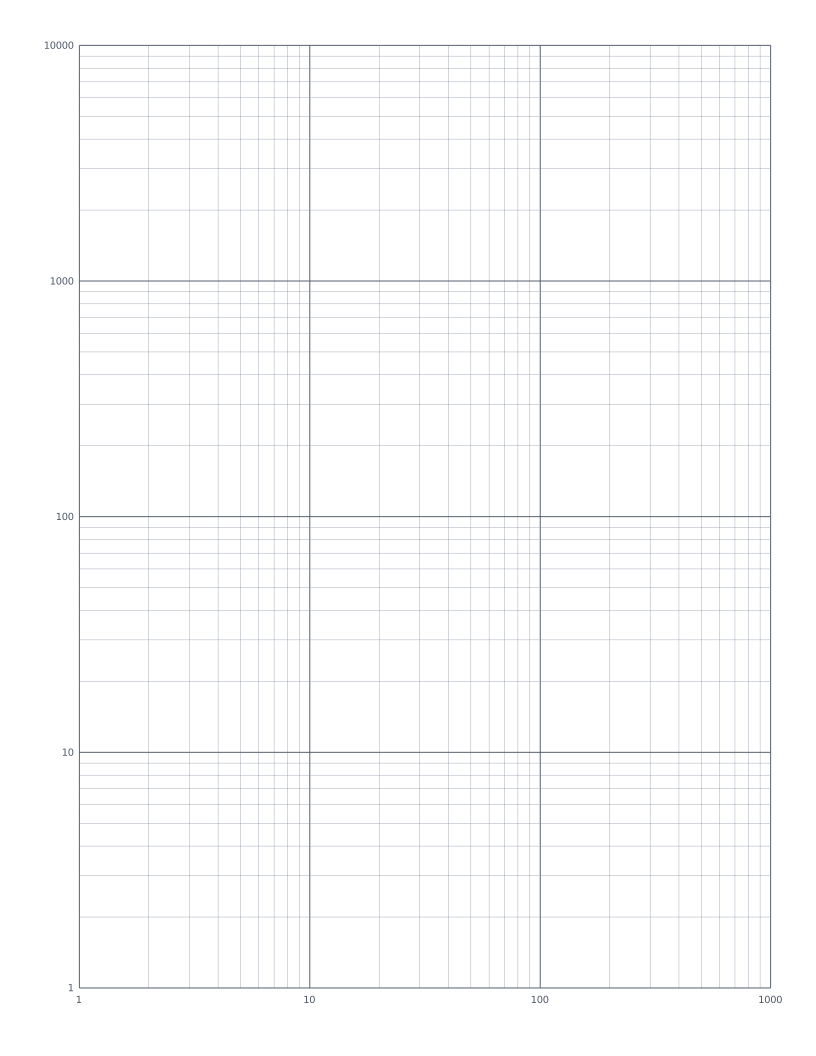
Log-Log Graph Paper
Both axes logarithmic: the standard sheet for plotting power laws and frequency-response curves.
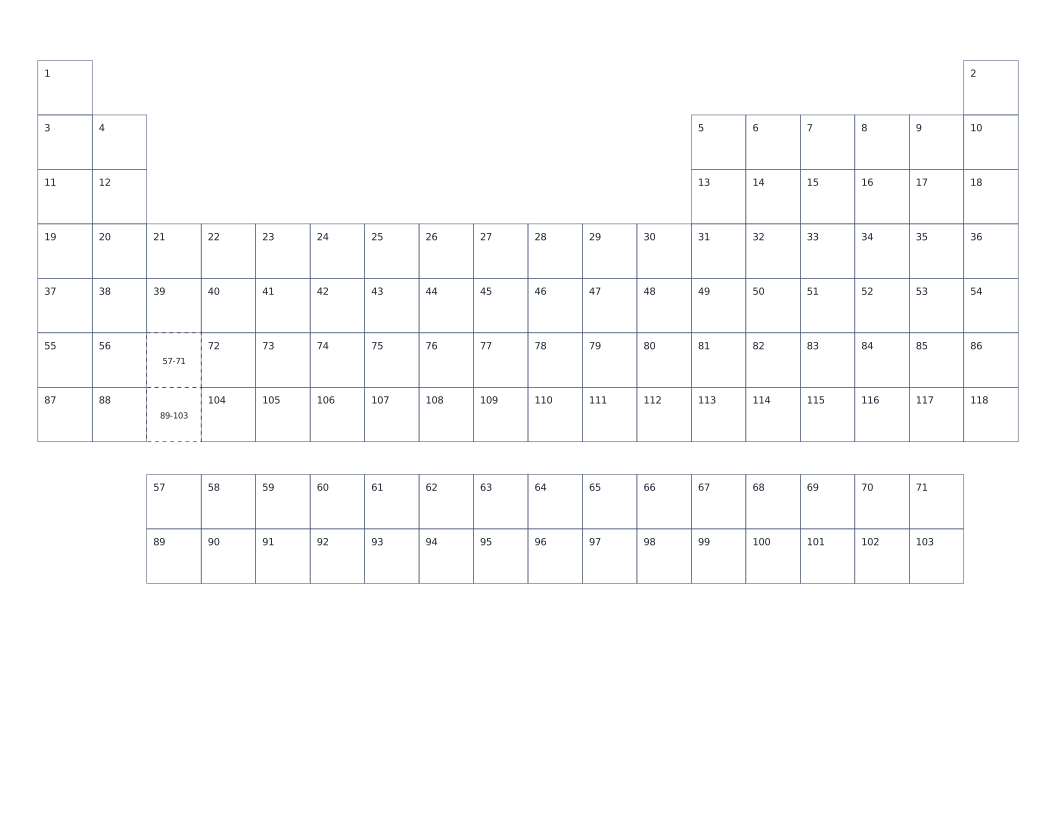
Blank Periodic Table
Blank periodic table with atomic numbers in each cell: fill in symbols, names and properties. Printed landscape so the 18-column table fills the page.
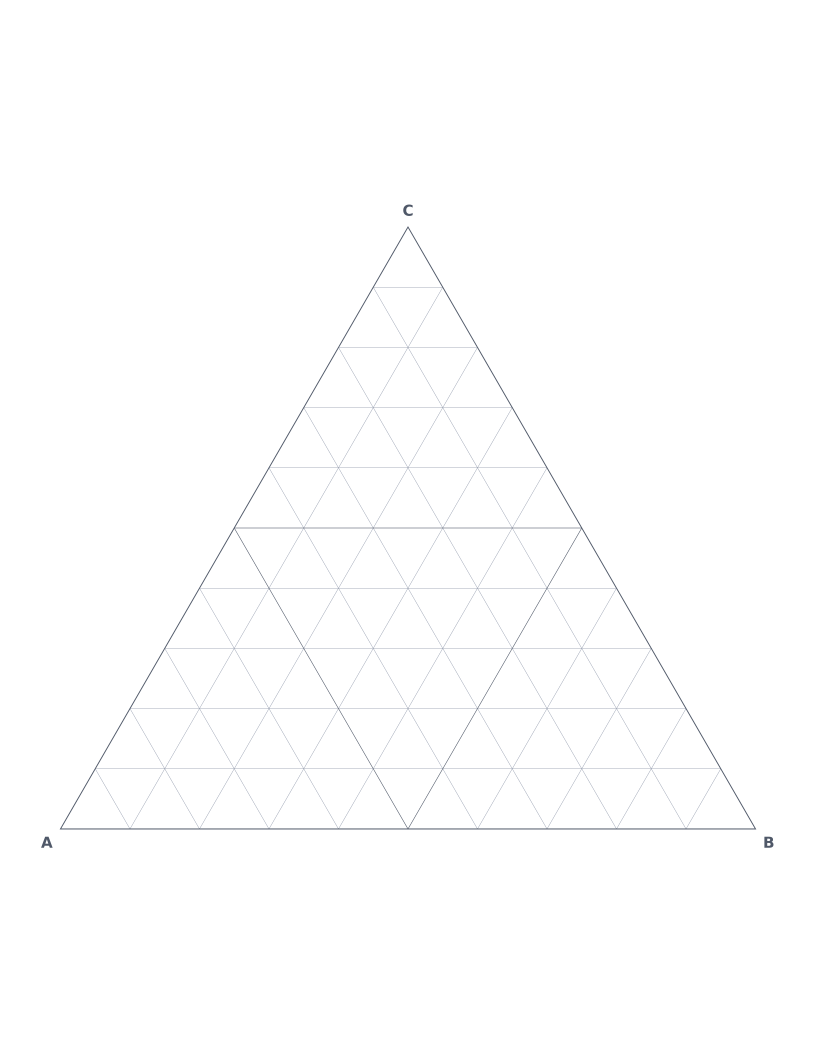
Ternary Plot Paper
Equilateral triangle with three sets of grid lines: the standard format for plotting three-component compositions in chemistry, metallurgy and soil science.
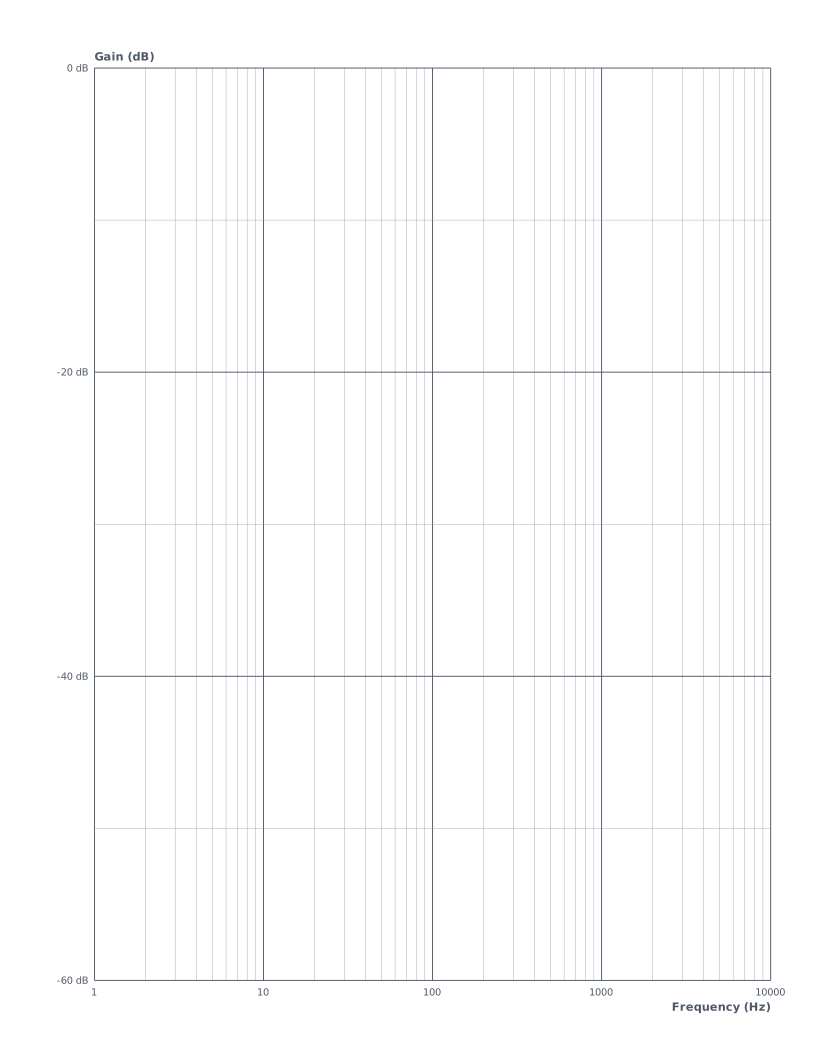
Bode Plot Paper
Log-frequency horizontal axis with linear gain (dB) vertical axis: the standard sheet for sketching frequency response.
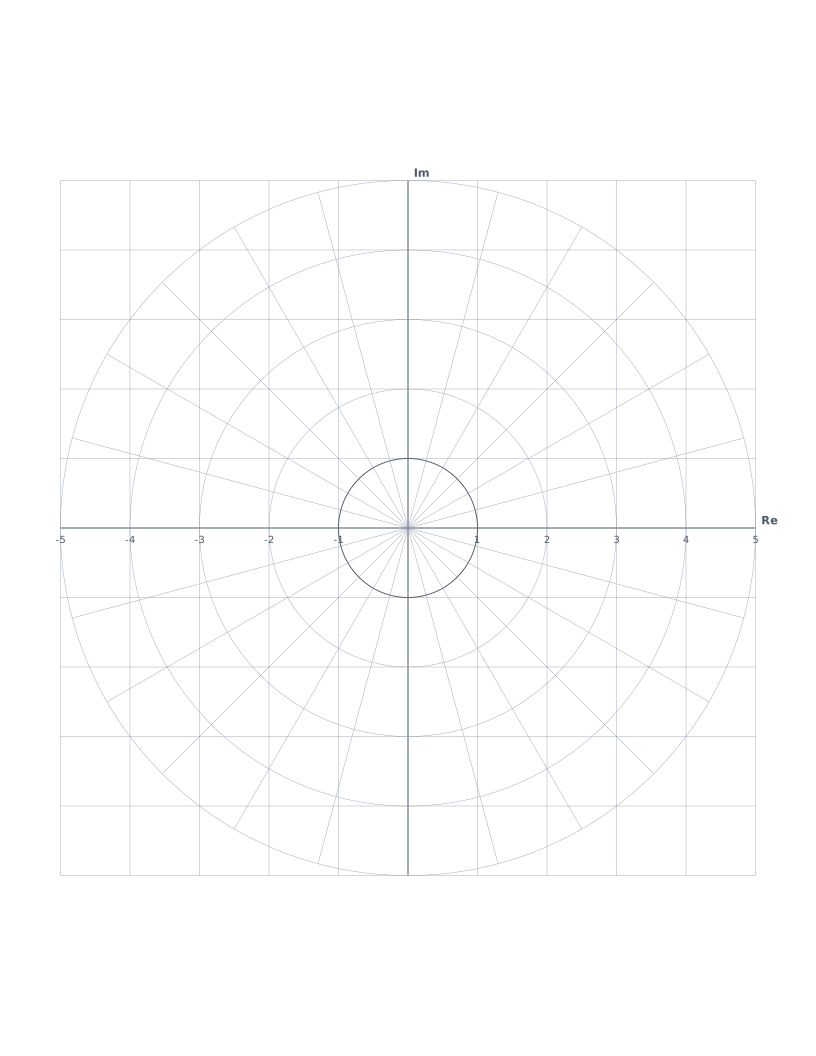
Nyquist Plot Paper
Complex plane with unit circle and radial phase lines: the standard format for plotting Nyquist contours and frequency response in control systems.
Writing & Notes
Lined paper, Cornell notes, calligraphy and handwriting practice.
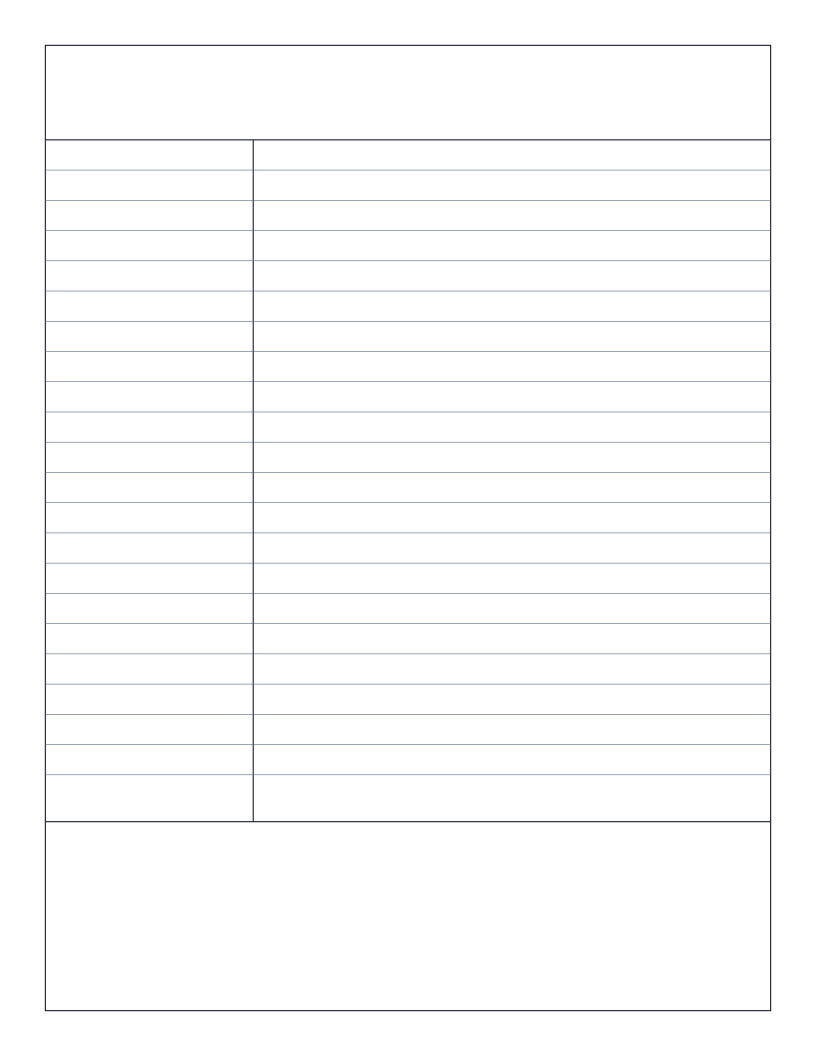
Cornell Notes Paper
The famous Cornell note-taking layout: cue column, main notes and summary band.
Lined Paper (College Ruled)
Classic college-ruled lined paper: 7.1mm line spacing with a red margin.
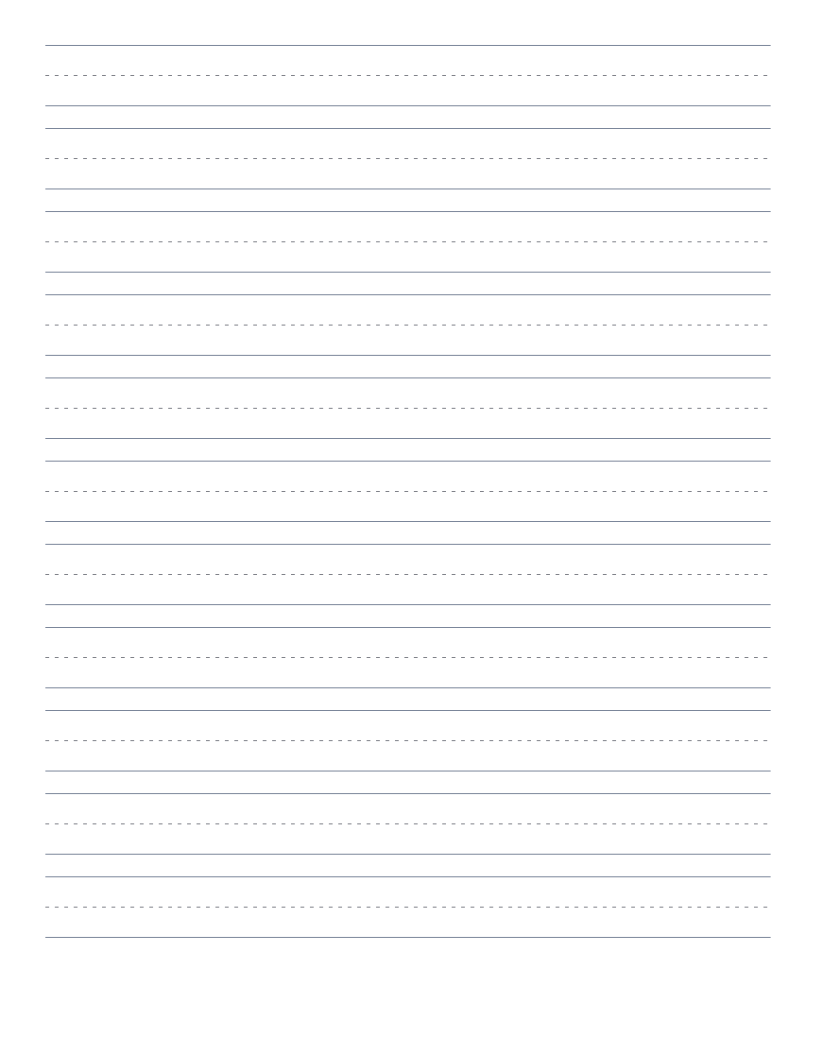
Handwriting Practice Paper
Three-line handwriting paper with dashed midline: for primary writing practice.
Wide Ruled Lined Paper
Classic wide-ruled lined paper: 8.7mm line spacing, the US elementary school standard.
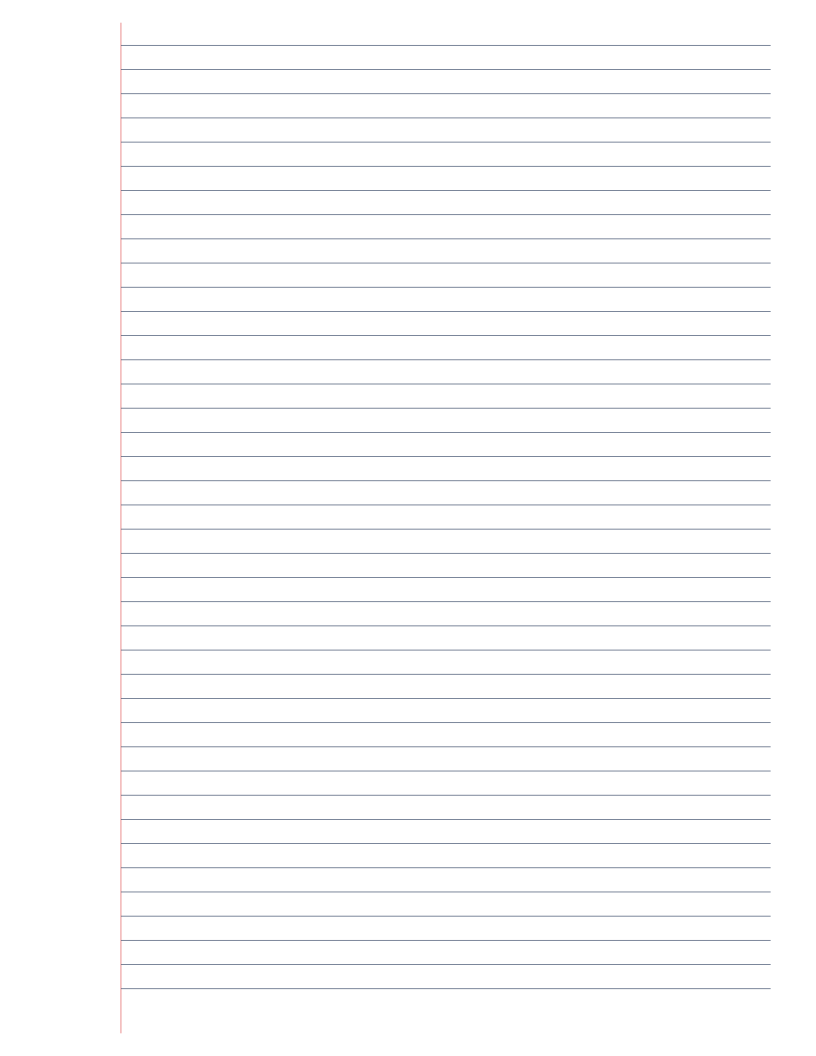
Narrow Ruled Lined Paper
Narrow-ruled lined paper: 6.4mm line spacing, more text per page.
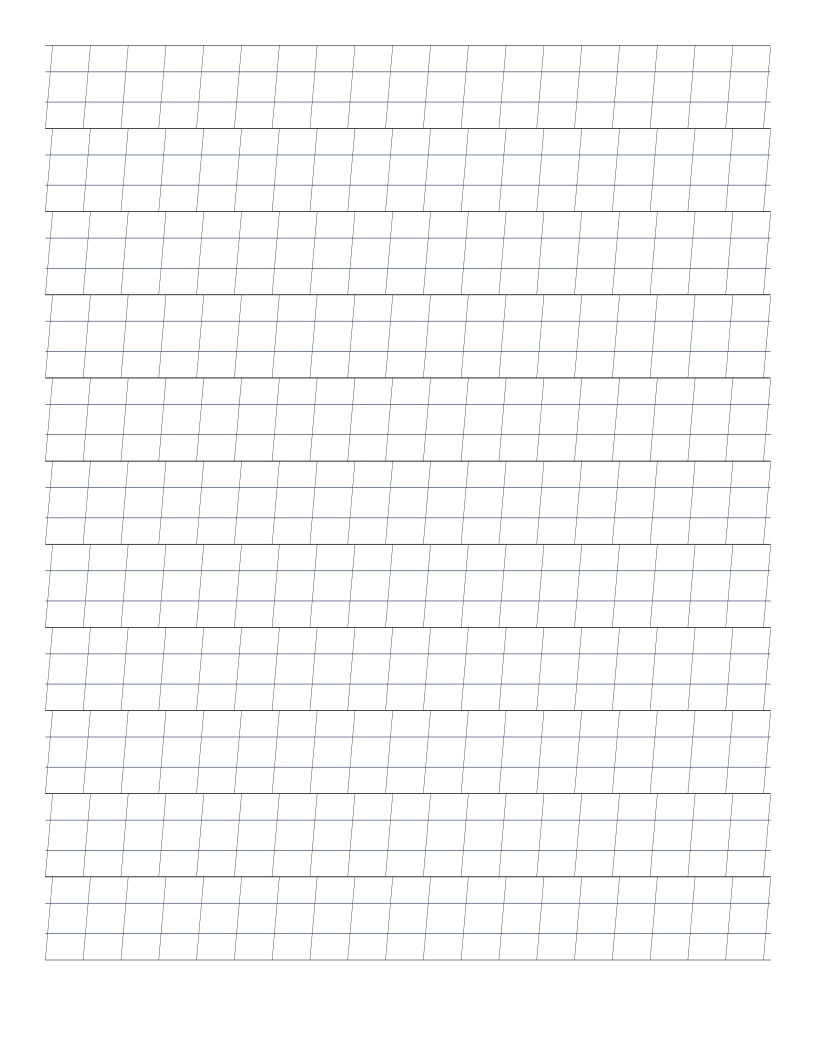
Calligraphy Practice Paper (Italic)
Italic calligraphy paper: 4-line guides with diagonal slant lines for consistent letterform angle.
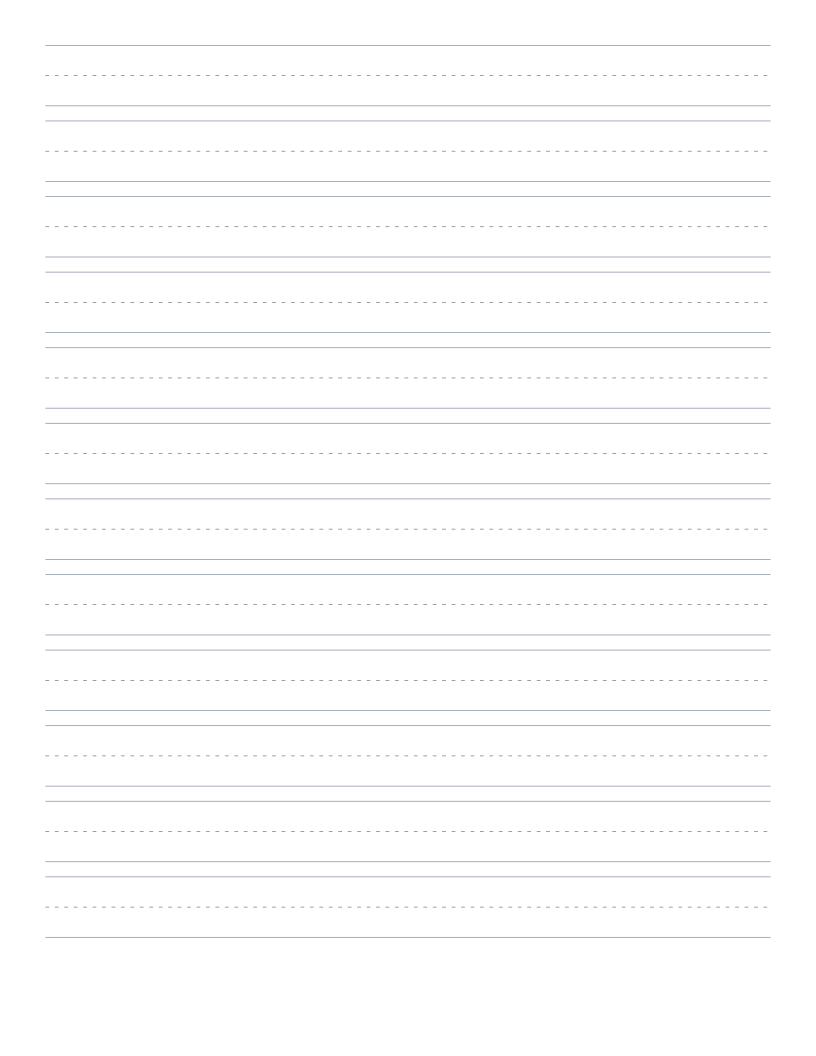
D'Nealian Handwriting Paper
Three-line handwriting paper sized for D'Nealian script: slightly tighter rows than Zaner-Bloser, matched to the curved D'Nealian letter forms.
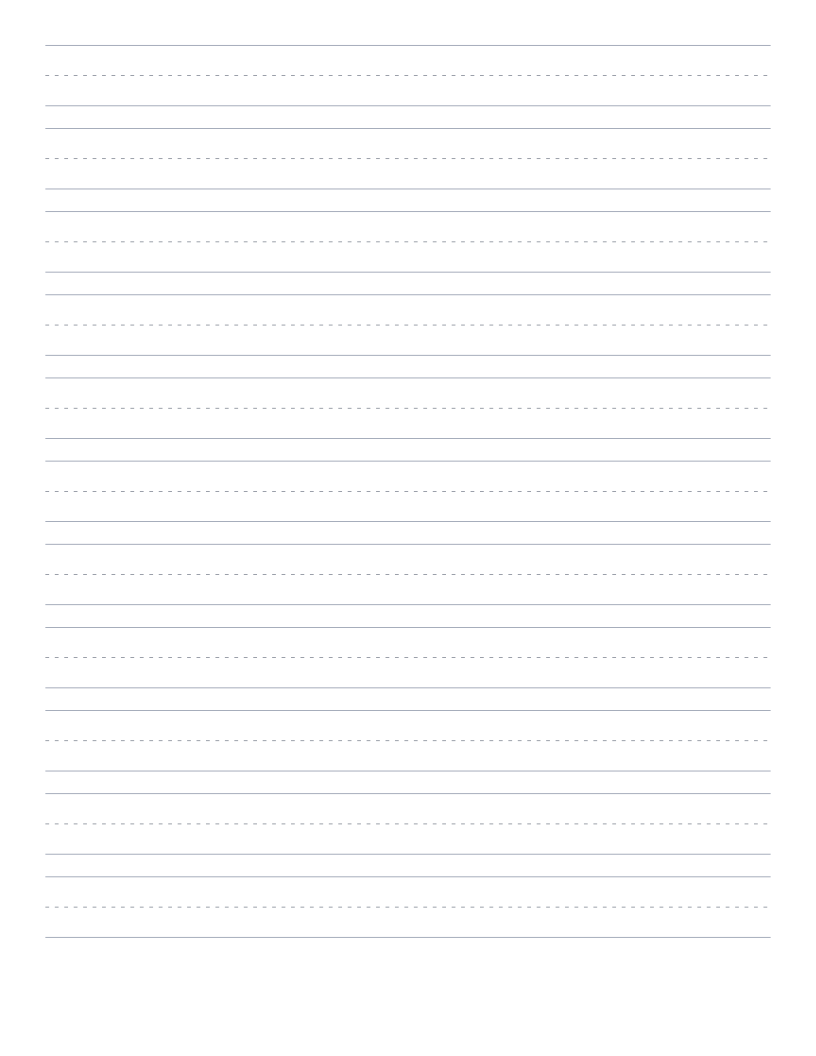
Zaner-Bloser Handwriting Paper
Three-line handwriting paper at the traditional Zaner-Bloser pitch: the most widely used handwriting format in US elementary schools.
Language & Script
Practice paper for Japanese, Chinese, Arabic, Hebrew and Devanagari scripts.
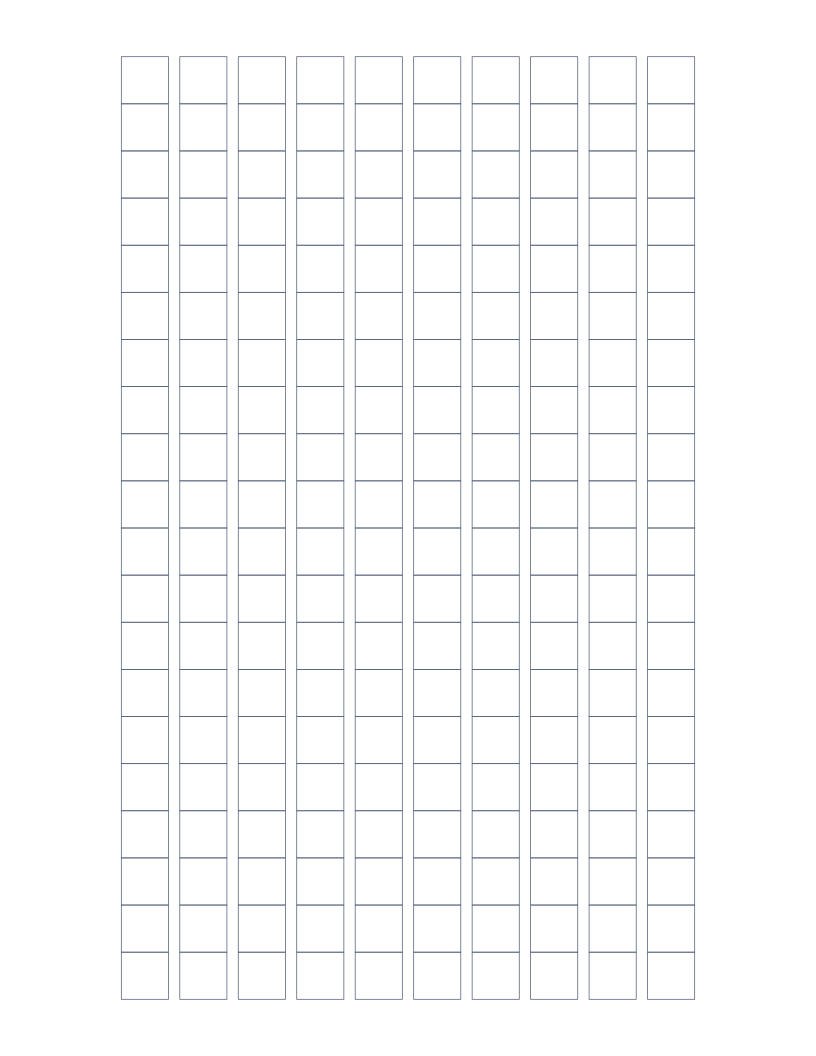
Genkō Yōshi (Japanese Writing Paper)
Traditional Japanese composition paper: 200 character cells per sheet for writing practice.
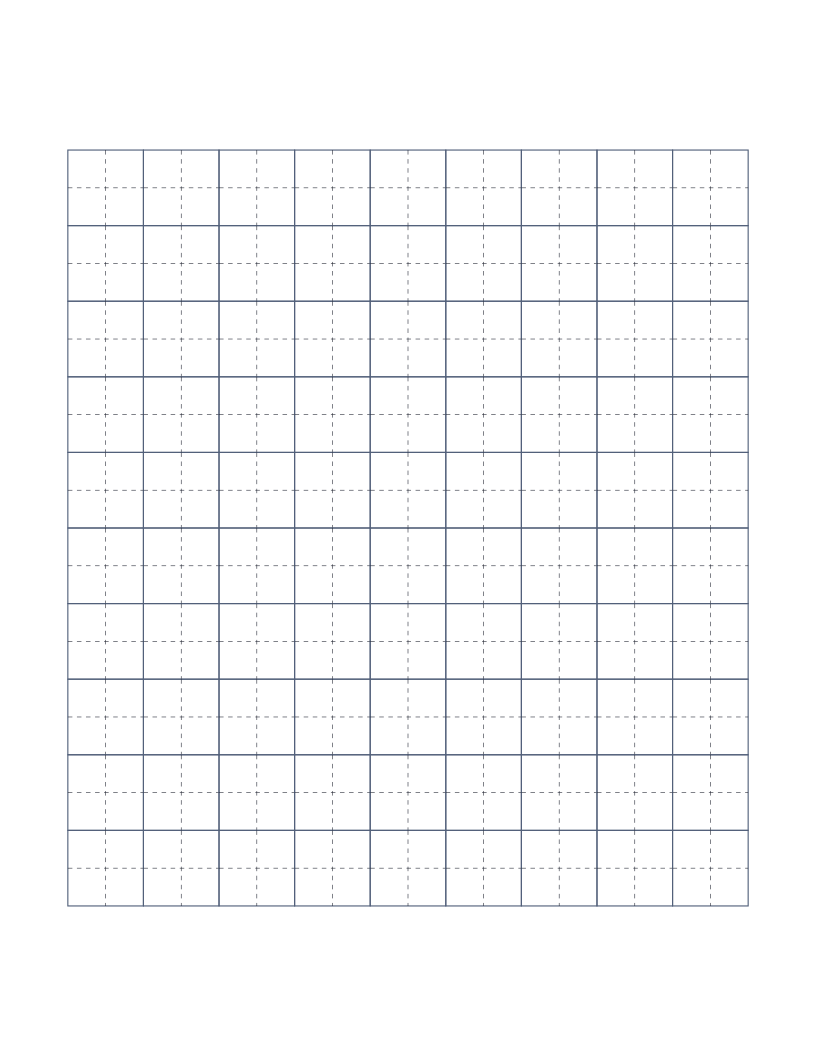
Tianzige Paper (Chinese Character Practice)
Chinese character practice grid: each cell divided by dashed crosshairs for stroke placement.
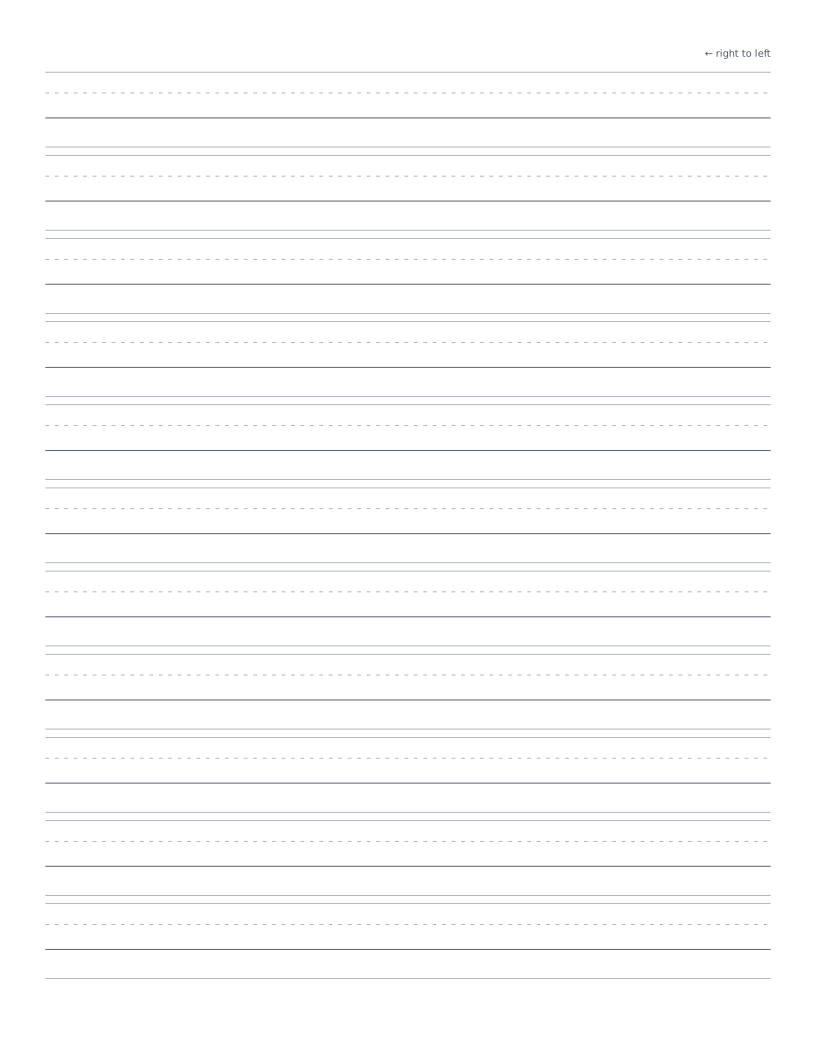
Arabic Handwriting Practice Paper
Four-line scaffold for Arabic handwriting practice: ascender, midline, baseline and descender lines marked right-to-left.
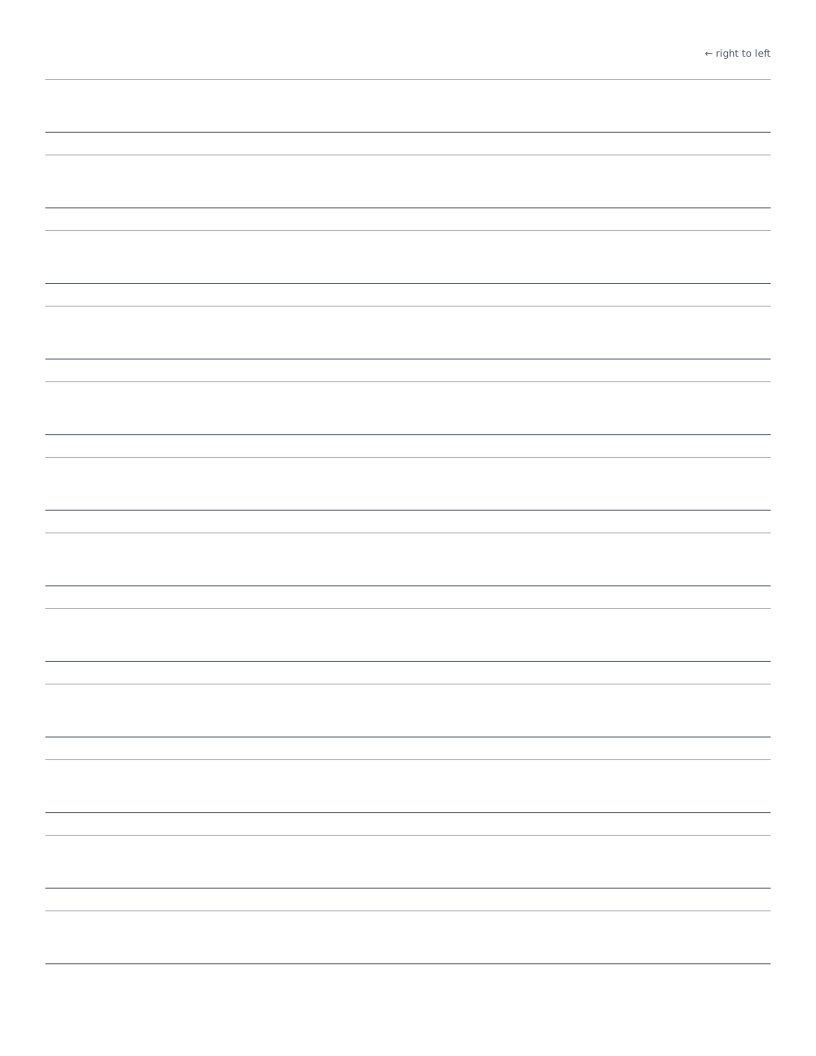
Hebrew Handwriting Practice Paper
Two-line scaffold for Hebrew handwriting practice: head line and baseline with right-to-left direction marker.
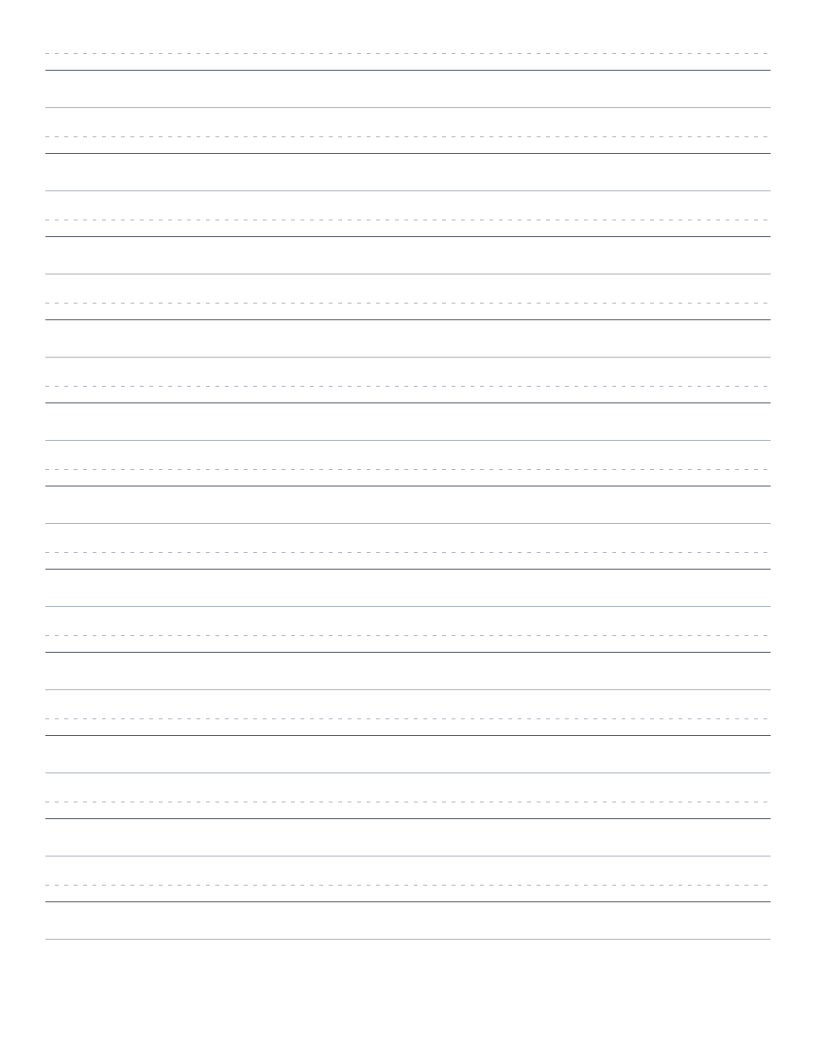
Devanagari Handwriting Practice Paper
Three-line scaffold for Devanagari handwriting practice: ascender, the characteristic heavy shirorekha (top horizontal line), and baseline.
Music & Tablature
Staff paper and tab paper for guitar, bass and drums.
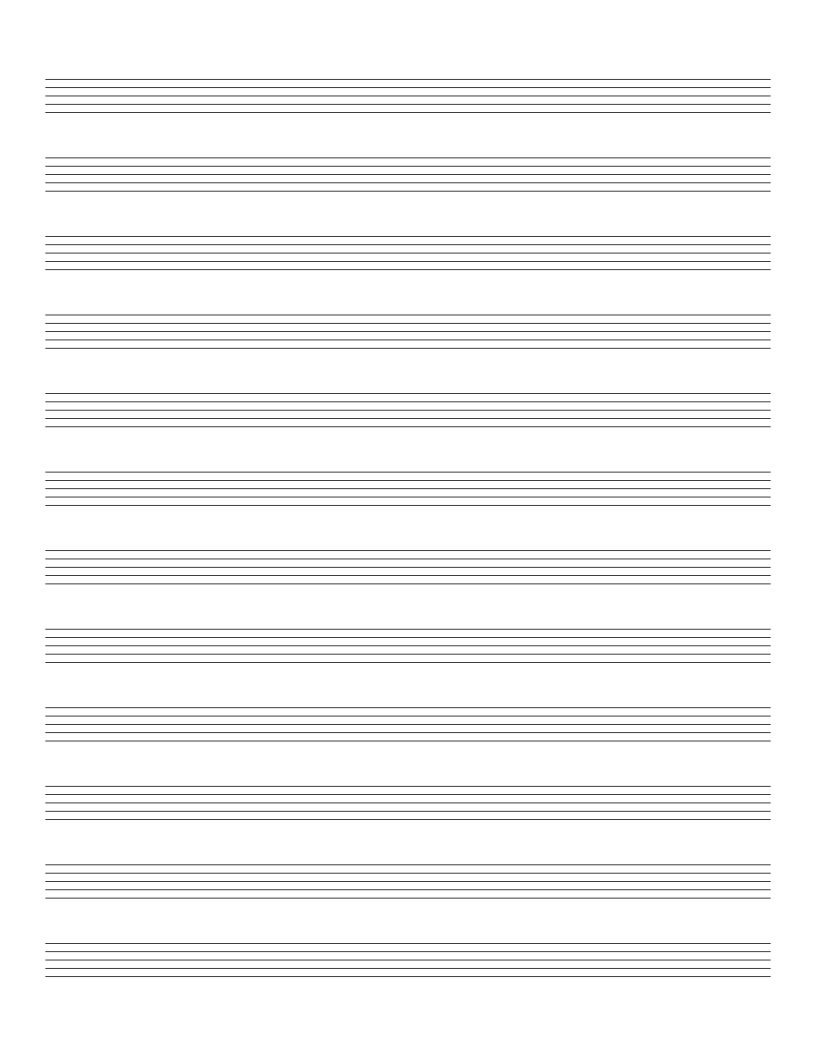
Music Staff Paper
Blank 5-line staff paper: for composition, transcription and music theory.
Guitar Tab Paper
6-line guitar tablature paper: for writing out riffs, songs and exercises.
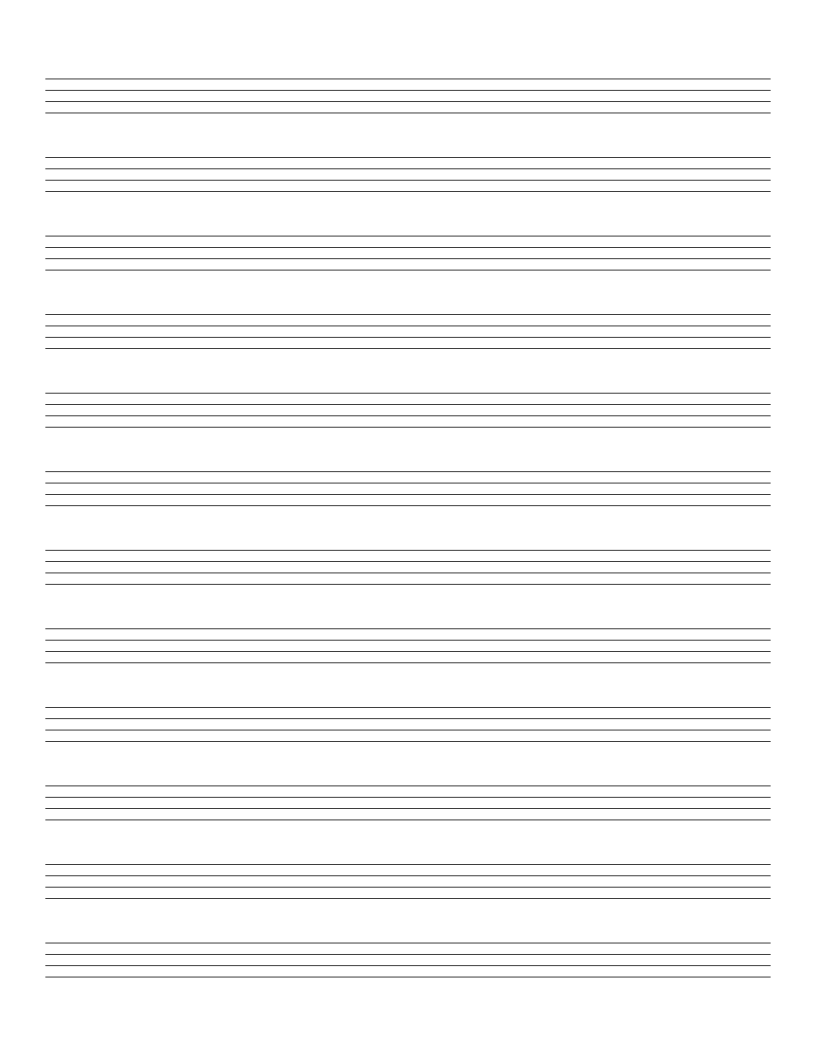
Bass Tab Paper
4-line bass tablature paper: standard layout for 4-string bass guitar.
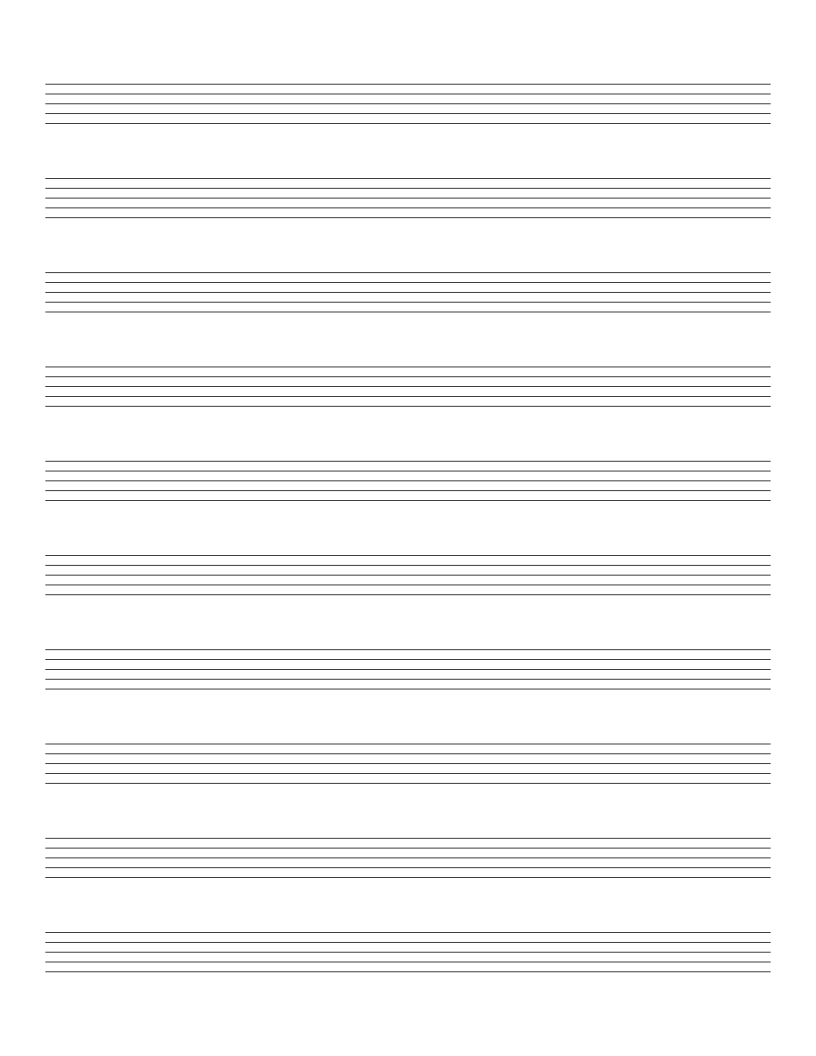
Drum Tab Paper
5-line drum tablature paper: for writing out drum patterns.
Planning & Productivity
Planners, calendars, trackers, storyboards and comic panels.
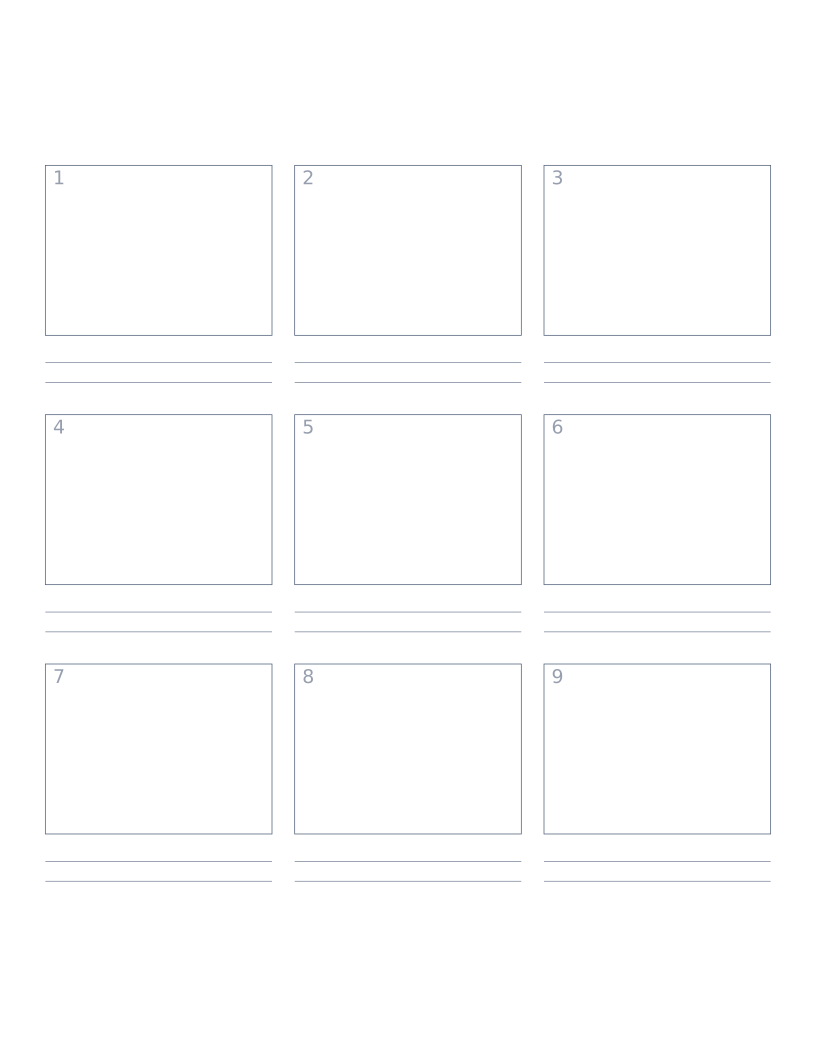
Storyboard Paper (3×3)
Nine-panel storyboard layout with caption space: for filmmakers, animators and UX designers.
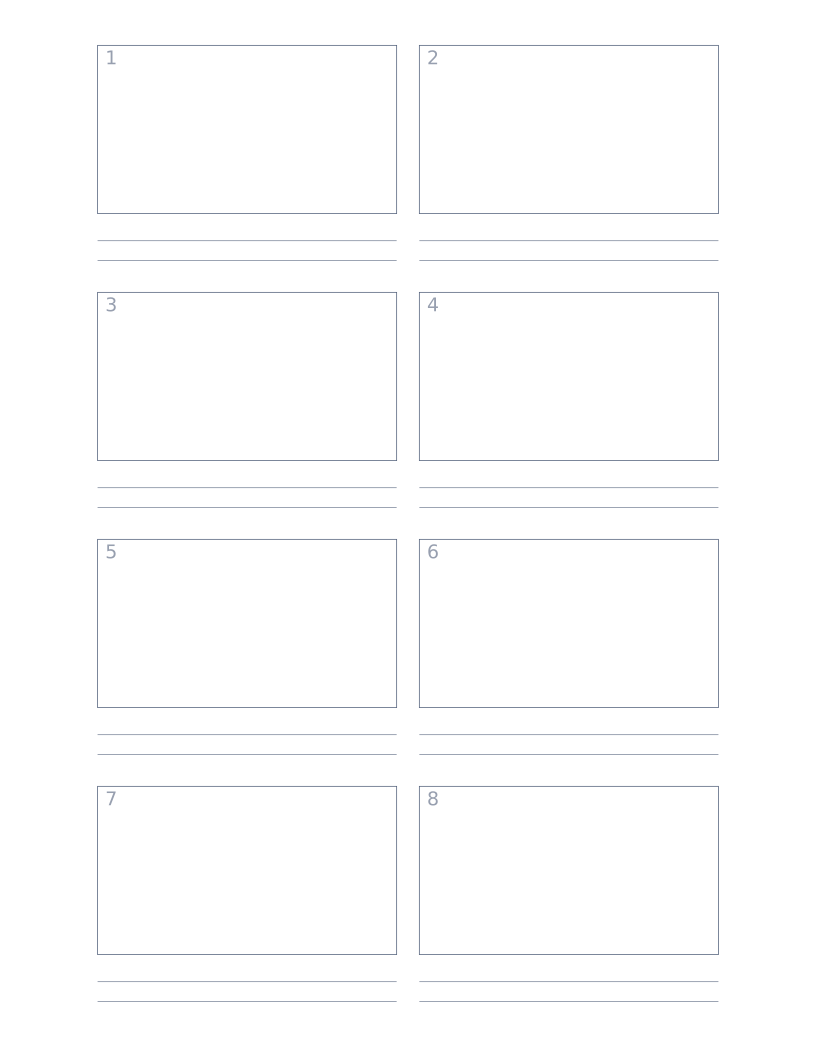
Storyboard Paper (2×4)
Eight-panel storyboard with widescreen 16:9 frames for video and film work.
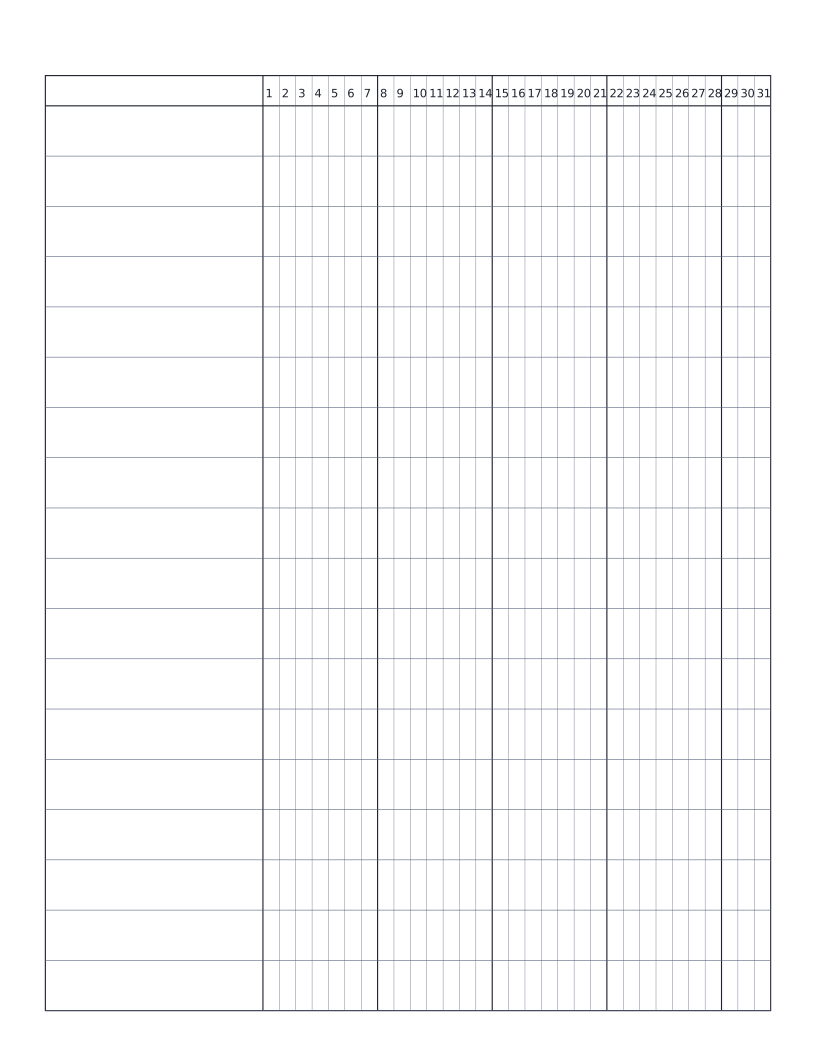
Habit Tracker (Monthly)
Monthly habit tracker: name column plus 31-day grid for marking off daily habits.
Weekly Planner
Monday-to-Sunday weekly planner: seven labelled day rows with writing lines for tasks, notes and appointments.
Monthly Calendar
Blank monthly calendar grid: six weeks × seven days, ready to fill in for any month of any year.
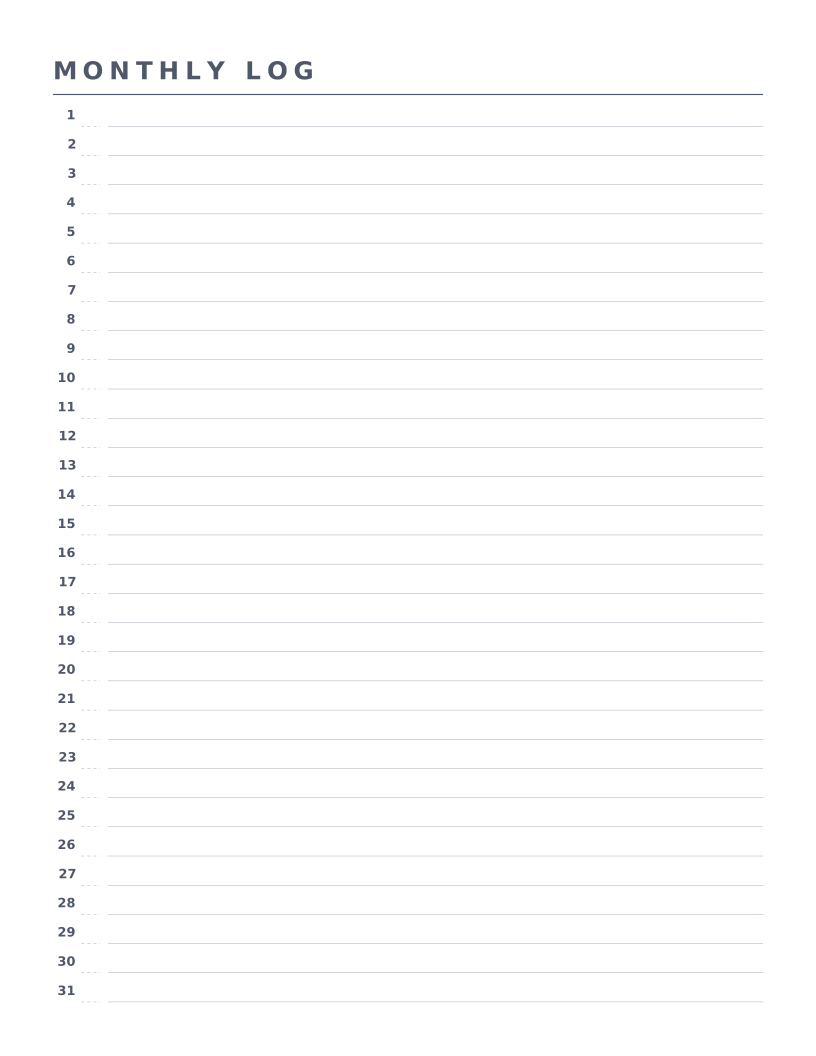
Bullet Journal Monthly Log
Classic Ryder Carroll monthly log: 31 numbered rows with weekday slots for the canonical bullet journal layout.
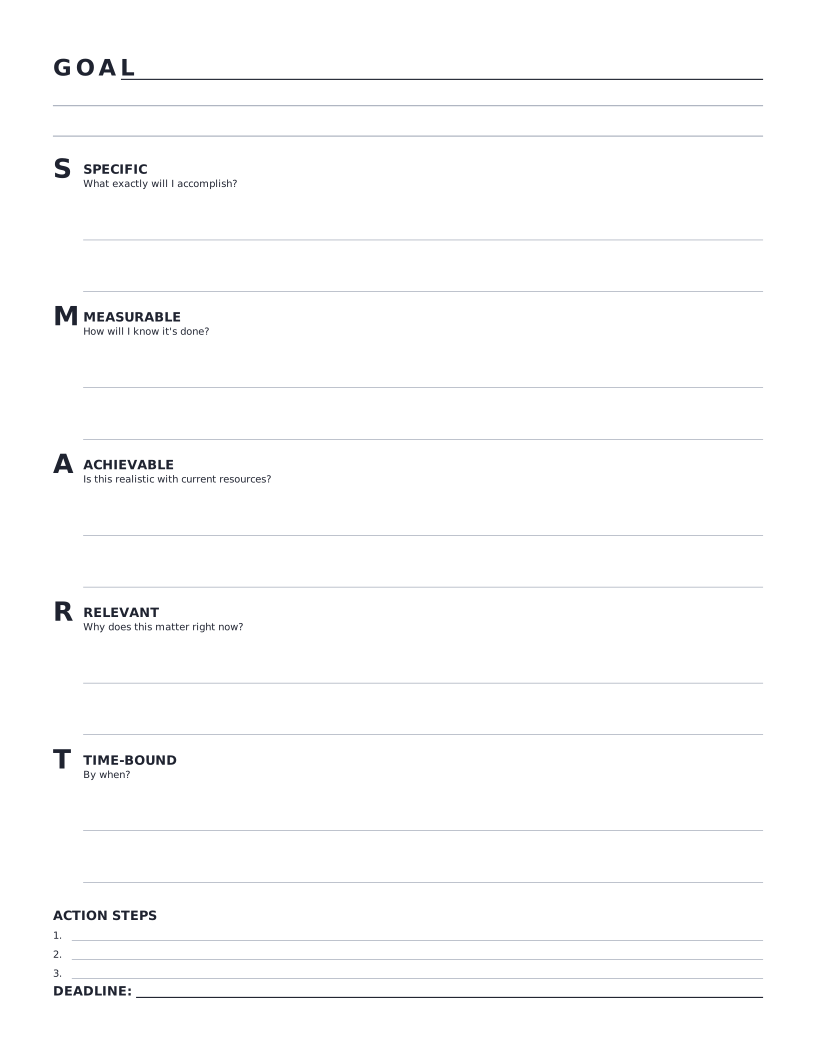
SMART Goal Worksheet
Single-page SMART goal worksheet: define the goal, walk through each SMART criterion, list action steps and set a deadline.
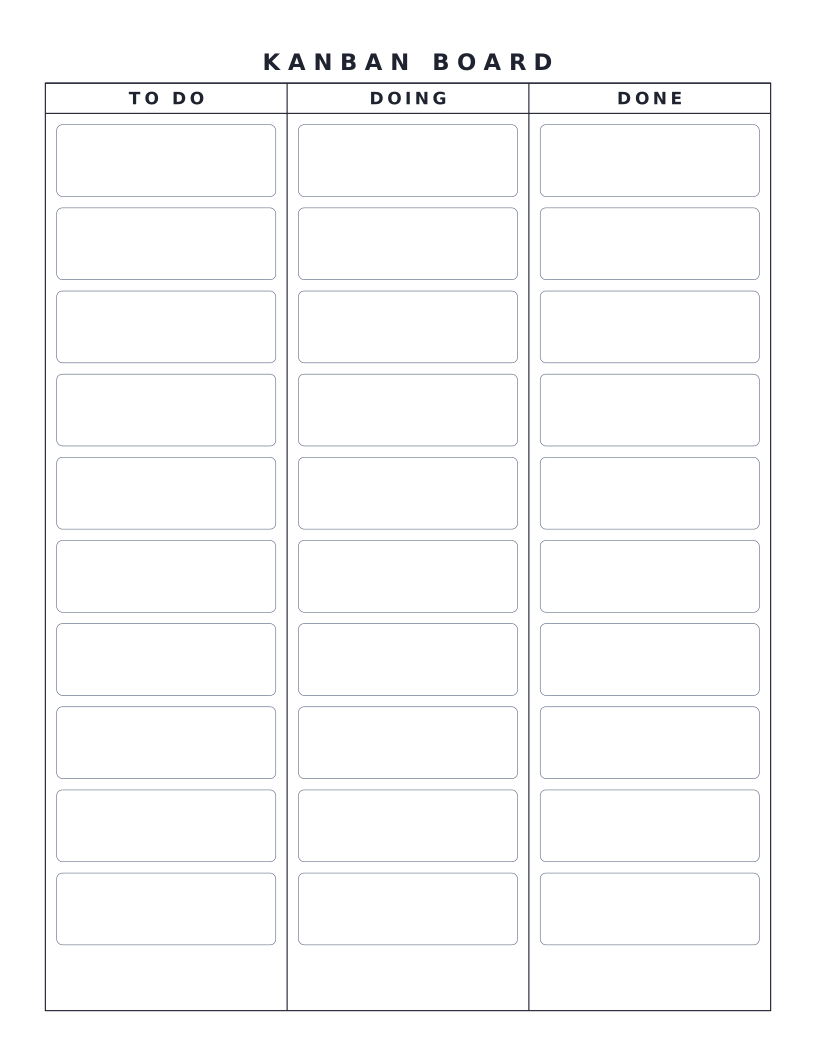
Kanban Board
Three-column Kanban board (To Do / Doing / Done) with sticky-note placeholders: the classic personal or team workflow board.
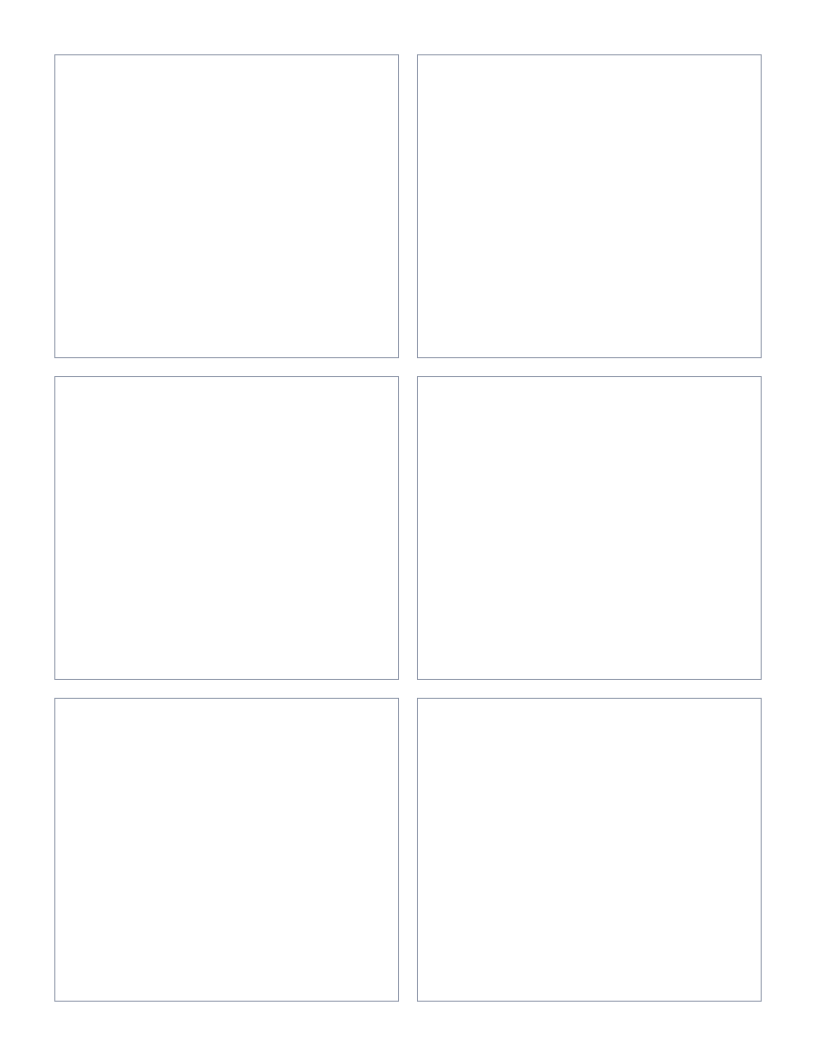
Comic Book Panel Template (6 panels)
Six equal rectangular panels arranged in a 3×2 grid: the classic Western comic-book page layout.
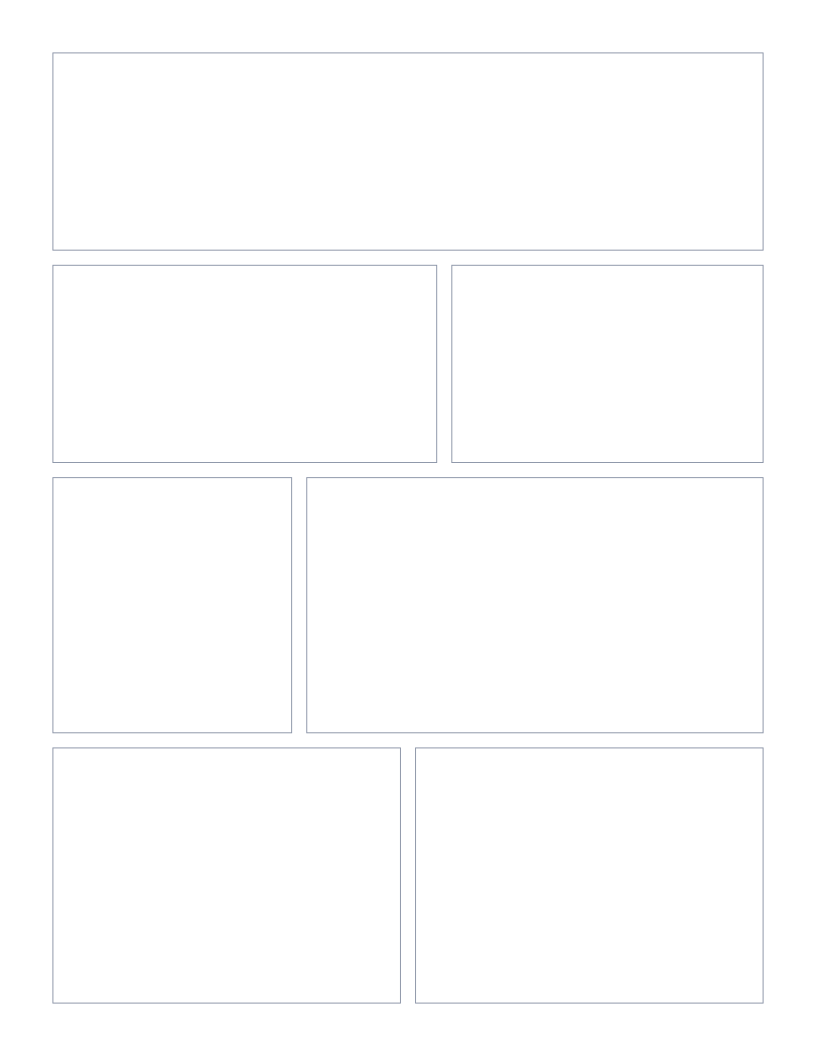
Manga Panel Template
Asymmetric panel layout with a splash top panel and varied panels below: the classic manga page rhythm.
Math & Learning
Coordinate planes, number lines and hundreds charts for classroom math.
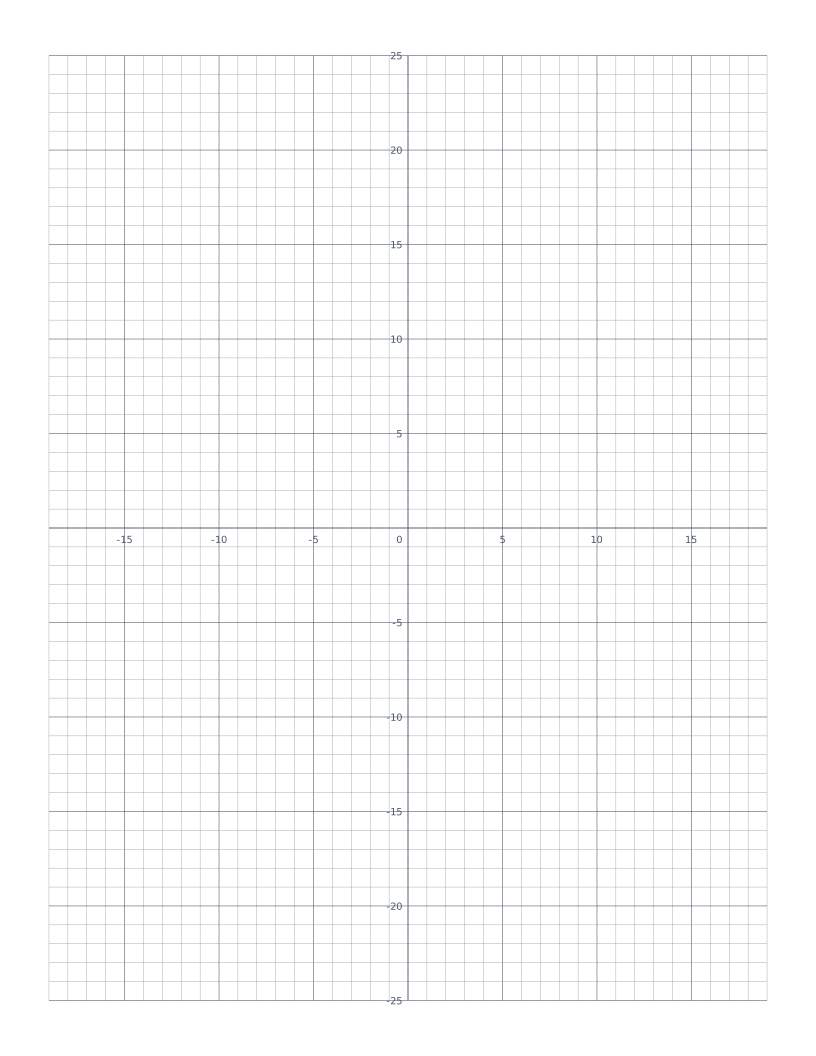
Coordinate Plane
Cartesian grid with numbered x and y axes through the centre: four quadrants for plotting points and graphing functions.
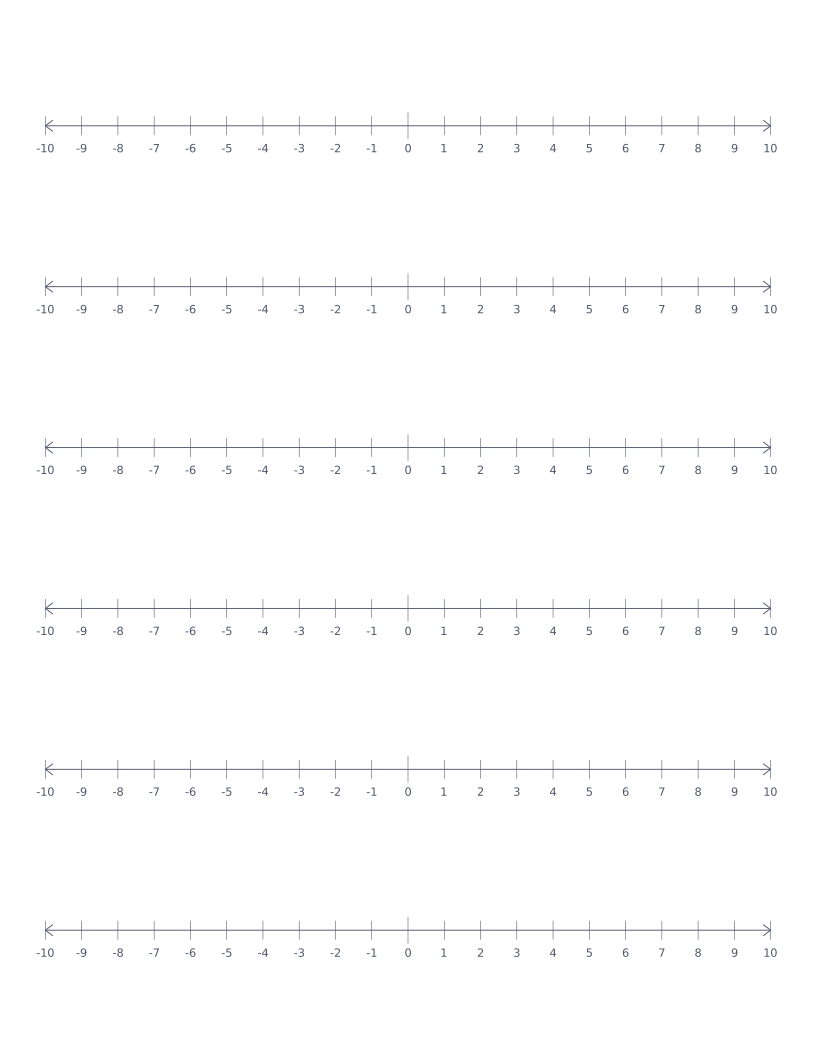
Number Line
Stacked number lines from -10 to 10: for elementary math, addition, subtraction and integer practice.
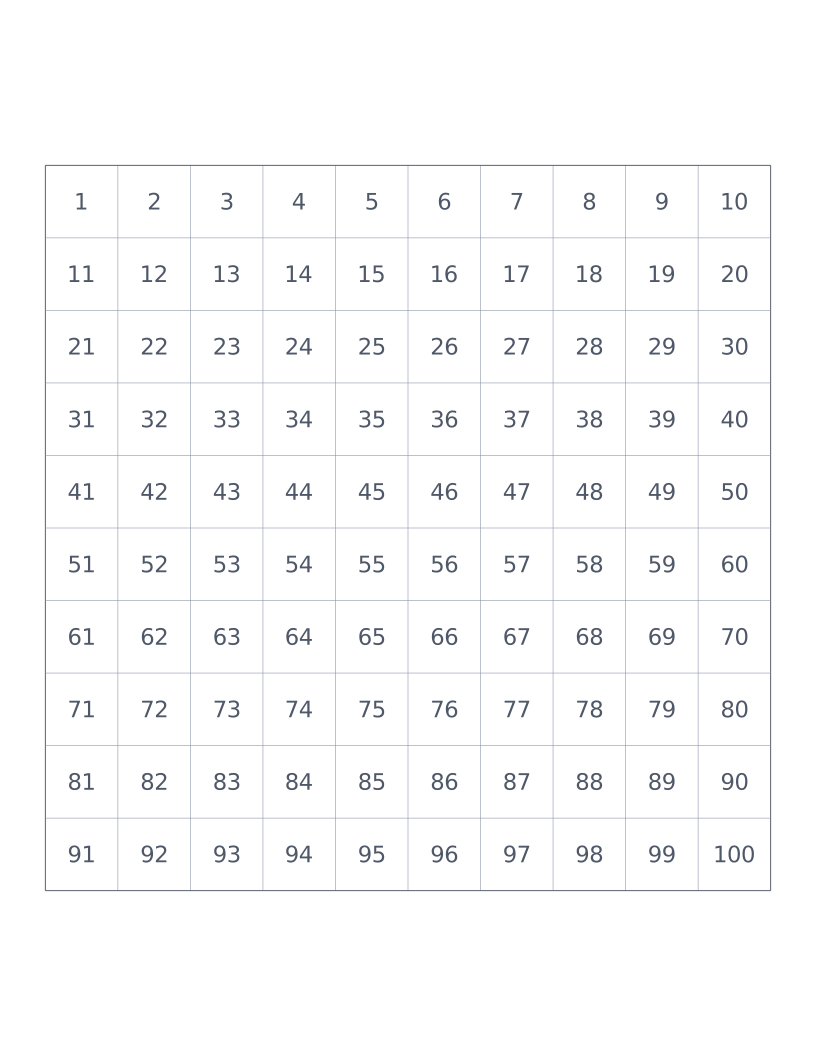
Hundreds Chart
10×10 grid numbered 1 to 100: a classroom staple for counting, place value and skip-counting.
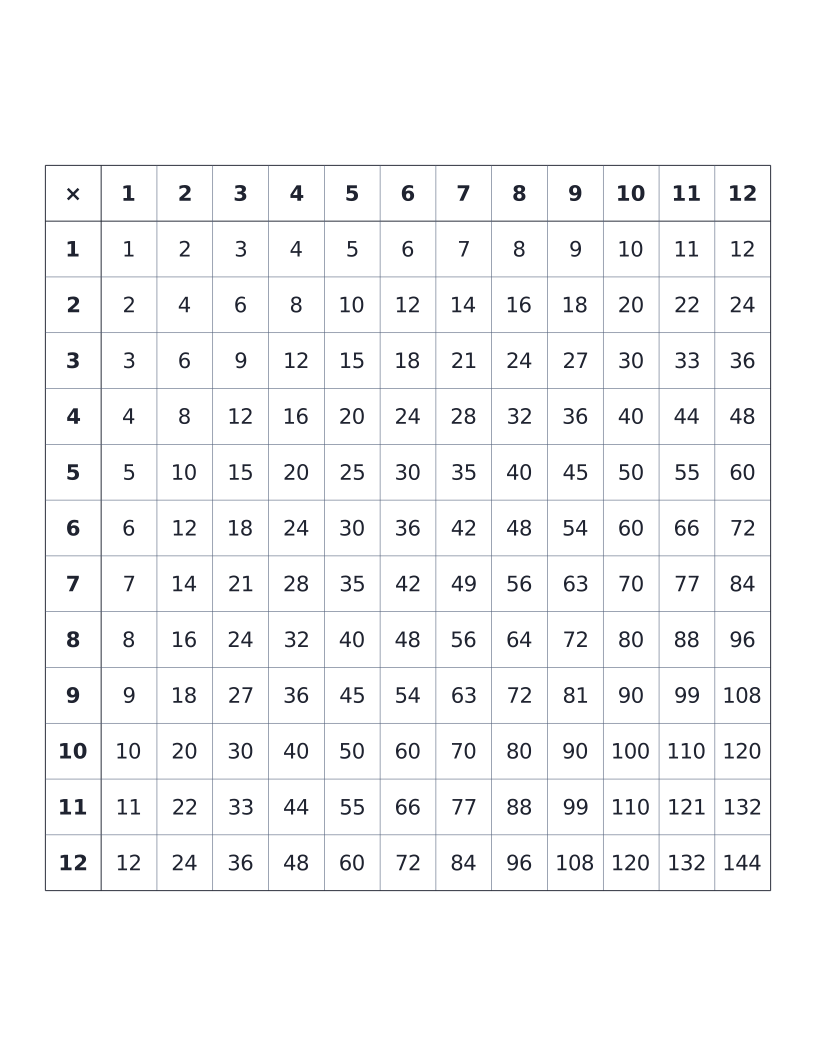
Multiplication Table (12×12)
12×12 times table with all products printed: the classic elementary reference chart.
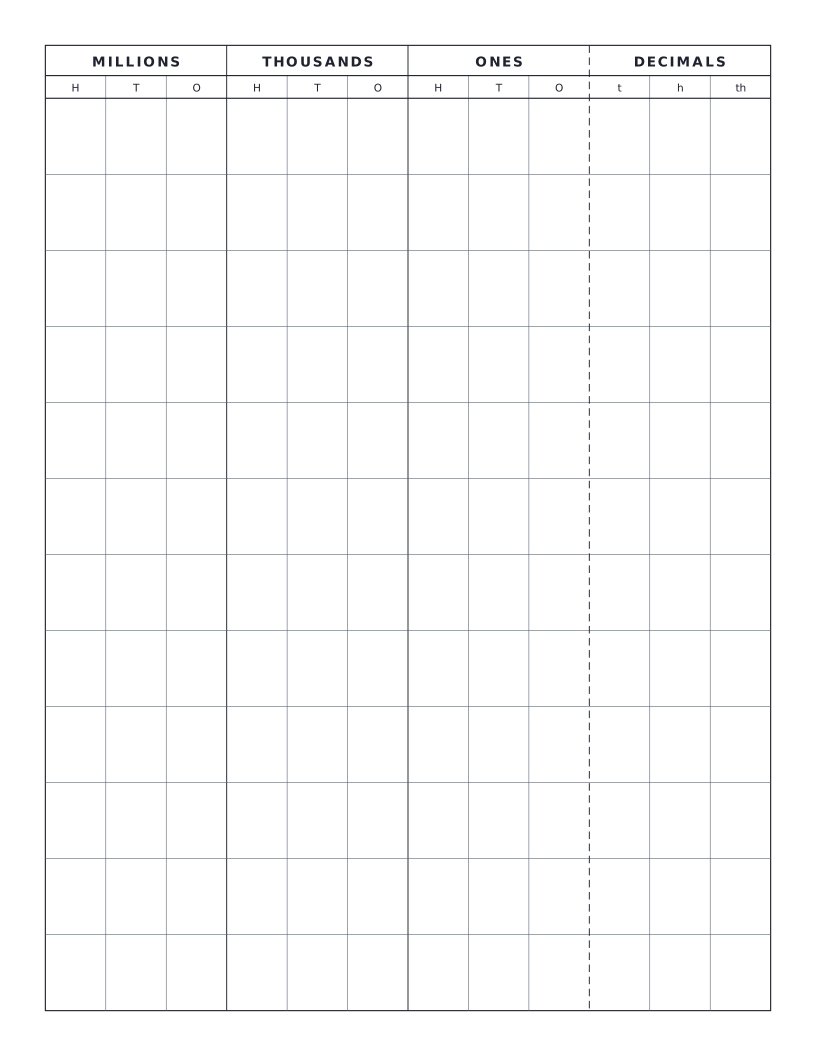
Place Value Chart
Standard place value chart through millions with optional decimals: groups columns by period (ones, thousands, millions) for clear reading.
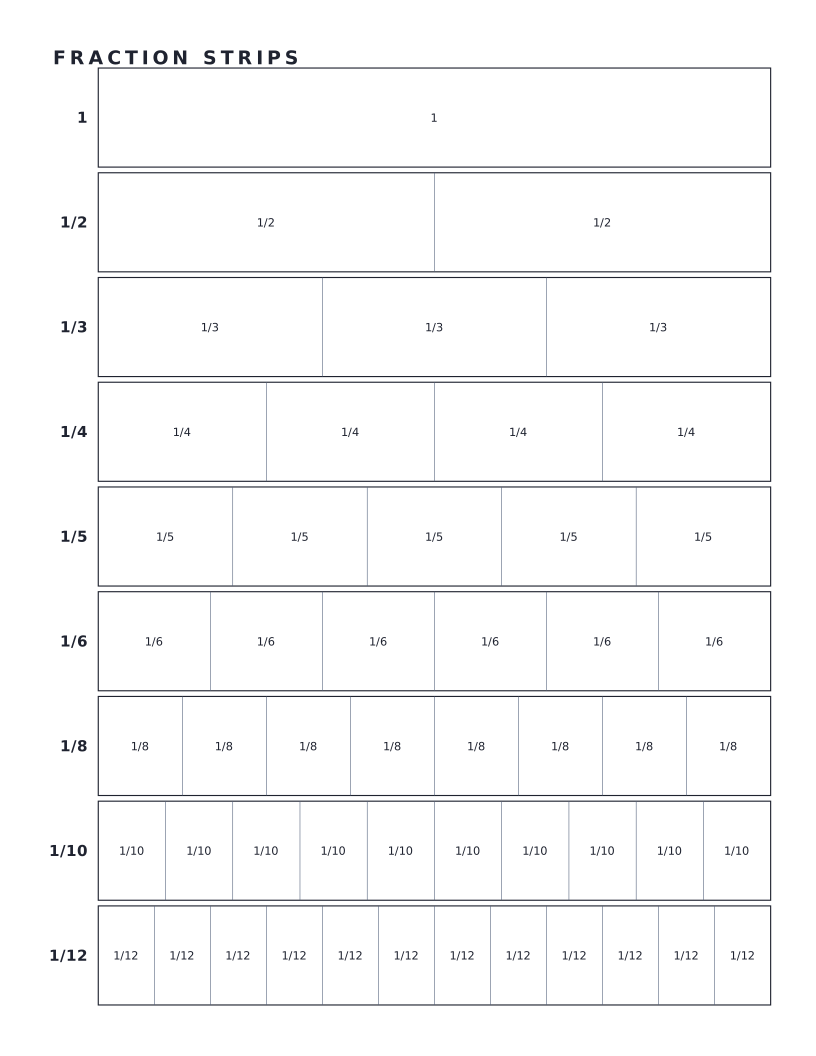
Fraction Strips
Stacked bars showing 1 whole subdivided into halves, thirds, quarters and more: the classic visual aid for comparing fractions.
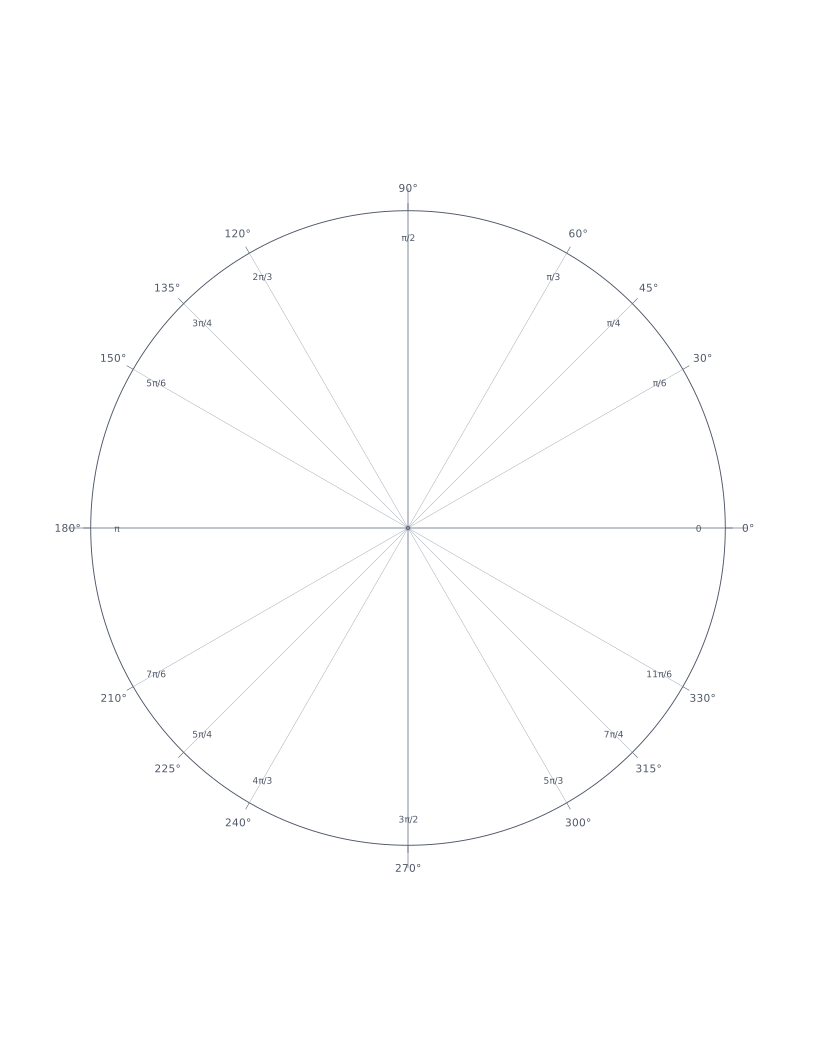
Unit Circle Paper
Single large reference circle with key angles in degrees and radians: the standard trig reference for memorising sin, cos and tan of standard angles.
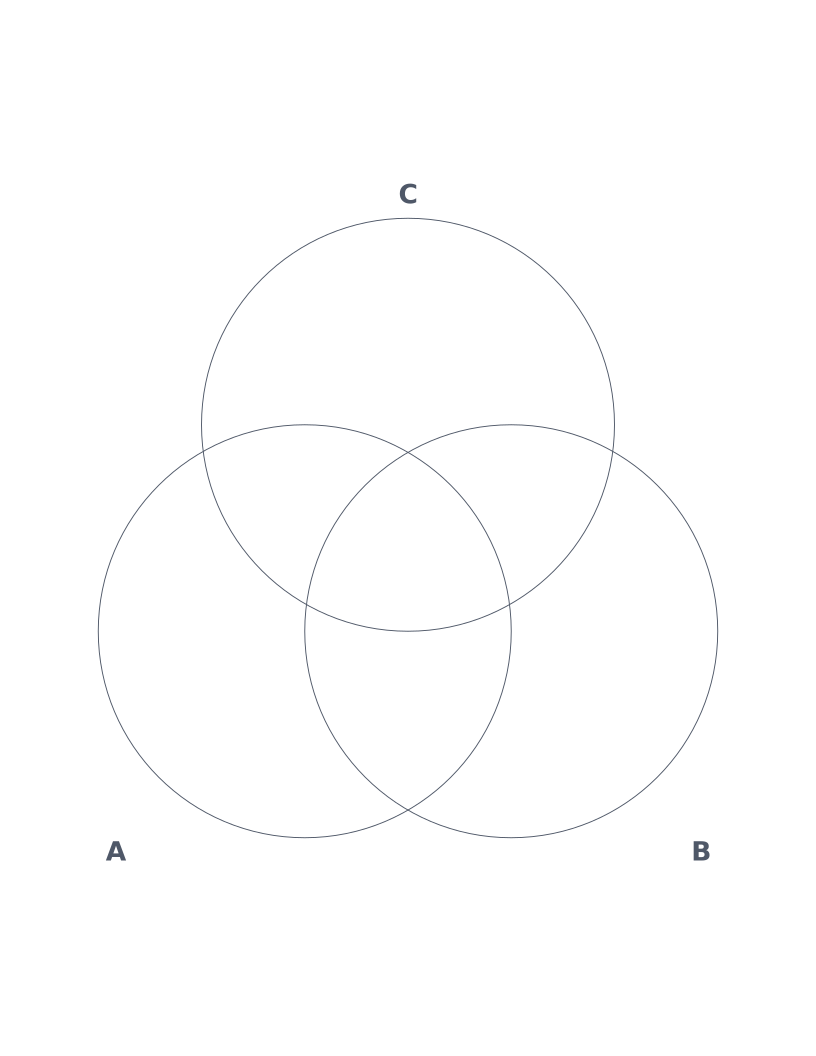
Venn Diagram (3-Circle)
Three overlapping circles labelled A, B and C: the classic format for set intersections, comparing concepts and brainstorming.
Verify your print is actually correct size
The annoying truth about printable graph paper is that most of what you find online prints slightly wrong. Your browser quietly scales the page down by 3 to 5 percent by default to fit inside the printer's reserved margins, and a 5mm cell ends up at 4.7mm without warning. If you're using the paper for measurement, scaled drawing, or anything where the cell size actually matters, that small error compounds across the page.
Here's how to check whether your print is correct, in under a minute.
The 5-cell ruler test
- Print one page of any template at your normal settings.
- Lay a ruler across exactly 5 adjacent cells on the printed page.
- For a 5mm grid you should read 25mm. For a 1/4 inch grid you should read 1.25 inches (about 31.75mm). For a 1cm grid, 50mm across 5 cells.
- If you're more than 1mm off, your browser scaled the page. Fix the setting below and print again.
Fixing the scale in your browser
Chrome (the most common offender)
In the print dialog, click "More settings". Set Scale to Default or Custom 100 (never "Fit to printable area"), and set Margins to None or Minimum. Chrome's default of "Fit to printable area" is what shrinks the page on most prints.
Firefox
In the print preview that opens, look for Scale on the right side. Set it to 100%, not "Fit to Page Width". Set Margins to None.
Safari (Mac)
Click "Show Details" at the bottom of the print dialog to reveal hidden options. Set Scale to 100%. Uncheck "Print Headers and Footers" or those will steal a small strip of your grid.
iOS / iPad
iOS Safari doesn't expose a scale option in its print dialog. Use the Download button instead, save the PDF to Files, then print from there via AirPrint. The PDF is dimensioned in millimeters and prints without any scaling step.
Shortcut: skip the browser print dialog entirely. The Download button on every template generates a vector PDF at exact physical size, with no browser scaling involved. It's the safest path when dimensions matter, and it works the same way across every operating system and printer.
Which template do I actually need?
65 templates is a lot. Here's the short answer for the most common situations. Each link goes to the full page with paper sizes, line colors, and the reasoning behind the choice.
Starting a bullet journal
5mm dot grid. This is the exact spacing Leuchtturm, Rhodia and Moleskine use, so printed inserts sit naturally between bound pages. Dot grid disappears under handwriting; ordinary graph paper competes with it visually.
Math homework, science lab, or general school use
5mm grid for ages 9 and up, or 1cm grid for younger children whose handwriting is still large. In the US, the imperial equivalent is 1/4 inch quad ruled. For graphing functions with labeled axes, use coordinate plane instead.
Drawing a room or floor plan
1/2 inch grid at 1:24 scale (one cell = one foot). A typical 12 × 14 ft room fits in a 12 × 14 cell rectangle. For metric, use 1cm grid at 1:100 scale (one cell = one metre).
3D technical sketch or mechanical drawing
Isometric, not triangular. They look almost identical at a glance but solve different problems: isometric projects 3D onto a flat page with measurable edges; triangular is for 2D ternary diagrams. Picking the wrong one produces a drawing that looks fine but means nothing.
Engineering homework or circuit prototyping
Engineering paper (10 squares per inch with a half-inch accent grid). The 0.1 inch pitch matches standard perfboard and breadboard hole spacing exactly, so a paper sketch transfers cell-for-hole to the physical board.
Transcribing music
For melody, harmony, or any pitched instrument: music staff paper. For guitar specifically: guitar tab. For bass: bass tab. For drum kit: drum tab. Each maps a different number of staff lines to the instrument's strings or kit pieces.
Learning Japanese or Chinese characters
For Japanese: genkō yōshi (200 plain square cells per sheet). For Chinese: tianzige, which adds dashed crosshairs inside each cell to scaffold stroke placement. The two papers are visually similar but used at different stages of learning.
Tabletop wargames or hex-based map design
Hexagonal grid. Every hex has six equidistant neighbours, which is the geometric reason hex grids dominate serious wargaming (Avalon Hill, GMT, ASL) over square grids: there's no "diagonal cost" problem to fudge.
University lectures or study notes
Cornell notes for active-recall study (notes column, cue column, summary band). College ruled for ordinary lecture capture if you're not using the Cornell method.
Common print problems, diagnosed
Real symptoms with their actual causes. Most "the paper printed wrong" issues come down to one of these five, none of which are the template's fault.
- Cells came out smaller than they should be
- Your browser's print dialog had "Fit to page" or "Shrink to fit" enabled, which scales the document down by 3 to 5 percent to make room for printer margins. Set scale to 100 percent (called "Default" in Chrome) and margins to None or Minimum, then reprint.
- Lines came out thick and slightly bleedy
- You're printing on copier paper (typically 20 lb / 75 gsm) with an inkjet. Inkjet ink absorbs into thin paper and spreads. The line weight in the file is correct; it's the paper-and-printer combination doing the spreading. Switch to 24 lb / 90 gsm paper or heavier, or use a laser printer if you have access to one.
- Faint grid disappeared entirely
- The Faint colour sits below the contrast threshold of many consumer printers, especially in economy or draft modes. Pick Light or Gray for grids that need to register reliably. Faint is calibrated to disappear under handwriting and ink, so if you can't see it on the page at all, that's the colour doing its job too well for your printer.
- Photocopy lost the grid
- Office copiers compress contrast aggressively. Anything lighter than Gray will likely drop out on a single photocopy generation, and even Gray can fade after multiple copies of copies. If your worksheet is going to be photocopied or scanned, pick Gray or Dark at the source and don't rely on the lightest line colours.
- Grid is there but rotated 90 degrees
- Your printer's auto-rotate setting is on. Force the orientation explicitly in the print dialog (portrait for most templates, landscape only if you picked a landscape-oriented paper size like 11 × 17). This issue is most common on shared office printers configured to a default landscape orientation.
Frequently asked questions
Everything about choosing, printing and using these templates.
Are these graph paper templates really free?+
Yes. Every template on this site is free to download, print and share for personal, classroom or commercial use. No signup, no watermarks, no premium tier.
Will the templates print at exactly the right size on any printer?+
They will if your browser doesn't silently rescale them. The single most common cause of off-size graph paper is a 'Fit to page' or 'Shrink to fit' setting that scales the document by 3 to 5 percent. Always set scale to 100 percent (called 'Default' in Chrome) and margins to None or Minimum. To bypass the print dialog entirely, click Download on any template, the resulting PDF is dimensioned in millimeters and prints at exact physical scale.
How do I check that my printed cells are correct size?+
Print one page and lay a ruler across exactly 5 cells. For a 5mm grid you should read 25mm. For a 1/4 inch grid you should read 1.25 inches. If you're more than 1mm off, your browser scaled the page; fix the print dialog setting and try again.
What's the difference between Letter and A4 in practice?+
Letter (8.5 × 11 inches, 216 × 279mm) is the US standard; A4 (210 × 297mm) is used everywhere else. A4 is slightly narrower and noticeably taller. For grid-based work the cells stay the same size on either paper, so the only practical difference is how many fit per page. Use whichever matches the paper in your printer.
Which line color should I pick?+
Gray is the sensible default; it stays clearly visible without dominating the page. Pick Light or Faint for grids that should recede under handwriting (bullet journaling, dot grid). Pick Dark or Black for anything that needs to survive photocopying or scanning, and for music notation where solid black is the convention. Faint disappears on most office copiers, so don't use it for paper that will be duplicated.
What paper weight should I use?+
20 lb / 75 gsm (regular copier paper) is fine for most uses. Step up to 24 lb / 90 gsm if you're using fine-tipped pens, ink markers, or anything that bleeds easily on cheap paper. For permanent record-keeping or work that will be handled often (lab notebooks, sketchbooks), 28 lb / 105 gsm or heavier feels noticeably more substantial.
Can I save a template as a PDF instead of printing?+
Yes, two ways. The Download button on every template generates a vector PDF at exact physical size, without going through the print dialog. Alternatively, in your browser's print dialog, choose 'Save as PDF' as the printer destination. The Download path is slightly safer because it bypasses any browser scaling.
Can I use these for commercial work or in products I sell?+
Yes. The printed output is free to use in any context, commercial or personal, without attribution. The only thing you can't do is republish the underlying template files or website code as your own product. Full details on the terms page.
Ready to print?
Pick a template, hit download, and you'll have crisp graph paper on your desk in 30 seconds.
Browse all templates