Live preview · Letter (8.5" × 11") · Gray lines
Comic Book Panel Template (6 panels)
Six equal rectangular panels in a 3×2 grid — the standard Western comic-book page layout. Print, sketch each panel, and you have a complete page rough in under an hour. The format underlies most American superhero comics, European bande dessinée and webcomic strips.
Download generates a crisp vector PDF directly, no print dialog needed.
Choose a different paper size:
Choose a different line color:
Great for
- Drafting and inking original comic-book pages
- Storyboarding short film and animation scenes
- Writing a visual script for video or theatre
- Sequential-art class assignments
Comic Book Panel Template (6 panels) at a glance
| What it is | Six equal rectangular panels arranged in a 3×2 grid: the classic Western comic-book page layout. |
|---|---|
| Category | Planning & Productivity |
| Paper sizes | Letter (8.5" × 11"), A4 (210 × 297 mm), 11" × 17", Legal (8.5" × 14"), A3 (297 × 420 mm), A2 (420 × 594 mm), Poster (18" × 24"), Movie Poster (27" × 40") |
| Line colors | Faint, Light, Gray, Dark, Black, Blue, Green (default: Gray) |
| Format | Vector PDF download at exact physical scale, or print directly from the browser |
| Price & license | Free. No signup or watermark. Printed sheets may be used for personal, classroom and commercial work. |
About comic book panel template (6 panels)
The regular six-panel grid is the most common Western comics layout, used in everything from Tintin to most Marvel and DC pages. The geometric regularity is not aesthetic. It's a function of how the eye reads sequential art: a uniform grid keeps the reader's eye moving in a predictable Z-pattern (left to right, top to bottom), which lets the content of each panel — character, action, dialogue — dominate the reading experience without the page layout itself drawing attention. The 3×2 layout (three rows of two panels) suits portrait paper (the standard comics format) and gives roughly the same panel aspect ratio as 35mm film, which is no accident: comics and cinema share a long history of cross-pollination, and the rectangular panel mimics the cinematic frame. Variants exist (4-panel, 9-panel, full splash pages) but six panels is the workhorse layout that most comic-book artists fall back on when they want the panels to disappear and the storytelling to lead.
What's on the page
Six equal rectangular panels in a 3×2 grid (three rows, two columns) covering the printable area of the page. Panels are separated by a small gutter (5 mm of white space between adjacent panels). Each panel is drawn with a bold outline so it stands out as a 'frame' for the artwork inside. The page is otherwise unmarked, ready for you to sketch, ink, or write directly inside each panel.
How to use it well
Plot the action across panels before drawing
Sketch tiny thumbnails of each panel's composition before committing to detailed art. Drawing finished panels and then realising you've placed the climactic shot in the wrong panel is a common (and painful) revision.
Vary panel content, not panel shape
The grid is uniform; the *content* of each panel should vary widely. Close-ups, wide shots, character expressions, environment details. Don't fall into the trap of putting a head shot in every panel; the regular grid amplifies the monotony rather than hiding it.
Reserve the bottom-right panel for impact
The reading eye lands on the bottom-right panel last on each page. That position naturally carries the most narrative weight: cliffhangers, reveals, jokes. Use it deliberately.
Break the grid for emphasis
Once the regular grid is established (most pages), occasionally breaking it — a full-page splash, a single very-wide panel, a vertical column — creates strong visual emphasis. The grid is the baseline; the breaks are the surprises.
Common mistakes to avoid
- Cramming dialogue into every panel. Comics depend on the balance of image and text; pages that are 80% text become illustrated essays. Aim for under 25 words per panel as a default; less is usually more.
- Drawing every panel at the same 'distance'. A page of medium shots is visually monotonous. Vary between close-up (face fills the panel), medium (full figure), wide (figure in environment), extreme close (an eye, a hand) to keep the page visually energetic.
- Forgetting the reader's eye-path. Western comics read left to right, top to bottom. Right-to-left layouts (manga panels) follow the opposite order. Mixing conventions, or designing without thinking about reading direction, produces panels readers can't follow.
FAQ, Comic Book Panel Template (6 panels)
How is this different from a [storyboard 3×3](/graph-paper/storyboard-3x3) or [storyboard 2×4](/graph-paper/storyboard-2x4)?+
Storyboards are for film and animation: each panel has a caption area below for action / camera notes / dialogue. Comic-book panels don't have separate caption areas — text goes inside the panel as part of the art (speech balloons, narration boxes). Use storyboards for filmed media, comic panel templates for printed comics.
How is this different from a [manga panel](/graph-paper/manga-panel-template) template?+
Western comics typically use regular rectangular grids (this template). Manga uses asymmetric, varied panel shapes designed for a different reading rhythm and right-to-left reading direction. Both are legitimate comic-page layouts; they suit different storytelling traditions.
What size should I print?+
Letter or A4 portrait for sketching. Working comic artists often print larger (tabloid or A3) so each panel is ~10 cm tall and there's room for detail. The grid scales cleanly to any size.
Why six panels instead of nine?+
Six is the standard; nine-panel (3×3) layouts are sometimes used for denser storytelling (Watchmen famously uses 9-panel grids). Six suits portrait pages better and gives each panel more visual weight. The choice is creative — neither is more 'correct'.
Can I use this for webcomics?+
Yes. Many webcomics use exactly this 3×2 layout or a similar regular grid. Print, draw, scan, post. The print-and-scan workflow has been used by working comics artists for over a century and continues to work well in the digital era.
Printing tips for best results+
- 1. Click Print above. A new tab opens the template at exact size.
- 2. The print dialog appears automatically. Set Scale to 100%. Never "Fit to page", which silently shrinks every cell.
- 3. Set Margins to None or Minimum so the grid reaches the page edge.
- 4. For a PDF, click Download instead. It generates a vector PDF directly without going through the printer driver.
You might also like
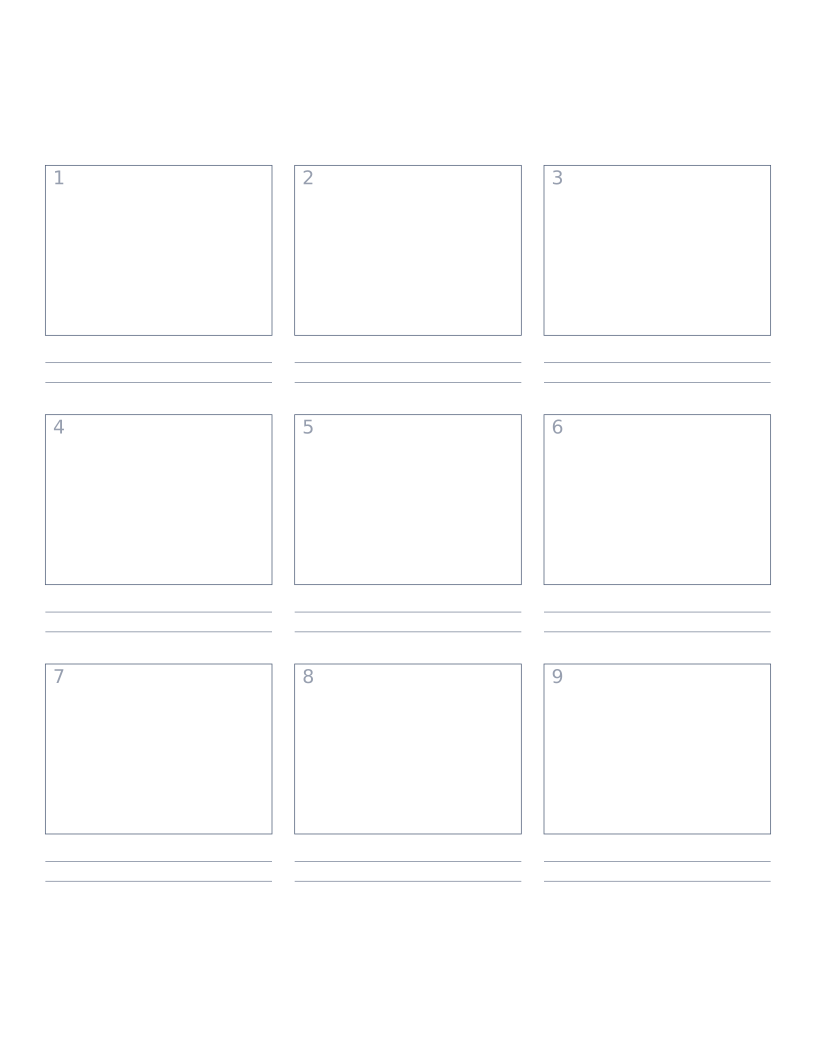
Storyboard Paper (3×3)
Nine-panel storyboard layout with caption space: for filmmakers, animators and UX designers.
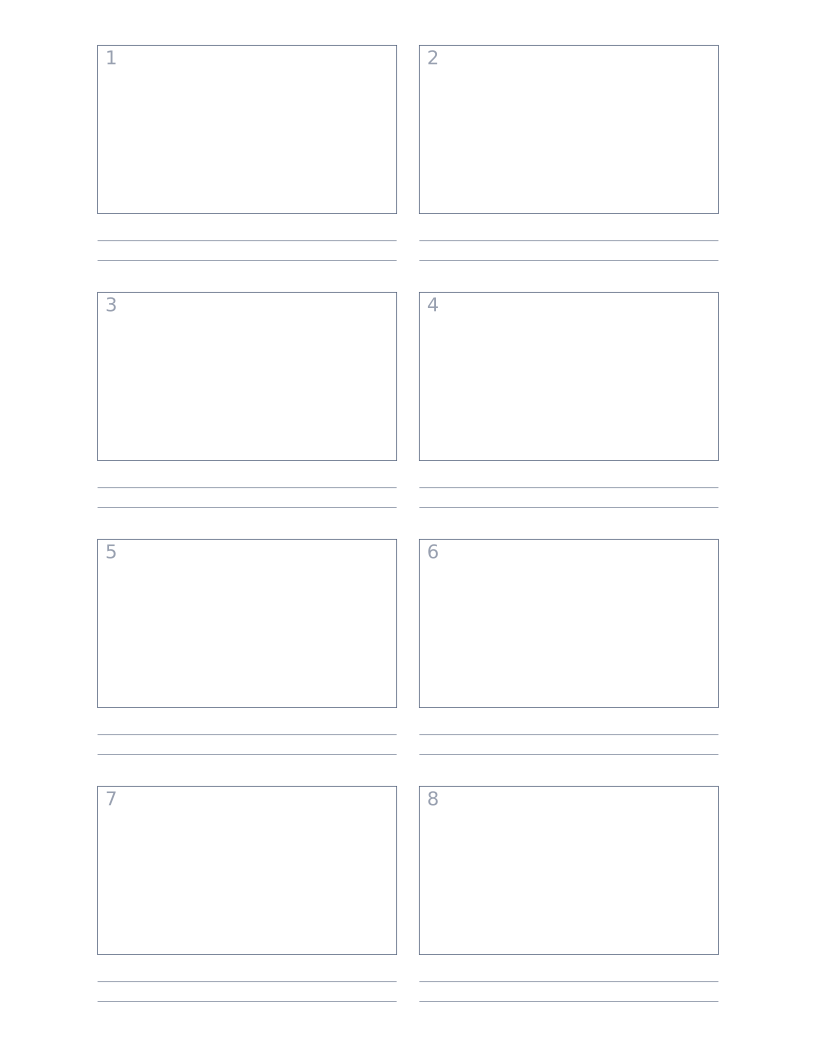
Storyboard Paper (2×4)
Eight-panel storyboard with widescreen 16:9 frames for video and film work.
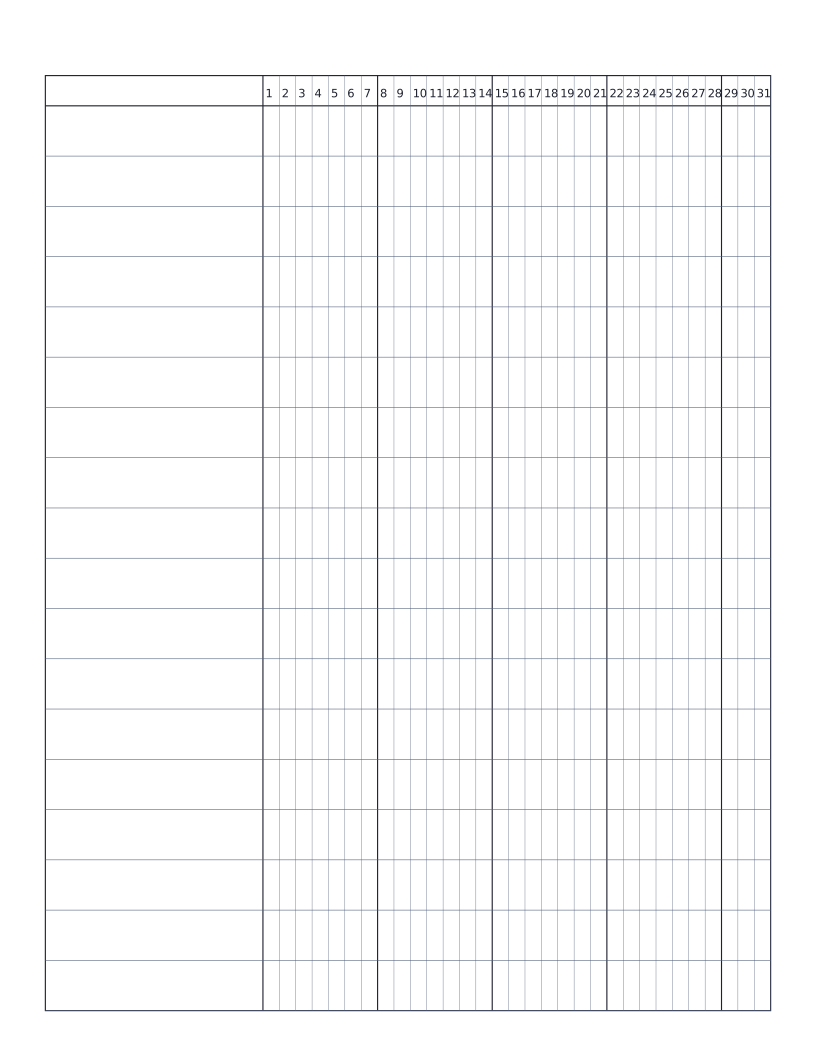
Habit Tracker (Monthly)
Monthly habit tracker: name column plus 31-day grid for marking off daily habits.
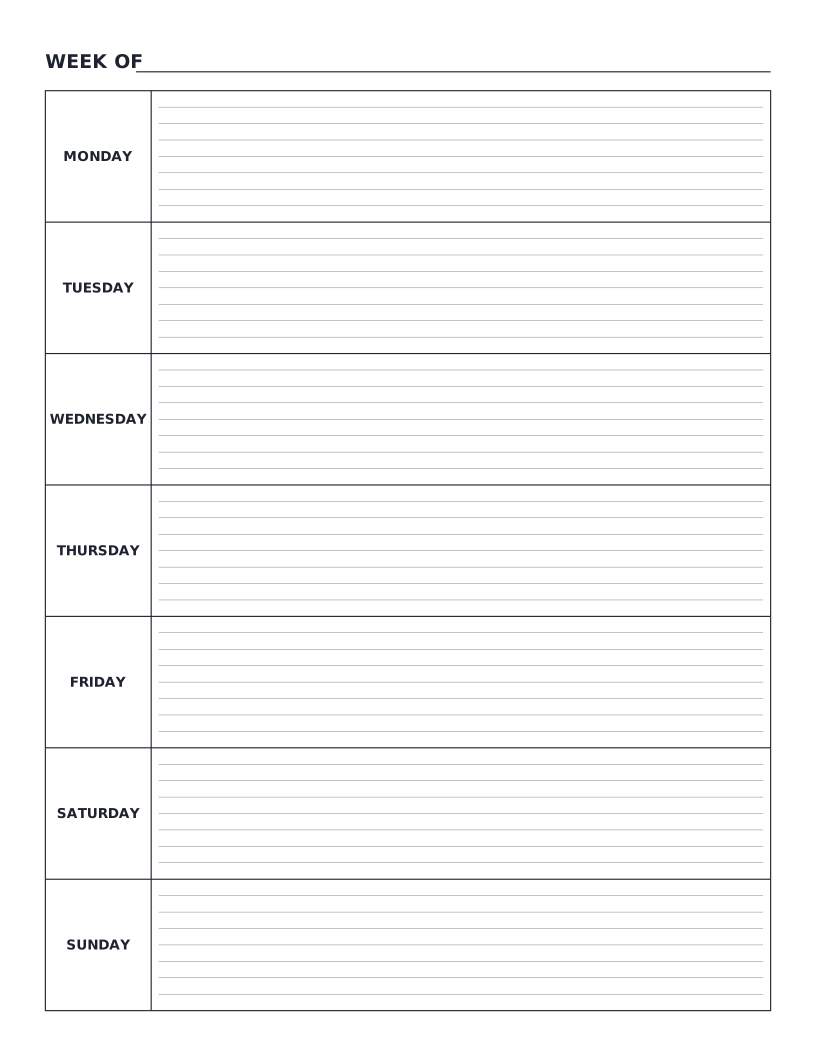
Weekly Planner
Monday-to-Sunday weekly planner: seven labelled day rows with writing lines for tasks, notes and appointments.