Live preview · Letter (8.5" × 11") · Gray lines
Manga Panel Template
A manga-style panel layout: a wide splash panel at the top of the page, then a varied sequence of smaller panels below with different aspect ratios. The asymmetric rhythm distinguishes manga pages from the regular grids of Western comics, and the format is the standard for shōnen, shōjo and seinen manga page composition.
Download generates a crisp vector PDF directly, no print dialog needed.
Choose a different paper size:
Choose a different line color:
Great for
- Drafting original manga pages
- Webtoon and digital-comic layout exploration
- Studying manga page rhythm and composition
- Mixed Western/Eastern comic style experiments
Manga Panel Template at a glance
| What it is | Asymmetric panel layout with a splash top panel and varied panels below: the classic manga page rhythm. |
|---|---|
| Category | Planning & Productivity |
| Paper sizes | Letter (8.5" × 11"), A4 (210 × 297 mm), 11" × 17", Legal (8.5" × 14"), A3 (297 × 420 mm), A2 (420 × 594 mm), Poster (18" × 24"), Movie Poster (27" × 40") |
| Line colors | Faint, Light, Gray, Dark, Black, Blue, Green (default: Gray) |
| Format | Vector PDF download at exact physical scale, or print directly from the browser |
| Price & license | Free. No signup or watermark. Printed sheets may be used for personal, classroom and commercial work. |
About manga panel template
Manga developed a distinct page-layout grammar in the 20th century, particularly after Osamu Tezuka's work in the 1940s and 50s introduced a more cinematic approach to panel composition. Where Western comics typically use regular grids that disappear into the storytelling, manga panels are themselves part of the storytelling: variable shape, variable size, occasionally bleeding off the page edge, with the panel layout itself communicating pace and emotional weight. A series of small horizontal panels suggests slow time passing; a single large vertical panel suggests a dramatic reveal; a tilted or angled panel suggests action or tension. The reading order is right-to-left, top-to-bottom — opposite to Western comics — and the panel composition assumes this direction. Manga pages typically have between 4 and 8 panels (compared to the more common 6 in Western comics), but the actual count is less important than the visual rhythm created by their varying sizes. This template gives one of the standard asymmetric layouts: top splash for impact, two medium panels in the second row, asymmetric medium panels in the third, two bottom panels for closure.
What's on the page
Seven panels arranged in four rows of varying configuration: a wide top panel (full page width, ~22% page height), two unequal panels in row two (left wider than right), two unequal panels in row three (right wider than left), and two equal panels at the bottom. Panel sizes are designed to create the asymmetric rhythm characteristic of manga pages. Gutter spacing is tight (4 mm) to keep panels visually connected.
How to use it well
Read right-to-left
Manga reading direction is right-to-left for individual rows, then down to the next row. If you're drafting a page for a Japanese-style manga, place the first action in the top-right and work leftward. For English-translated manga, the direction is sometimes flipped; pick a convention before starting.
Top splash for the page's most important shot
The wide top panel naturally carries the most visual weight. Use it for the establishing shot, the dramatic action, the character reveal — whatever the page's primary moment is. Smaller panels below carry secondary action and dialogue.
Vary the implied speed via panel size
Small panels read fast; large panels read slow. A row of three tiny panels suggests rapid action; a single large panel suggests time stretching. Manga uses this temporal control more aggressively than Western comics; learn it as a deliberate tool.
Tilt and overlap deliberately
Strict manga style often tilts panels slightly during action or emotional intensity, or has characters/effects bleed across panel borders. The asymmetric template is a starting point; freehand modifications during inking are part of the form.
Common mistakes to avoid
- Treating the layout as fixed. The template suggests one rhythm; real manga pages use dozens of different layouts. Don't lock into this specific configuration — modify, redraw, recombine panels based on what each page needs.
- Mixing reading directions within a series. Right-to-left and left-to-right reading orders need different visual composition. Picking one and switching mid-series confuses readers and breaks the visual flow.
- Forgetting the gutter as narrative space. The white space between panels (the gutter) is where the reader's imagination fills in transitions. Manga gutters are often tighter than Western gutters, with the implication that less time passes between panels. Use the gutter deliberately, not as an afterthought.
FAQ, Manga Panel Template
How is this different from a [Western comic panel template](/graph-paper/comic-panel-template)?+
Western comics use regular rectangular grids (typically 3×2 = 6 panels) and read left-to-right. Manga uses asymmetric panel sizes and reads right-to-left. The two formats serve different storytelling traditions; this template gives you the manga rhythm.
Can I use this for English-language webcomics?+
Yes. Many English-language webcomics borrow manga page layouts (sometimes flipping the reading direction to left-to-right). The asymmetric rhythm works regardless of language; it's the visual pacing that matters.
How is this different from a [storyboard](/graph-paper/storyboard-3x3) template?+
Storyboards are for film/animation: each panel has a caption area for action notes, camera direction, and dialogue. Manga panels carry all the story inside the panel itself (speech balloons, sound effects, narration boxes). Use storyboards for film, manga templates for printed manga.
What about webtoons (vertical-scroll comics)?+
Webtoons use a different layout: a single tall column read by scrolling down on a phone screen. The panel rhythms differ (often single panels per 'screen' with tall gaps between). We may add a webtoon template if there's demand; this manga template is for traditional page-based formats.
Should panels really bleed off the page?+
In published manga, yes, sometimes. The template's outer margins are conservative — they keep all panels safely inside the printable area. For dramatic effect, draw past the gutters in your art, then ink the borders to your own taste. The template is a starting framework, not a strict constraint.
Printing tips for best results+
- 1. Click Print above. A new tab opens the template at exact size.
- 2. The print dialog appears automatically. Set Scale to 100%. Never "Fit to page", which silently shrinks every cell.
- 3. Set Margins to None or Minimum so the grid reaches the page edge.
- 4. For a PDF, click Download instead. It generates a vector PDF directly without going through the printer driver.
You might also like
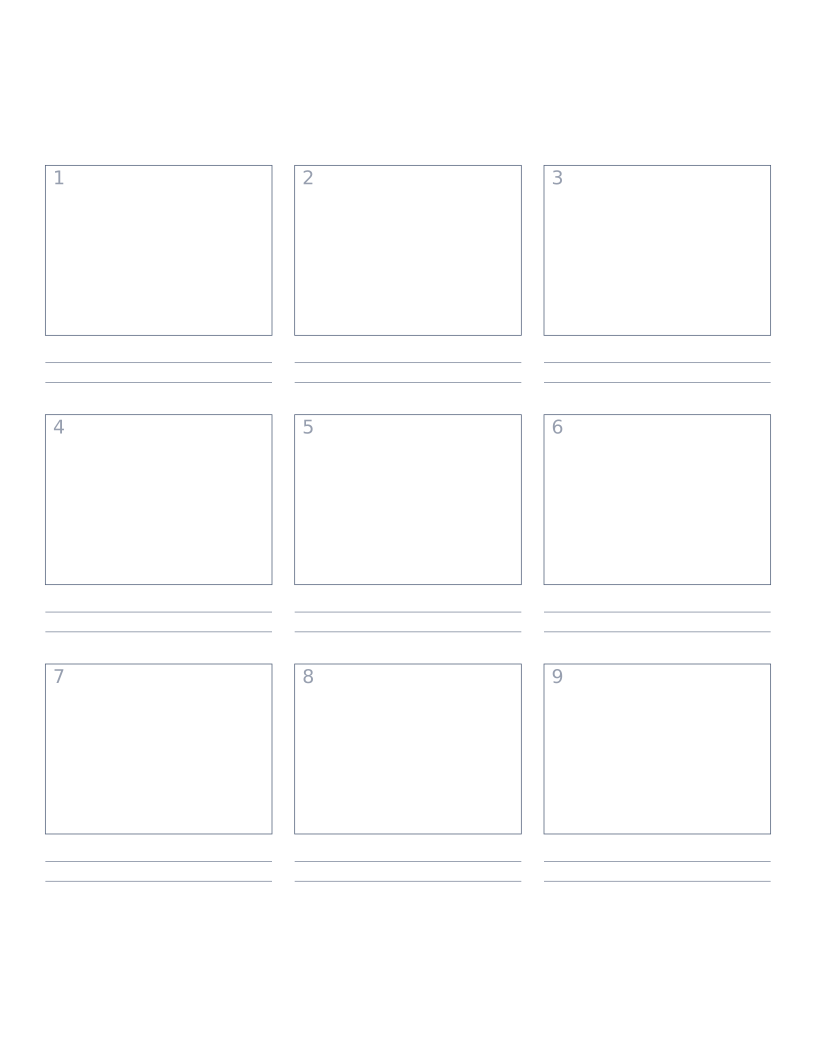
Storyboard Paper (3×3)
Nine-panel storyboard layout with caption space: for filmmakers, animators and UX designers.
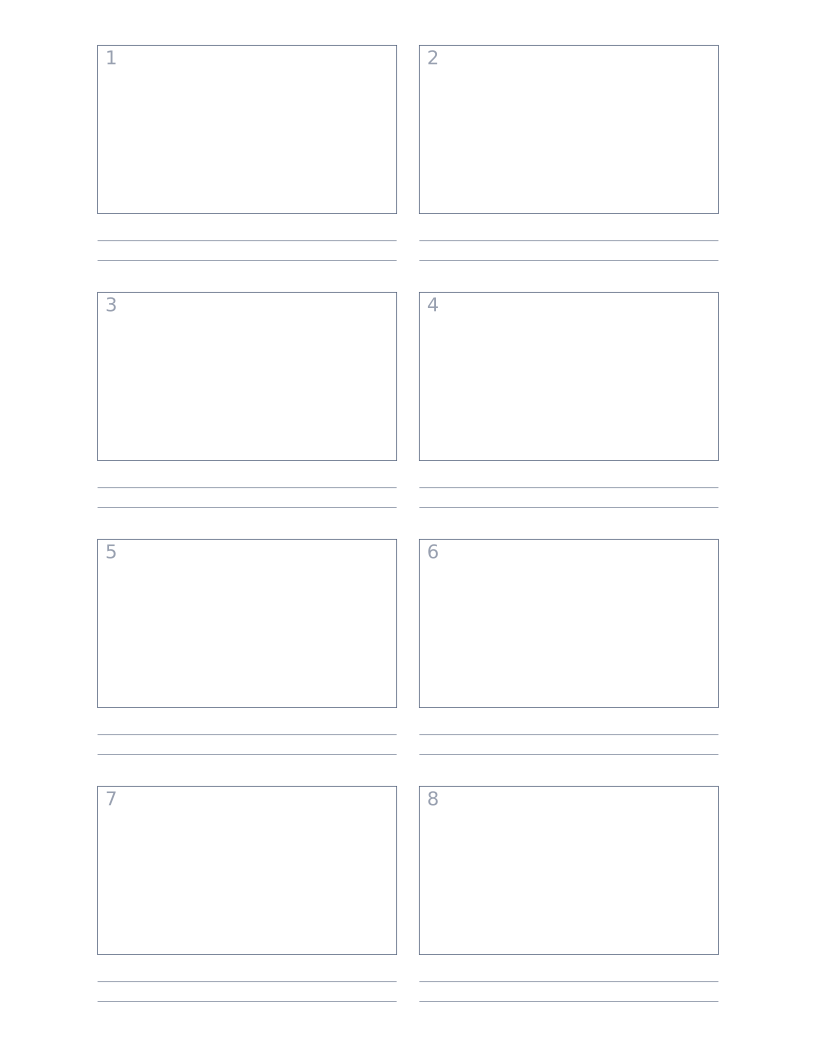
Storyboard Paper (2×4)
Eight-panel storyboard with widescreen 16:9 frames for video and film work.
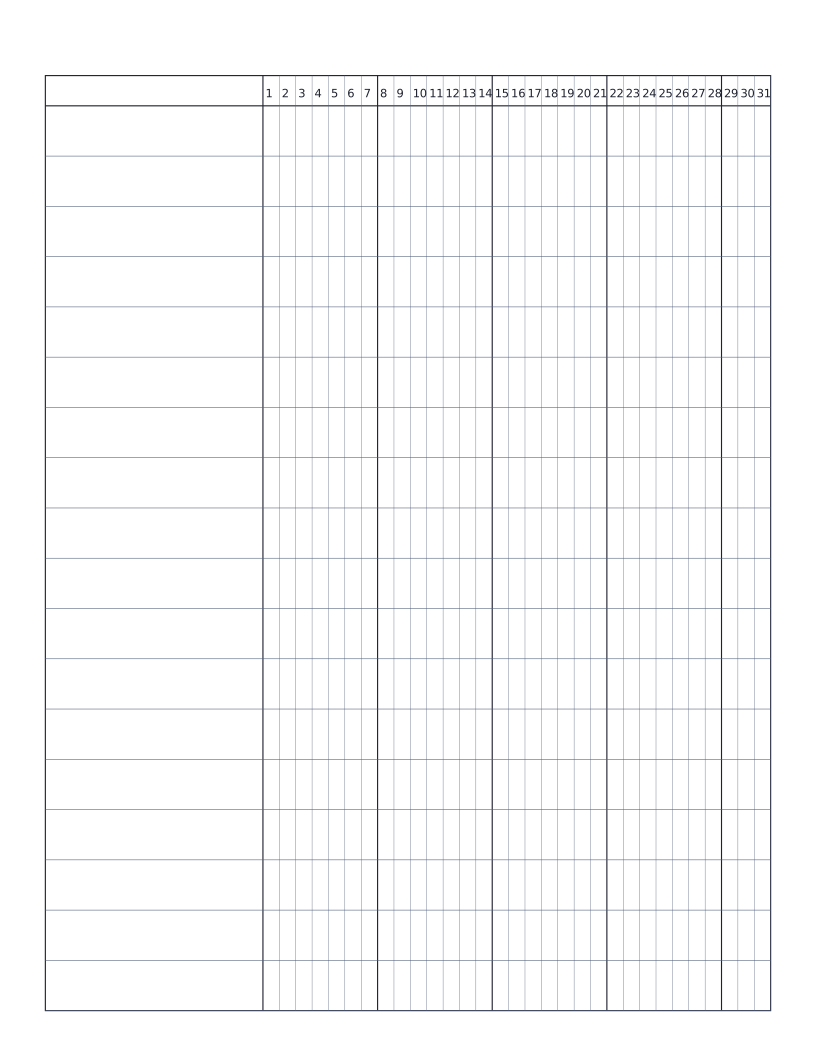
Habit Tracker (Monthly)
Monthly habit tracker: name column plus 31-day grid for marking off daily habits.
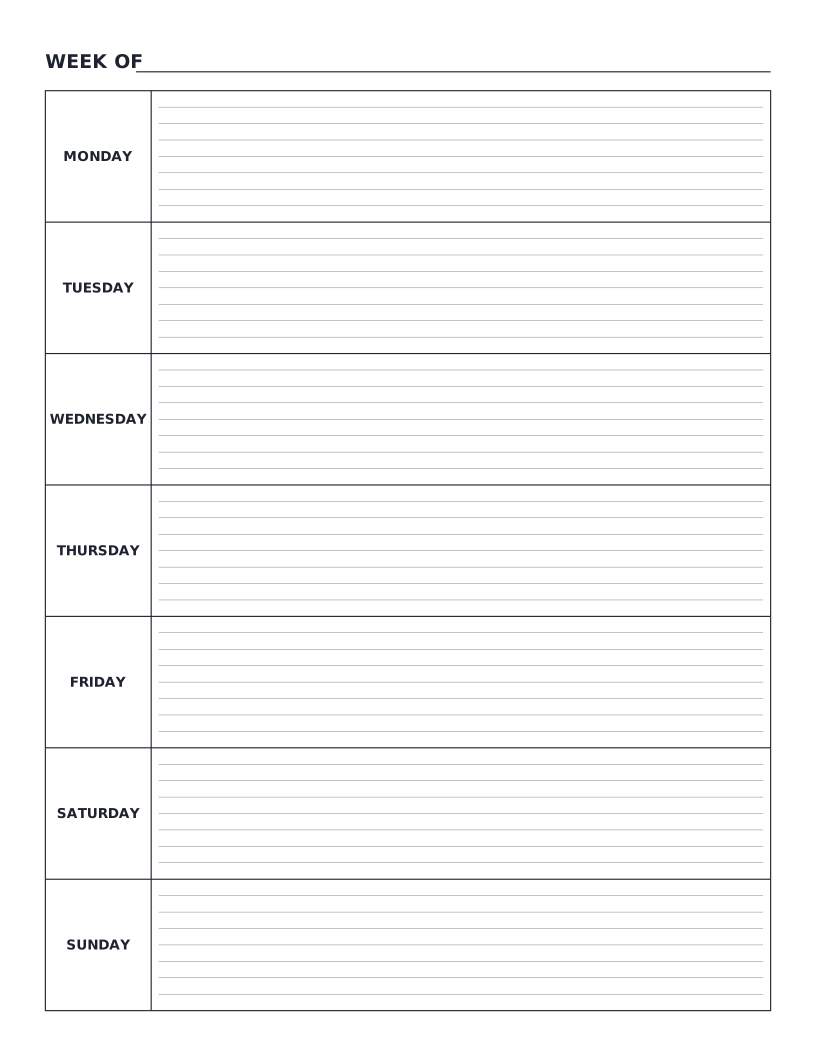
Weekly Planner
Monday-to-Sunday weekly planner: seven labelled day rows with writing lines for tasks, notes and appointments.