Live preview · Letter (8.5" × 11") · Light lines
Dot Grid Paper (5mm)
Dot grid paper replaces the lines of graph paper with tiny dots at every intersection. You get the same alignment information, but the moment you draw or write on top, the dots disappear into the background instead of competing with your work.
Download generates a crisp vector PDF directly, no print dialog needed.
Choose a different paper size:
Choose a different line color:
Great for
- Bullet journaling and personal planning
- Hand lettering and typography practice
- Sketching, ideation and mind maps
- Meeting and lecture notes
Dot Grid Paper (5mm) at a glance
| What it is | Subtle 5mm dot grid: the gold standard for bullet journals and clean sketches. |
|---|---|
| Category | Dot Grid |
| Paper sizes | Letter (8.5" × 11"), A4 (210 × 297 mm), 11" × 17", Legal (8.5" × 14"), A3 (297 × 420 mm), A2 (420 × 594 mm), Poster (18" × 24"), Movie Poster (27" × 40") |
| Line colors | Faint, Light, Gray, Dark, Black, Blue, Green (default: Light) |
| Format | Vector PDF download at exact physical scale, or print directly from the browser |
| Price & license | Free. No signup or watermark. Printed sheets may be used for personal, classroom and commercial work. |
About dot grid paper (5mm)
Dot grid is the visual compromise between blank paper and graph paper, and over the last decade it has quietly become the dominant ruling for personal notebooks. Bullet journaling pushed it into the mainstream around 2013, when Ryder Carroll's method spread on Instagram and Pinterest and demanded a paper that could host both freehand sketches and grid-anchored layouts on the same page. The principle is simple: the human eye assembles dots into implied lines without the dots themselves contributing visual weight, so you keep all the alignment guidance of a grid while your handwriting, sketches, and diagrams sit on the page as the only visible content. That's why dot grid became standard in Leuchtturm, Rhodia, Moleskine and Baron Fig notebooks. It's a grid that gets out of your way.
What's on the page
A grid of 0.8 mm dots at 5 mm spacing, drawn in your selected line colour at light weight by default. On Letter you get about 39 × 52 dots; on A4, 38 × 55. The spacing matches our 5 mm graph paper exactly. If you ever want to convert a layout from dots to lines, the alignment carries over one-for-one. We default to the Light colour for this template because the dots' whole purpose is to recede; pick darker shades only if you need them visible at a glance.
How to use it well
Use the dots as registration, not decoration
The dots exist to mark intersections, not to fill space. If you're tempted to connect them into visible lines, you don't actually want dot grid, you want graph paper. The right way to use this paper is to ignore the dots until you need one.
Sketch headers in pencil first
Big bullet-journal-style headers and decorative banners only look good when they sit straight. Pencil the bounding box first using four dots as corner anchors, then ink inside the pencil outline. The dots register, your ruler doesn't even need to come out.
Mix line and freehand work freely
A page can hold a hand-drawn flower in one corner and a grid-aligned weekly calendar in another. That's the whole point of dots. They support structured work without forcing it on freehand work nearby.
Pick Light for journaling, Gray for technical work
Light dots disappear under handwriting and ink. Perfect for finished pages where the dots should be invisible. Gray or darker dots stay visible after you've drawn over them, which matters for technical diagrams where you still need to count cells after sketching.
Common mistakes to avoid
- Choosing a dot that's too bold. Anything above about 1 mm dot diameter at 5 mm spacing reads as a visible texture rather than transparent registration marks. The default 0.8 mm dot is calibrated to recede; bigger dots compete with your work instead of supporting it.
- Photocopying dot grid at low contrast. Most office copiers throw away the lightest dots entirely, leaving partially-blank registration. For paper you expect to copy, use Gray or darker, or commit to never duplicating the page.
- Treating dot grid as bullet journal paper. It's the most popular bullet journal ruling, but the paper itself is general-purpose. Don't feel pressured into spreads, trackers, or banners. Plenty of people use dot grid for ordinary note-taking and sketching.
FAQ, Dot Grid Paper (5mm)
What's the difference between dot grid and graph paper?+
Both place alignment guides at the same intersections, but graph paper draws them as continuous lines while dot grid puts a single small dot at each crossing. Visually they're worlds apart. Graph paper's lines stay visible after you write on top; dot grid's dots disappear into the background. For technical plotting, graph paper wins; for personal notebooks, dot grid wins.
Why 5 mm spacing specifically?+
5 mm is the closest dot grid gets to a 'universal' spacing. It's the dominant pitch in the European and Asian notebook market and what Leuchtturm and Rhodia ship. It matches a standard handwriting x-height of about 5 mm, so a single line of writing fills exactly one row of dots between rows of dots.
Can I use it for technical drawing?+
Yes, especially for graph theory, flowcharts, mind maps and network diagrams where solid gridlines would compete with the edges and nodes you draw on top. For dimensioned mechanical drawing, switch to a regular graph grid where you need to measure distances.
Will the dots survive scanning?+
Only at Gray or darker line colour. Light dots are below the threshold most office scanners use to distinguish ink from paper, so they'll be erased on scan. If you intend to scan or photograph the finished page, pick Gray and accept that the dots stay visible.
What dot size do popular notebooks use?+
Leuchtturm and Rhodia use about 0.6 mm dots at 5 mm spacing, slightly subtler than our default 0.8 mm. We chose 0.8 mm because consumer printers reproduce it more reliably; 0.6 mm dots sometimes vanish on the lighter end of the colour range.
Printing tips for best results+
- 1. Click Print above. A new tab opens the template at exact size.
- 2. The print dialog appears automatically. Set Scale to 100%. Never "Fit to page", which silently shrinks every cell.
- 3. Set Margins to None or Minimum so the grid reaches the page edge.
- 4. For a PDF, click Download instead. It generates a vector PDF directly without going through the printer driver.
You might also like

Dot Grid Paper (1/4")
Quarter-inch dot grid: bullet journal layout matched to US paper.
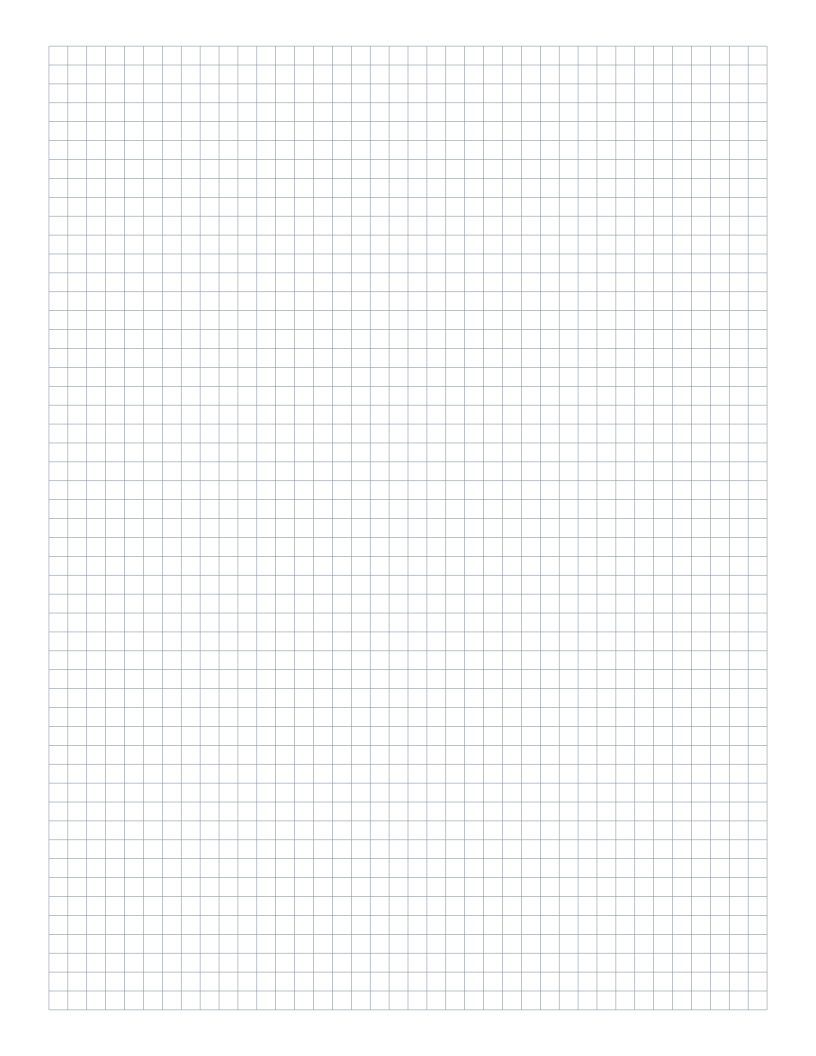
5mm Graph Paper
Standard 5mm square grid: the most popular spacing for math, engineering and general use.
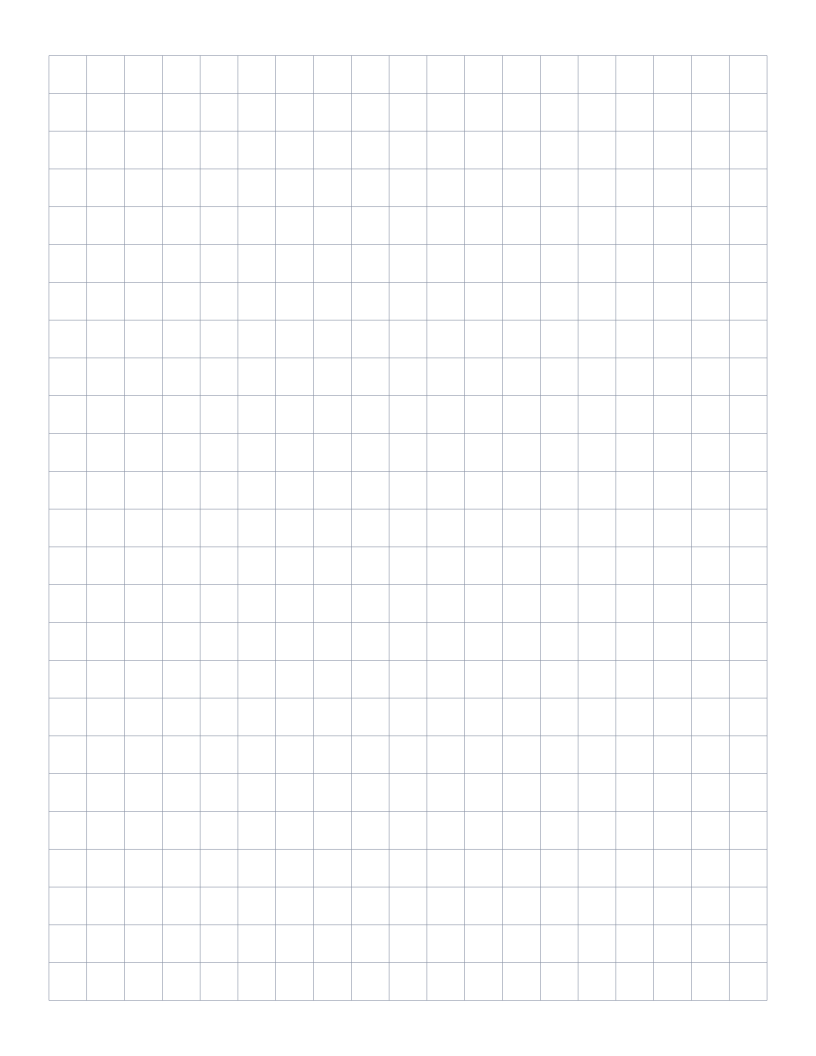
1cm Graph Paper
1 centimeter grid: the everyday graphing standard for elementary math and primary school.
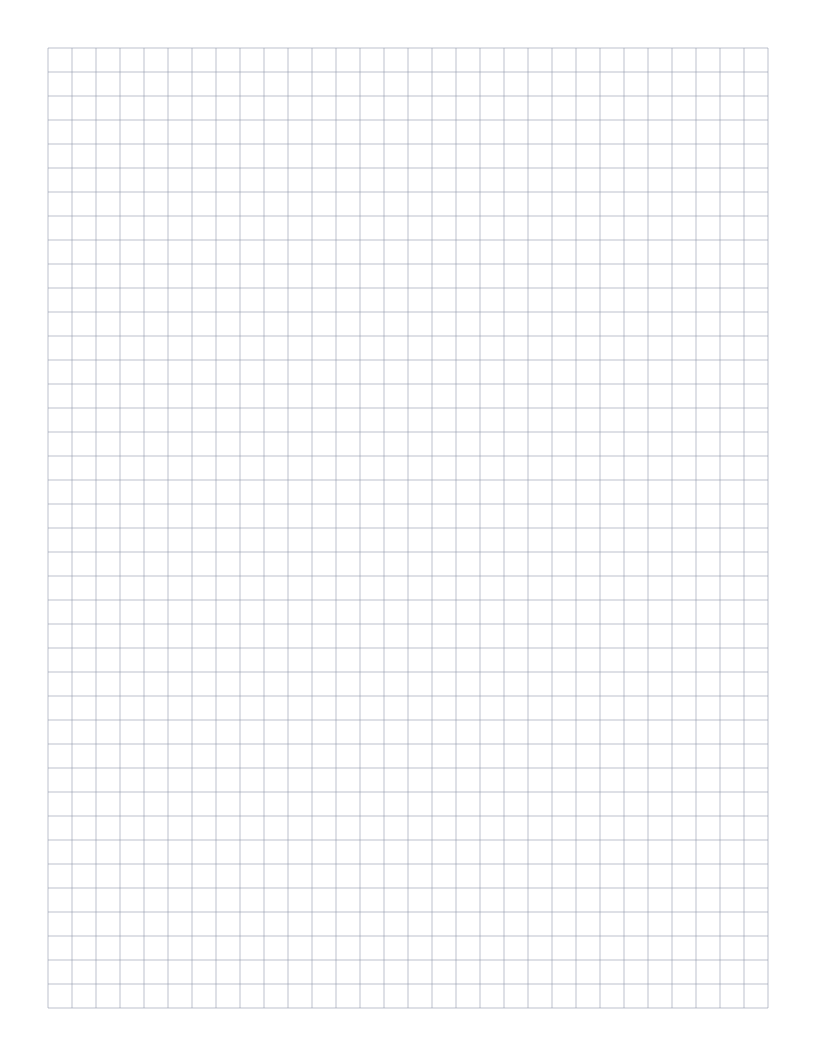
1/4 Inch Graph Paper
Classic four-squares-per-inch quad ruled paper: the US engineering standard.