Live preview · Letter (8.5" × 11") · Dark lines
Storyboard Paper (2×4)
Eight widescreen frames per page in a 2×4 layout. Two columns by four rows, with caption space beneath each. The frames are 16:9 aspect, matching modern film, television, and online video delivery formats.
Download generates a crisp vector PDF directly, no print dialog needed.
Choose a different paper size:
Choose a different line color:
Great for
- Modern film and television shot planning
- YouTube and online video pre-production
- Digital animation and motion graphics planning
- Cinema-format short films and music videos
Storyboard Paper (2×4) at a glance
| What it is | Eight-panel storyboard with widescreen 16:9 frames for video and film work. |
|---|---|
| Category | Planning & Productivity |
| Paper sizes | Letter (8.5" × 11"), A4 (210 × 297 mm), 11" × 17", Legal (8.5" × 14"), A3 (297 × 420 mm), A2 (420 × 594 mm), Poster (18" × 24"), Movie Poster (27" × 40") |
| Line colors | Faint, Light, Gray, Dark, Black, Blue, Green (default: Dark) |
| Format | Vector PDF download at exact physical scale, or print directly from the browser |
| Price & license | Free. No signup or watermark. Printed sheets may be used for personal, classroom and commercial work. |
About storyboard paper (2×4)
The shift from 4:3 to 16:9 as the standard delivery aspect ratio happened gradually between the 1990s and the 2010s, first in cinema (1.85:1 was the cinema standard since the 1950s), then in television (HDTV mandated 16:9 starting in 2008), then on the web (YouTube switched to widescreen player in 2010). Storyboards followed: the old 4:3 frames stopped matching the screen the work would eventually appear on, and shot composition decisions made in 4:3 broke when the actual delivery was 16:9. A 16:9 storyboard frame solves the problem by giving you the same composition space your camera or render will produce. Eight frames per page is the practical compromise. Large enough that each frame fits useful composition detail, small enough that the page still reads as a sequence rather than as separate sketches.
What's on the page
Eight equal-size frames at 16:9 aspect ratio, arranged in two columns by four rows, each with a caption band beneath. Reading order is left column top-to-bottom, then right column, the convention for two-column storyboards. Dark line colour by default so frame borders and caption lines stay visible under sketching. Generous margins around the grid for production notes, scene numbers, or director comments.
How to use it well
Compose for the safe area, not the frame edge
Real cameras crop slightly during delivery. Never put critical elements at the absolute edge of the frame. Pencil a faint 10 % border inside each frame and keep important composition inside it.
Mark camera movement with arrows
For pans and zooms within a single shot, draw the start composition with an arrow showing how the camera moves. For complex moves (dolly + pan, crane shots) use two frames showing the start and end positions, with notation in the caption.
Use the captions for shot type and timing
Add 'WS' (wide shot), 'MS' (medium), 'CU' (close-up), 'POV' (point of view) to each caption. For timed sequences, also note duration ('3 sec' or '5 frames'). This information turns a static storyboard into a complete shot plan.
Number scenes and shots
Real film production numbers scenes and shots in a specific format (e.g., 'Scene 12, Shot 4' = '12-4'). Numbering each panel saves enormous time when revisions arrive. You can swap one shot without renumbering the others.
Common mistakes to avoid
- Drawing 4:3 compositions in 16:9 frames. The wider frame changes everything about composition. Close-ups have empty headroom and edge space that didn't exist before, two-shots can include both characters in frame instead of cutting between, and landscapes have horizon room they wouldn't in 4:3. Use the widescreen frame deliberately, not as a 'box that contains the 4:3 you wanted'.
- Sketching to final-art quality. Storyboards are planning tools, not finished art. Rough stick figures and blocking shapes communicate what the team needs faster than polished sketches, and they're cheaper to redo when the plan changes.
- Ignoring sequence flow. Adjacent panels should read continuously, eye-line matches, screen direction, action continuity. If a character exits frame right in panel 1, they should enter frame left in panel 2 (unless you're deliberately breaking the rule). Storyboard format reveals these continuity issues at planning time when they're cheap to fix.
FAQ, Storyboard Paper (2×4)
Why 16:9 frames?+
Because 16:9 is the standard delivery format for modern television and online video. Drawing storyboards in 16:9 keeps composition decisions consistent with the actual frame the audience will see. For older 4:3 content or comic work, use the 3×3 storyboard template instead.
What's the right aspect ratio for film?+
It depends. 16:9 (1.78:1) is standard for TV and most online video. Cinema typically uses 1.85:1 (very close to 16:9, often interchangeable) or 2.39:1 (anamorphic widescreen, much wider). For anamorphic work, drawing on 16:9 paper is fine; just mark the wider crop inside each frame.
Why eight frames and not six or twelve?+
Eight is the practical compromise. Six gives you bigger frames at the cost of fewer shots per page; twelve makes each frame too small for useful composition detail. Eight fits comfortably on Letter and A4 with usable frame size and enough page-level sequence visibility.
How do I notate camera moves?+
Use arrows inside the frame for simple pans and zooms (an arrow tip indicating direction; for zoom, an arrow tip pointing inward or outward at the centre). For complex moves (dolly, crane, multi-axis) use two consecutive frames showing the start and end, with descriptive notes in both captions.
Should I include dialogue in captions?+
For most shot planning, no. Dialogue belongs in the script, not the storyboard. The caption should describe what's visually happening in the shot, including action ('CHAR2 ENTERS RIGHT') and key dialogue cues ('CHAR1 starts speaking on shot 4'). Full dialogue would crowd the caption space.
Printing tips for best results+
- 1. Click Print above. A new tab opens the template at exact size.
- 2. The print dialog appears automatically. Set Scale to 100%. Never "Fit to page", which silently shrinks every cell.
- 3. Set Margins to None or Minimum so the grid reaches the page edge.
- 4. For a PDF, click Download instead. It generates a vector PDF directly without going through the printer driver.
You might also like
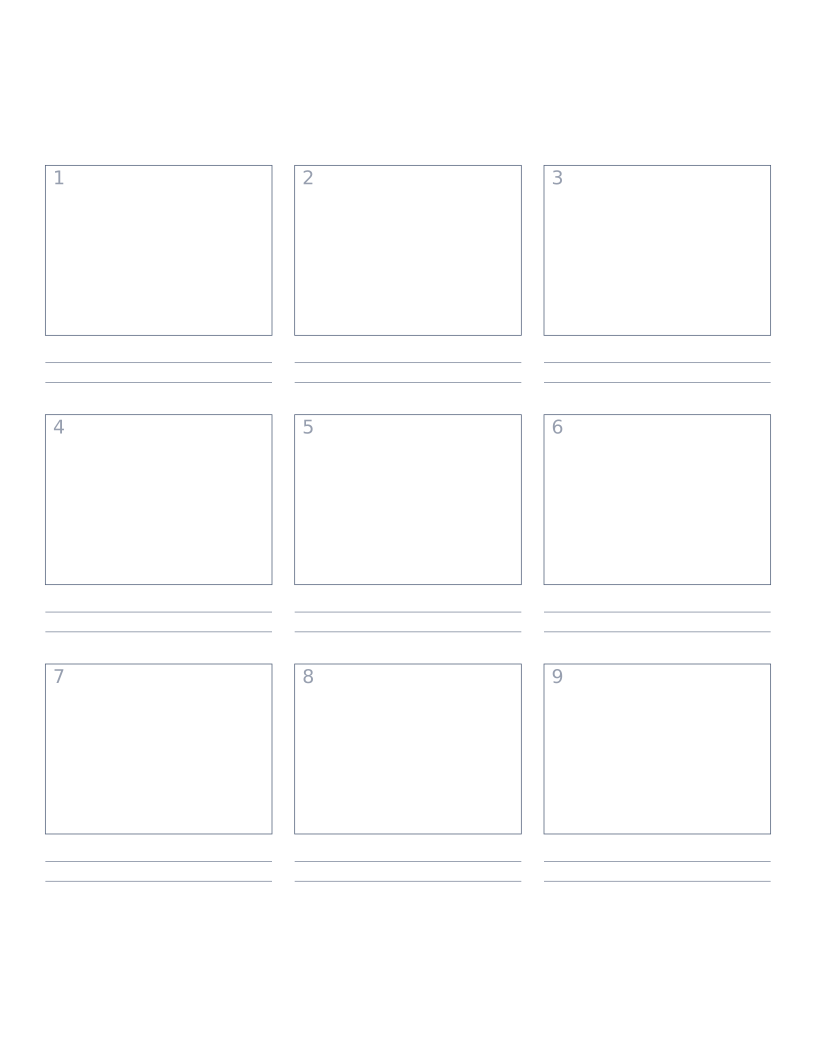
Storyboard Paper (3×3)
Nine-panel storyboard layout with caption space: for filmmakers, animators and UX designers.
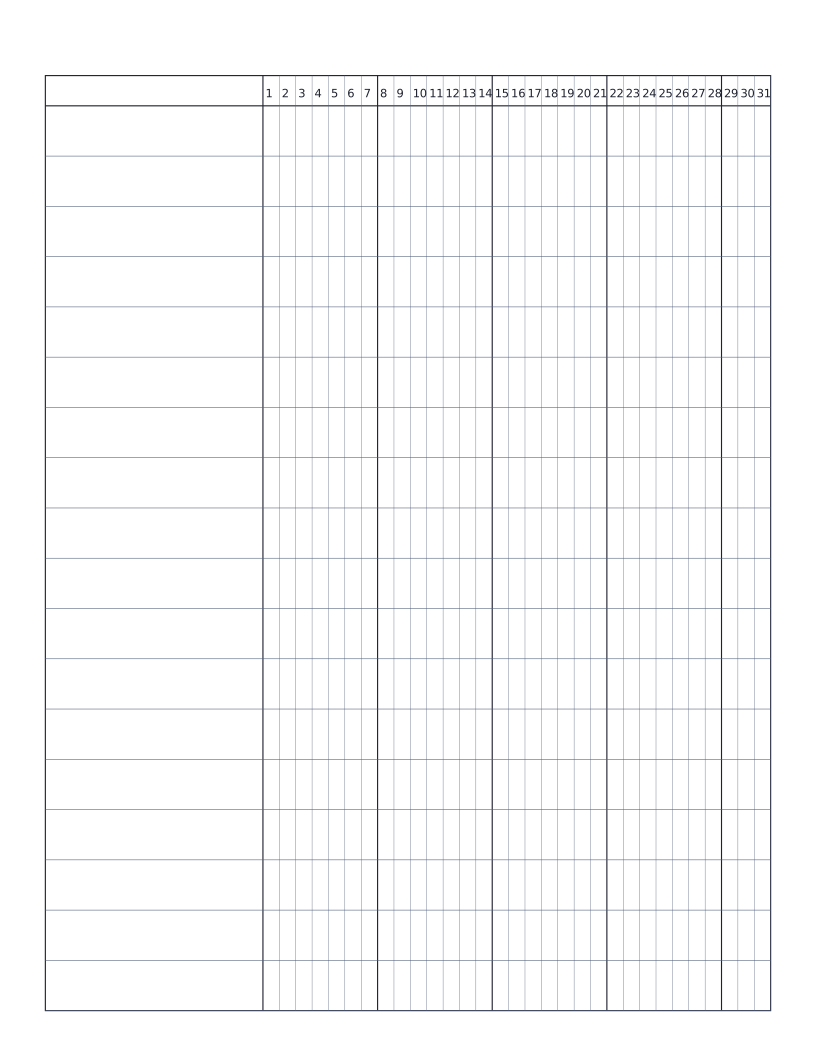
Habit Tracker (Monthly)
Monthly habit tracker: name column plus 31-day grid for marking off daily habits.
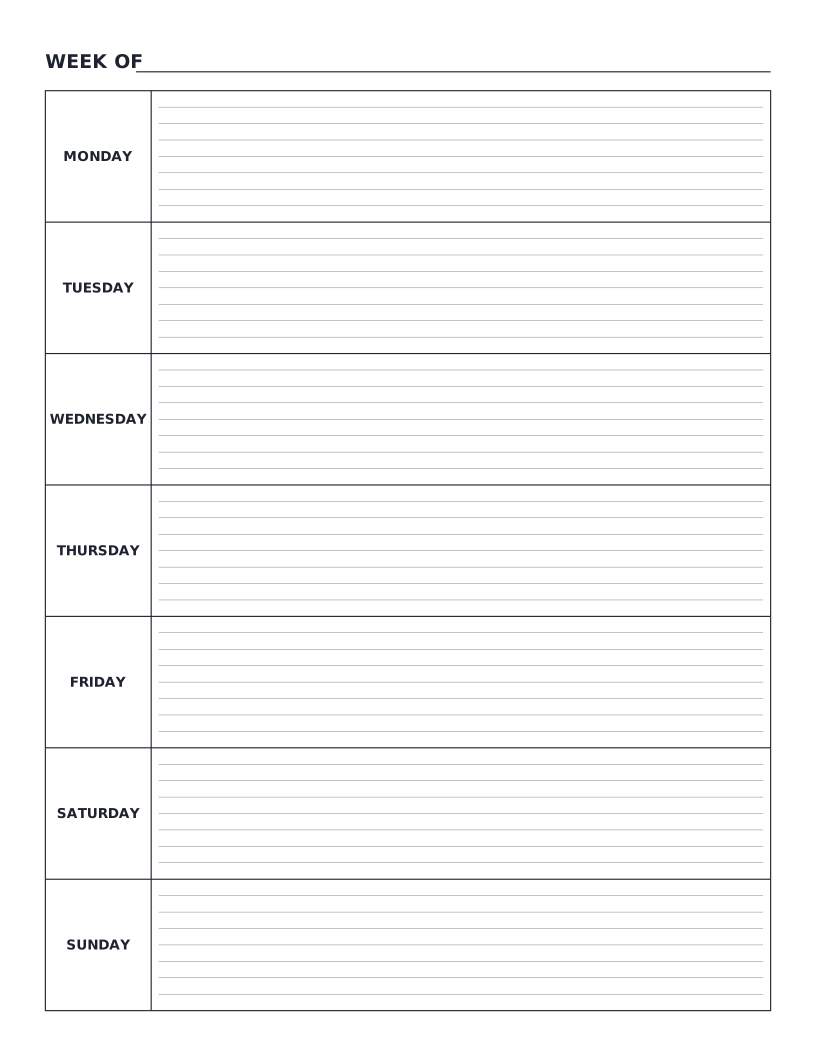
Weekly Planner
Monday-to-Sunday weekly planner: seven labelled day rows with writing lines for tasks, notes and appointments.
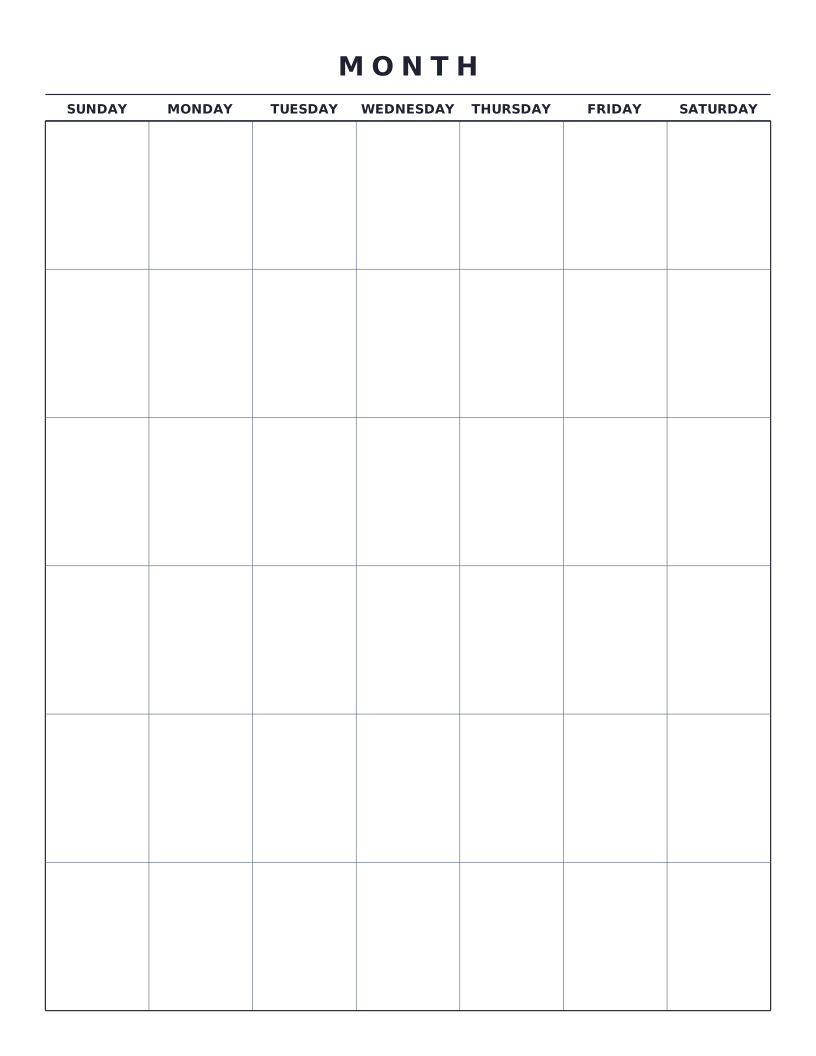
Monthly Calendar
Blank monthly calendar grid: six weeks × seven days, ready to fill in for any month of any year.