Live preview · Letter (8.5" × 11") · Dark lines
Monthly Calendar
A blank monthly calendar grid. Six rows of seven days, with the standard Sunday-through-Saturday weekday header. No printed dates: you fill them in, which makes the template work for any month of any year and means you never have to print a fresh calendar each January.
Download generates a crisp vector PDF directly, no print dialog needed.
Choose a different paper size:
Choose a different line color:
Great for
- Family calendars on the fridge or wall
- Project deadlines, holiday planning and travel dates
- Habit-style monthly overviews (mood logs, exercise calendars)
- Classroom calendars and assignment overviews
Monthly Calendar at a glance
| What it is | Blank monthly calendar grid: six weeks × seven days, ready to fill in for any month of any year. |
|---|---|
| Category | Planning & Productivity |
| Paper sizes | Letter (8.5" × 11"), A4 (210 × 297 mm), 11" × 17", Legal (8.5" × 14"), A3 (297 × 420 mm), A2 (420 × 594 mm), Poster (18" × 24"), Movie Poster (27" × 40") |
| Line colors | Faint, Light, Gray, Dark, Black, Blue, Green (default: Dark) |
| Format | Vector PDF download at exact physical scale, or print directly from the browser |
| Price & license | Free. No signup or watermark. Printed sheets may be used for personal, classroom and commercial work. |
About monthly calendar
The monthly calendar grid is one of the most stable visual conventions in modern paper. Seven-day rows starting on Sunday or Monday, six rows because no month can spread across more than six weeks once you include the partial weeks at either end. The Gregorian calendar reform in 1582 settled this layout into more or less its current form, and printers have been copying it ever since. What makes the blank version particularly useful is that one printable serves every month. Most printed calendars commit to a specific year, which means by February you've already started ignoring January, and by December the whole thing is dead weight. A blank template stays useful indefinitely. The cost is that you write the dates in yourself, which takes about a minute and creates a small ritual that makes the month feel intentional rather than something that just arrived.
What's on the page
A 'MONTH' header at the top (write in the month name and year), a weekday header row labelled SUNDAY through SATURDAY, then a 6×7 grid of large blank cells. The grid uses heavier lines on the outer frame and lighter lines between cells, so the structure reads clearly without becoming busy. Cells are sized large enough to write the date in one corner and several short events below it. Six rows of weeks accommodates any month, including 31-day months that span six calendar weeks.
How to use it well
Fill in the dates from a calendar, not from memory
Look up the actual day-of-week for the 1st of the month before filling in dates. Getting this wrong by one day cascades through the entire month, and the error is the most common mistake people make when handwriting a monthly grid. Use a phone calendar or a wall calendar as the source of truth.
Date in the top-left of each cell
Convention is the date number in the upper-left corner, with events written below. This leaves the bulk of each cell for content rather than for the date itself. Consistent placement makes the calendar scannable.
Cross out passed days
Draw a diagonal line through each day as it ends. At a glance you can see how much of the month is behind you and how much remains, which is surprisingly useful for pacing longer projects.
Use a different colour per category
Family events in one colour, work deadlines in another, social plans in a third. The cells are small, so you want to encode information visually rather than packing more text in. Three or four colours is usually the sweet spot before it gets noisy.
Common mistakes to avoid
- Trying to fit everything into the cells. The cells aren't planners, they're glanceable overviews. A wedding might be one cell entry ('JM wedding, 4pm'); the venue, address, gift list and timeline go in a planner or a separate page. Keep cells short and scannable.
- Forgetting to mark the year. 'February' is ambiguous; 'February 2026' isn't. Write the year at the top before you start. You'll thank yourself later when you find the page in a stack.
- Re-using the same printed page for different months. The blank format invites re-use, but writing-then-erasing dates is messy and the page ages quickly. Print a fresh sheet for each month. They're free to print and the slight ritual of starting clean is part of what makes the format work.
FAQ, Monthly Calendar
Does the calendar start on Sunday or Monday?+
This template starts on Sunday, the US convention. ISO 8601 (used internationally) starts the week on Monday. If you need a Monday-start version, the layout would be identical with the weekday header shifted by one. We may add it as a sibling template if there's demand.
Why six rows of weeks instead of five?+
Some months span six calendar weeks. February in a non-leap year that starts on a Sunday fits in four weeks; January 2026 spans five weeks; October 2026 spans six weeks. Six rows accommodates the worst case so the same template works for any month. The bottom row will often be partial, with empty cells at the start or end.
What size should I print?+
Letter or A4 portrait gives cells of about 4×3 cm. Big enough to write 2–3 lines per day. For a wall or fridge calendar with more visibility, print on legal, A3 or the poster size: the layout scales without redesign. For a planner-binder insert, half-page works but cells become tight.
How is this different from a weekly planner?+
A weekly planner shows one week with detailed writing lines per day; a monthly calendar shows a whole month in glance-view cells. Use the monthly grid for long-range deadlines, anniversaries and holiday planning; use the weekly planner for actual day-to-day tasks. Many people use both: monthly on a fridge or wall, weekly in a binder.
Can I print this in landscape?+
The template is sized for portrait by default, which works for most paper sizes. If you want a landscape version, print it on a landscape-oriented size (the renderer adapts) — the calendar grid will widen and become more rectangular per cell. Both orientations are common in published printed calendars.
Printing tips for best results+
- 1. Click Print above. A new tab opens the template at exact size.
- 2. The print dialog appears automatically. Set Scale to 100%. Never "Fit to page", which silently shrinks every cell.
- 3. Set Margins to None or Minimum so the grid reaches the page edge.
- 4. For a PDF, click Download instead. It generates a vector PDF directly without going through the printer driver.
You might also like
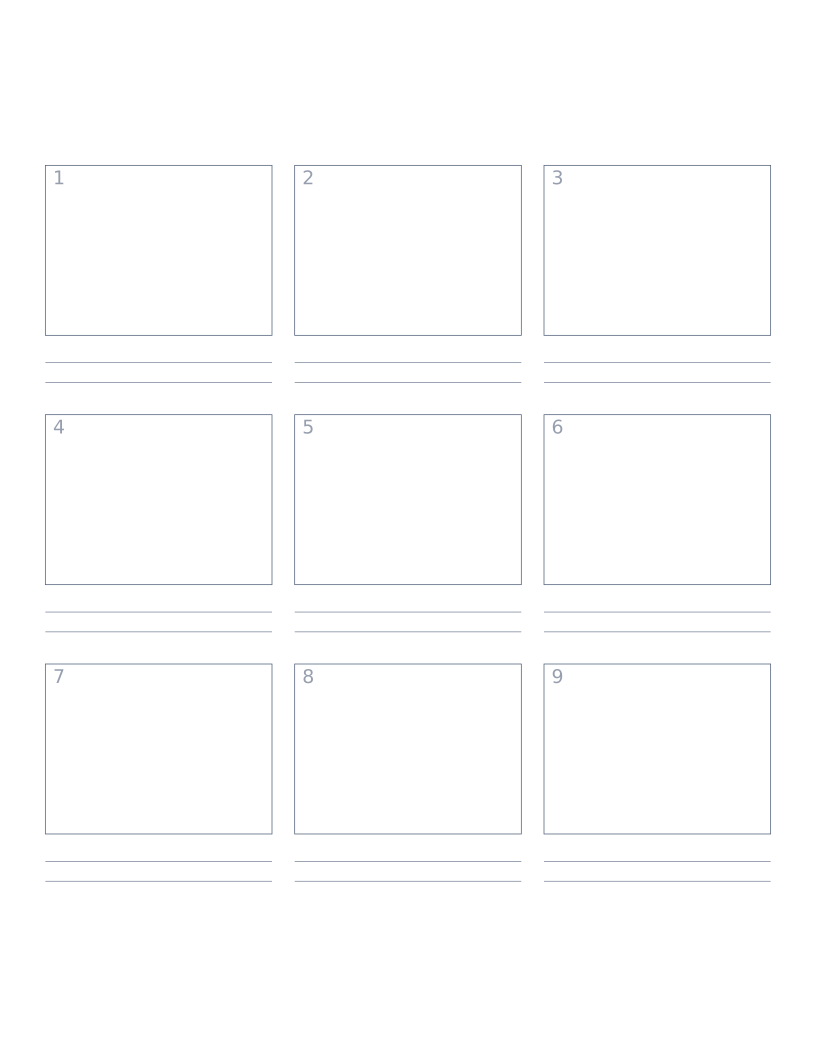
Storyboard Paper (3×3)
Nine-panel storyboard layout with caption space: for filmmakers, animators and UX designers.
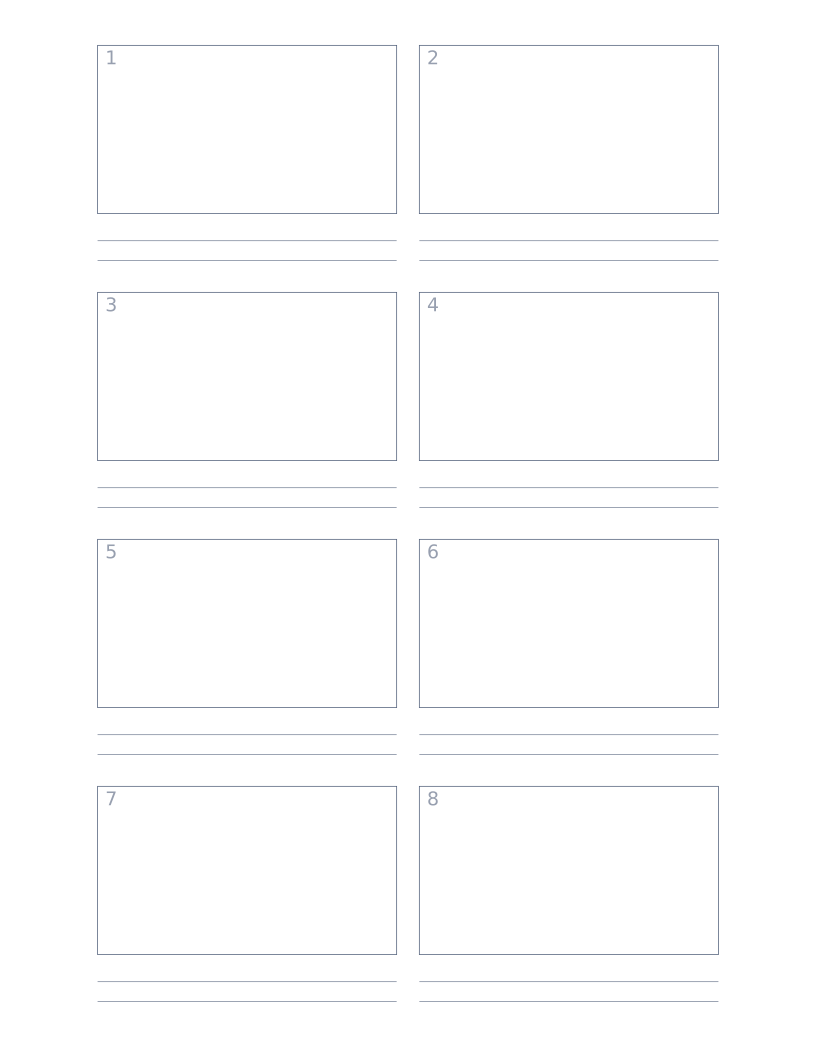
Storyboard Paper (2×4)
Eight-panel storyboard with widescreen 16:9 frames for video and film work.
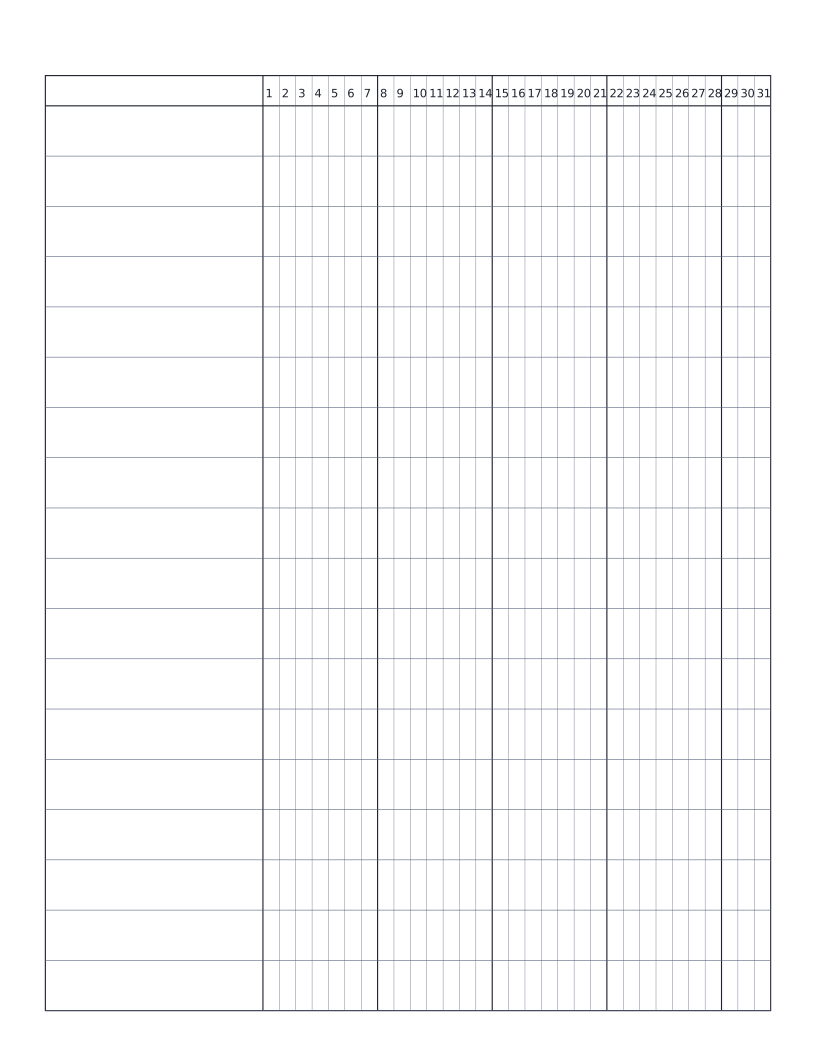
Habit Tracker (Monthly)
Monthly habit tracker: name column plus 31-day grid for marking off daily habits.
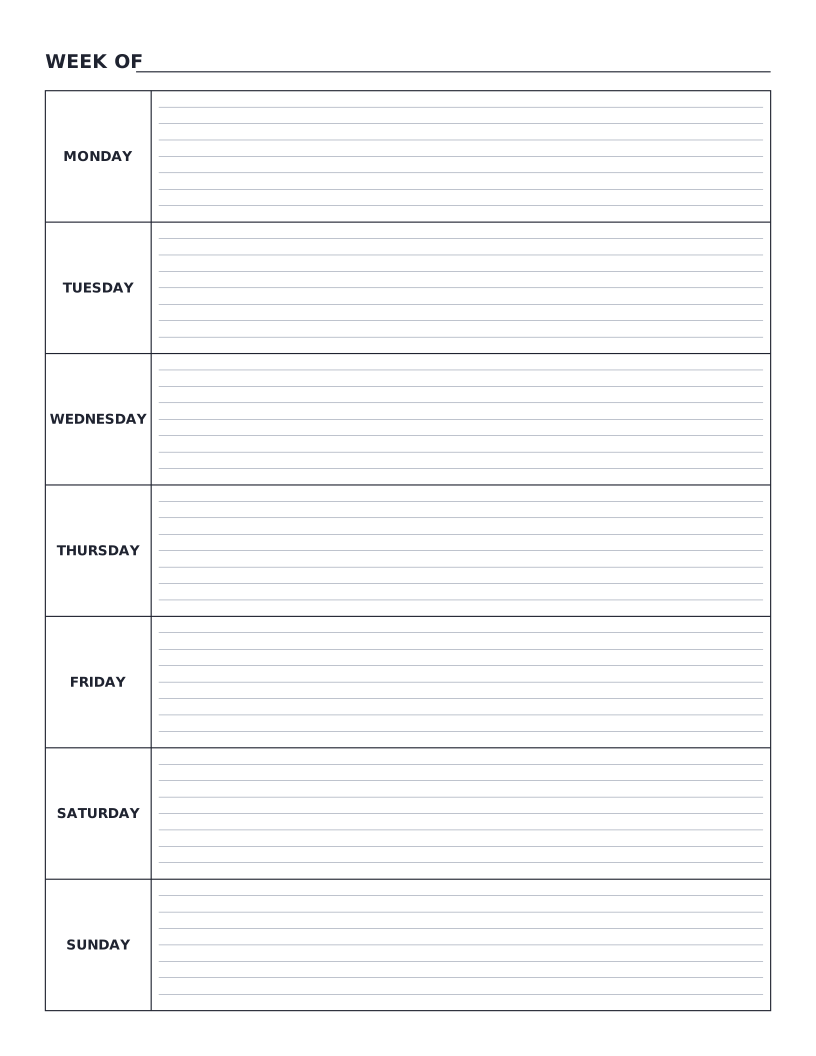
Weekly Planner
Monday-to-Sunday weekly planner: seven labelled day rows with writing lines for tasks, notes and appointments.