Live preview · Letter (8.5" × 11") · Gray lines
Number Line
Six labelled number lines per page, each running from -10 to +10 with clear arrowheads at both ends and a tick mark at every integer. The format is the standard tool in elementary math for visualising addition, subtraction, and the meaning of negative numbers.
Download generates a crisp vector PDF directly, no print dialog needed.
Choose a different paper size:
Choose a different line color:
Great for
- Elementary addition and subtraction practice
- Introducing negative numbers and integer arithmetic
- Plotting inequalities and solution sets
- Skip-counting exercises and fraction placement
Number Line at a glance
| What it is | Stacked number lines from -10 to 10: for elementary math, addition, subtraction and integer practice. |
|---|---|
| Category | Math & Learning |
| Paper sizes | Letter (8.5" × 11"), A4 (210 × 297 mm), 11" × 17", Legal (8.5" × 14"), A3 (297 × 420 mm), A2 (420 × 594 mm), Poster (18" × 24"), Movie Poster (27" × 40") |
| Line colors | Faint, Light, Gray, Dark, Black, Blue, Green (default: Gray) |
| Format | Vector PDF download at exact physical scale, or print directly from the browser |
| Price & license | Free. No signup or watermark. Printed sheets may be used for personal, classroom and commercial work. |
About number line
The number line is one of the oldest visual tools in mathematics. It predates Cartesian coordinates by centuries and shows up in 17th-century algebra textbooks as a way to make negative numbers comprehensible. The core idea is to treat 'number' as a spatial concept: every number gets a unique location on a line, the positives extending in one direction from zero and the negatives extending in the other. The visual encoding is so intuitive that even very young children grasp it before they can do arithmetic. 'this number is bigger because it's further to the right'. In modern elementary education the number line scaffolds the transition from counting (a discrete operation) to arithmetic on continuous quantities, including the leap from whole numbers to fractions, decimals, and signed numbers. Each step in that progression maps neatly to a number-line operation, which is why the same tool keeps reappearing from kindergarten through pre-algebra.
What's on the page
Six horizontal number lines stacked vertically on the page, each spanning the full page width. Every line runs from -10 to +10, with integer tick marks labelled at every position and arrowheads at both ends (indicating that the line continues beyond the visible range). The lines are spaced generously enough that students can write above and below each line. Marking jumps, drawing arcs, or annotating their work. Six lines per page lets a single worksheet hold a complete set of practice problems.
How to use it well
Draw arcs to show jumps
For addition (5 + 3), draw a curving arc above the line from 5 to 8. For subtraction (5 - 3), arc backward from 5 to 2. The arc makes the operation visible. Students see that subtracting is the geometric inverse of adding.
Use the line for early negative numbers
Negative numbers are abstract; the number line makes them concrete. 'What's 2 - 5?' becomes 'start at 2, move 5 to the left'. The answer (-3) is where you land, not a sign error to argue about.
Plot inequalities with rays
x > 3 is everything to the right of 3 (use an open circle on 3 and shade rightward); x ≥ 3 is the same but with a closed circle. The visual conventions are universal (open for strict inequality, closed for inclusive), and number lines are the right surface to introduce them.
Use multiple lines for stepwise problems
Multi-step problems benefit from showing each step on its own line. Problem 1 on line 1, problem 2 on line 2, and so on. Six lines per page means a complete six-problem worksheet on one sheet.
Common mistakes to avoid
- Skipping the arrowheads when drawing custom lines. The arrowheads aren't decoration. They tell students that the line extends beyond the visible range, which is the basis for understanding 'all real numbers' and infinite sets. Always include them.
- Spacing tick marks unevenly. The visual integrity of a number line depends on equal spacing. Even one mis-spaced tick produces wrong intuitions about distance and magnitude.
- Using the same range for fractions and large integers. -10 to +10 with integer ticks is right for elementary arithmetic. For fractions, you typically want a single line from 0 to 1 with finer subdivisions. For large numbers, scale up to -100 to +100 with ticks every 10. One number line per concept.
FAQ, Number Line
What range do the number lines cover?+
-10 to +10, with a tick at every integer. This covers virtually all elementary arithmetic and the introduction of negative numbers. For larger numbers or fractions, you'd want a custom range, but for K-5 math practice, -10 to +10 is the default.
Why six lines per page?+
Six gives enough vertical space between lines for students to write above and below each one (drawing arcs, annotations, work), while still fitting a complete worksheet on a single page. Three lines feels sparse; nine lines feels crowded.
How do I use this for fractions?+
Mark the fractional positions by hand. For halves, mark midway between integers; for quarters, mark every quarter. The integer ticks remain the visual anchor, and the fractional positions sit between them. For fraction-only work, a custom number line (0 to 1 with quarter or eighth marks) is more useful.
Can I use it for plotting inequalities?+
Yes. It's the standard tool for elementary inequality notation. Use an open circle at the boundary number (x > 3) or a closed circle (x ≥ 3), and shade the appropriate ray. Compound inequalities (3 < x < 7) shade only the region between two boundary points.
What about decimals?+
Same approach as fractions. Mark the decimal positions by hand between integer ticks. For decimal-focused worksheets, a number line scaled with tenths marked (one cell = 0.1) is more useful than the standard integer line.
Why are number lines still used in the age of calculators?+
Because they teach the spatial intuition for what arithmetic means, not just how to compute. A student who's done addition only on a calculator may not understand why 5 + 3 = 8 in any deep sense; a student who's traced jumps on a number line has a geometric grasp of the operation. The intuition transfers to later concepts like vector addition, function transformations, and integration.
Printing tips for best results+
- 1. Click Print above. A new tab opens the template at exact size.
- 2. The print dialog appears automatically. Set Scale to 100%. Never "Fit to page", which silently shrinks every cell.
- 3. Set Margins to None or Minimum so the grid reaches the page edge.
- 4. For a PDF, click Download instead. It generates a vector PDF directly without going through the printer driver.
You might also like
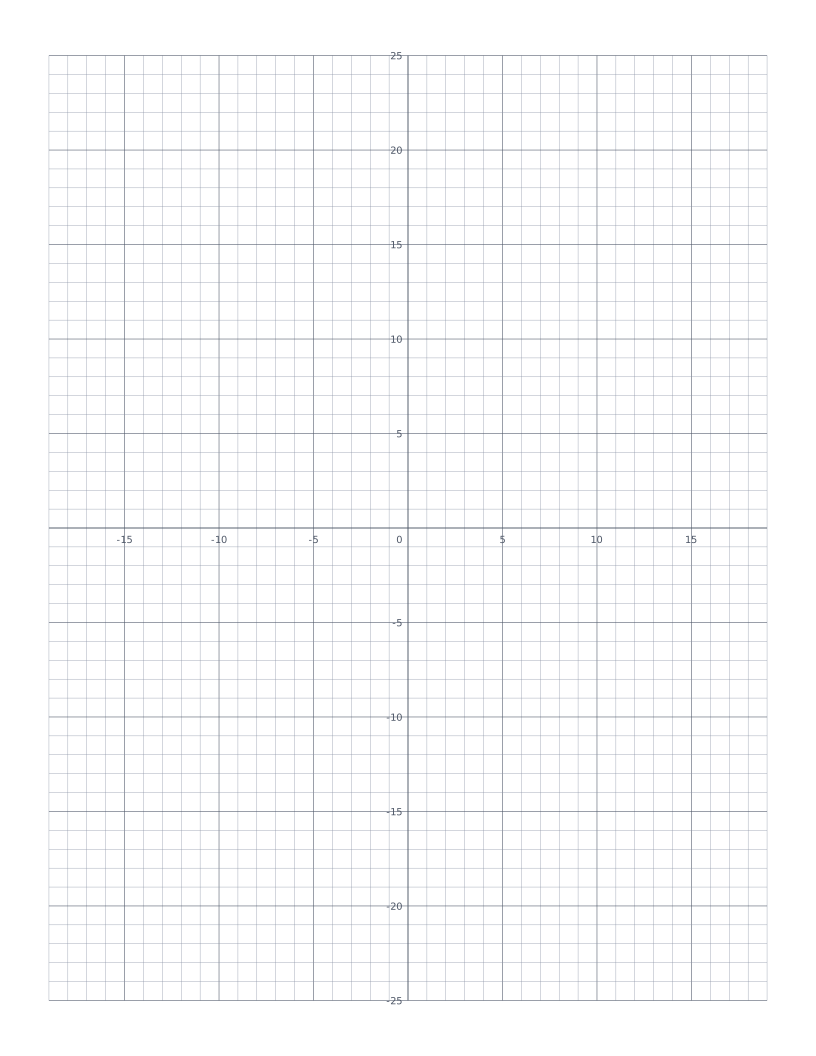
Coordinate Plane
Cartesian grid with numbered x and y axes through the centre: four quadrants for plotting points and graphing functions.
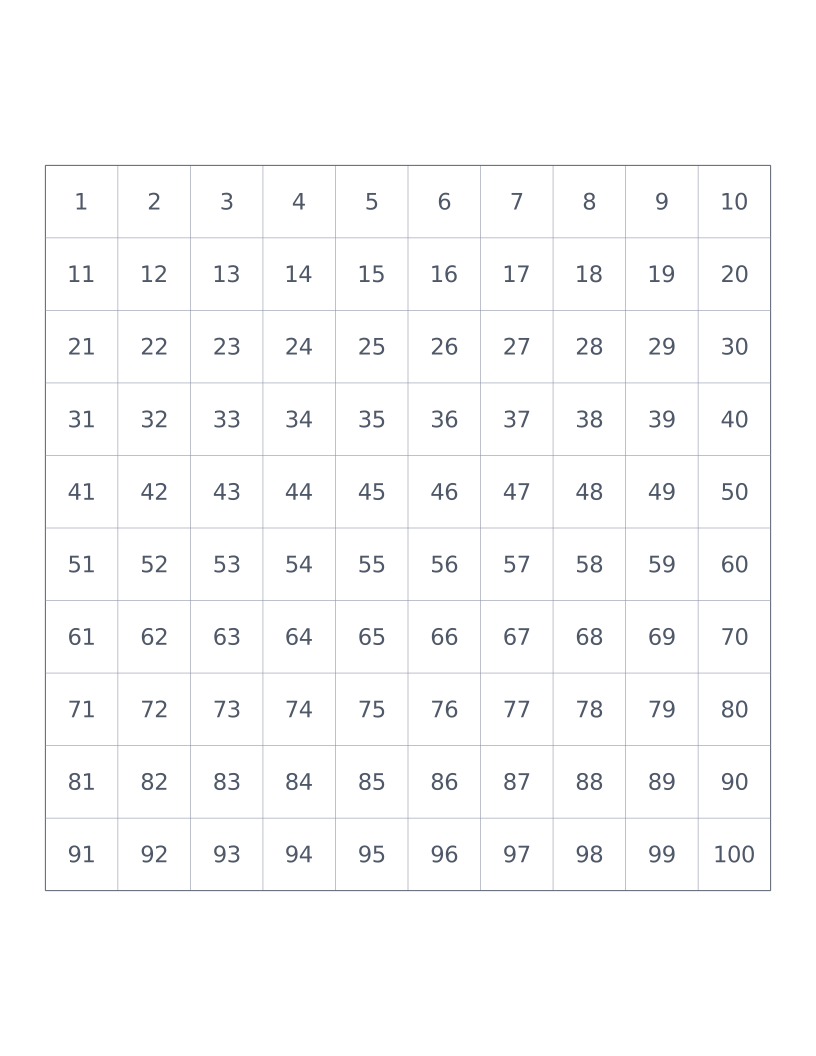
Hundreds Chart
10×10 grid numbered 1 to 100: a classroom staple for counting, place value and skip-counting.
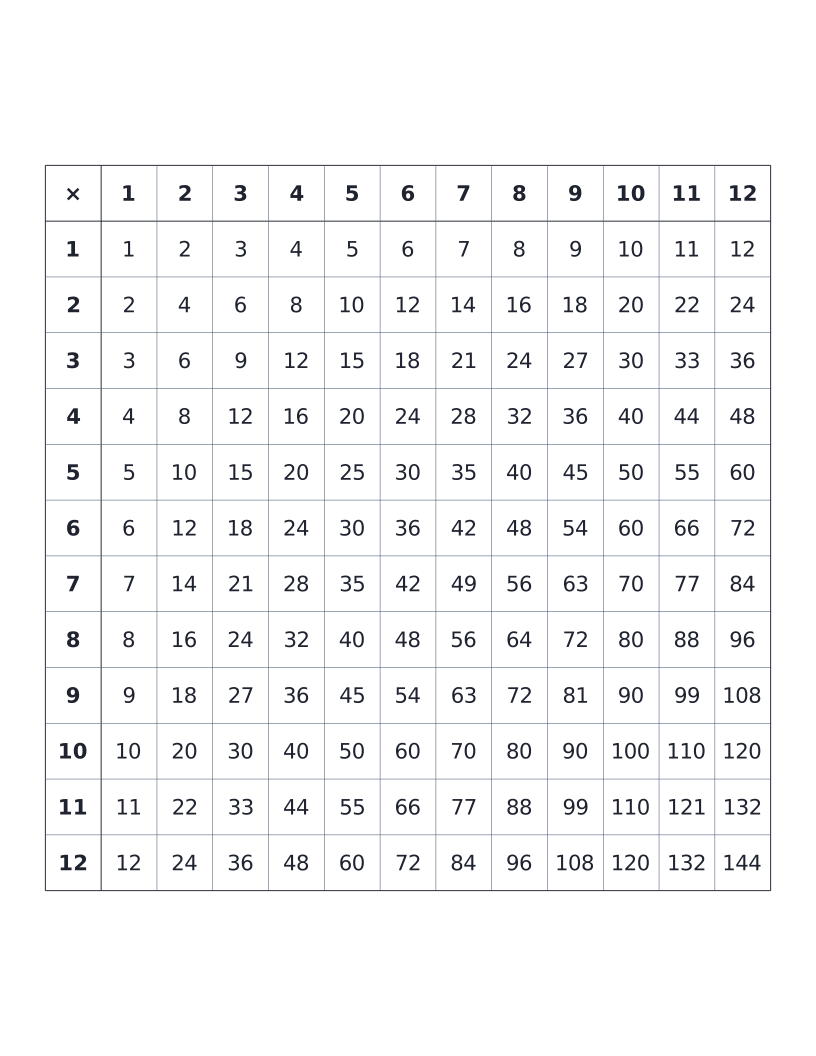
Multiplication Table (12×12)
12×12 times table with all products printed: the classic elementary reference chart.
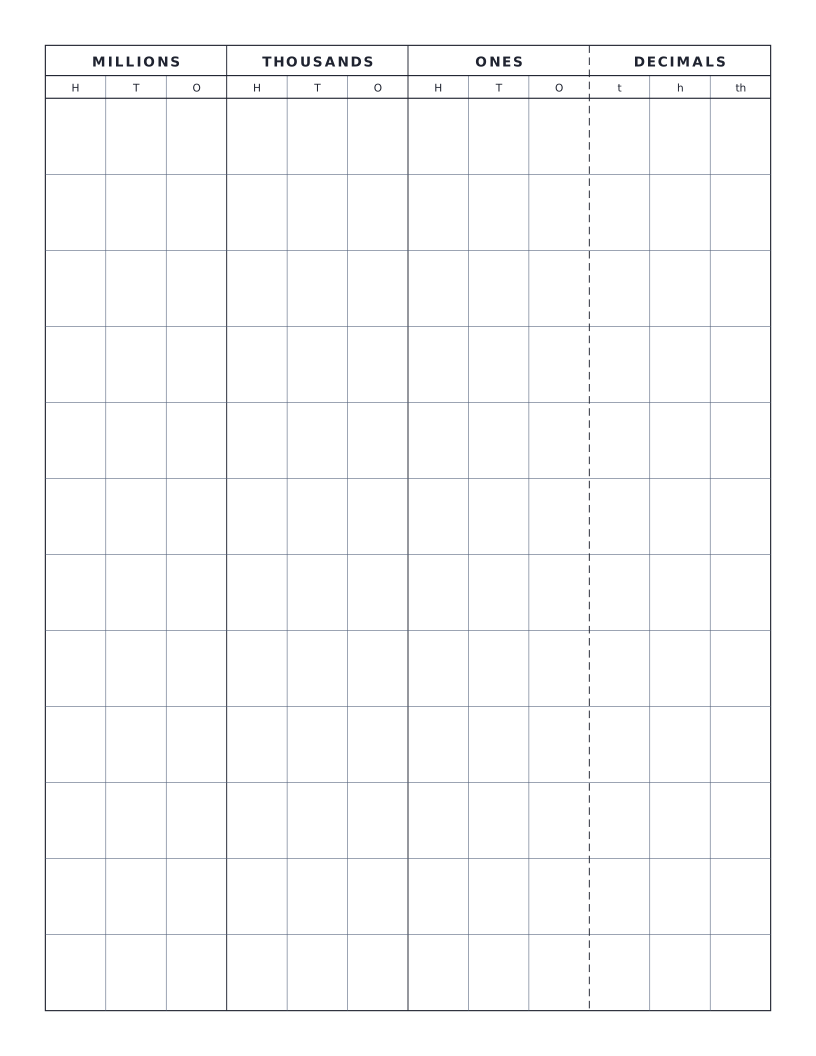
Place Value Chart
Standard place value chart through millions with optional decimals: groups columns by period (ones, thousands, millions) for clear reading.