Live preview · Letter (8.5" × 11") · Gray lines
Coordinate Plane
A complete Cartesian coordinate plane. Bold x and y axes through the centre, numbered tick marks, and a fine 5 mm grid in all four quadrants. The standard surface for algebra graphing, geometry transformations, and any work involving (x, y) coordinates.
Download generates a crisp vector PDF directly, no print dialog needed.
Choose a different paper size:
Choose a different line color:
Great for
- Plotting (x, y) coordinate pairs
- Graphing linear, quadratic and trigonometric functions
- Geometric transformations (rotation, reflection, translation)
- Algebra, pre-calculus and calculus homework
Coordinate Plane at a glance
| What it is | Cartesian grid with numbered x and y axes through the centre: four quadrants for plotting points and graphing functions. |
|---|---|
| Category | Math & Learning |
| Paper sizes | Letter (8.5" × 11"), A4 (210 × 297 mm), 11" × 17", Legal (8.5" × 14"), A3 (297 × 420 mm), A2 (420 × 594 mm), Poster (18" × 24"), Movie Poster (27" × 40") |
| Line colors | Faint, Light, Gray, Dark, Black, Blue, Green (default: Gray) |
| Format | Vector PDF download at exact physical scale, or print directly from the browser |
| Price & license | Free. No signup or watermark. Printed sheets may be used for personal, classroom and commercial work. |
About coordinate plane
The Cartesian coordinate plane is the most influential mathematical invention of the 17th century. René Descartes' 1637 idea that points in space could be identified by pairs of numbers, and that curves could be defined by equations relating those numbers. Before Descartes, geometry and algebra were separate disciplines; after him, they were the same discipline seen from different angles. The four-quadrant plane with the origin at centre is the natural representation: positive x to the right, positive y up, with each quadrant capturing a different sign combination. Every algebra class teaches this layout, every graphing calculator displays it, every plot in scientific publishing assumes it. Even when you only need one quadrant (real-world data with no negative values), the four-quadrant version is what students learn first because it's the conceptually complete picture.
What's on the page
A 5 mm square grid filling the page, with bolder accent lines every five cells (every 25 mm) and the bold x and y axes crossing at the centre. Tick marks are labelled with integers at every accent line. The axes are drawn slightly heavier than the accent grid so they stand out as the coordinate system, not just another grid line. The four quadrants are visually identical. You choose which is 'Quadrant I' (typically upper-right) by convention.
How to use it well
Pick the scale before you plot
Decide whether one cell equals 1 unit, 0.5 units, or 10 units before placing your first point. Mixing scales across axes is sometimes useful for tall-skinny functions, but mixing scales within an axis (some sections finer than others) is always a mistake.
Label the axes with both variable and unit
Just 'x' and 'y' tells readers nothing about what the plot represents. 'Time (seconds)' and 'Position (metres)' tells them what they're looking at. Even in pure math, label the axes with what they represent before plotting.
Mark only the points you need
For function plots, you don't need to mark every grid intersection. Three to five well-chosen points plus the general shape of the curve is enough. Marking every point at every integer x produces a cluttered plot that's harder to read than a clean one.
Identify symmetries to halve your work
Even functions (f(-x) = f(x)) are symmetric about the y-axis. Odd functions (f(-x) = -f(x)) are symmetric about the origin. Identify the symmetry, plot one half, mirror to the other. It's faster and produces more consistent plots.
Common mistakes to avoid
- Confusing the quadrants. Quadrant I is upper-right (positive x, positive y); II is upper-left; III is lower-left; IV is lower-right. The numbering goes counterclockwise starting from I. Mixing up the order is the most common source of sign errors in elementary graphing.
- Plotting (y, x) instead of (x, y). The convention is (horizontal coordinate, vertical coordinate), x first, y second. Even mathematicians reverse this occasionally; double-check your first few points before plotting an entire dataset.
- Forgetting to extend the axes. If your data goes from x=0 to x=100, the plot needs visible labels at intermediate points (25, 50, 75) for readers to interpolate. Sparse labelling is fine; missing labelling is not.
FAQ, Coordinate Plane
What's the difference between a coordinate plane and graph paper?+
A coordinate plane has labelled axes (typically through the centre) with numbered tick marks; graph paper is just the underlying grid without axes or labels. For graphing functions and plotting points, you want a coordinate plane. For other grid-based work (sketches, layouts, diagrams), plain graph paper is more flexible.
What scale should I use?+
Match the scale to the data range. If your data ranges from -10 to 10, one cell = 1 unit fits comfortably (Letter gives you roughly ±19 cells per axis from the origin, A4 about ±18). If it ranges from -100 to 100, one cell = 10 units. Avoid awkward divisors like 0.3 or 7 per cell, they make plotting and reading slow.
Why four quadrants and not just one?+
Because many functions span all four. The graph of y = x³ visits Quadrants I and III; y = sin(x) visits all four; many geometric problems involve negative coordinates. Even when your specific problem stays in Quadrant I, the four-quadrant view is the standard mental model for coordinate work.
Can I use this for trig graphs?+
Yes, but you may want to adjust the horizontal scale to mark π/2, π, 3π/2, 2π instead of integer values. Plot the trig function, then label the x-axis ticks with multiples of π. For pure trig work, a dedicated trig grid (with x-axis labelled in radians) is faster.
What if I need different scales on x and y?+
Common in physics and engineering. Pressure vs time, voltage vs current, anything where the units differ. The grid stays uniform 5 mm; you simply assign different unit values to the axes. Mark the scale clearly: 'x: 1 cell = 1 sec, y: 1 cell = 10 V'.
Why are the axes through the centre and not at the corner?+
Centred axes show all four quadrants equally. Corner axes (only Quadrant I) suit physical data with no negative values, but force learners to develop two mental models. Most teaching uses centred axes for that reason.
Printing tips for best results+
- 1. Click Print above. A new tab opens the template at exact size.
- 2. The print dialog appears automatically. Set Scale to 100%. Never "Fit to page", which silently shrinks every cell.
- 3. Set Margins to None or Minimum so the grid reaches the page edge.
- 4. For a PDF, click Download instead. It generates a vector PDF directly without going through the printer driver.
You might also like
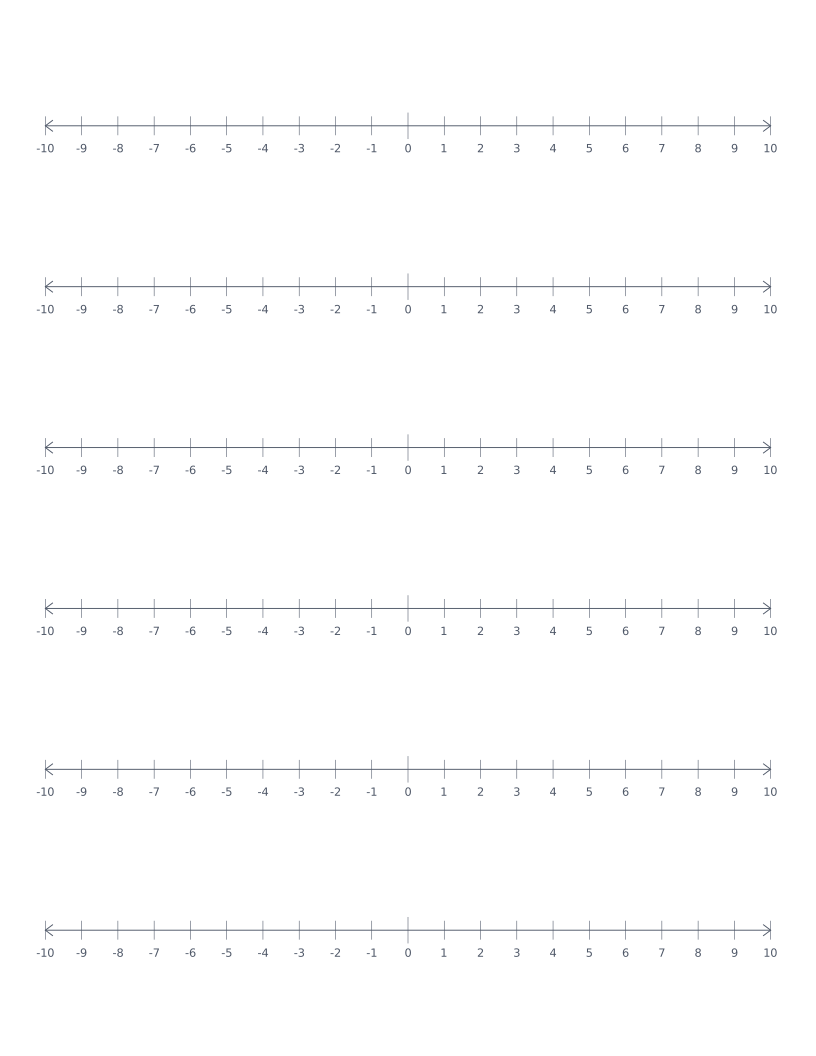
Number Line
Stacked number lines from -10 to 10: for elementary math, addition, subtraction and integer practice.
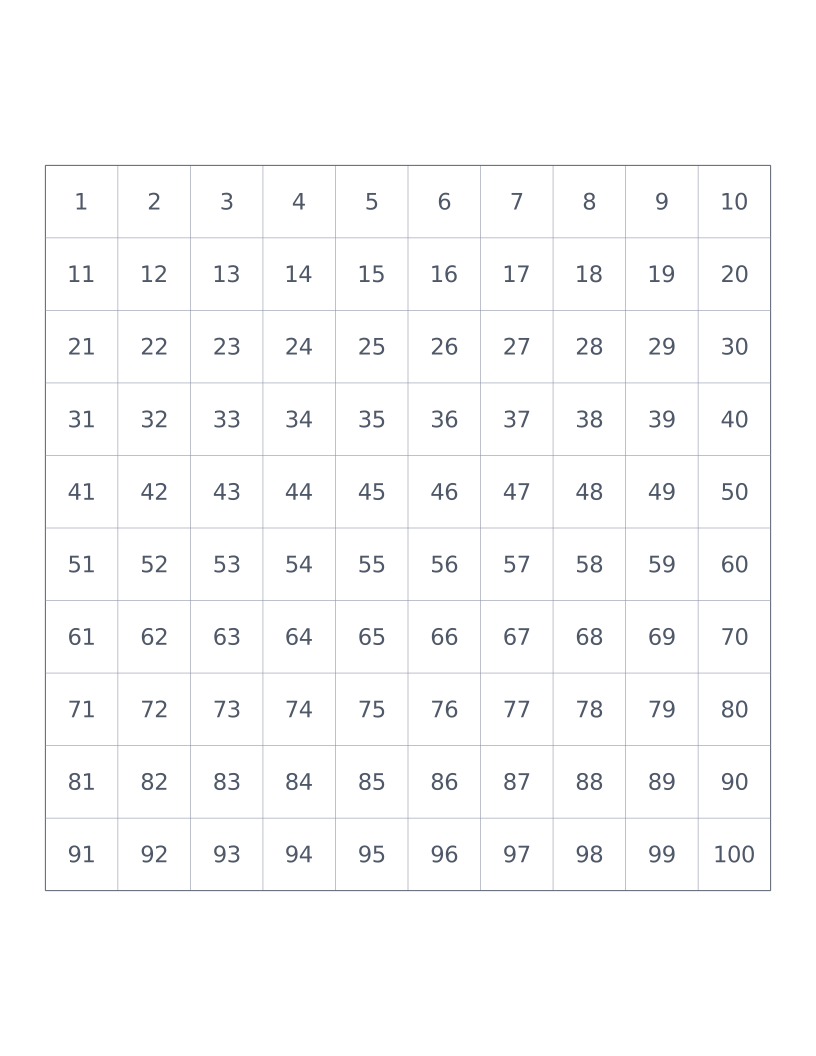
Hundreds Chart
10×10 grid numbered 1 to 100: a classroom staple for counting, place value and skip-counting.
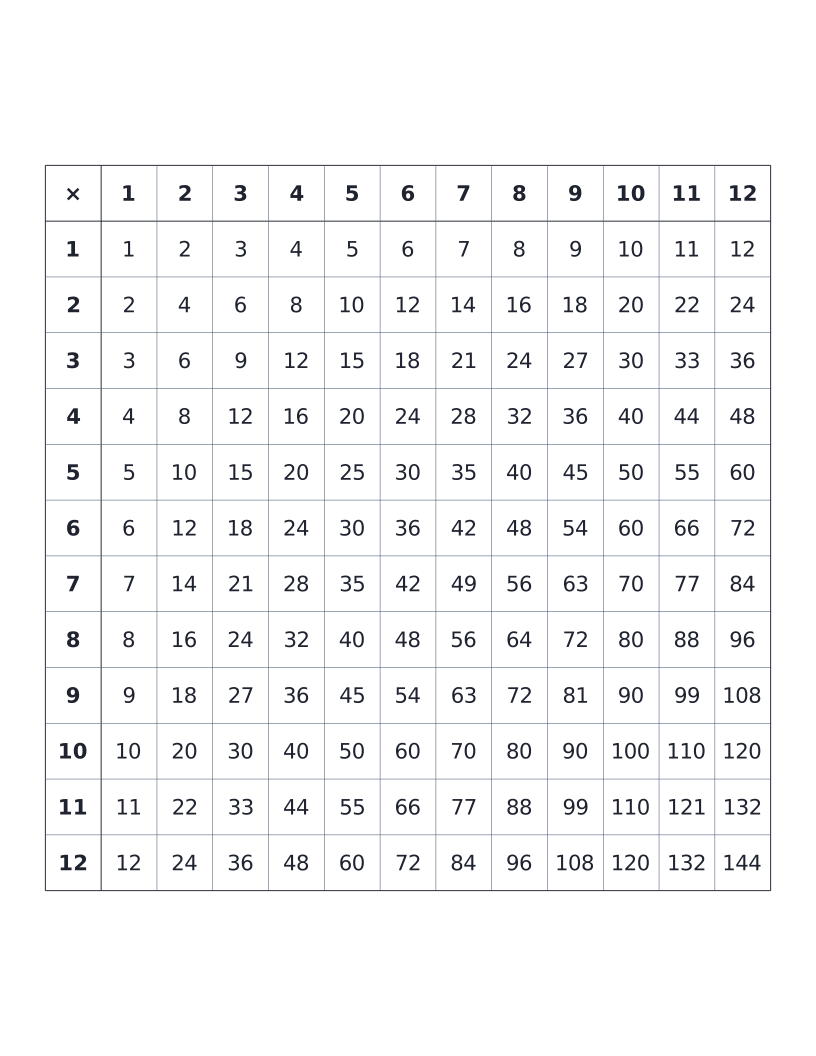
Multiplication Table (12×12)
12×12 times table with all products printed: the classic elementary reference chart.
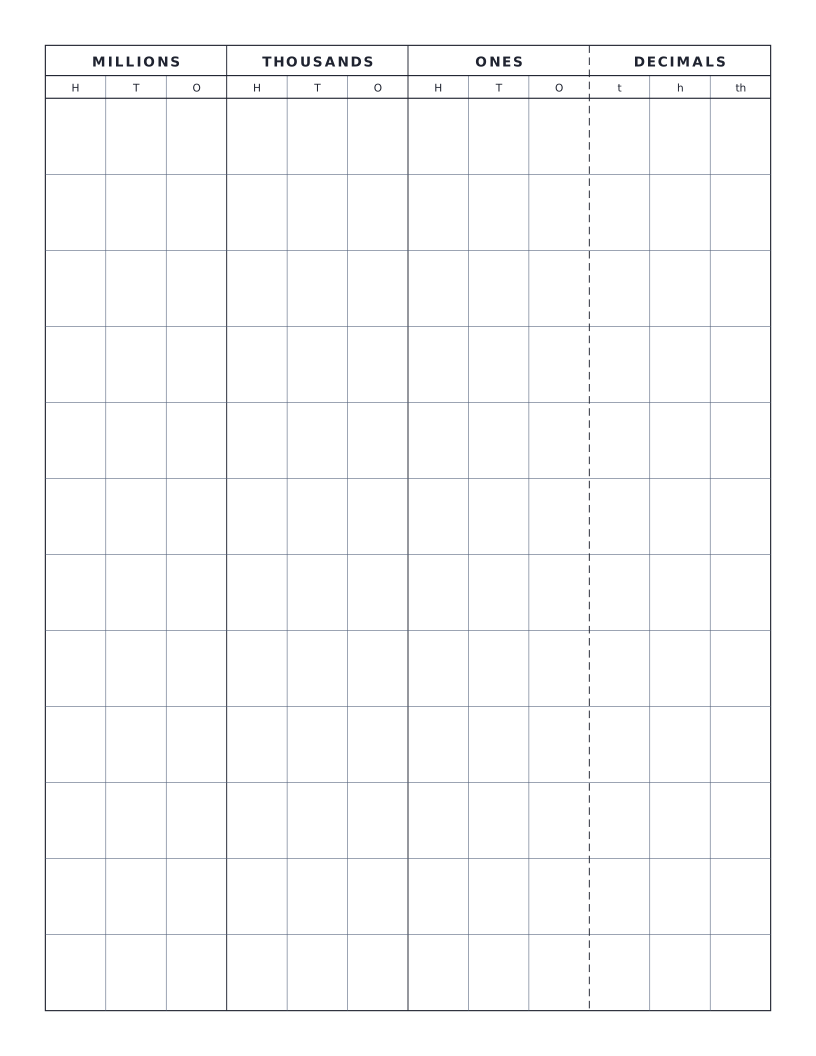
Place Value Chart
Standard place value chart through millions with optional decimals: groups columns by period (ones, thousands, millions) for clear reading.