Live preview · Letter (8.5" × 11") · Gray lines
Unit Circle Paper
A single large circle with the 16 standard angles marked in both degrees (0°, 30°, 45°, 60°, 90°, …) and radians (0, π/6, π/4, π/3, π/2, …). The fundamental trigonometry reference that every algebra-2 and pre-calculus student eventually memorises.
Download generates a crisp vector PDF directly, no print dialog needed.
Choose a different paper size:
Choose a different line color:
Great for
- Memorising sin, cos and tan values at standard angles
- Converting between degrees and radians
- Visualising periodic functions and angle additions
- Reference card for trig homework and exams
Unit Circle Paper at a glance
| What it is | Single large reference circle with key angles in degrees and radians: the standard trig reference for memorising sin, cos and tan of standard angles. |
|---|---|
| Category | Math & Learning |
| Paper sizes | Letter (8.5" × 11"), A4 (210 × 297 mm), 11" × 17", Legal (8.5" × 14"), A3 (297 × 420 mm), A2 (420 × 594 mm), Poster (18" × 24"), Movie Poster (27" × 40") |
| Line colors | Faint, Light, Gray, Dark, Black, Blue, Green (default: Gray) |
| Format | Vector PDF download at exact physical scale, or print directly from the browser |
| Price & license | Free. No signup or watermark. Printed sheets may be used for personal, classroom and commercial work. |
About unit circle paper
The unit circle is the central organising idea of trigonometry. For any angle θ measured counterclockwise from the positive x-axis, the point on the unit circle at that angle has coordinates (cos θ, sin θ). The tangent is the slope of the radial line; the secant, cosecant and cotangent follow from the same construction. Memorising the coordinates of sixteen standard angles (multiples of 30° and 45° around the full circle) gives you exact-value access to nearly every trig calculation a student will encounter in algebra-2, pre-calc and first-semester calculus. The construction also unifies right-triangle trigonometry (which works only for acute angles) with the broader notion of trig functions as functions on all real numbers. Every periodic function — physics waves, AC circuits, Fourier analysis — eventually traces back to the unit circle. The format on this template is the standard one taught in US high schools: degrees outside the circle, radians inside, with the radial line from origin to perimeter marked for each angle.
What's on the page
A large circle centred on the page with horizontal and vertical axes crossing through the origin. Sixteen radial lines mark the standard angles: 0°, 30°, 45°, 60°, 90°, 120°, 135°, 150°, 180°, 210°, 225°, 240°, 270°, 300°, 315° and 330°. Each angle is labelled twice: in degrees outside the circle and in radians (as a fraction of π) just inside the circle. A small dot marks the origin.
How to use it well
Memorise quadrant I, then mirror
Only the first quadrant (0° to 90°) has four 'new' angles: 0°, 30°, 45°, 60°, 90°. The other 12 angles are reflections and rotations of these. Memorise the sin and cos values for quadrant I, then derive the rest by symmetry and sign changes — far easier than rote memorisation of 16 separate values.
Recognise 30-60-90 and 45-45-90 triangles
The 30°, 45° and 60° coordinates come from two famous right triangles. The 30-60-90 triangle has sides 1, √3, 2, giving sin 30° = 1/2 and cos 30° = √3/2. The 45-45-90 has sides 1, 1, √2, giving sin 45° = cos 45° = √2/2. These two triangles unlock the whole unit circle.
Use the radian labels for calculus
Calculus problems are almost always stated in radians (not degrees), because the derivative of sin x is cos x only when x is in radians. The radian labels on the inside of the circle make it easier to think in calc-friendly units.
Sign check by quadrant
Quadrant I (0–90°): both sin and cos positive. II (90–180°): sin positive, cos negative. III (180–270°): both negative. IV (270–360°): sin negative, cos positive. ASTC ('all students take calculus') is one of many mnemonics for remembering which functions are positive in each quadrant.
Common mistakes to avoid
- Confusing the coordinates with the angle measures. The point at 30° on the unit circle has coordinates (cos 30°, sin 30°) = (√3/2, 1/2), not (30, 30) or (1, 0). The angle and the coordinates are different numbers; the unit circle relates them.
- Forgetting that the radius is 1. The unit circle has radius 1 by definition; that's where the simple sin θ = y, cos θ = x relationship comes from. Circles of other radii give scaled coordinates, but the unit circle is the reference.
- Mixing degrees and radians. sin(π/6) = 1/2, but sin(π/6 in degrees) ≠ 1/2 because π/6 degrees is a tiny angle. Always know which unit you're in before computing.
FAQ, Unit Circle Paper
Why are there 16 angles?+
Because they're the angles whose sin and cos values can be expressed exactly using radicals (no decimal approximations). 30°, 45°, 60° and their reflections give all 16. Other angles (like 17°) have transcendental sin and cos values that don't simplify nicely; they don't get marked on the standard chart.
How do I convert between degrees and radians?+
π radians = 180°. So radians = degrees × (π/180), and degrees = radians × (180/π). The chart labels both for you so you don't have to convert during quick lookup.
Where does tan fit in?+
tan θ = sin θ / cos θ — the slope of the radial line at angle θ. At 45°, sin = cos, so tan = 1. At 90°, cos = 0, so tan is undefined (the line is vertical). For exact tan values at standard angles, compute as the ratio of the marked sin and cos values.
How is this different from [polar graph paper](/graph-paper/polar-graph-paper)?+
Polar graph paper has concentric circles at multiple radii and radial lines for plotting arbitrary polar coordinates. The unit circle template has a single reference circle (radius 1) with specific named angles for trigonometry. Different applications: polar paper is for plotting; unit circle is for trig reference.
Should I memorise the chart or look it up?+
Both, at different stages. Early in trig, look up values as you learn. By the end of the course, the 16 standard angles should be memorised — too many subsequent topics (identities, calculus, physics) assume instant recall. The chart helps you internalise the patterns; once internalised, you stop needing it.
Printing tips for best results+
- 1. Click Print above. A new tab opens the template at exact size.
- 2. The print dialog appears automatically. Set Scale to 100%. Never "Fit to page", which silently shrinks every cell.
- 3. Set Margins to None or Minimum so the grid reaches the page edge.
- 4. For a PDF, click Download instead. It generates a vector PDF directly without going through the printer driver.
You might also like
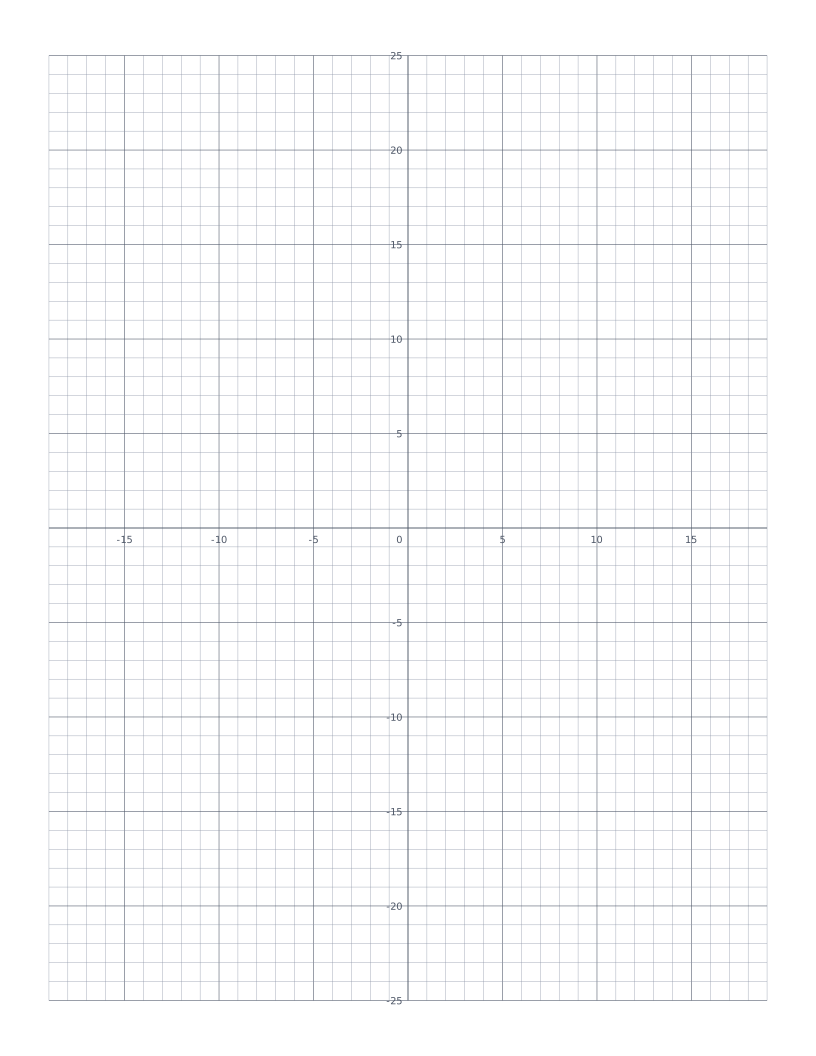
Coordinate Plane
Cartesian grid with numbered x and y axes through the centre: four quadrants for plotting points and graphing functions.
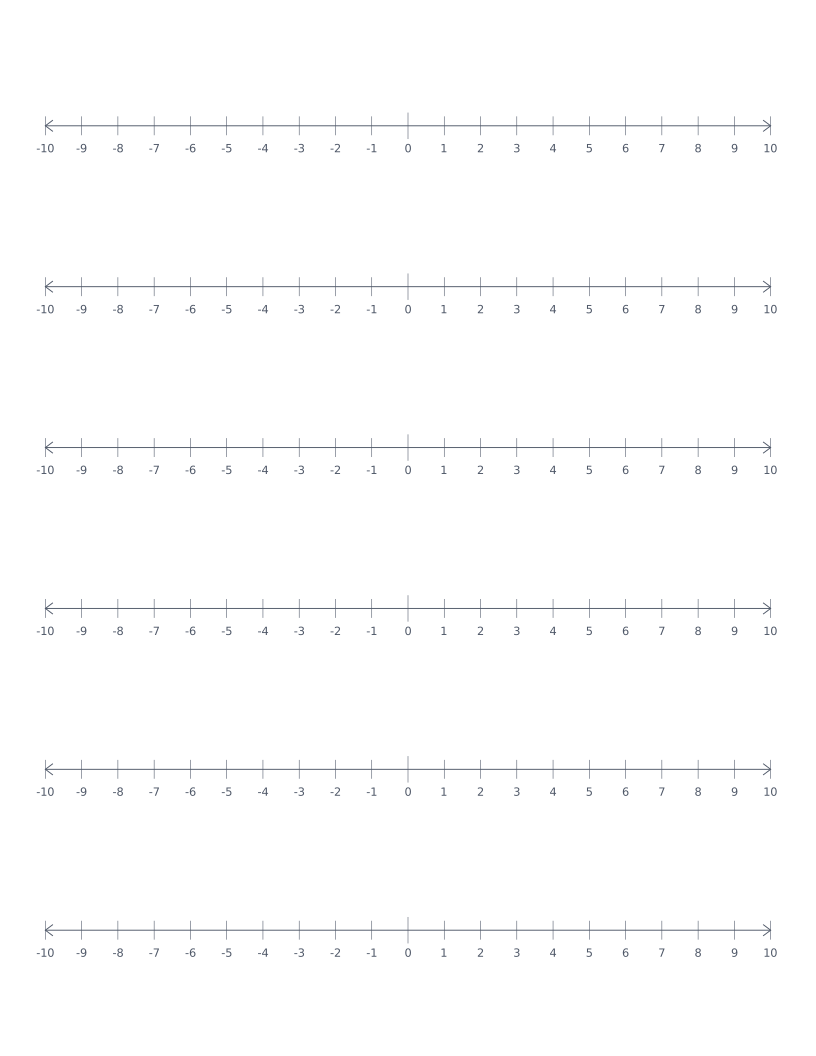
Number Line
Stacked number lines from -10 to 10: for elementary math, addition, subtraction and integer practice.
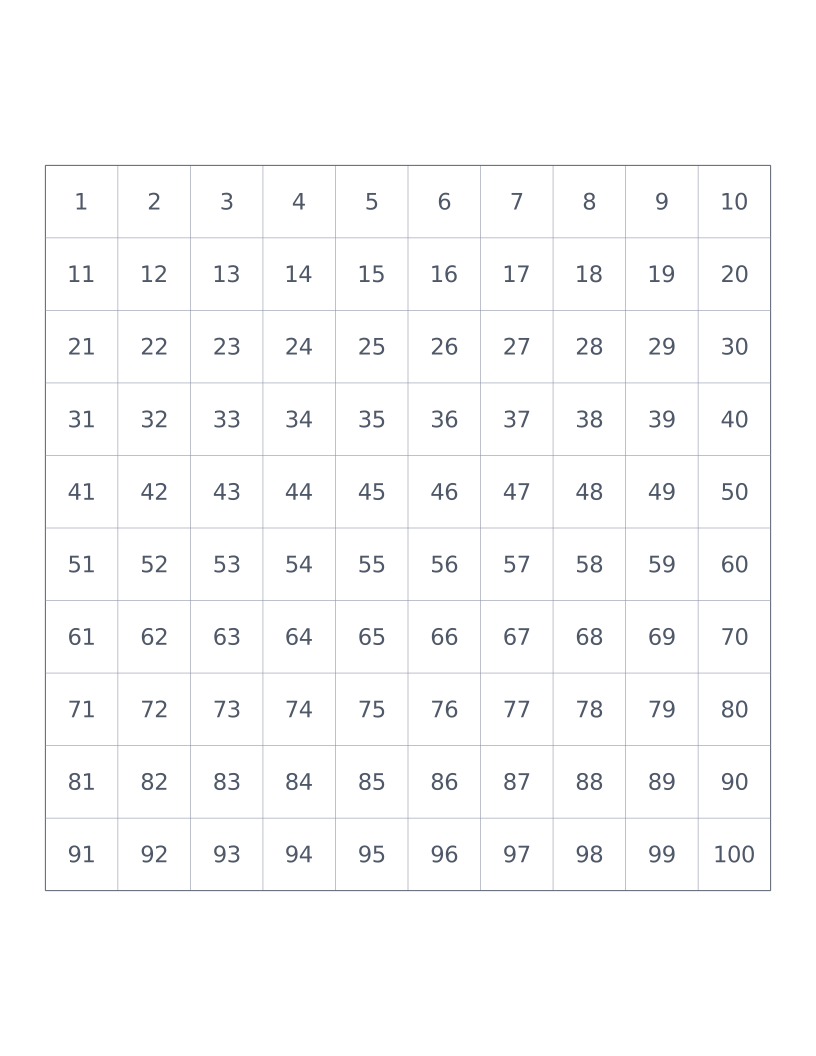
Hundreds Chart
10×10 grid numbered 1 to 100: a classroom staple for counting, place value and skip-counting.
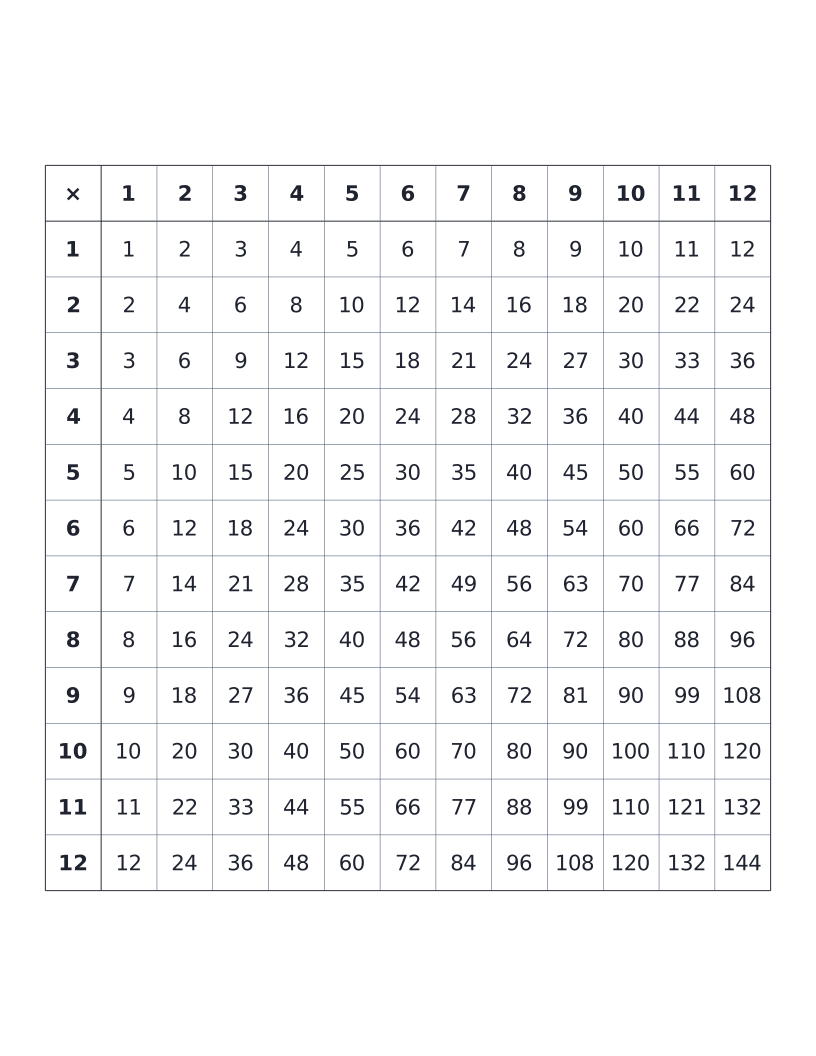
Multiplication Table (12×12)
12×12 times table with all products printed: the classic elementary reference chart.