Live preview · Letter (8.5" × 11") · Dark lines
Genkō Yōshi (Japanese Writing Paper)
Genkō Yōshi (原稿用紙, 'manuscript paper') is the standard Japanese composition paper. 10 columns of 20 square cells, giving 200 character cells per sheet. Each cell holds exactly one kanji, kana, or punctuation mark, and the layout supports vertical right-to-left writing as well as horizontal left-to-right.
Download generates a crisp vector PDF directly, no print dialog needed.
Choose a different paper size:
Choose a different line color:
Great for
- Japanese essays, novels and academic writing
- Kanji, hiragana and katakana handwriting practice
- Calligraphy and shodō (書道) drafts
- Japanese language classes and JLPT preparation
Genkō Yōshi (Japanese Writing Paper) at a glance
| What it is | Traditional Japanese composition paper: 200 character cells per sheet for writing practice. |
|---|---|
| Category | Language & Script |
| Paper sizes | Letter (8.5" × 11"), A4 (210 × 297 mm), 11" × 17", Legal (8.5" × 14"), A3 (297 × 420 mm), A2 (420 × 594 mm), Poster (18" × 24"), Movie Poster (27" × 40") |
| Line colors | Faint, Light, Gray, Dark, Black, Blue, Green (default: Dark) |
| Format | Vector PDF download at exact physical scale, or print directly from the browser |
| Price & license | Free. No signup or watermark. Printed sheets may be used for personal, classroom and commercial work. |
About genkō yōshi (japanese writing paper)
Genkō Yōshi developed alongside the modernisation of Japanese printing in the late 19th century. Before its widespread adoption, Japanese writing on plain paper produced visually inconsistent results because each kanji can have wildly different stroke counts. A one-stroke 一 (ichi, 'one') next to a 21-stroke 鑑 (kan, 'mirror') makes any unstructured layout look ragged. The genkō yōshi grid solves this by forcing every character into an equal-size square cell regardless of complexity, producing the clean tabular look that became standard for Japanese publishing. By the early 20th century, every Japanese publisher accepted manuscripts only on genkō yōshi. Typically 400 character paper (20×20) for novels and 200 character paper (our 10×20) for shorter work. The character count per sheet is so ingrained that publication contracts and writing assignments are still specified in number of genkō yōshi pages, even when the work is composed digitally.
What's on the page
A grid of 200 square cells arranged as 10 columns × 20 rows, with each cell sized for handwriting one Japanese character. A narrow vertical gutter sits between adjacent columns, providing space to write furigana (small reading glosses) beside the column on either side. Dark line colour is the default. Every cell border needs to register for the writer to maintain character placement. The paper is symmetrical about both axes, so it can be used for vertical (right-to-left) or horizontal writing equally well.
How to use it well
One character per cell, including punctuation
The defining rule of genkō yōshi is one symbol per cell, including 。(period), 、(comma), and small kana like っ. Multi-character compounds still get one cell each. The strict one-to-one mapping is what produces the consistent visual rhythm.
Indent the first cell of a paragraph
Conventional Japanese writing indents the first cell of each new paragraph (leaving cell 1 empty and starting at cell 2). This convention is universal in formal writing, essays, novels, exam papers. Don't break it without reason.
Use the column gutters for furigana
When writing rare or difficult kanji, write the hiragana reading in the narrow column beside the main cell. This is standard in children's books and any writing aimed at less-fluent readers.
Write quotation marks across two cells
Japanese quotation marks 「」 and 『』 each take one cell, with one for the opening mark and one for the closing. The opening mark sits in the upper-left of its cell; the closing mark sits in the lower-right of its cell. The visual asymmetry signals which is which.
Common mistakes to avoid
- Writing left-to-right horizontally without indicating direction. Japanese can be written vertically (traditional) or horizontally (modern, especially for technical work). Pick one and stick with it for a given page, switching mid-page is rare and confusing.
- Compressing two characters into one cell. The one-character-per-cell rule is structural, not flexible. Doubling up turns the page into ordinary lined paper and defeats the purpose of using genkō yōshi.
- Using genkō yōshi for English text. The grid is designed for square-shaped CJK characters that fill the cell. Latin letters are tall and narrow, so writing English in genkō yōshi cells produces stretched, awkward-looking text. Use ordinary lined paper for English.
FAQ, Genkō Yōshi (Japanese Writing Paper)
Which direction do I write?+
Both directions are valid. Traditional Japanese is written vertically, top-to-bottom in columns, starting from the right side of the page. Modern Japanese (especially scientific and technical writing) is often written horizontally, left-to-right. Genkō yōshi accommodates both because the cells are square.
Why 200 cells and not some other number?+
Historical publishing convention. 200-cell (10×20) and 400-cell (20×20) genkō yōshi are the two standard sizes; the count was set so that page contracts and word-count equivalents could be calculated cleanly. A '50-page short story' meant exactly 10,000 characters at 200/page, which gave editors a useful production-planning unit.
Do I need genkō yōshi to learn Japanese?+
For handwriting practice, yes. The cells force you to write characters at consistent size, which is critical when you're learning unfamiliar shapes. For reading and conversation practice, no, genkō yōshi is specifically a writing tool.
What's the difference between 200-cell and 400-cell paper?+
400-cell (20×20) is the publishing industry standard for novels and serious literature, bigger sheet, longer writing sessions. 200-cell (10×20) is more common for school assignments, short essays, and personal practice. The cell size differs too: 400-cell cells are slightly smaller because they fit twice the count in similar paper dimensions.
Can I use it for Chinese or Korean writing?+
For Chinese hanzi, the cell layout works fine. Chinese characters are also designed to fill a square. For Korean hangul, you typically want a different grid (each syllable block fits in a square but the layout conventions are different). Korean writing paper is usually called 'wongoji' (원고지) and has slightly different proportions.
Printing tips for best results+
- 1. Click Print above. A new tab opens the template at exact size.
- 2. The print dialog appears automatically. Set Scale to 100%. Never "Fit to page", which silently shrinks every cell.
- 3. Set Margins to None or Minimum so the grid reaches the page edge.
- 4. For a PDF, click Download instead. It generates a vector PDF directly without going through the printer driver.
You might also like
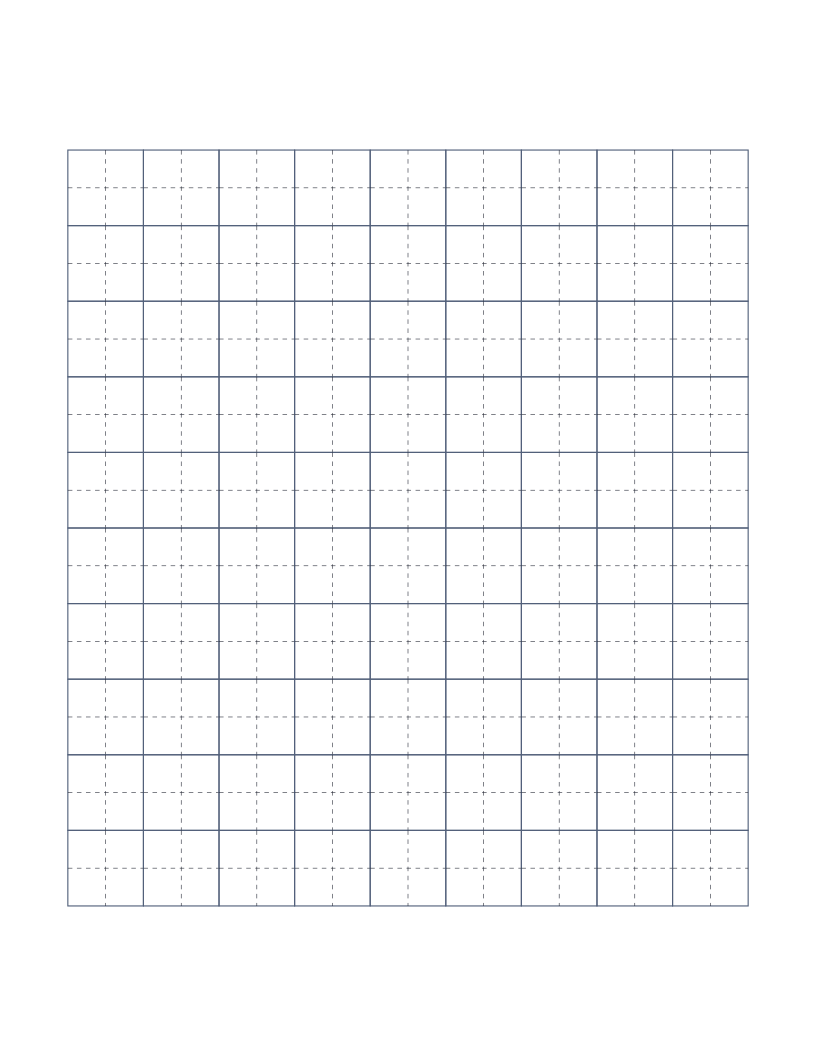
Tianzige Paper (Chinese Character Practice)
Chinese character practice grid: each cell divided by dashed crosshairs for stroke placement.
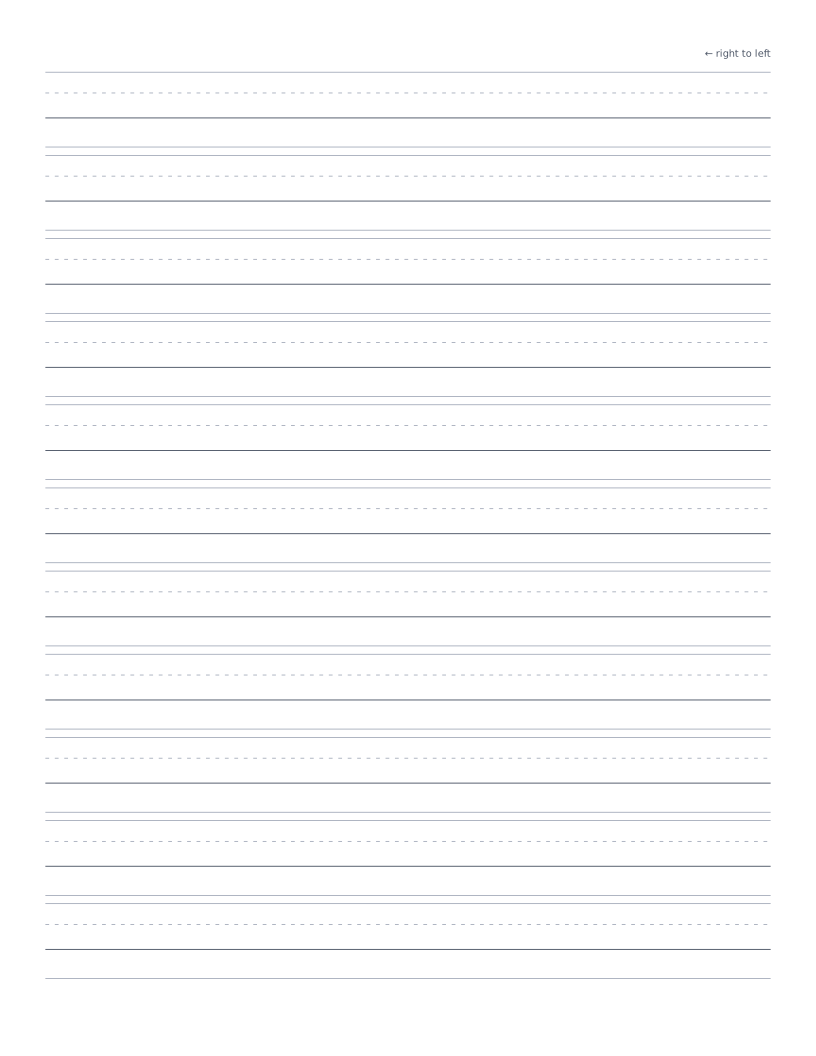
Arabic Handwriting Practice Paper
Four-line scaffold for Arabic handwriting practice: ascender, midline, baseline and descender lines marked right-to-left.
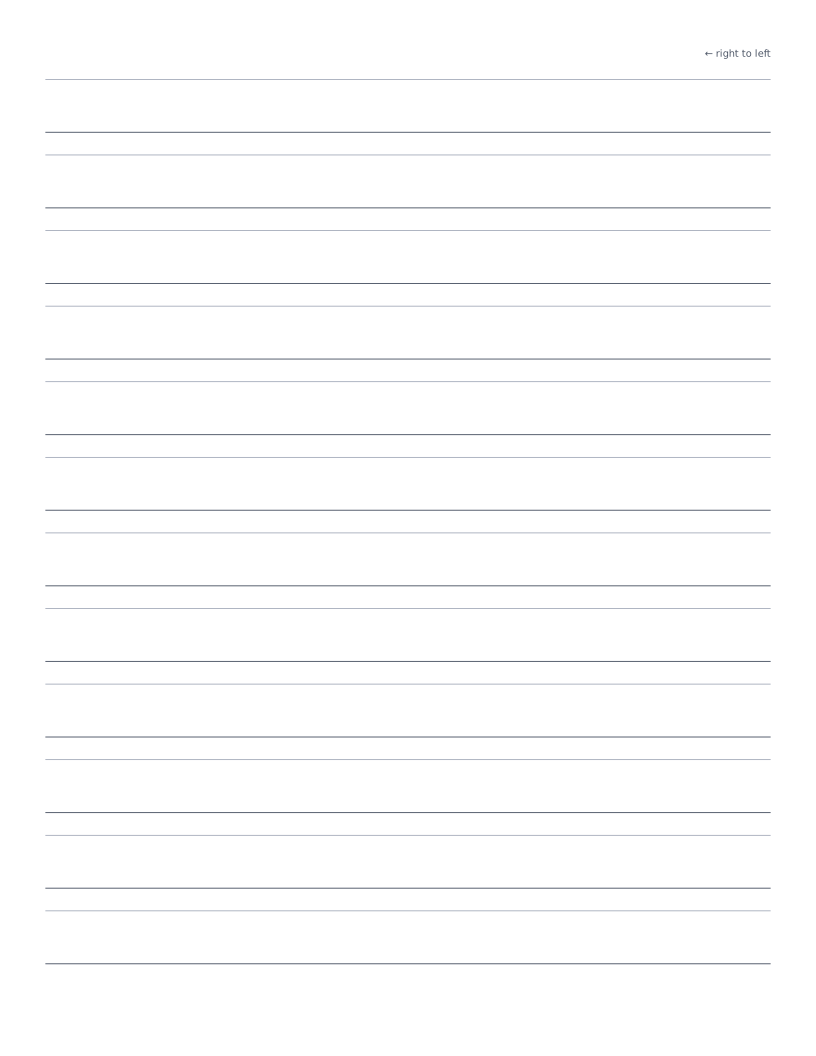
Hebrew Handwriting Practice Paper
Two-line scaffold for Hebrew handwriting practice: head line and baseline with right-to-left direction marker.
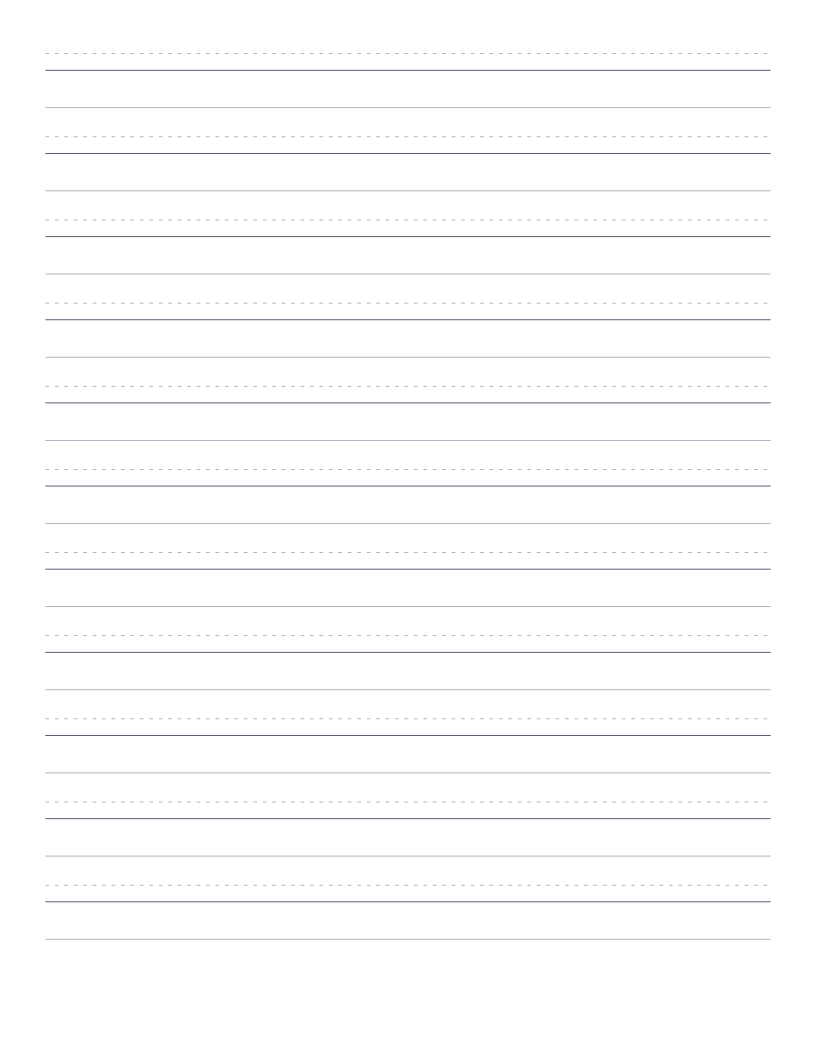
Devanagari Handwriting Practice Paper
Three-line scaffold for Devanagari handwriting practice: ascender, the characteristic heavy shirorekha (top horizontal line), and baseline.