Live preview · Letter (8.5" × 11") · Gray lines
Venn Diagram (3-Circle)
A standard 3-circle Venn diagram: three overlapping circles labelled A, B and C with seven distinct regions (each circle alone, each pair-intersection, the central triple-intersection, plus the outside-all-three region). The diagram every school child encounters when learning about sets and intersections.
Download generates a crisp vector PDF directly, no print dialog needed.
Choose a different paper size:
Choose a different line color:
Great for
- Set theory and probability instruction
- Comparing concepts or attributes in essays and presentations
- Brainstorming overlap between project requirements, audiences, or design constraints
- Decision-making and trade-off analysis
Venn Diagram (3-Circle) at a glance
| What it is | Three overlapping circles labelled A, B and C: the classic format for set intersections, comparing concepts and brainstorming. |
|---|---|
| Category | Math & Learning |
| Paper sizes | Letter (8.5" × 11"), A4 (210 × 297 mm), 11" × 17", Legal (8.5" × 14"), A3 (297 × 420 mm), A2 (420 × 594 mm), Poster (18" × 24"), Movie Poster (27" × 40") |
| Line colors | Faint, Light, Gray, Dark, Black, Blue, Green (default: Gray) |
| Format | Vector PDF download at exact physical scale, or print directly from the browser |
| Price & license | Free. No signup or watermark. Printed sheets may be used for personal, classroom and commercial work. |
About venn diagram (3-circle)
The Venn diagram is named for John Venn, the British mathematician who introduced it in an 1880 paper as a way to illustrate set-theoretic relationships. Venn's diagrams generalised earlier work by Leonhard Euler in the 1760s; the now-standard three-circle form was Venn's innovation. The reason the format remains ubiquitous nearly 150 years later is that it captures a complex idea — set intersection and union — with a single visual that even children can read. Each circle represents a set; the regions where circles overlap represent elements belonging to multiple sets; the region outside all circles represents elements belonging to none. With three circles, you get seven non-empty regions in the diagram (the central region where all three overlap is the famous 'sweet spot' of much business writing). Mathematically, three-circle Venn diagrams suffice for any combination of three sets; four or more sets require the 'Euler diagram' generalisation (circles or ellipses arranged to show all possible intersections), which is harder to draw and harder to read. The three-circle form is the workhorse: useful for math instruction, presentations, brainstorming, and the explicit visualisation of trade-offs between three options.
What's on the page
Three large equal-radius circles overlapping in the standard symmetric arrangement: one at the top, two below-left and below-right, with the three intersecting regions visible. Each circle is labelled A, B and C above its outer edge. Inside the page margins, the circles are sized as large as the page permits while keeping the overall arrangement balanced. The seven regions formed by the overlaps are blank — you write the contents (set elements, attributes, concepts) by hand.
How to use it well
Write region labels before content
Before filling in items, name each of the seven regions: 'A only', 'A and B', 'all three', 'none of them', etc. This makes sure every item finds its right region rather than being squeezed into the closest visible space.
Use the central triple-overlap for the synthesis
The middle region (all three circles) is the focal point of most useful Venn diagrams. In a 'desirable / feasible / viable' diagram, it's the recommended choice. In a 'fast / good / cheap' diagram, it's the impossible ideal. Whatever the three circles represent, the central overlap is what the diagram is really about.
Label specifically, not just A, B, C
Use real names instead of letters when the content matters. 'Friends / Coworkers / Family' is more useful than 'A / B / C'. The letter labels on the template are starting points; relabel for your specific use.
Two circles for binary comparisons
If you're comparing only two things (say, similarities and differences between two books, or pros vs cons of an option), use the two-circle version — three circles for a two-thing comparison creates unused regions that distract.
Common mistakes to avoid
- Cramming too many items into one region. Each region has limited space; if you find yourself writing in 8-point font to fit everything, the Venn diagram is the wrong tool for the job. Use a list or table instead.
- Drawing the circles unequal sizes. Convention is for the circles to be the same size. Unequal sizes can suggest one set is 'larger' or more important, which is rarely the intent.
- Using a Venn diagram for non-overlapping categories. Venn diagrams are for sets that can overlap. If your categories are strictly mutually exclusive ('apple / banana / cherry'), use a pie chart or a list, not a Venn.
FAQ, Venn Diagram (3-Circle)
What's the difference between a Venn diagram and an Euler diagram?+
Venn diagrams always show all possible intersections — even empty ones. Euler diagrams show only the non-empty intersections. For three sets, the Venn diagram has all seven regions whether or not all of them have content; the Euler diagram omits any region that has no elements. Venn is more common in math instruction; Euler is more common in informal usage.
Why three circles and not two or four?+
Three is the most useful default: more than a two-way comparison (two circles), but few enough that all overlapping regions are visible and labelable. Four or more circles can't be drawn with all overlap regions visible using equal circles — you need ellipses or odd shapes, and the diagram becomes hard to read. Three is the sweet spot.
Can I use this for probability problems?+
Yes. Each region's area can be labelled with a probability, and the standard inclusion-exclusion principle (P(A or B or C) = P(A) + P(B) + P(C) − P(A and B) − P(A and C) − P(B and C) + P(A and B and C)) is most easily visualised on a Venn diagram.
How do business presentations use Venn diagrams?+
Typically for trade-off analysis or 'sweet spot' arguments. Common examples: 'Desirable / Feasible / Viable' (the IDEO innovation triangle), 'Customer needs / Company capabilities / Market opportunities', 'Strategy / People / Process'. The central overlap is the recommended solution; the diagram's job is to make that recommendation visually compelling.
Are there any rules about how the circles must overlap?+
For a strict Venn diagram, yes: all 2^n possible intersection regions must be visible (for n circles, that's 7 regions for n=3 — all three circles alone, each pair, the central triple, and the outside). Symmetric arrangements (like this template) are easiest to draw and read. Informal use is more relaxed; the symmetry is conventional but not required.
Printing tips for best results+
- 1. Click Print above. A new tab opens the template at exact size.
- 2. The print dialog appears automatically. Set Scale to 100%. Never "Fit to page", which silently shrinks every cell.
- 3. Set Margins to None or Minimum so the grid reaches the page edge.
- 4. For a PDF, click Download instead. It generates a vector PDF directly without going through the printer driver.
You might also like
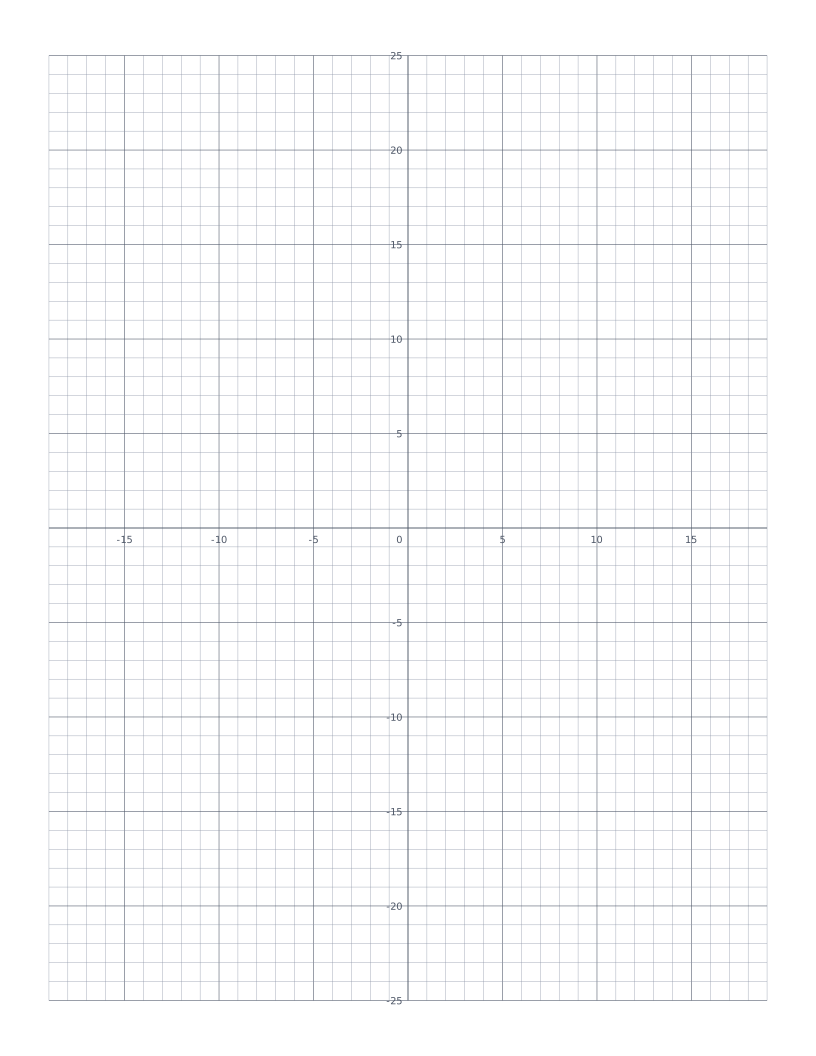
Coordinate Plane
Cartesian grid with numbered x and y axes through the centre: four quadrants for plotting points and graphing functions.
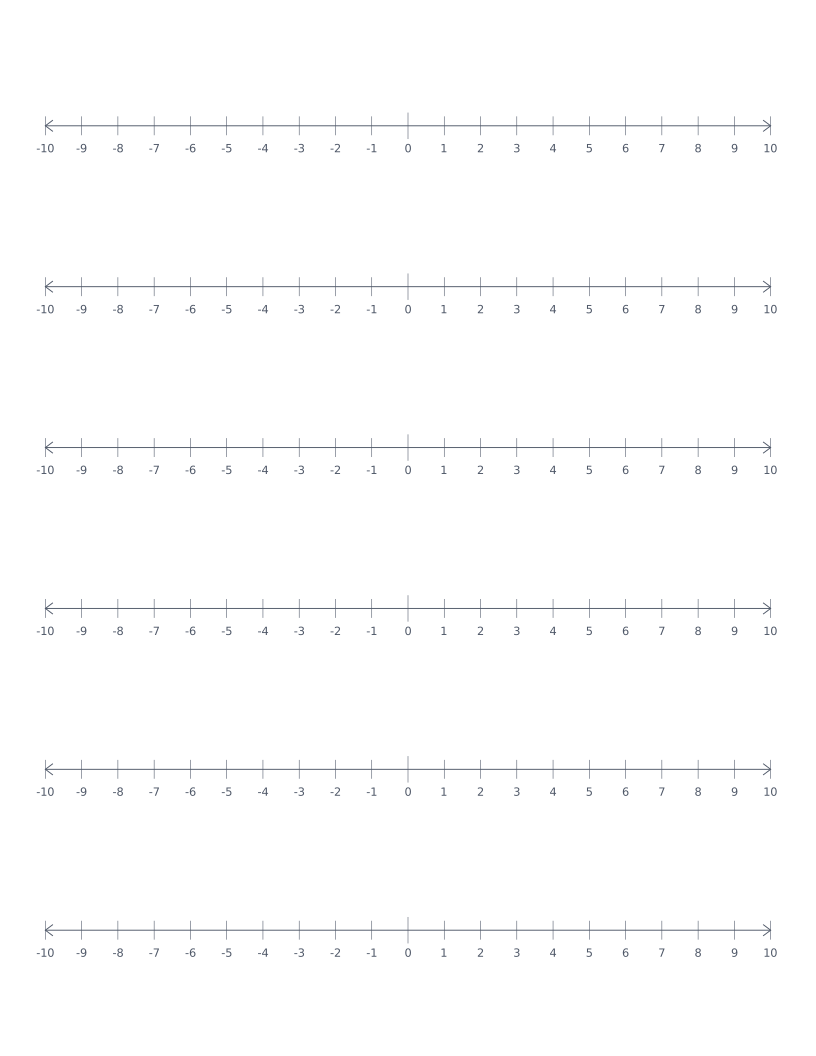
Number Line
Stacked number lines from -10 to 10: for elementary math, addition, subtraction and integer practice.
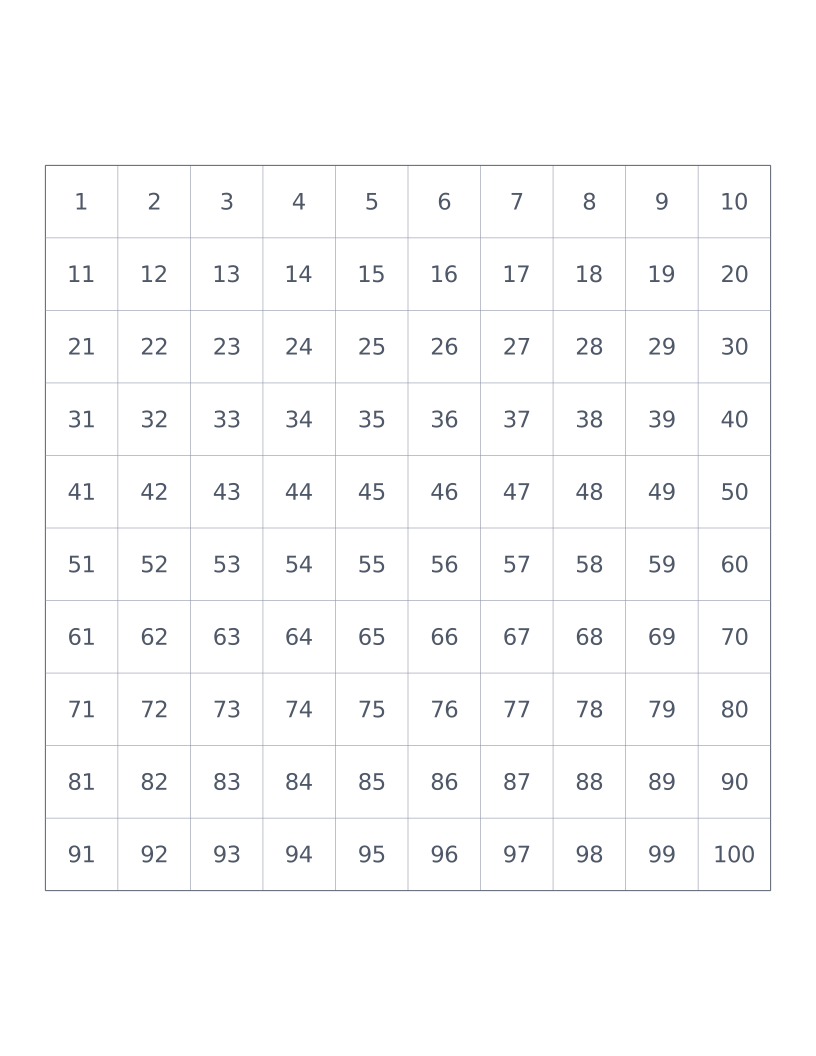
Hundreds Chart
10×10 grid numbered 1 to 100: a classroom staple for counting, place value and skip-counting.
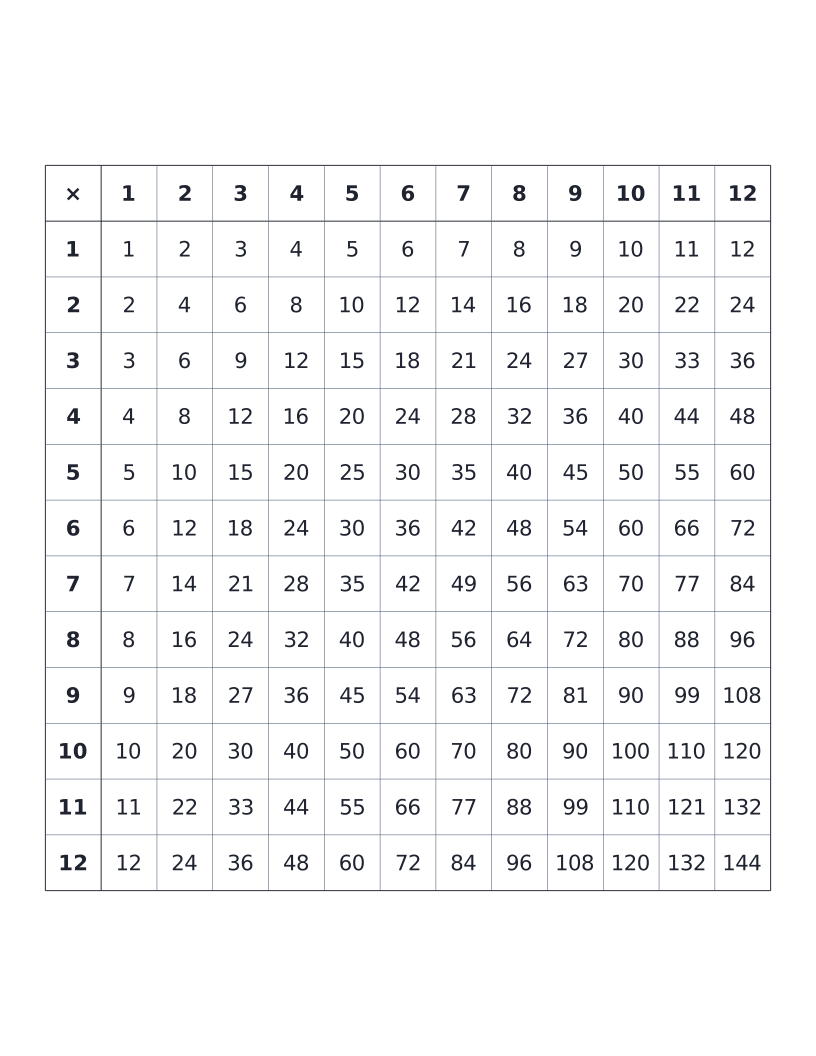
Multiplication Table (12×12)
12×12 times table with all products printed: the classic elementary reference chart.