Live preview · Letter (8.5" × 11") · Dark lines
Normal Probability Paper
Normal probability paper has a vertical axis stretched by the inverse normal cumulative distribution function. The visual effect is that any normally-distributed sample, when plotted as ranked data against this scale, falls on a straight line. A quick visual normality test no computer required.
Download generates a crisp vector PDF directly, no print dialog needed.
Choose a different paper size:
Choose a different line color:
Great for
- Visual normality testing for data samples
- Statistical process control and quality engineering
- Reliability and failure-rate analysis
- Teaching statistics concepts without software
Normal Probability Paper at a glance
| What it is | Normal probability paper: y-axis scaled by inverse normal CDF for plotting distribution data. |
|---|---|
| Category | Scientific |
| Paper sizes | Letter (8.5" × 11"), A4 (210 × 297 mm), 11" × 17", Legal (8.5" × 14"), A3 (297 × 420 mm), A2 (420 × 594 mm), Poster (18" × 24"), Movie Poster (27" × 40") |
| Line colors | Faint, Light, Gray, Dark, Black, Blue, Green (default: Dark) |
| Format | Vector PDF download at exact physical scale, or print directly from the browser |
| Price & license | Free. No signup or watermark. Printed sheets may be used for personal, classroom and commercial work. |
About normal probability paper
Probability paper is a 19th-century invention that's still useful in the 21st. Before computers made statistical tests trivial, researchers needed a fast way to tell whether a dataset was approximately normally distributed, and the eye is surprisingly good at recognising a straight line. Probability paper exploits this by transforming the vertical axis so that the cumulative distribution function of a normal distribution plots as a straight line. Real-world data plotted on this paper either falls roughly on a straight line (and is approximately normal) or curves visibly (and isn't). Practising statisticians and quality engineers still use it because it's faster than running a Kolmogorov-Smirnov test, more intuitive than a Q-Q plot in software, and gives you immediate visual evidence of what kind of departure from normality the data shows. Long tails, skewness, or outliers all produce characteristic curve shapes.
What's on the page
A horizontal linear grid for the data values, paired with a vertical axis spaced by the inverse normal CDF so that the gaps between percentiles match a normal distribution's curve. The result is a vertical scale that's tightly compressed near the median (50 %) and stretched at both tails. Reference lines run at standard percentiles (0.1, 0.5, 1, 2, 5, 10, 20, 30, 40, 50, 60, 70, 80, 90, 95, 98, 99, 99.5 and 99.9); the major lines at 1 %, 10 %, 50 %, 90 % and 99 % are labelled on the left. Dark line colour is the default so the axis labels and grid stay readable when you plot data points on top.
How to use it well
Rank your data first
Sort your N data points in ascending order. For each point i (counting from 1), the percentile is approximately (i - 0.5) / N × 100. Plot each data value on the horizontal axis against its percentile on the vertical axis.
Look for the shape of departure, not just deviation
If your data isn't normal, the type of curve tells you why. S-shaped curves indicate light tails; reverse-S indicates heavy tails; consistent upward or downward curve indicates skewness. Outliers show as isolated points pulled away from the main line.
Fit by eye, then by least squares
For a quick read, draw a straight line through the middle 80 % of points by eye and ignore extreme tails. For a more careful fit, use least-squares regression on the central percentiles where the points are most reliable.
Confirm with a software test if it matters
Probability paper is a fast visual indicator, not a statistical test. If a decision rests on whether data is normally distributed (regulatory submission, scientific publication), confirm with Shapiro-Wilk or Anderson-Darling in software.
Common mistakes to avoid
- Reading too much into the tails. With small samples (N < 30), the 1st and 99th percentile points are highly variable and will look like outliers even from a truly normal distribution. Focus on the central 80 % of points when evaluating normality.
- Confusing 'fits the line' with 'is normal'. A straight line means 'consistent with a normal distribution given the data we have'. It doesn't prove normality, only fails to disprove it. For small samples, many non-normal distributions also appear straight.
- Using normal paper for non-normal hypotheses. If you expect log-normal data, use log-normal probability paper (logarithmic horizontal axis with normal vertical). If you expect Weibull data, use Weibull probability paper. Plotting data on the wrong probability paper produces curves that tell you nothing useful.
FAQ, Normal Probability Paper
How do I plot data on probability paper?+
Sort your data ascending. For each value (i out of N), compute the percentile as (i - 0.5) / N × 100. Plot data on the horizontal axis, percentile on the vertical axis. If the points fall roughly on a straight line, your data is approximately normally distributed.
What does a straight line tell me?+
That the data is consistent with a normal distribution. The line's slope estimates the standard deviation; the intersection with the 50th percentile estimates the mean. Departures from a straight line indicate departures from normality.
Is this still useful in the age of statistical software?+
Yes, for three reasons: it's faster than running a software test for a quick visual check; it shows the shape of departure from normality, not just yes/no; and it teaches the geometry of distributions in a way summary statistics don't. Working statisticians and quality engineers use both, just as they still reach for polar paper and the Smith chart for hand sketching.
Why is the vertical axis stretched?+
Because the vertical axis is the inverse normal CDF, not a linear percentage scale. The 50th and 51st percentiles are close together; the 99th and 99.5th percentiles are far apart. This stretching is what makes a normal distribution plot as a straight line. The y-axis transformation is exactly the inverse of the normal's S-shaped CDF.
What about non-normal distributions?+
Use distribution-specific probability paper. Log-normal paper has a logarithmic horizontal axis with the same normal vertical; Weibull paper has both axes transformed for the Weibull distribution. Exponential and Gumbel papers also exist. Use the paper matched to the distribution you expect, then test if your data fits it.
Can I use this for quality control?+
Yes. It's a standard tool in statistical process control. Plot a sample of measurements; a straight line indicates a stable, normally-distributed process. Curvature, S-shapes, or scattered outliers indicate process drift, mixed populations, or out-of-control conditions worth investigating.
Printing tips for best results+
- 1. Click Print above. A new tab opens the template at exact size.
- 2. The print dialog appears automatically. Set Scale to 100%. Never "Fit to page", which silently shrinks every cell.
- 3. Set Margins to None or Minimum so the grid reaches the page edge.
- 4. For a PDF, click Download instead. It generates a vector PDF directly without going through the printer driver.
You might also like
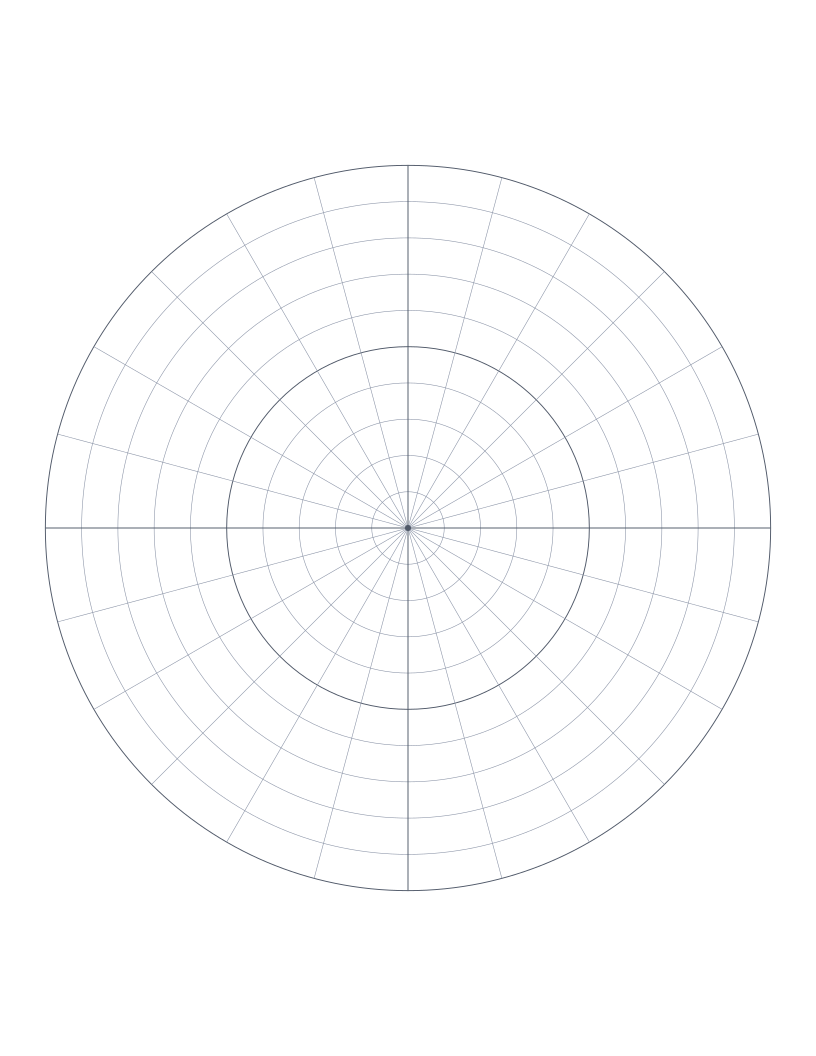
Polar Graph Paper
Concentric circles with radial spokes: for polar coordinates, vector diagrams and circular design.
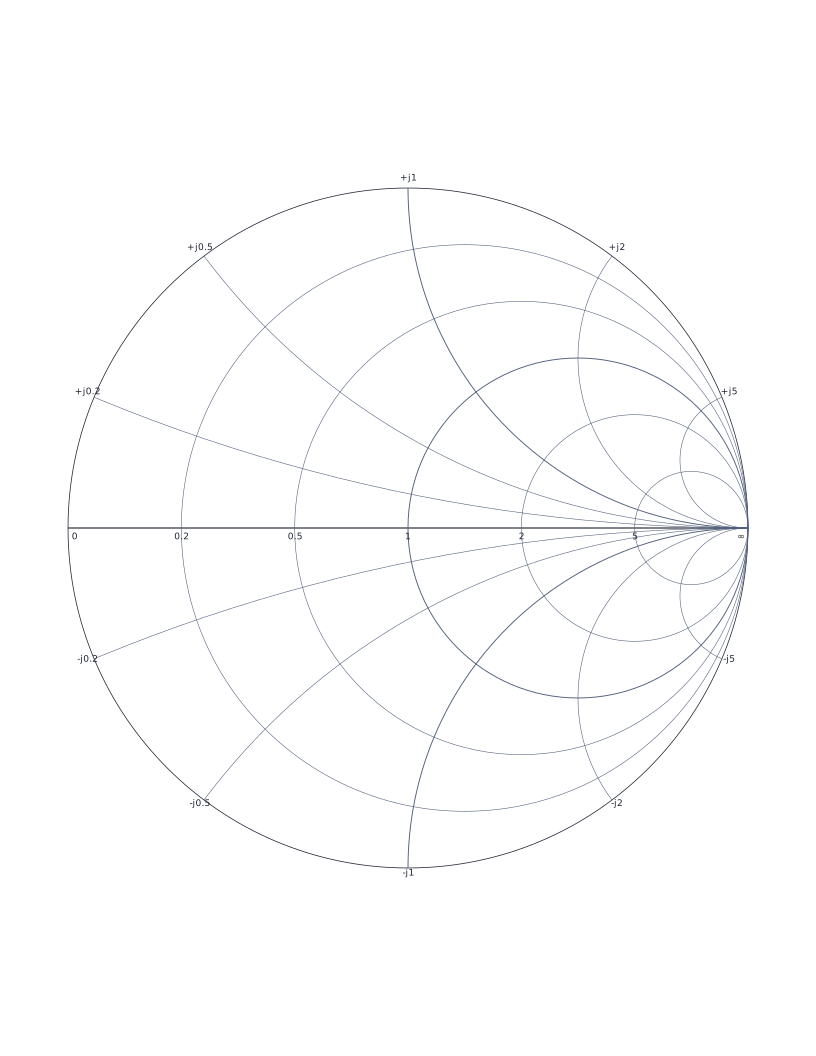
Smith Chart
Classic Smith chart for transmission line impedance matching and RF engineering.
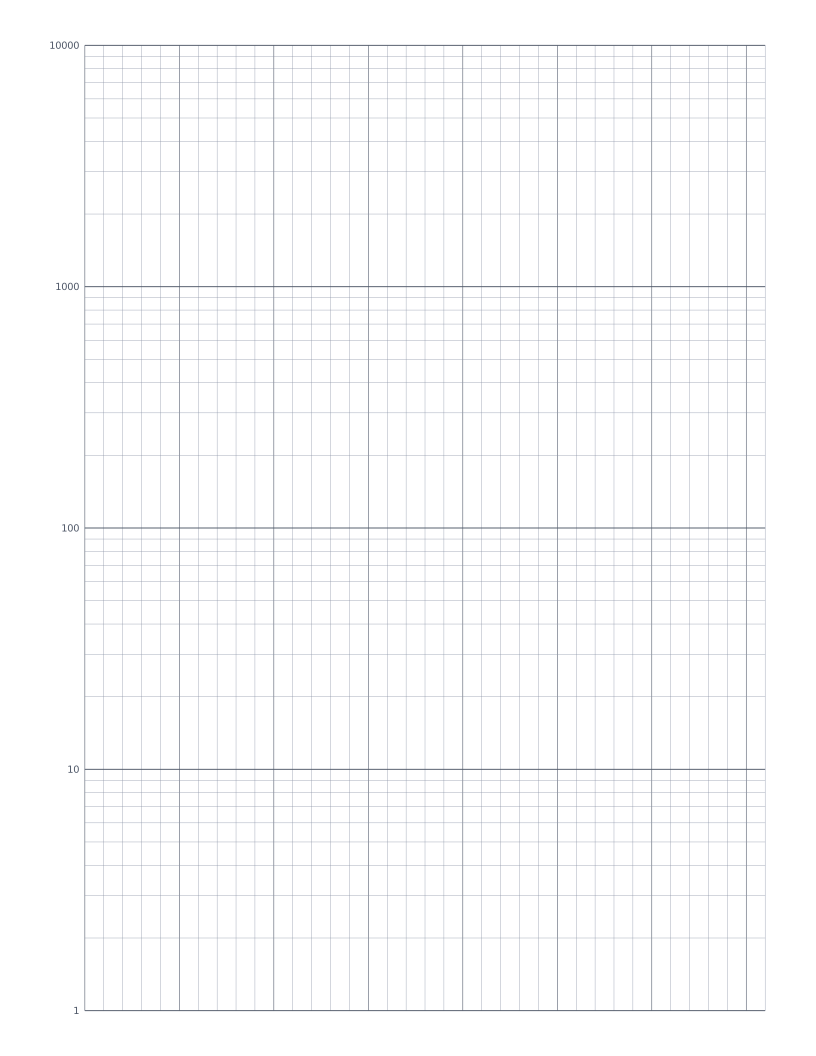
Semi-Log Graph Paper
Linear x-axis with a 4-decade logarithmic y-axis: the standard sheet for plotting exponentials and decay curves.
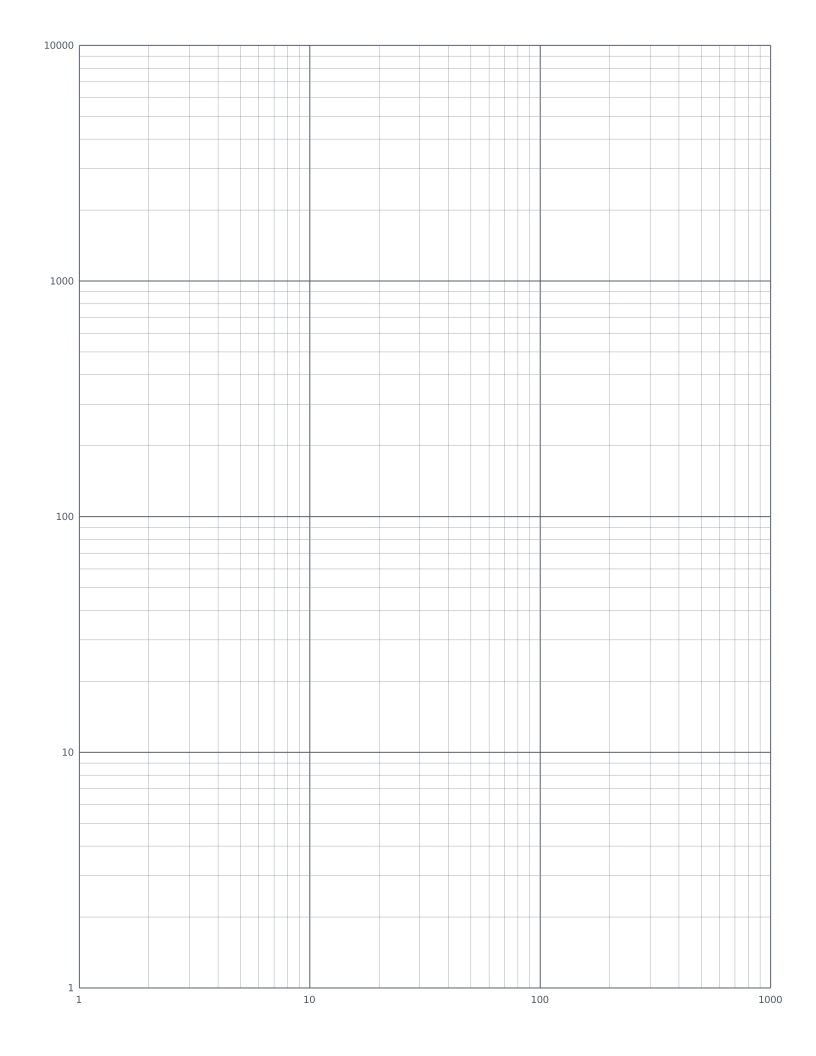
Log-Log Graph Paper
Both axes logarithmic: the standard sheet for plotting power laws and frequency-response curves.