Live preview · Letter (8.5" × 11") · Dark lines
Smith Chart
The Smith chart maps every possible complex reflection coefficient to a unit disk. It's the graphical tool for RF and transmission line work. A single page that does what would otherwise require pages of complex arithmetic.
Download generates a crisp vector PDF directly, no print dialog needed.
Choose a different paper size:
Choose a different line color:
Great for
- RF and microwave engineering design
- Antenna and amplifier impedance matching
- Transmission line analysis (cable, waveguide, PCB)
- RF engineering coursework and exam prep
Smith Chart at a glance
| What it is | Classic Smith chart for transmission line impedance matching and RF engineering. |
|---|---|
| Category | Scientific |
| Paper sizes | Letter (8.5" × 11"), A4 (210 × 297 mm), 11" × 17", Legal (8.5" × 14"), A3 (297 × 420 mm), A2 (420 × 594 mm), Poster (18" × 24"), Movie Poster (27" × 40") |
| Line colors | Faint, Light, Gray, Dark, Black, Blue, Green (default: Dark) |
| Format | Vector PDF download at exact physical scale, or print directly from the browser |
| Price & license | Free. No signup or watermark. Printed sheets may be used for personal, classroom and commercial work. |
About smith chart
The Smith chart was published by Phillip H. Smith in Electronics magazine in 1939, and somehow it survived the calculator revolution, the personal computer, and the rise of full electromagnetic simulators. The reason is that despite being a paper tool from the vacuum-tube era, it remains the clearest visualisation ever invented for transmission line behaviour. A length of cable transforms one impedance to another in a way that's complicated to express algebraically but trivial on the chart: you mark the load impedance, rotate around the chart by an angle proportional to the line length, and read off the result. Adding a matching component (inductor, capacitor) moves you along specific curves on the chart. Engineers who learned RF in the 1960s use it; engineers using $50,000 vector network analysers today still use it as the standard display format. Most VNAs have a 'Smith chart' display mode because that's how RF engineers think. The paper version is what you reach for when designing or sketching, before going to simulation.
What's on the page
The complete classical Smith chart: a unit disk overlaid with circles of constant normalised resistance (full circles passing through the right edge) and arcs of constant normalised reactance (arcs emanating from the right edge). Resistance circles are labelled along the horizontal axis at r = 0.2, 0.5, 1, 2 and 5; reactance arcs are labelled around the outer circle at ±j0.2, ±j0.5, ±j1, ±j2 and ±j5. The chart is normalised to 50 ohms (the RF industry standard). Dark line colour is the default. The chart depends on multiple overlapping curves being readable simultaneously, and lighter colours obscure the curve labels and intersections that the chart's utility depends on.
How to use it well
Mark the load impedance first
Normalise the load by dividing by the characteristic impedance (e.g., 75+j25 ohms on a 50-ohm line becomes 1.5+j0.5). Find the resistance circle (R=1.5) and reactance arc (X=+0.5) and mark their intersection. That single point captures the entire mismatch problem.
Travel toward the generator
Moving along the transmission line away from the load corresponds to rotating clockwise on the chart. One full rotation = half a wavelength of line. Mark the wavelength scale (around the chart's outer edge) and your design length in fractions of a wavelength.
Trace the admittance chart by hand for shunt elements
Series elements (inductor, capacitor in series) move you along the printed constant-resistance circles. Shunt (parallel) elements move you along constant-conductance circles, which are the impedance chart rotated 180°. Either flip the chart in your head, or trace a mirror-image copy as an overlay before placing the second matching element.
Use a transparent overlay for VSWR
VSWR (voltage standing wave ratio) appears as concentric circles centred on the chart origin. Trace one VSWR circle on a transparent overlay. Moving down a transmission line keeps you on that circle, since loss-less lines don't change VSWR.
Mark line length by hand around the perimeter
Distance along a transmission line corresponds to clockwise rotation around the chart, a full revolution equals half a wavelength. Tick the outer circle in 0.05 λ increments before your first plot if you need a wavelength scale.
Common mistakes to avoid
- Forgetting to normalise impedance. The chart is plotted in normalised units (Z/Z0). Plotting 50+j25 ohms directly instead of 1+j0.5 on a 50-ohm chart puts your point in entirely the wrong place. Normalise before plotting; denormalise after.
- Reading reactance signs backward. Above the horizontal axis is positive reactance (inductive); below is negative reactance (capacitive). Many beginners reverse these because the convention in some textbooks shows reactance growing downward. Confirm the sign convention before plotting.
- Treating the chart as exact. Smith charts get you the right answer to about three significant figures by hand. Useful for design and intuition, not for production tolerance. For final design verification, use a vector network analyser or full simulation.
- Confusing impedance and admittance charts. The classical Smith chart is the impedance chart. The admittance chart is the same chart rotated 180° (so resistance circles become conductance circles). Some chart styles overlay both with two colours; if you're using a single-colour Smith chart, it's the impedance version.
FAQ, Smith Chart
What do the circles represent?+
The full circles passing through the right edge (R=∞, the open-circuit point) are loci of constant normalised resistance, R/Z0 = constant. The arcs emanating from the right edge are loci of constant normalised reactance, X/Z0 = constant. Their intersection gives one point per complex impedance. The chart maps every possible impedance to exactly one point on the unit disk.
Why is it normalised to 50 ohms?+
Because 50 ohms is the de-facto standard characteristic impedance for RF cables, connectors, and instruments. Television uses 75 ohms (driven by the historical needs of cable TV), but virtually all other RF work uses 50. Smith charts can be drawn for any reference impedance; 50-ohm normalisation is the convention.
Do RF engineers still use paper Smith charts?+
Yes, but mostly for design and teaching. Vector network analysers display measurements directly on a Smith chart format, and design software (ADS, AWR Microwave Office) uses chart-based UI heavily. The paper chart is what you reach for when sketching ideas or solving a textbook problem by hand.
Where's the wavelength scale around the edge?+
This template prints just the impedance grid (r-circles and ±jx-arcs); commercial pre-printed Smith charts add a wavelength scale around the perimeter. Distance along a transmission line corresponds to clockwise rotation on the chart, with one full revolution equalling half a wavelength. Tick the outer circle in 0.05 λ increments by hand if you need that scale for a particular problem.
Why hasn't the Smith chart been replaced by software?+
Because it visualises something software still can't, the geometric intuition of impedance space. A Smith chart shows immediately why a particular matching component works, what trade-offs the design has, and where the failure modes are. Numerical simulators give you precise answers; the Smith chart gives you understanding, much like why polar paper still beats software for sketching rotational systems.
What's the difference between impedance and admittance Smith charts?+
They're the same chart geometry rotated 180°. The impedance chart (R + jX) has open-circuit on the right and short-circuit on the left. The admittance chart (G + jB) is the mirror. Open-circuit on the left, short-circuit on the right. Some Smith charts overlay both as two colours so you can switch between series elements (which move on impedance circles) and shunt elements (which move on admittance circles) without redrawing.
Printing tips for best results+
- 1. Click Print above. A new tab opens the template at exact size.
- 2. The print dialog appears automatically. Set Scale to 100%. Never "Fit to page", which silently shrinks every cell.
- 3. Set Margins to None or Minimum so the grid reaches the page edge.
- 4. For a PDF, click Download instead. It generates a vector PDF directly without going through the printer driver.
You might also like
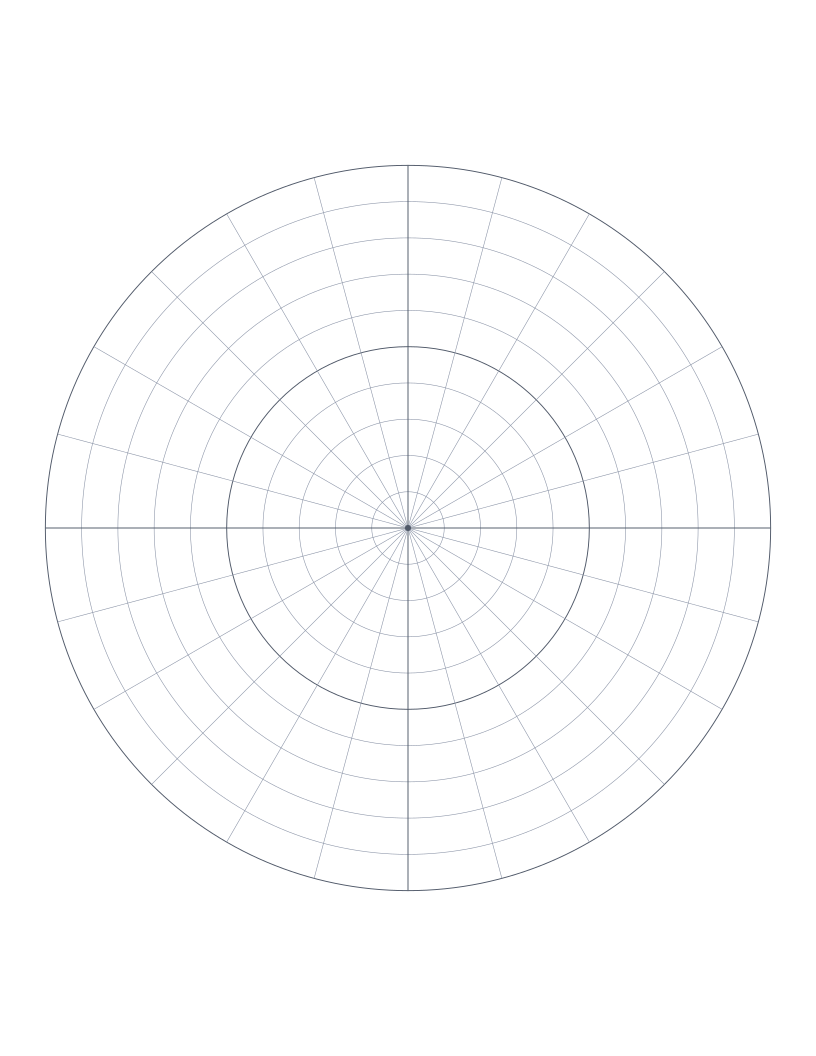
Polar Graph Paper
Concentric circles with radial spokes: for polar coordinates, vector diagrams and circular design.
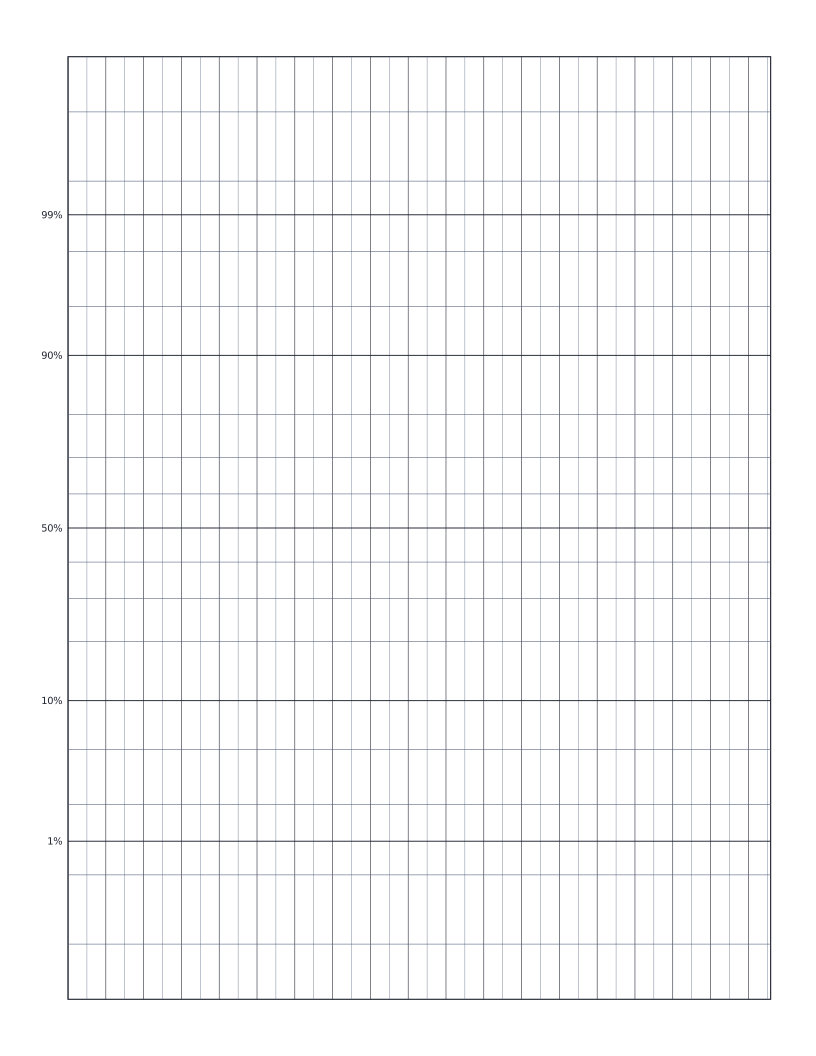
Normal Probability Paper
Normal probability paper: y-axis scaled by inverse normal CDF for plotting distribution data.
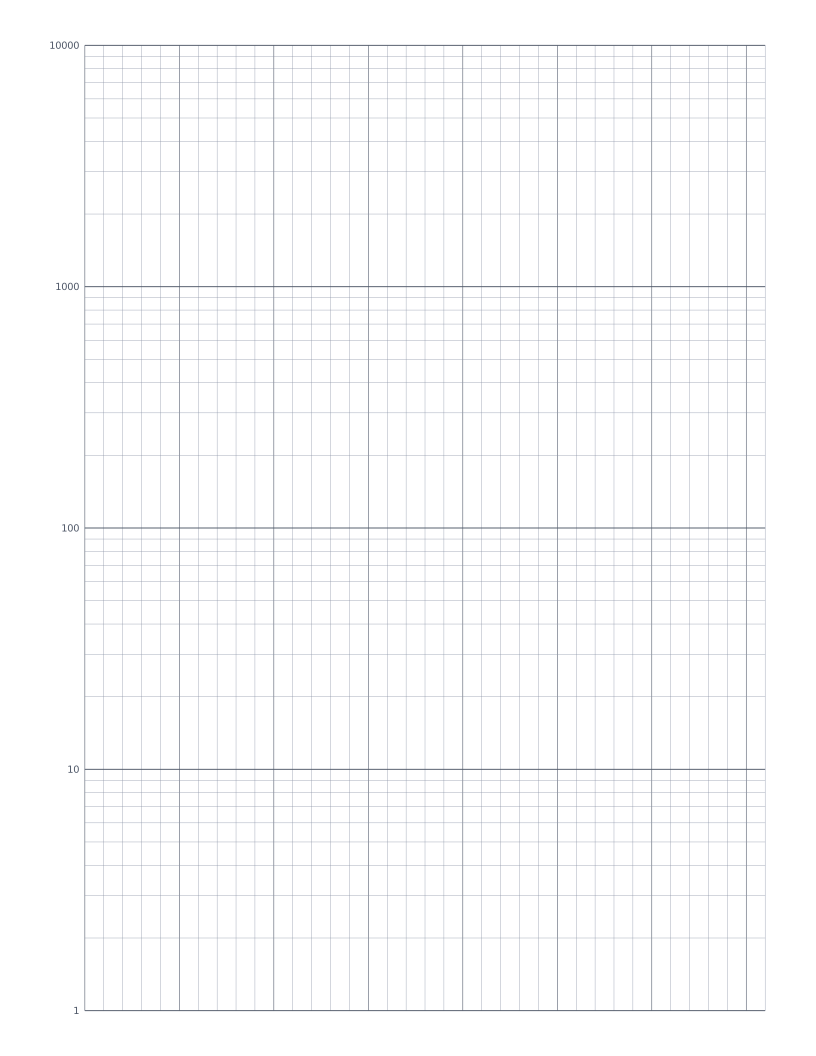
Semi-Log Graph Paper
Linear x-axis with a 4-decade logarithmic y-axis: the standard sheet for plotting exponentials and decay curves.
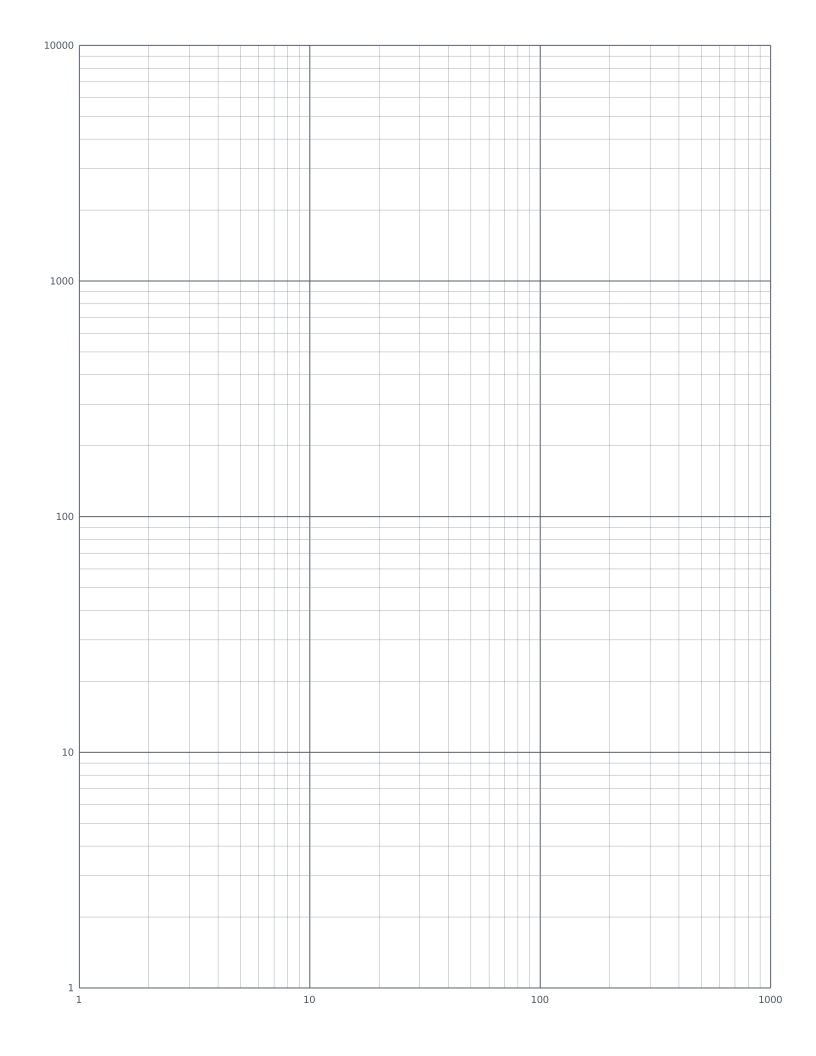
Log-Log Graph Paper
Both axes logarithmic: the standard sheet for plotting power laws and frequency-response curves.