Live preview · Letter (8.5" × 11") · Gray lines
Polar Graph Paper
Polar paper plots points using (r, θ). A radius and an angle, instead of (x, y). It's the natural surface for anything that rotates, oscillates, or radiates from a centre: vector diagrams, antenna patterns, polar functions in trigonometry, and the radial charts used in radar and meteorology.
Download generates a crisp vector PDF directly, no print dialog needed.
Choose a different paper size:
Choose a different line color:
Great for
- Polar function plotting (r = f(θ)) in trig and calculus
- Vector and phasor diagrams in physics and electrical engineering
- Antenna radiation patterns and radar charts
- Wind rose diagrams in meteorology and aviation
Polar Graph Paper at a glance
| What it is | Concentric circles with radial spokes: for polar coordinates, vector diagrams and circular design. |
|---|---|
| Category | Scientific |
| Paper sizes | Letter (8.5" × 11"), A4 (210 × 297 mm), 11" × 17", Legal (8.5" × 14"), A3 (297 × 420 mm), A2 (420 × 594 mm), Poster (18" × 24"), Movie Poster (27" × 40") |
| Line colors | Faint, Light, Gray, Dark, Black, Blue, Green (default: Gray) |
| Format | Vector PDF download at exact physical scale, or print directly from the browser |
| Price & license | Free. No signup or watermark. Printed sheets may be used for personal, classroom and commercial work. |
About polar graph paper
Polar coordinates predate Cartesian coordinates in some respects. Greek astronomers were plotting positions in (radius, angle) form a thousand years before Descartes introduced (x, y). The system is the right choice whenever a problem has a natural centre and the interesting variable is direction rather than position. Antennas radiate in patterns that are circular at the source and lobed at angles, easy on polar paper, brutal on Cartesian. Pendulums and oscillators trace closed curves in their state space, natural on polar, contorted on Cartesian. Even modern data visualisation borrows the format whenever something cycles: wind direction over time, voter preferences by region, audio frequency spectra. The grid itself is just the projection of that mathematical convenience onto paper.
What's on the page
Ten concentric circles at equal radial spacing, with 24 radial lines emanating from the centre at 15° intervals. The accent rings (every fifth, at 50 % and 100 % radius) and the four cardinal radials (0°, 90°, 180°, 270°) are drawn slightly bolder for orientation, giving the page an implicit crosshair so you can read coordinates at a glance. The 24-sector / 10-ring choice is the same combination used on commercial polar pads. Fine enough for usable angular resolution, coarse enough that the page doesn't degenerate into a grey haze near the centre.
How to use it well
Establish the angle convention before plotting
Mathematicians measure angles counterclockwise from the positive x-axis (east); engineers and navigators often measure clockwise from north. Pick one explicitly and write it in the margin. Switching conventions partway through is the most common source of polar-plot errors.
Use ring spacing for the radial scale
The ten rings let you pick a clean scale: 0.1 per ring (full range 1), 1 per ring (full range 10), 10 per ring (full range 100). Avoid awkward divisors like 0.7 or 1.2 per ring, the grid won't anchor the plotted points.
Sketch the curve's symmetries first
Most polar curves have symmetries. About θ = 0, θ = π/2, or the origin. Identify those first, plot a quarter or half of the curve, and reflect. It's faster and more accurate than computing the full range.
For antenna patterns, use Dark or Black
Antenna and radar patterns are usually published as printed plots on white. Light grid colours make the plotted curve dominant, which is what you want; reserve Faint for cases where the grid should almost vanish.
Common mistakes to avoid
- Mixing degrees and radians in the same plot. The 24-sector grid is labelled at every 15°, but radian-native curves (like r = θ) compute in radians where 15° is π/12, you have to convert before plotting. Decide units up front and stick with them.
- Forgetting that r can be negative. In polar coordinates, r = -2 at θ = 0° is the same point as r = +2 at θ = 180°. Curves like r = cos(θ) double back through the origin and can produce surprising shapes if you ignore the sign.
- Reading angles in clockwise direction when the convention is counterclockwise. Math curves traverse counterclockwise; navigational bearings go clockwise. Plotting either on the wrong convention mirrors the curve.
- Treating the centre as a single point. The origin r = 0 is the same point for all angles, which means densely-plotted curves can pile up there. Use a heavier marker or annotation if curve behaviour near the origin matters.
FAQ, Polar Graph Paper
How many degrees between each radial line?+
24 sectors gives 15° between each line. Fine enough to estimate angles to within a few degrees, coarse enough that the centre doesn't disappear into ink. The standard alternatives are 12 sectors (30° spacing, easier to read) or 36 sectors (10° spacing, higher resolution but visually noisier).
What's the difference between polar and Cartesian paper?+
Cartesian plots (x, y) with two perpendicular axes. Polar plots (r, θ) with a centre point and angles spreading outward. Functions that look complicated in one system often look simple in the other. Circles are messy in Cartesian and trivial in polar; straight lines are the reverse.
Can I use polar paper for radar plots?+
Yes. It's the standard ruling for radar, sonar, and antenna pattern plots. Conventionally these put 0° at the top of the page (north) with angles increasing clockwise, which is the opposite of the math convention. Decide which convention you're using before you start.
Will the printed circles be exactly concentric?+
Yes. They're drawn as SVG circles, not approximated by polygons. As long as you print at 100 % scale, the circles will be perfectly round on the page within printer resolution.
What's a wind rose?+
A polar diagram showing the frequency of wind directions over time at a location. The 'petals' of the rose are bars whose length is proportional to how often the wind blew from that direction. Standard tool in meteorology, aviation, and renewable energy siting.
Why not more rings?+
Past about ten rings the grid starts to fight the data. Most plotted points fall within the inner rings, and the outer ones add visual clutter without giving the eye more anchors. Ten is the long-standing convention for commercial polar pads.
Printing tips for best results+
- 1. Click Print above. A new tab opens the template at exact size.
- 2. The print dialog appears automatically. Set Scale to 100%. Never "Fit to page", which silently shrinks every cell.
- 3. Set Margins to None or Minimum so the grid reaches the page edge.
- 4. For a PDF, click Download instead. It generates a vector PDF directly without going through the printer driver.
You might also like
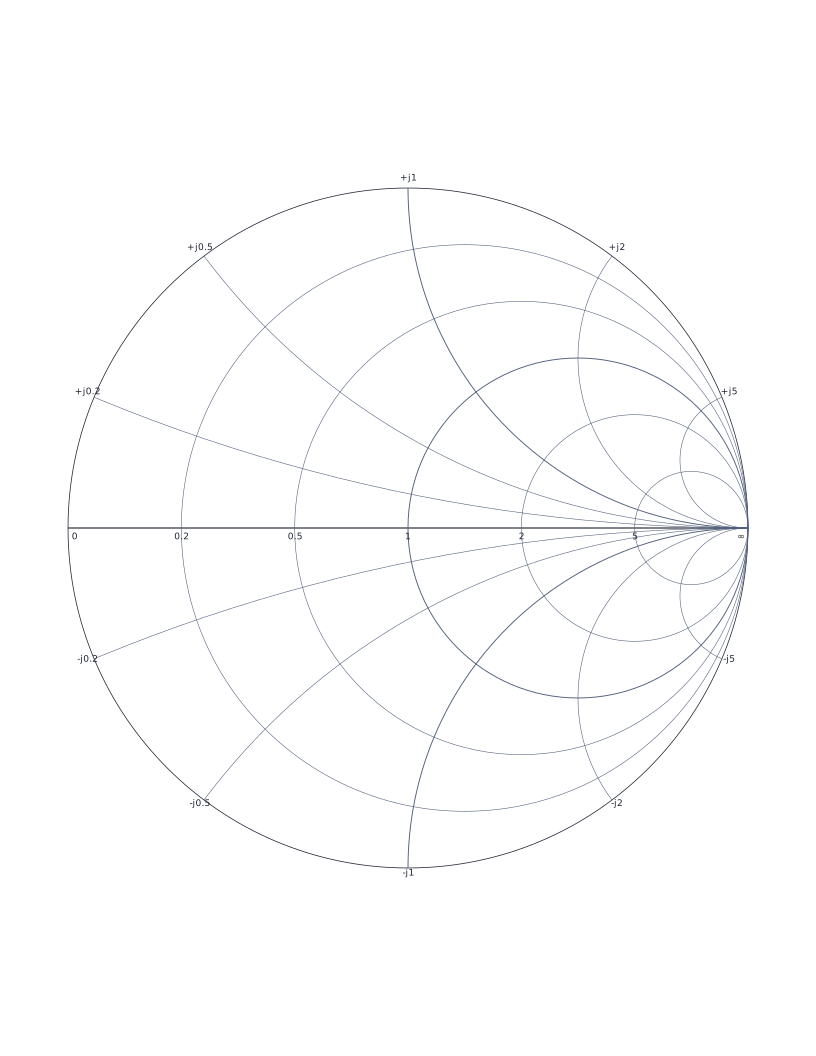
Smith Chart
Classic Smith chart for transmission line impedance matching and RF engineering.
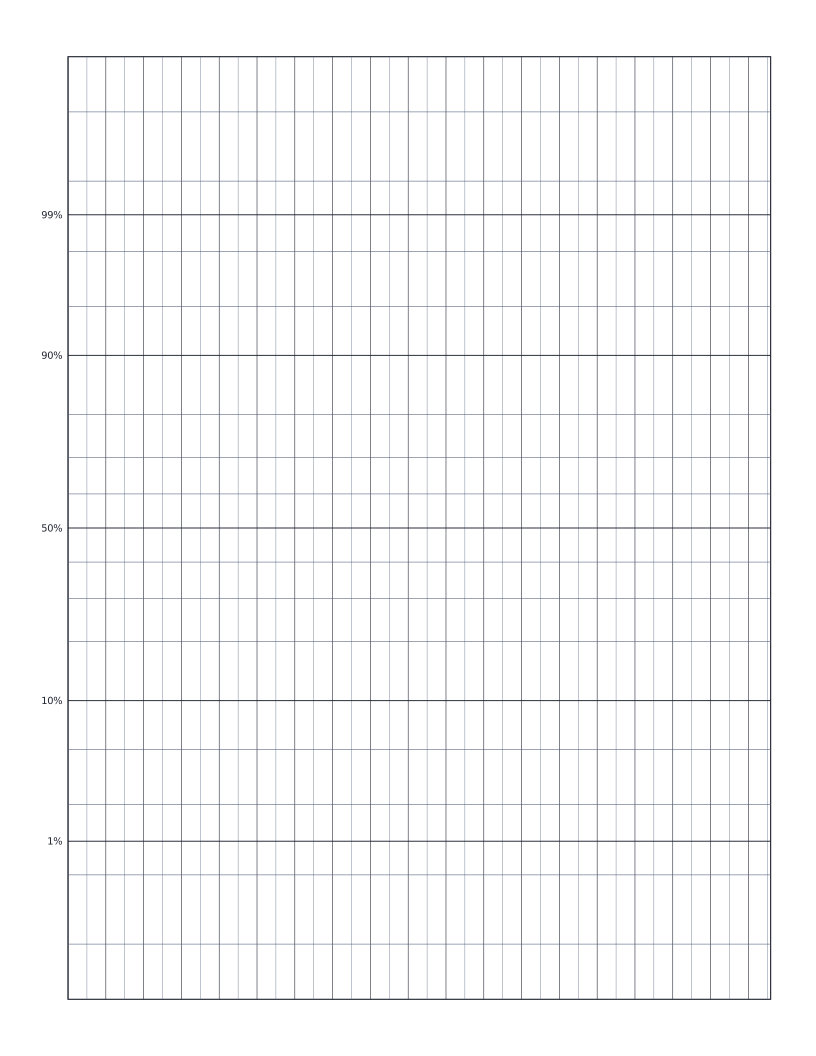
Normal Probability Paper
Normal probability paper: y-axis scaled by inverse normal CDF for plotting distribution data.
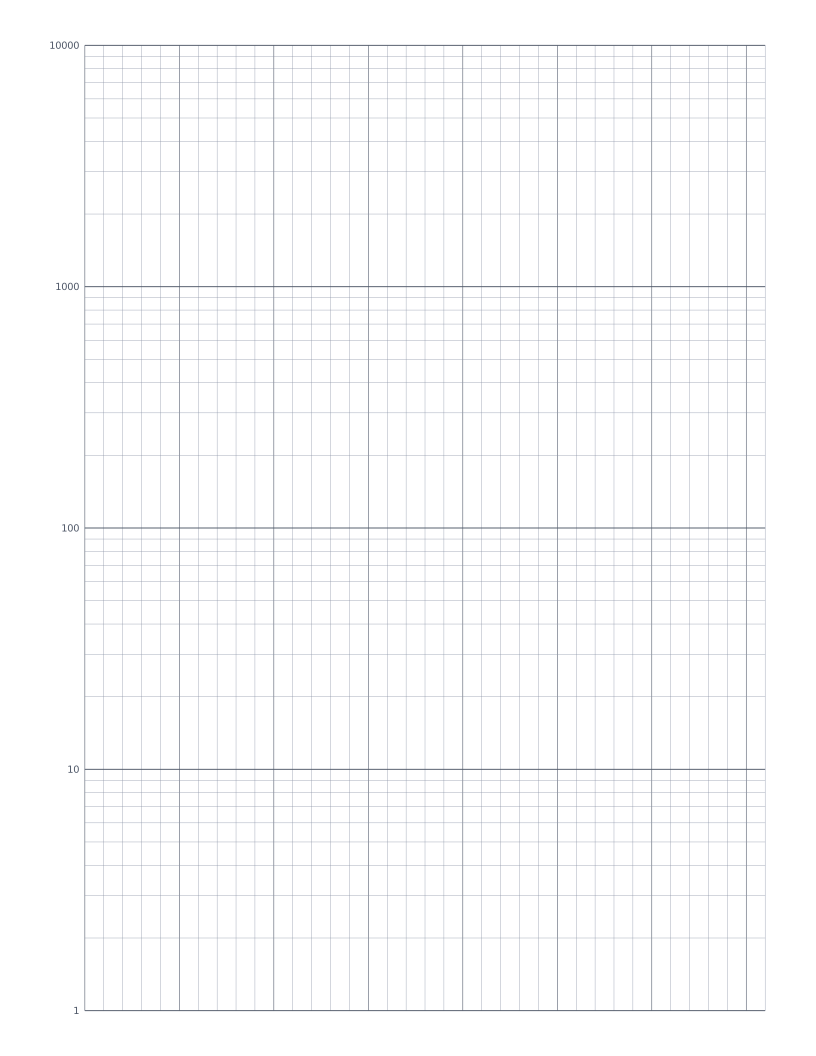
Semi-Log Graph Paper
Linear x-axis with a 4-decade logarithmic y-axis: the standard sheet for plotting exponentials and decay curves.
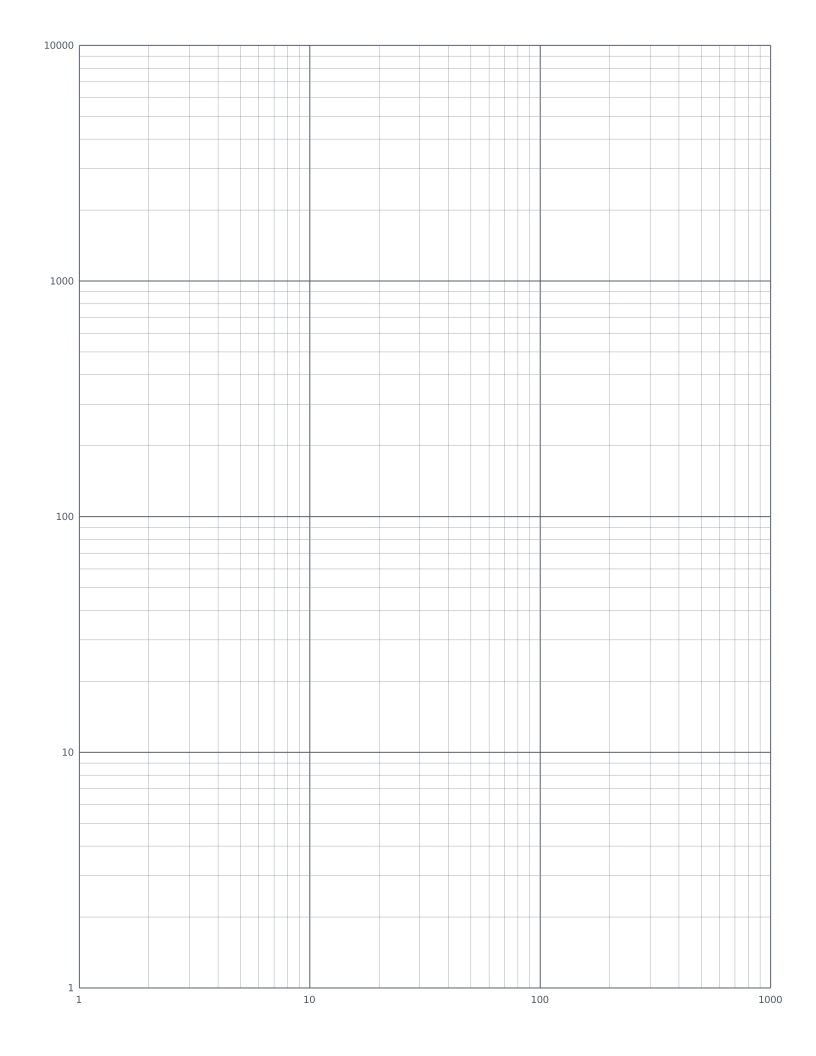
Log-Log Graph Paper
Both axes logarithmic: the standard sheet for plotting power laws and frequency-response curves.