Live preview · Letter (8.5" × 11") · Dark lines
Calligraphy Practice Paper (Italic)
Italic calligraphy paper layers two reference systems: four horizontal guide lines (ascender, x-height top, baseline, descender) for letter height, and a set of fine diagonal lines at the canonical italic slant for letter angle. Together they keep every letter consistent in both proportion and tilt.
Download generates a crisp vector PDF directly, no print dialog needed.
Choose a different paper size:
Choose a different line color:
Great for
- Italic and chancery calligraphy practice
- Modern brush-pen calligraphy
- Hand lettering and lettering art
- Foundational handwriting workshops
Calligraphy Practice Paper (Italic) at a glance
| What it is | Italic calligraphy paper: 4-line guides with diagonal slant lines for consistent letterform angle. |
|---|---|
| Category | Writing & Notes |
| Paper sizes | Letter (8.5" × 11"), A4 (210 × 297 mm), 11" × 17", Legal (8.5" × 14"), A3 (297 × 420 mm), A2 (420 × 594 mm), Poster (18" × 24"), Movie Poster (27" × 40") |
| Line colors | Faint, Light, Gray, Dark, Black, Blue, Green (default: Dark) |
| Format | Vector PDF download at exact physical scale, or print directly from the browser |
| Price & license | Free. No signup or watermark. Printed sheets may be used for personal, classroom and commercial work. |
About calligraphy practice paper (italic)
Italic calligraphy descends from chancery cursive. The elegant, slightly slanted writing developed in 15th-century papal offices and standardised in Renaissance Italy by writing masters like Ludovico Vicentino degli Arrighi. The script has two defining characteristics: an x-height to ascender ratio around 1:2 (so 'b' is twice as tall as 'a'), and a consistent forward slant of roughly 5°. Get either wrong and the writing stops looking like italic. Practice paper that marks both parameters lets you focus on stroke quality rather than constantly checking proportion. The four guide lines come from foundational calligraphy pedagogy: ascender at the top, baseline at the bottom, x-height marked clearly, descender line below for letters that drop. The diagonal slant lines exist for the same reason metronomes exist in music. To externalise a discipline so the muscles can learn it.
What's on the page
A repeating 22 mm row containing four horizontal lines: ascender at the top, x-height top 7 mm below, baseline a further 8 mm below (giving an 8 mm x-height), and descender line 7 mm below the baseline. A continuous family of diagonal slant lines at 5° from vertical, spaced 10 mm apart, overlays each row. The slant lines are rendered slightly fainter than the horizontals so they guide without dominating. On Letter you get about 11 rows; on A4, 12. The Dark line colour is the default. Every guide line needs to register clearly for the eye to anchor letterforms.
How to use it well
Match nib width to x-height
Classical italic uses a 5-nib-width x-height. Meaning if your nib is 2 mm wide, your x-height should be 10 mm. On our paper the x-height region is about 8 mm, suiting a 1.5 mm nib. For thicker nibs, scale up the row by hand or use a larger paper size.
Practice slant before proportion
Beginners over-focus on letter height and ignore slant; the slant is what makes italic look like italic. Run pure slant exercises (just straight angled strokes) for several pages before attempting letterforms.
Use one stroke per slant line
The slant lines aren't decoration. They're the alignment guides for vertical strokes in your letters. The stem of 'l', the downstroke of 'a', the spine of 'd': every one of those should fall on a slant line. If they don't, you're not at 5°.
Reserve this paper for italic
Other calligraphy hands (Foundational, Uncial, Blackletter) use different slants and proportions. Foundational is upright (0° slant), Blackletter is 0° but with much tighter x-height ratios. Don't use italic guides for non-italic scripts.
Common mistakes to avoid
- Treating slant lines as strict containers. Your strokes should run along the slant lines, but they don't need to start and end exactly on them. The lines are a discipline tool, not a tracing template.
- Practicing with a ballpoint or rollerball. Italic depends on the contrast between thick downstrokes and thin sidestrokes that only a broad-edged nib (or a brush pen) can produce. Practice on this paper with a real nib. Anything else trains the muscles for the wrong tool.
- Skipping warmup exercises. Calligraphers run drills (parallel strokes, ovals, arcades) before attempting letters. Those drills exist because letterforms are built from those basic strokes. Skipping them produces hesitant, inconsistent letters even with perfect tools.
FAQ, Calligraphy Practice Paper (Italic)
Why a 5° slant instead of upright?+
Italic by definition is slanted. The name comes from 'Italian', referring to the chancery cursive developed in Renaissance Italy. The traditional range is 5°–10° from vertical; we use 5° because it's the minimum that still reads as italic, suiting beginners. Once you're confident, advance to 7° or 10° for a more dramatic look.
What nib should I use?+
A broad-edged italic nib. Manuscript, Brause, Mitchell, or Speedball C-series at 2.5–3.5 mm width work well at our row size. For brush-pen italic, a Pentel Fude or Tombow Fudenosuke is the standard.
How is this different from handwriting paper?+
Handwriting paper has only horizontal guide lines (three of them. Top, midline, baseline) and is for upright writing. Italic calligraphy paper adds a fourth horizontal line (descender) and overlays diagonal slant guides. The two papers serve different goals: handwriting paper teaches letter formation; calligraphy paper teaches script discipline.
Can I use it for modern brush lettering?+
The horizontal guides are useful for any calligraphy style. The slant lines are calibrated for italic specifically. For upright brush lettering or pointed-pen styles like Copperplate, they'll guide you to the wrong angle. Use plain ruled paper for non-italic scripts.
What's the right x-height for italic?+
Five nib widths is the classical specification. Our paper marks an 8 mm x-height region, suiting nibs around 1.5 mm wide. Larger nibs need proportionally larger rows. Scale the print to A3 or use a paper grid designed for the specific nib width.
Why are the slant lines fainter than the horizontals?+
Both are reference, but the horizontals govern letter height (where strokes start and end) while the slants govern stroke direction (the path between). The horizontals need to register clearly for placement; the slants need to be perceptible without competing with the letterform you're drawing.
Printing tips for best results+
- 1. Click Print above. A new tab opens the template at exact size.
- 2. The print dialog appears automatically. Set Scale to 100%. Never "Fit to page", which silently shrinks every cell.
- 3. Set Margins to None or Minimum so the grid reaches the page edge.
- 4. For a PDF, click Download instead. It generates a vector PDF directly without going through the printer driver.
You might also like
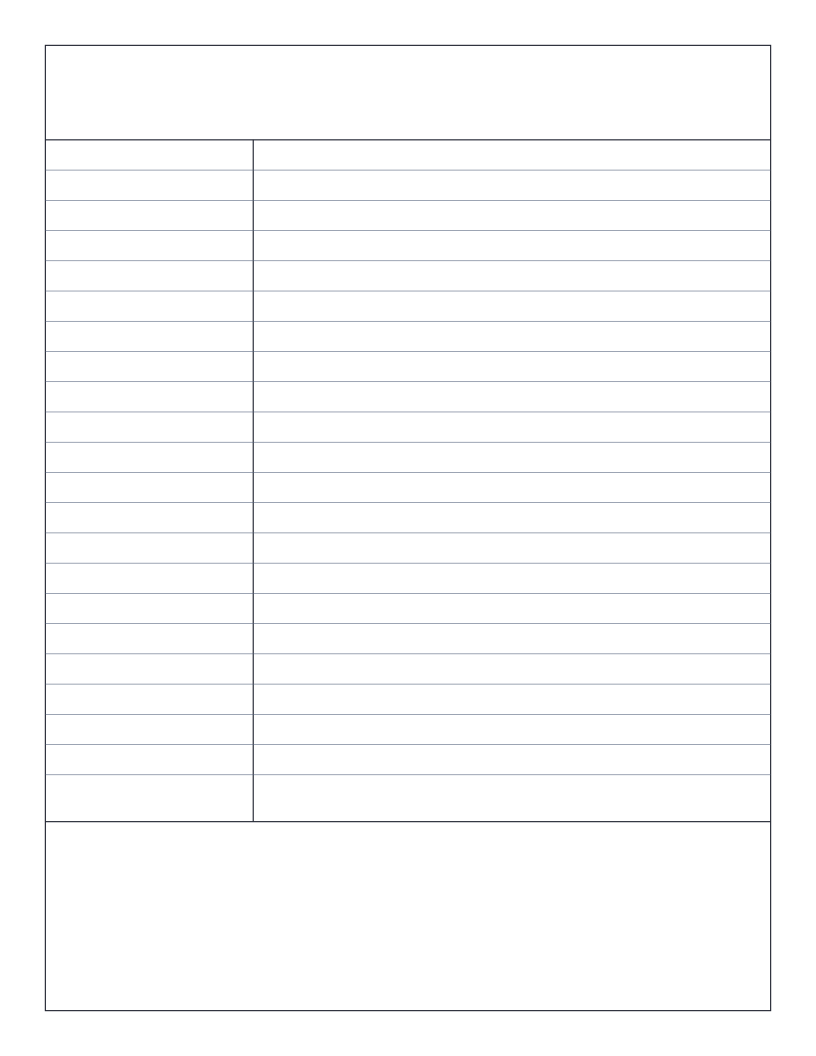
Cornell Notes Paper
The famous Cornell note-taking layout: cue column, main notes and summary band.
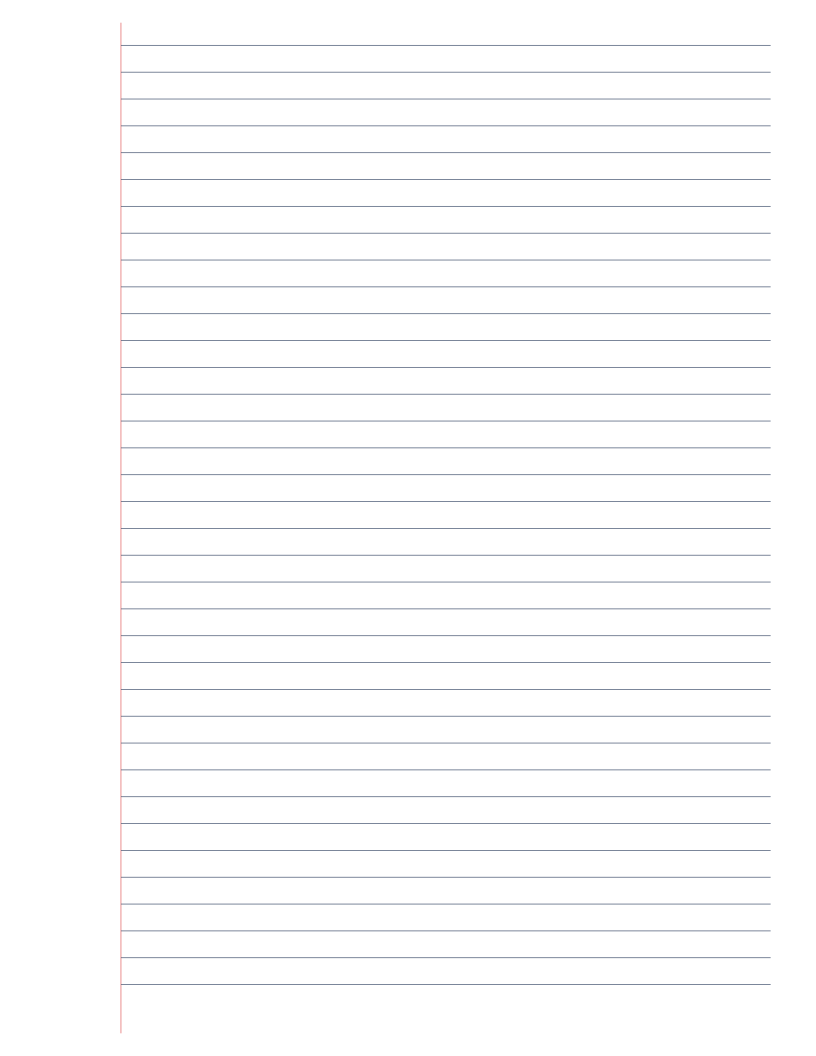
Lined Paper (College Ruled)
Classic college-ruled lined paper: 7.1mm line spacing with a red margin.
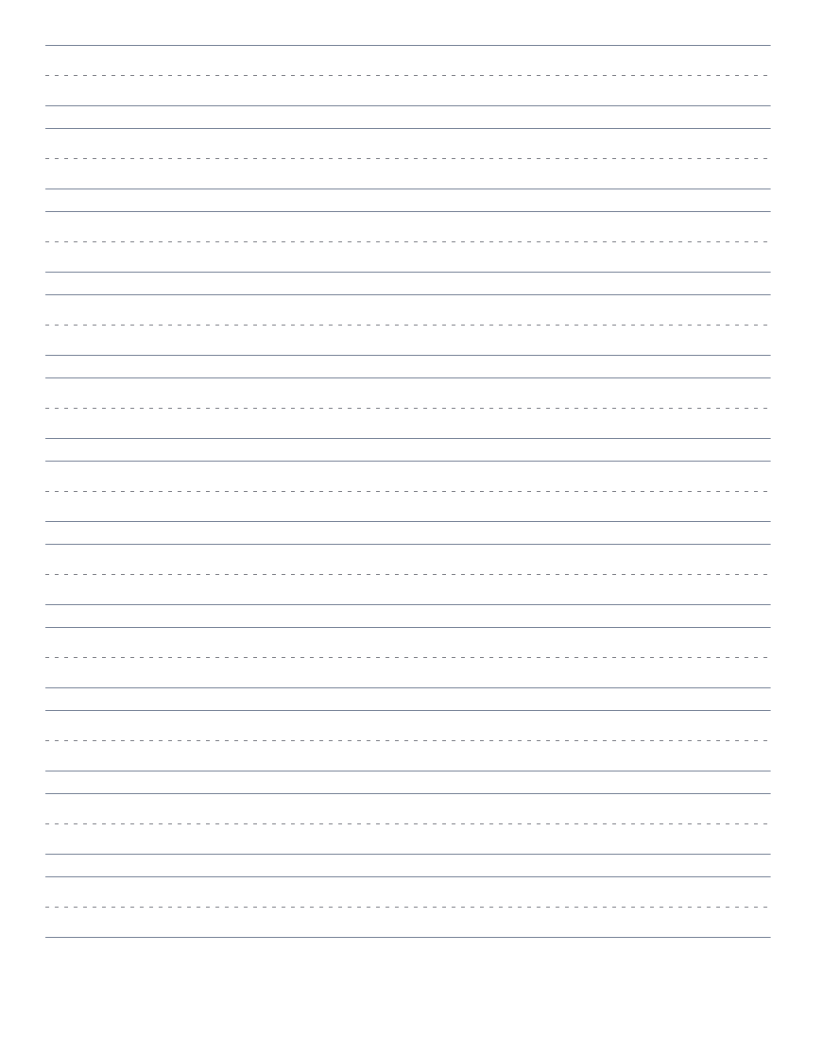
Handwriting Practice Paper
Three-line handwriting paper with dashed midline: for primary writing practice.
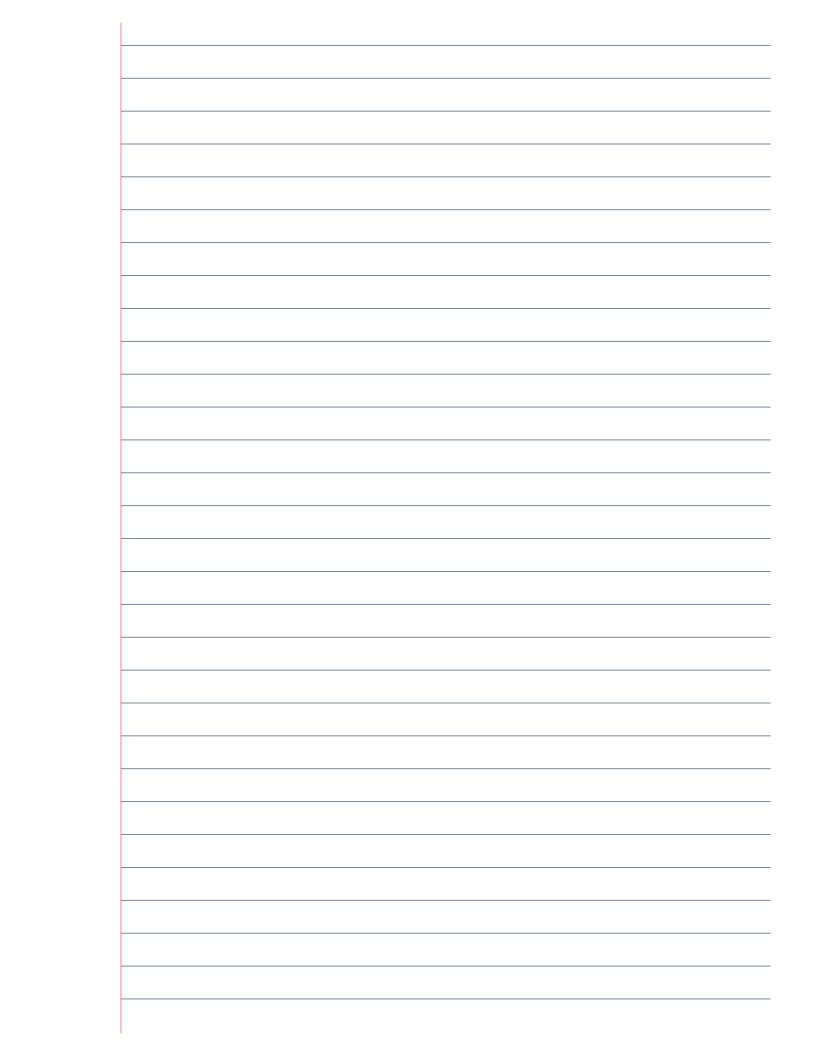
Wide Ruled Lined Paper
Classic wide-ruled lined paper: 8.7mm line spacing, the US elementary school standard.