Live preview · Letter (8.5" × 11") · Dark lines
Weekly Meal Planner
A weekly meal planner with a row for each day and a column for each meal, and a shopping list underneath. Decide the week's food once, then write the groceries on the same page.
Download saves a vector PDF in the size and color selected below, no print dialog needed.
Other formats:
Direct PDF:Weekly Meal Planner Letter PDFWeekly Meal Planner A4 PDF
Choose a different paper size:
Choose a different line color:
Great for
- Planning family dinners for the week
- Building a grocery list from the plan
- Meal prep and batch cooking
- Tracking a diet or budget
Weekly Meal Planner at a glance
| What it is | Seven-day meal plan grid with breakfast, lunch, dinner and snacks, plus a shopping list. |
|---|---|
| Category | Planning & Productivity |
| Paper sizes | Letter (8.5" × 11"), A4 (210 × 297 mm), A5 (148 × 210 mm), Half Letter (5.5" × 8.5"), B5 (176 × 250 mm), Legal (8.5" × 14"), 11" × 17", A3 (297 × 420 mm), A2 (420 × 594 mm), Poster (18" × 24"), Movie Poster (27" × 40") |
| Line colors | Faint, Light, Gray, Dark, Black, Blue, Green (default: Dark) |
| Format | Vector PDF at exact physical scale (Letter PDF, A4 PDF), PNG or SVG, or print directly from the browser |
| Price & license | Free. No signup or watermark. Printed sheets may be used for personal, classroom and commercial work. |
About weekly meal planner
Meal planning replaces a daily decision with one weekly one. Seeing the week laid out makes it easy to reuse ingredients, plan leftovers and avoid buying food that goes to waste. Keeping the shopping list on the same sheet means the list is built directly from the meals you have chosen.
What's on the page
A title and a 'Week of' line, then a table with seven rows, Monday to Sunday, and four columns: Breakfast, Lunch, Dinner and Snacks. Below it is a shopping list in three columns of checkbox lines, 24 items on US Letter.
How to use it well
Fill in dinners first
Dinner usually drives the shopping. Plan those, then let lunches use the leftovers.
Check the cupboard before listing
Go through each meal and write down only what you do not already have.
Group the list by aisle
Use the three list columns for produce, chilled and store-cupboard items to speed up the shop.
Common mistakes to avoid
- Planning seven new recipes. Leave a night or two for leftovers or something simple.
- Ignoring the calendar. Check which evenings are busy before assigning meals that take time.
FAQ, Weekly Meal Planner
Which day does the planner start on?+
Monday.
How many shopping list items fit?+
24 on US Letter, in three columns of eight.
Is it dated?+
No. Write the week's start date on the 'Week of' line.
Is there a general weekly planner?+
Yes, the weekly planner, plus a daily planner and to-do list.
Printing tips for best results+
- 1. Click Print above. A new tab opens the template at exact size.
- 2. The print dialog appears automatically. Set Scale to 100%. Never "Fit to page", which silently shrinks every cell.
- 3. Set Margins to None or Minimum so the grid reaches the page edge.
- 4. For a PDF, click Download instead. It generates a vector PDF directly without going through the printer driver.
More detail in the guide to printing graph paper at actual size. Need a spacing that isn’t listed? Use the graph paper generator.
You might also like
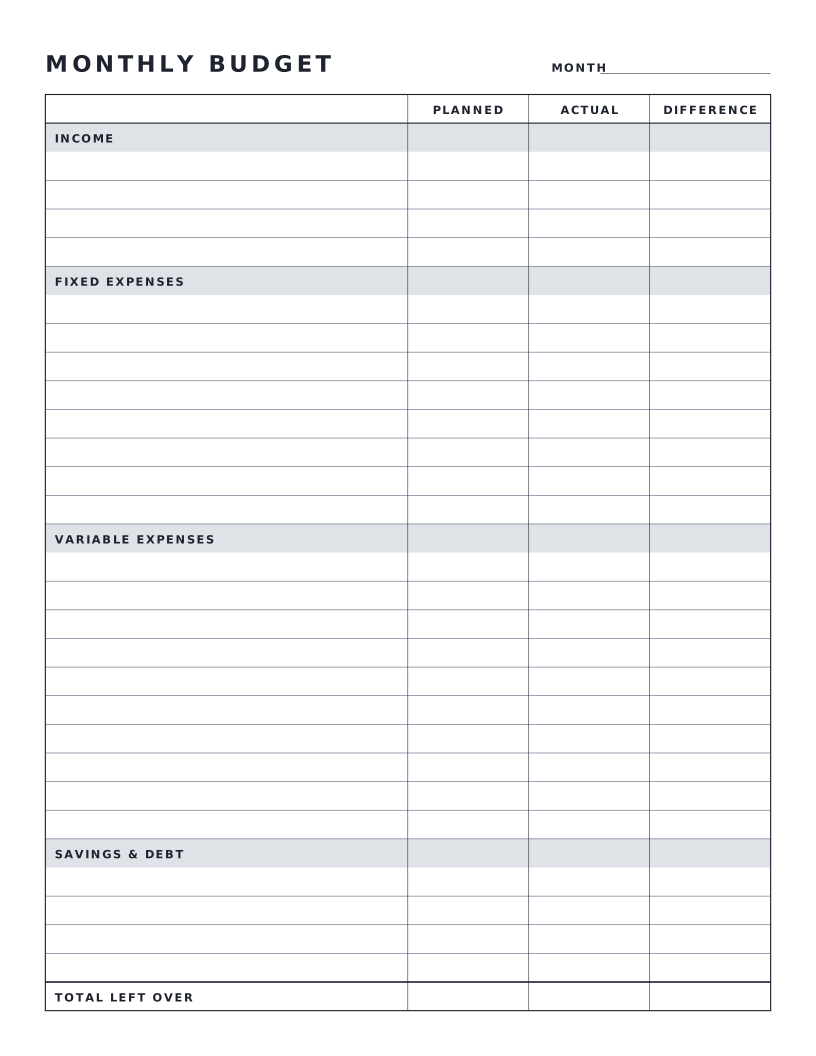
Planning & Productivity
Monthly Budget Sheet
One-page monthly budget with planned, actual and difference columns.
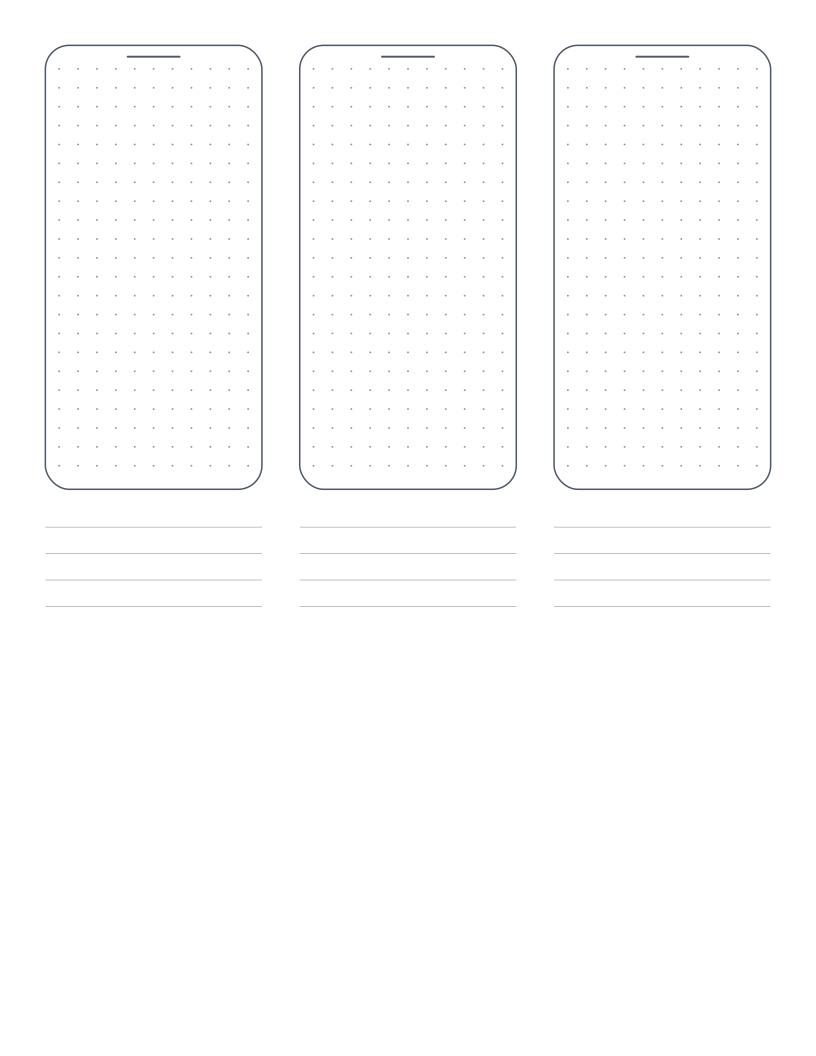
Planning & Productivity
Mobile Wireframe Paper
Three phone outlines with a dot grid and note lines for sketching app screens.
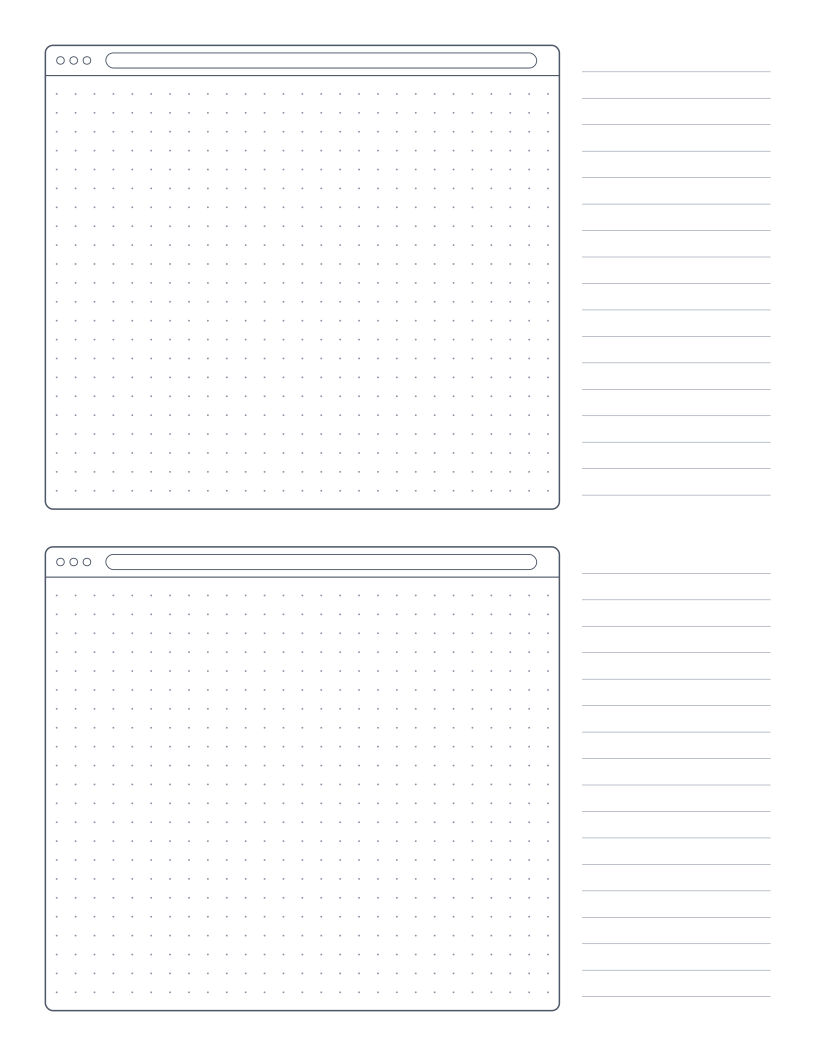
Planning & Productivity
Browser Wireframe Paper
Two browser window frames with a dot grid and a notes column for sketching web pages.
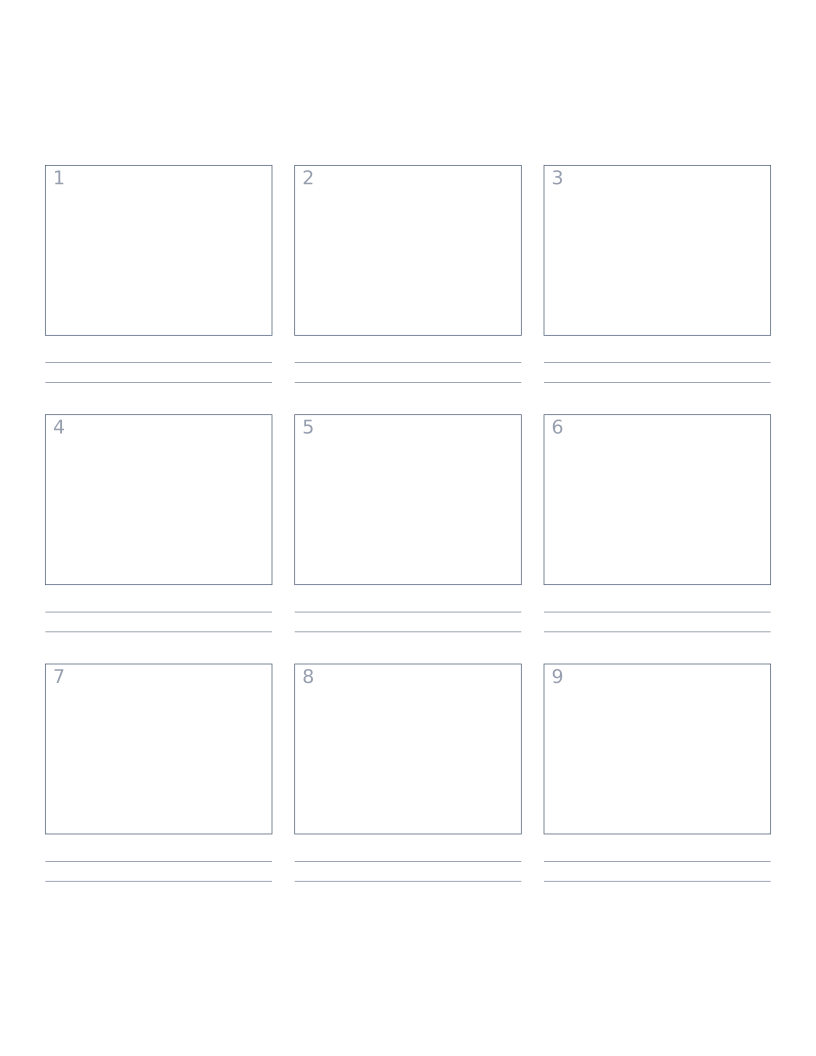
Planning & Productivity
Storyboard Paper (3×3)
Nine-panel storyboard layout with caption space: for filmmakers, animators and UX designers.