Printable grid paper
Square-grid graph paper in every standard ruling: 5 mm and 1 cm metric grids, 1/4 inch quad ruled, 1/2 inch and 1 inch imperial grids, and 10-per-inch engineering paper. Every sheet is drawn at exact physical scale, so a 5 mm cell prints at 5 mm.
6 free templates · Letter, A4 and larger sizes · Vector PDF or direct print
All grid paper templates
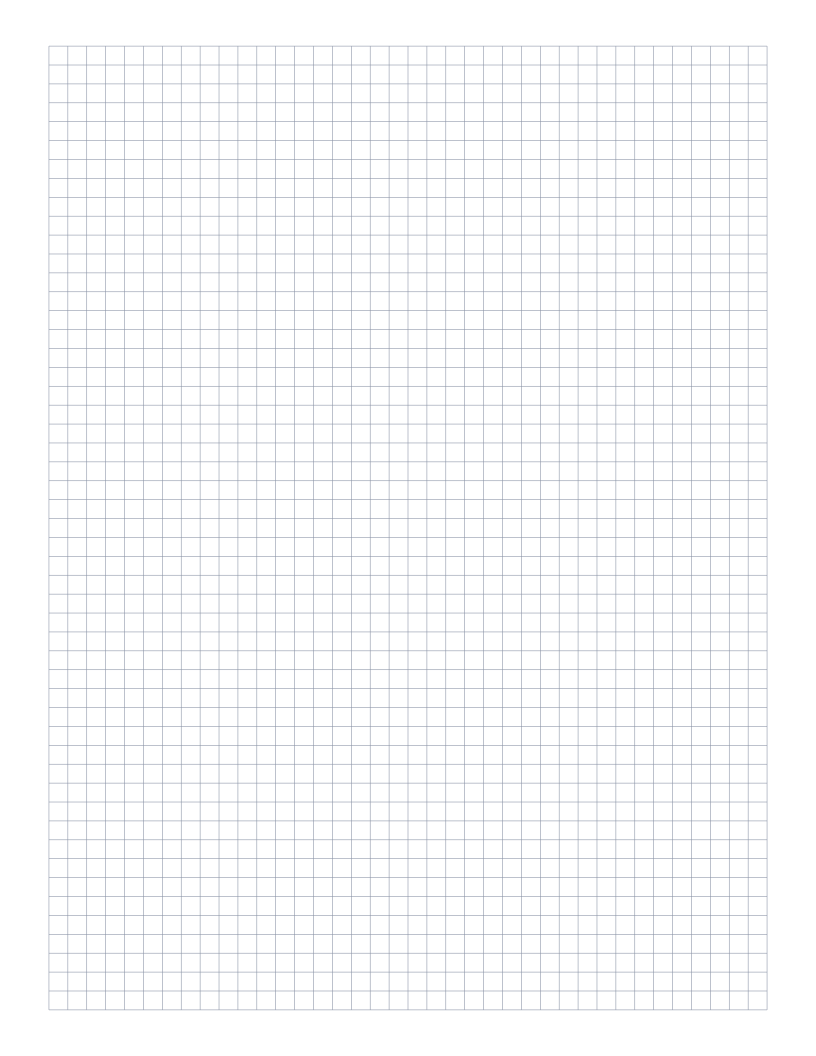
5mm Graph Paper
Standard 5mm square grid: the most popular spacing for math, engineering and general use.
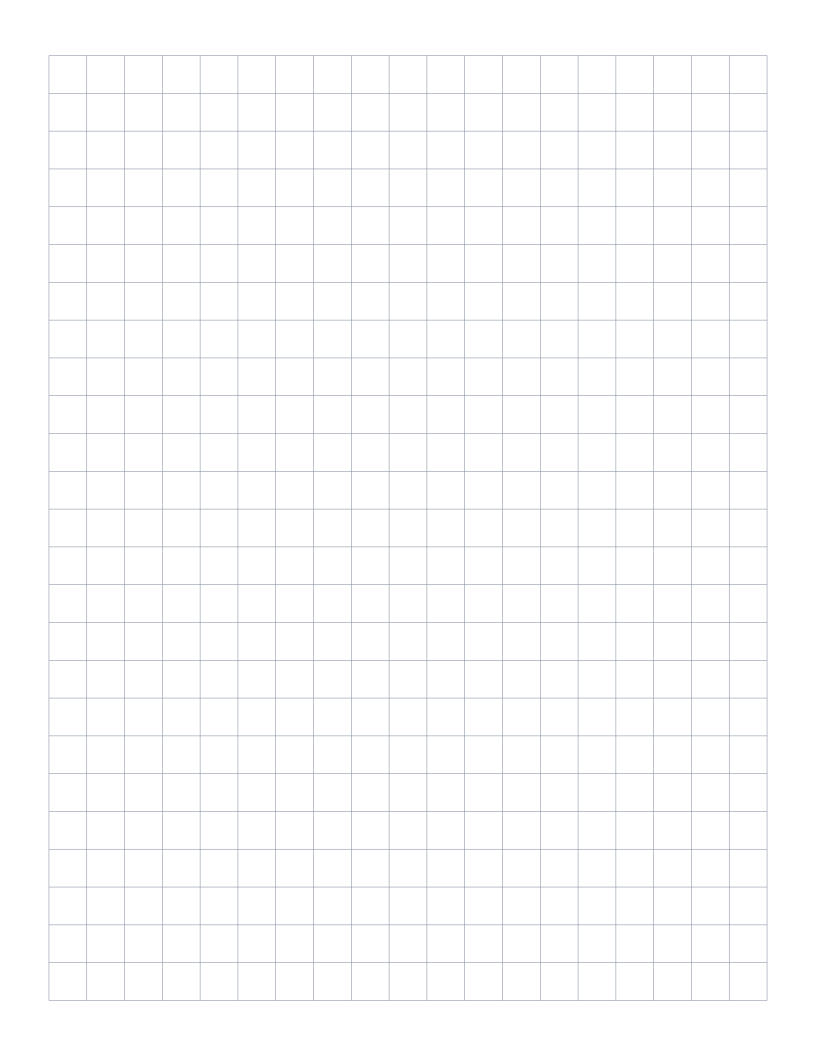
1cm Graph Paper
1 centimeter grid: the everyday graphing standard for elementary math and primary school.
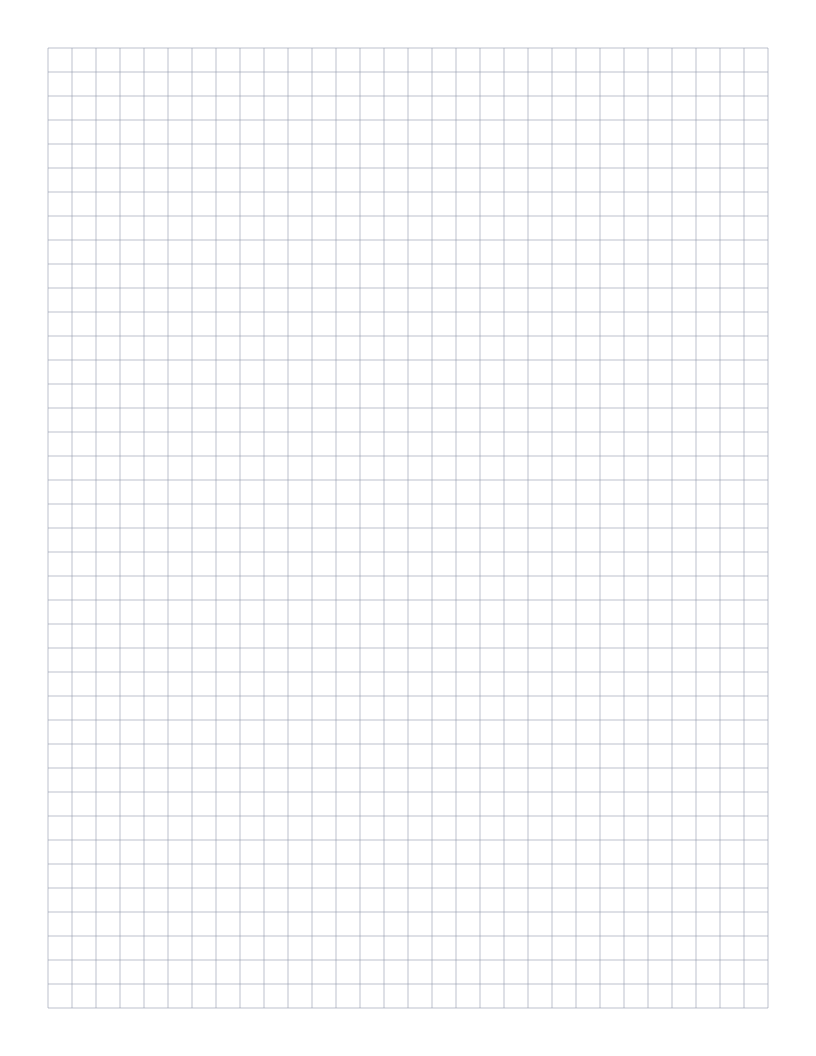
1/4 Inch Graph Paper
Classic four-squares-per-inch quad ruled paper: the US engineering standard.
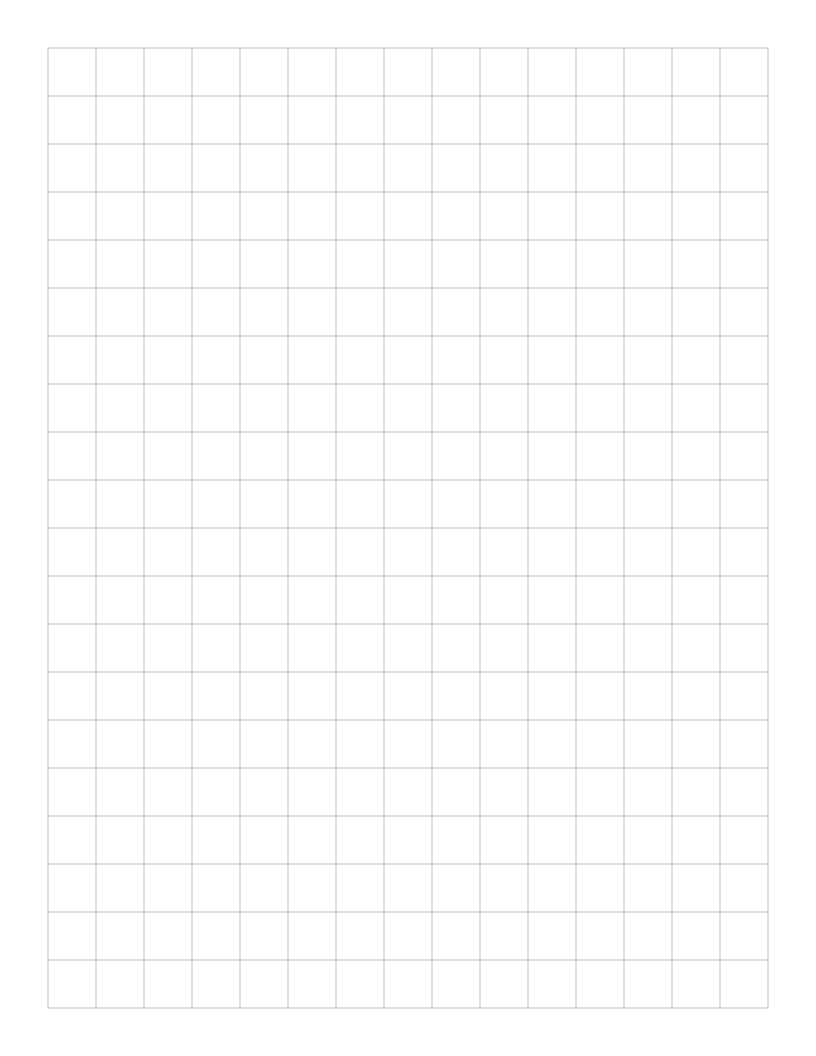
1/2 Inch Graph Paper
Two squares per inch: large grid that doubles as a 2D ruler for measurement.
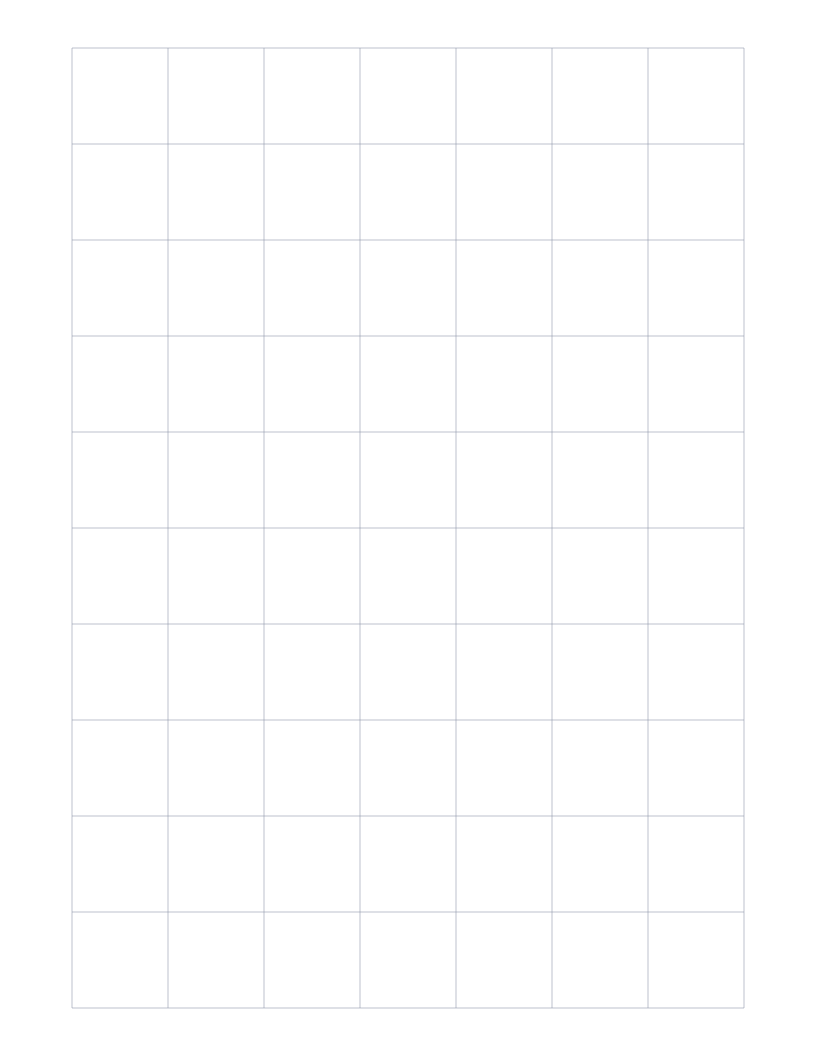
1" Graph Paper
One inch grid: the largest squares we offer, great for posters and quick layout work.
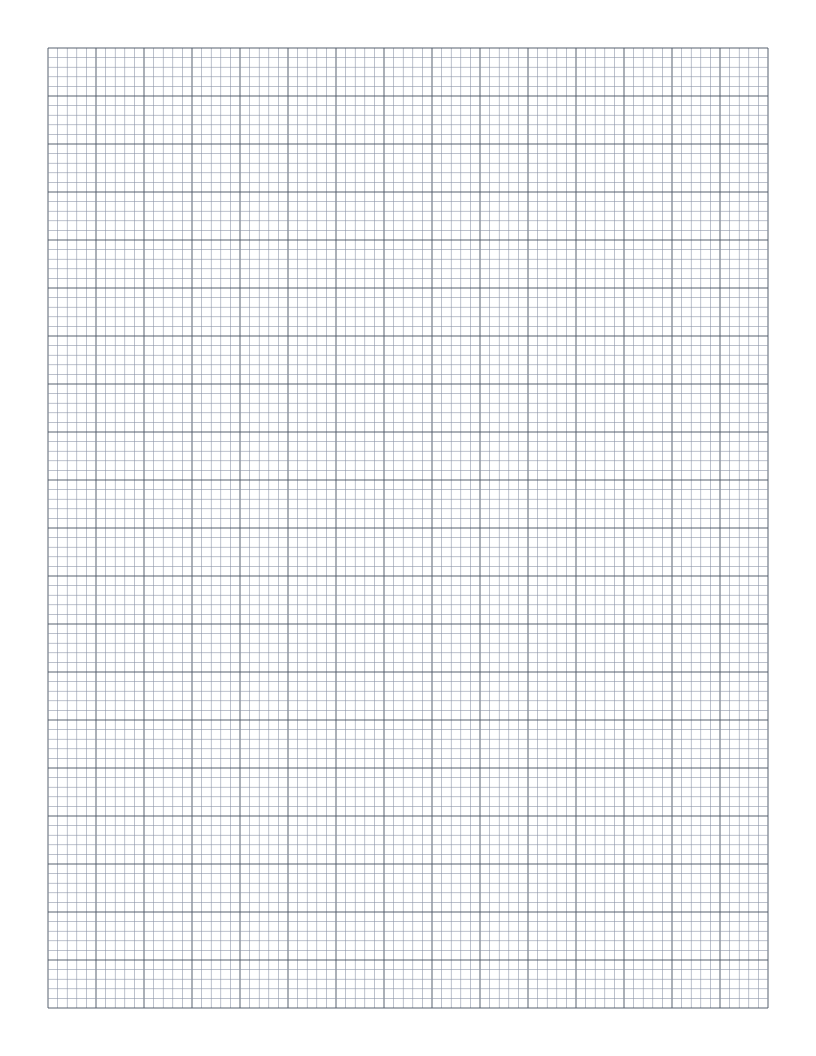
Engineering Paper
10 squares per inch: the classic green-tint engineering pad layout in printable form.
Which grid paper template should I use?
Choose metric (5 mm or 1 cm) if you work in centimetres or live outside the US, and imperial (1/4 inch) if your rulers, overlays or worksheets are in inches. 5 mm and 1/4 inch look alike but differ by 27 % per side, so overlays made for one won't fit the other. Pick engineering paper when you need a fine grid with bold accent lines, or when sketching circuits for 0.1 inch perfboard.
- 5mm Graph Paper: Standard 5mm square grid: the most popular spacing for math, engineering and general use.
- 1cm Graph Paper: 1 centimeter grid: the everyday graphing standard for elementary math and primary school.
- 1/4 Inch Graph Paper: Classic four-squares-per-inch quad ruled paper: the US engineering standard.
- 1/2 Inch Graph Paper: Two squares per inch: large grid that doubles as a 2D ruler for measurement.
- 1" Graph Paper: One inch grid: the largest squares we offer, great for posters and quick layout work.
- Engineering Paper: 10 squares per inch: the classic green-tint engineering pad layout in printable form.
Printing tip: set your browser's scale to 100% (not "Fit to page") and margins to None, or use the Download button on any template for a PDF that prints at exact size.