Live preview · Letter (8.5" × 11") · Gray lines
Mobile Wireframe Paper
Wireframe paper for phone screens: three device outlines per page, each filled with a light dot grid, with lines for notes below. Sketch a flow of three screens side by side before opening a design tool.
Download saves a vector PDF in the size and color selected below, no print dialog needed.
Other formats:
Direct PDF:Mobile Wireframe Paper Letter PDFMobile Wireframe Paper A4 PDF
Choose a different paper size:
Choose a different line color:
Great for
- Sketching app screens and flows
- UX workshops and design sprints
- Planning a mobile website layout
- Teaching interface design
Mobile Wireframe Paper at a glance
| What it is | Three phone outlines with a dot grid and note lines for sketching app screens. |
|---|---|
| Category | Planning & Productivity |
| Paper sizes | Letter (8.5" × 11"), A4 (210 × 297 mm), A5 (148 × 210 mm), Half Letter (5.5" × 8.5"), B5 (176 × 250 mm), Legal (8.5" × 14"), 11" × 17", A3 (297 × 420 mm), A2 (420 × 594 mm), Poster (18" × 24"), Movie Poster (27" × 40") |
| Line colors | Faint, Light, Gray, Dark, Black, Blue, Green (default: Gray) |
| Format | Vector PDF at exact physical scale (Letter PDF, A4 PDF), PNG or SVG, or print directly from the browser |
| Price & license | Free. No signup or watermark. Printed sheets may be used for personal, classroom and commercial work. |
About mobile wireframe paper
Paper is still the fastest way to explore interface ideas, because a sketch takes seconds and nobody mistakes it for a finished design. Pre-drawn device frames keep proportions realistic and make it natural to think in screens. Three frames in a row suit the most common sketching task: showing what happens before, during and after an action.
What's on the page
Three phone outlines with rounded corners and a speaker slot, each about 57 mm wide and 117 mm tall on US Letter, in roughly 1:2 proportion. A 5 mm dot grid fills each screen, and four ruled lines sit under each phone for notes.
How to use it well
Use a marker, not a pen
A thicker tip stops you drawing detail too early and keeps attention on layout.
Sketch flows left to right
Draw an arrow from the control tapped on one screen to the next screen it opens.
Annotate underneath
Use the note lines for what the sketch cannot show: behaviour, states and open questions.
Common mistakes to avoid
- Treating the frame as an exact device. It is a proportion guide, not a specific phone model at 1:1.
- Polishing one screen. The value of paper is producing many rough alternatives quickly.
FAQ, Mobile Wireframe Paper
How many screens are on a page?+
Three.
What is the dot spacing?+
5 mm.
Is there a version for websites?+
Yes, browser wireframe paper.
Is there plain dot grid paper?+
Yes, the 5 mm dot grid.
Printing tips for best results+
- 1. Click Print above. A new tab opens the template at exact size.
- 2. The print dialog appears automatically. Set Scale to 100%. Never "Fit to page", which silently shrinks every cell.
- 3. Set Margins to None or Minimum so the grid reaches the page edge.
- 4. For a PDF, click Download instead. It generates a vector PDF directly without going through the printer driver.
More detail in the guide to printing graph paper at actual size. Need a spacing that isn’t listed? Use the graph paper generator.
You might also like
Planning & Productivity
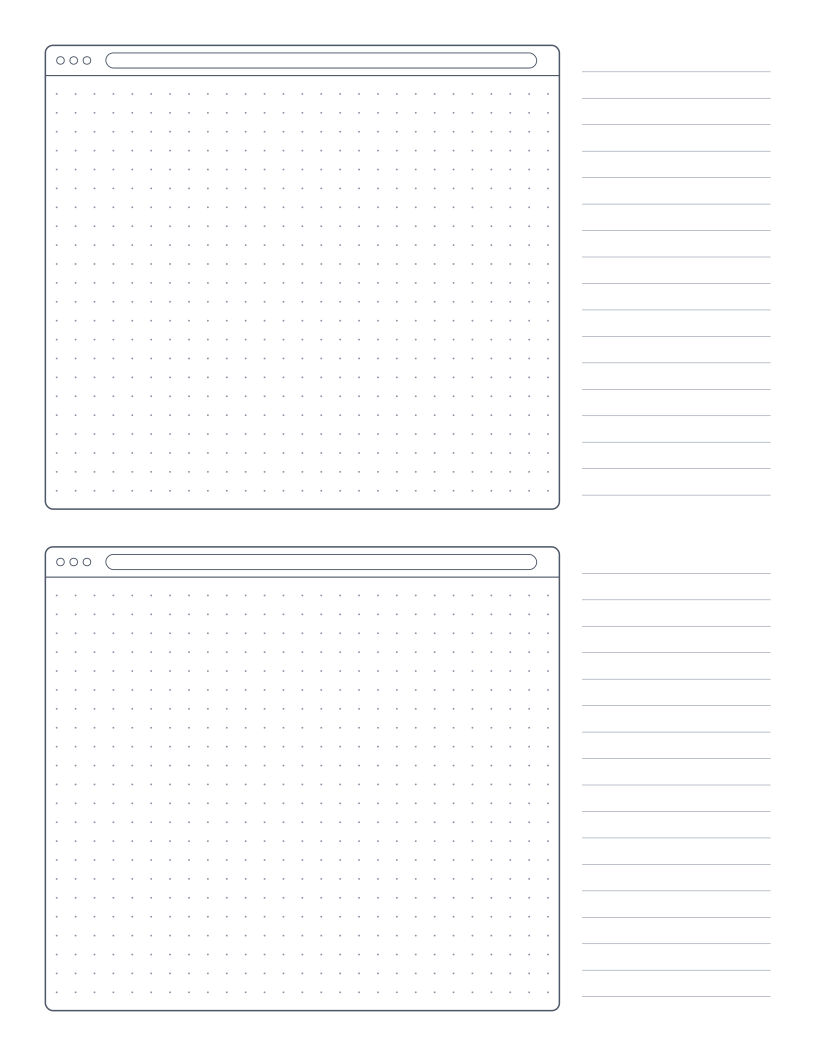
Browser Wireframe Paper
Two browser window frames with a dot grid and a notes column for sketching web pages.
Planning & Productivity
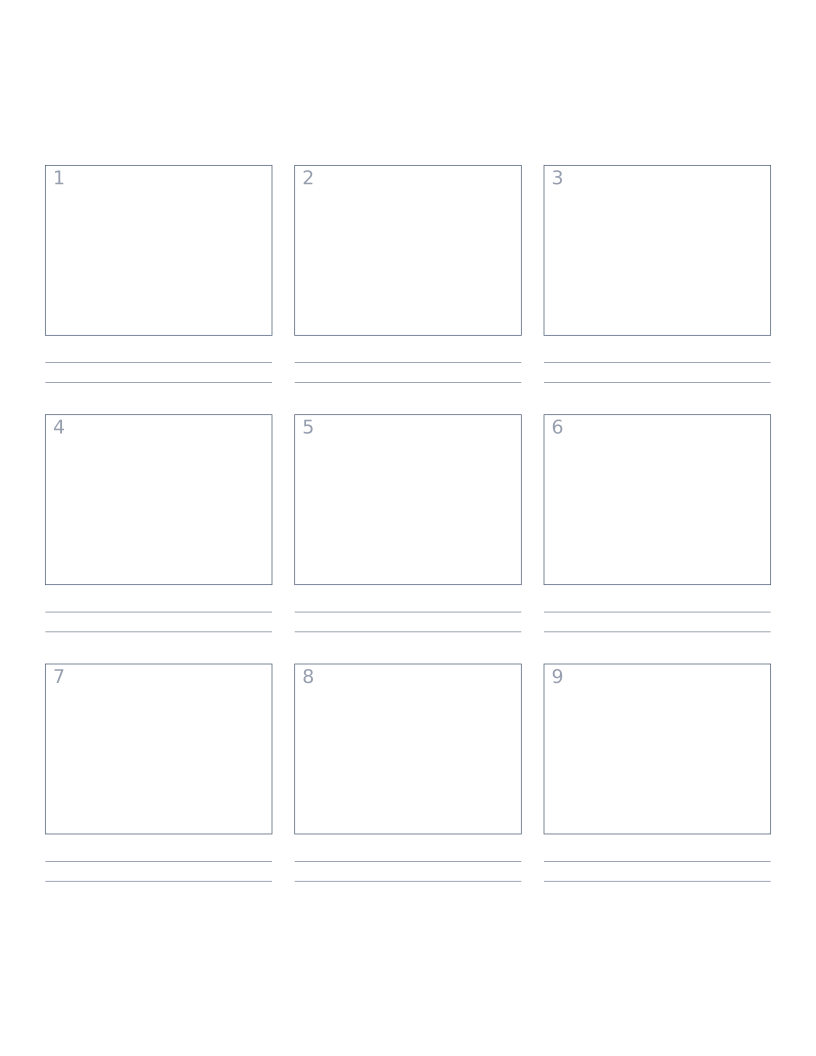
Storyboard Paper (3×3)
Nine-panel storyboard layout with caption space: for filmmakers, animators and UX designers.
Planning & Productivity
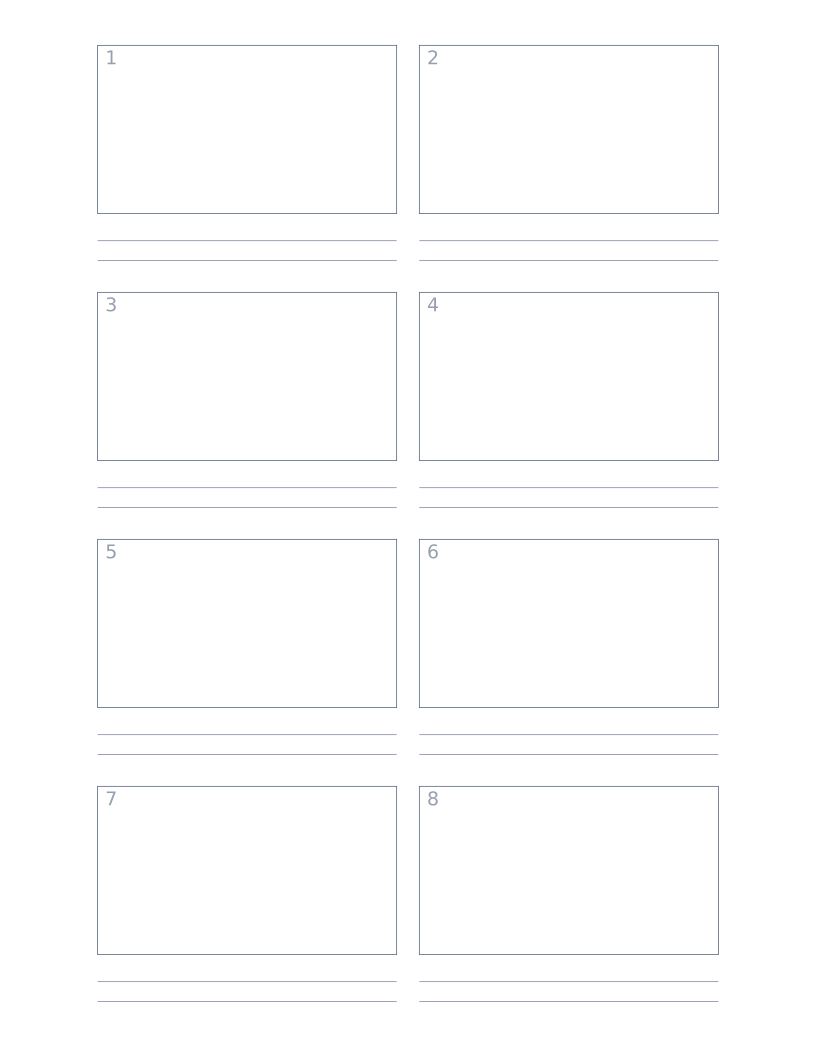
Storyboard Paper (2×4)
Eight-panel storyboard with widescreen 16:9 frames for video and film work.
Planning & Productivity
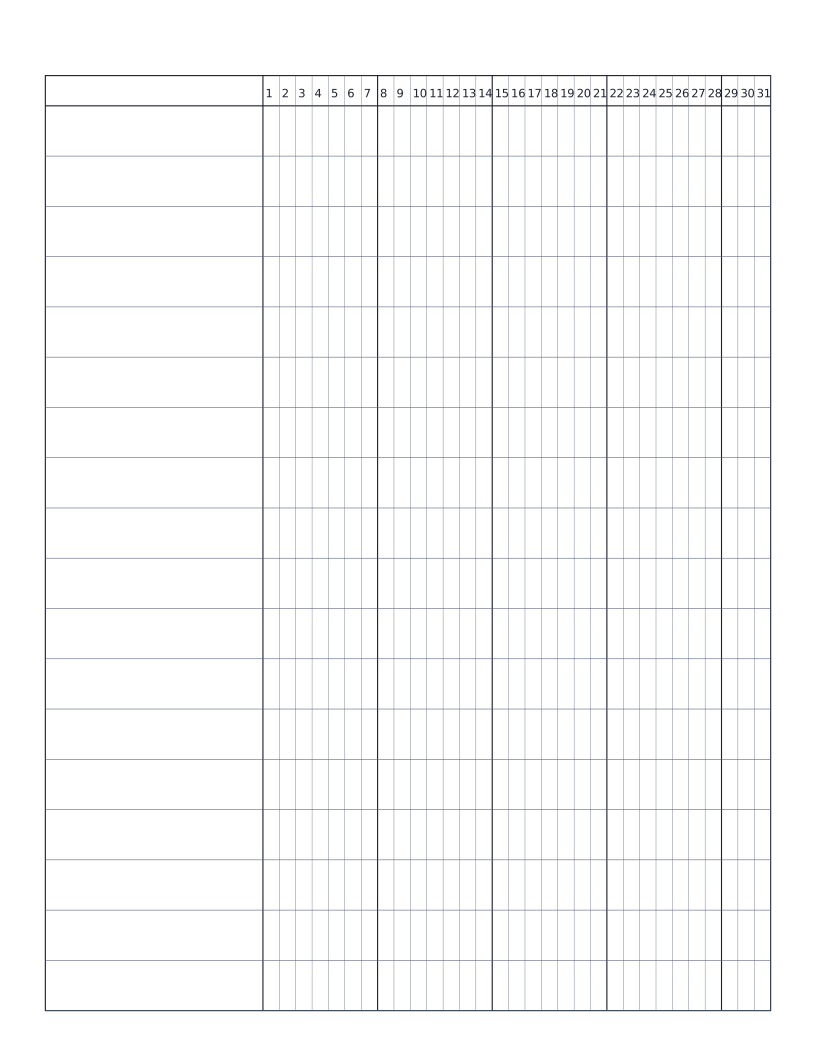
Habit Tracker (Monthly)
Monthly habit tracker: name column plus 31-day grid for marking off daily habits.