Live preview · Letter (8.5" × 11") · Gray lines
Browser Wireframe Paper
Wireframe paper for web pages: two browser windows per sheet, each with a toolbar, address bar and dot-grid canvas, and a column of note lines alongside.
Download saves a vector PDF in the size and color selected below, no print dialog needed.
Other formats:
Direct PDF:Browser Wireframe Paper Letter PDFBrowser Wireframe Paper A4 PDF
Choose a different paper size:
Choose a different line color:
Great for
- Sketching web page layouts
- Comparing two layout options
- Dashboard and web app planning
- Client workshops and stakeholder reviews
Browser Wireframe Paper at a glance
| What it is | Two browser window frames with a dot grid and a notes column for sketching web pages. |
|---|---|
| Category | Planning & Productivity |
| Paper sizes | Letter (8.5" × 11"), A4 (210 × 297 mm), A5 (148 × 210 mm), Half Letter (5.5" × 8.5"), B5 (176 × 250 mm), Legal (8.5" × 14"), 11" × 17", A3 (297 × 420 mm), A2 (420 × 594 mm), Poster (18" × 24"), Movie Poster (27" × 40") |
| Line colors | Faint, Light, Gray, Dark, Black, Blue, Green (default: Gray) |
| Format | Vector PDF at exact physical scale (Letter PDF, A4 PDF), PNG or SVG, or print directly from the browser |
| Price & license | Free. No signup or watermark. Printed sheets may be used for personal, classroom and commercial work. |
About browser wireframe paper
A browser frame reminds everyone looking at a sketch that it is a web page, with a fixed width and content that scrolls. Two frames per sheet let you draw two alternatives, or the top of a page and what appears below the fold. The notes column keeps explanations beside the drawing instead of on top of it.
What's on the page
Two browser frames stacked on the page. Each has a title bar with three window buttons and an address bar, above a canvas filled with a 5 mm dot grid. To the right of each frame is a column of ruled lines for notes.
How to use it well
Block out regions first
Draw boxes for header, navigation, content and footer before adding any detail.
Use standard shorthand
A box with a cross is an image, wavy lines are text, and a rounded rectangle is a button.
Number your notes
Put a small number on the sketch and the matching note in the side column.
Common mistakes to avoid
- Sketching in portrait proportions out of habit. The frames are wide, like a desktop window.
- Writing real copy. Use squiggles for text at this stage.
FAQ, Browser Wireframe Paper
How many frames are on a page?+
Two, each with its own notes column.
Is there a mobile version?+
Yes, mobile wireframe paper has three phone outlines.
What is the grid spacing?+
Dots every 5 mm.
Printing tips for best results+
- 1. Click Print above. A new tab opens the template at exact size.
- 2. The print dialog appears automatically. Set Scale to 100%. Never "Fit to page", which silently shrinks every cell.
- 3. Set Margins to None or Minimum so the grid reaches the page edge.
- 4. For a PDF, click Download instead. It generates a vector PDF directly without going through the printer driver.
More detail in the guide to printing graph paper at actual size. Need a spacing that isn’t listed? Use the graph paper generator.
You might also like
Planning & Productivity
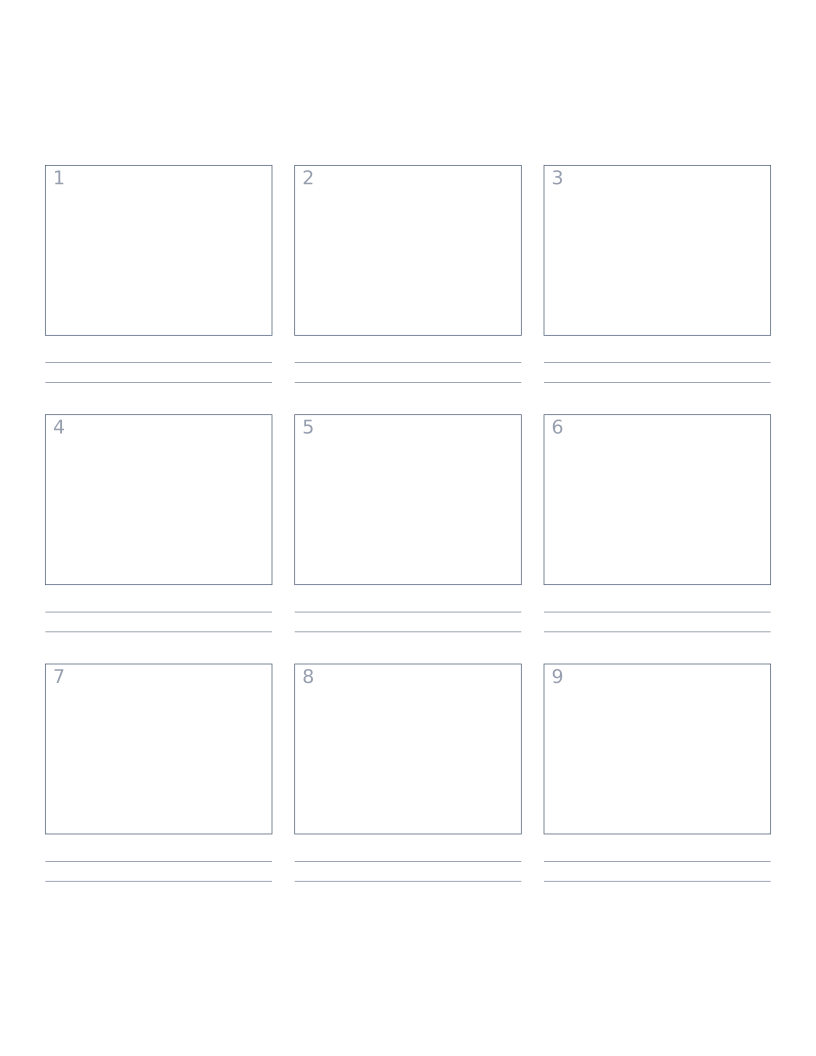
Storyboard Paper (3×3)
Nine-panel storyboard layout with caption space: for filmmakers, animators and UX designers.
Planning & Productivity
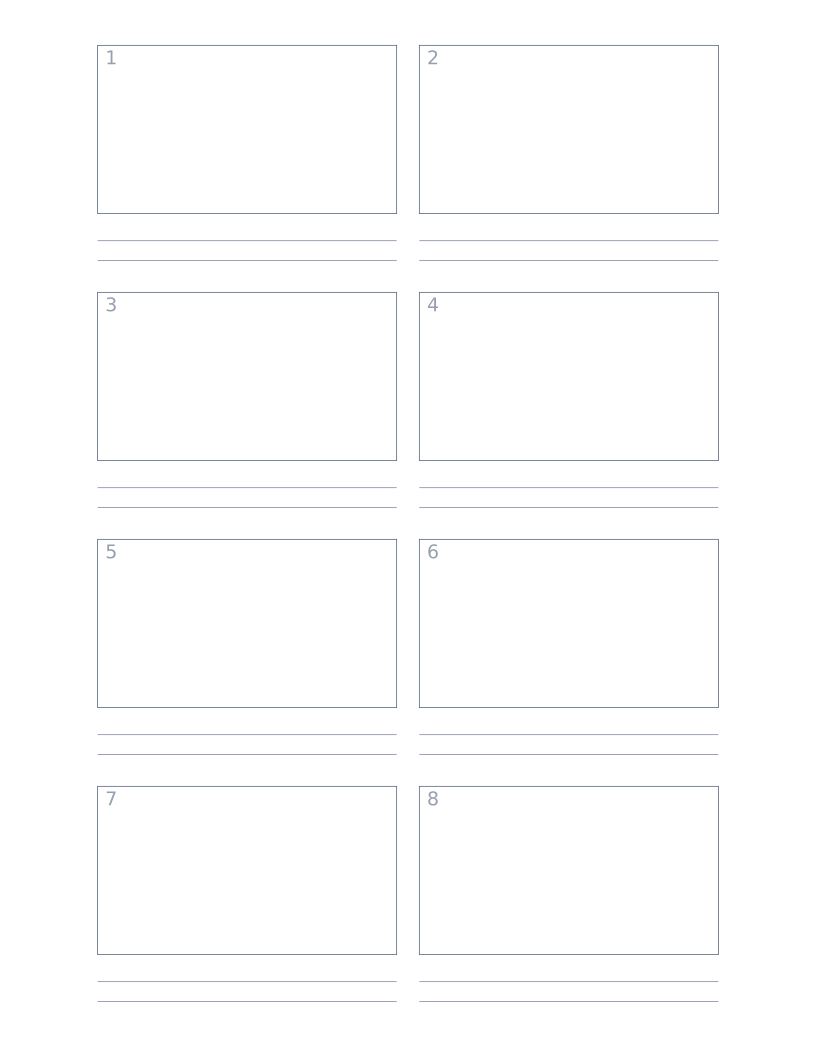
Storyboard Paper (2×4)
Eight-panel storyboard with widescreen 16:9 frames for video and film work.
Planning & Productivity
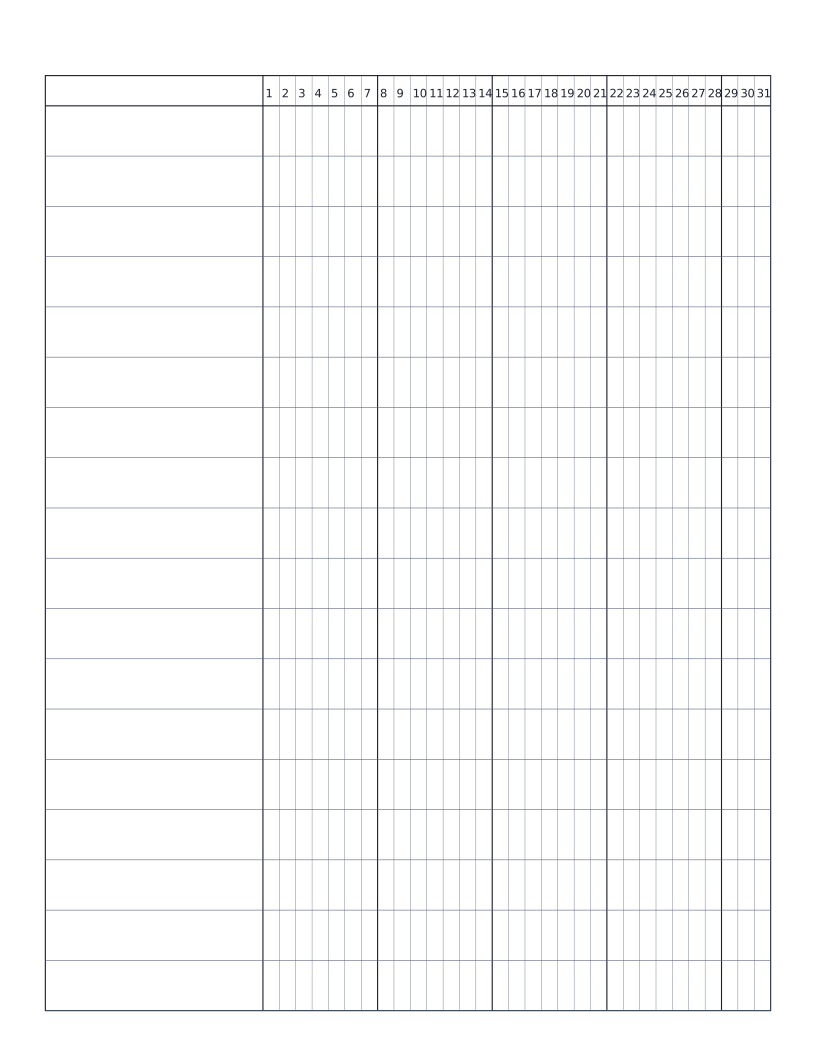
Habit Tracker (Monthly)
Monthly habit tracker: name column plus 31-day grid for marking off daily habits.
Planning & ProductivityPopular
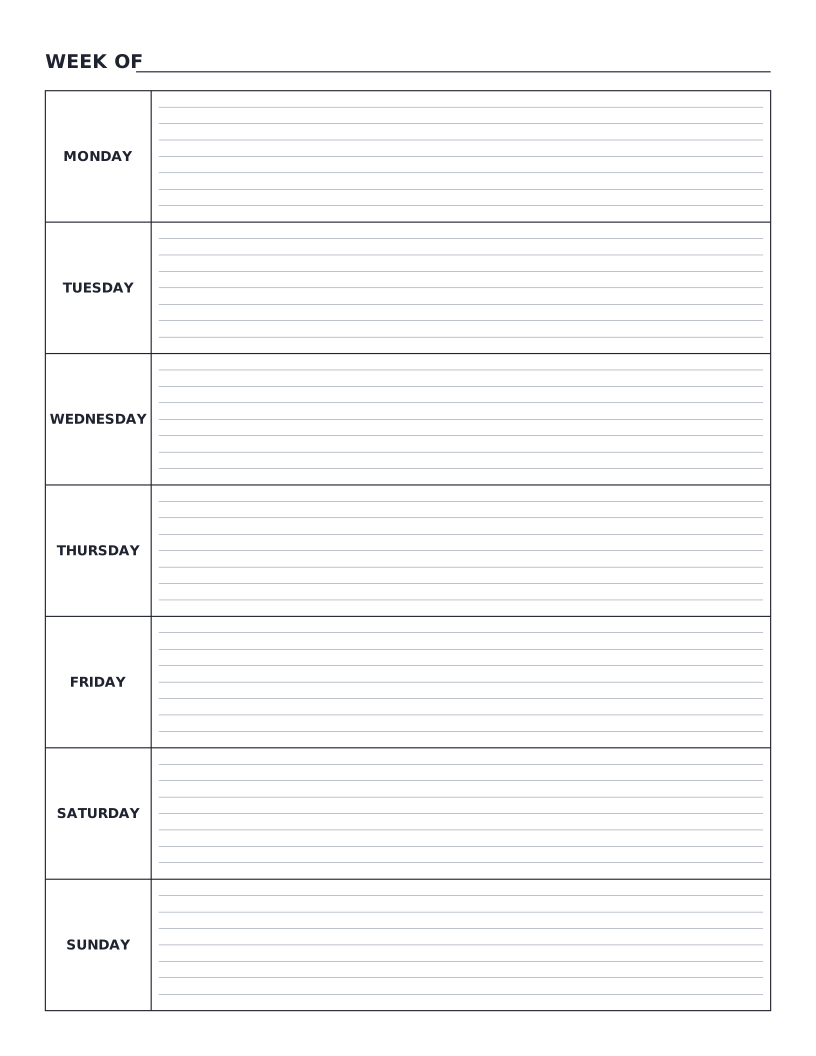
Weekly Planner
Monday-to-Sunday weekly planner: seven labelled day rows with writing lines for tasks, notes and appointments.