Live preview · Letter (8.5" × 11") · Dark lines
Monthly Budget Sheet
A one-page budget for a single month. List your income and expenses, write what you plan to spend, then fill in what you actually spent and the difference.
Download saves a vector PDF in the size and color selected below, no print dialog needed.
Other formats:
Direct PDF:Monthly Budget Sheet Letter PDFMonthly Budget Sheet A4 PDF
Choose a different paper size:
Choose a different line color:
Great for
- Household and personal budgeting
- First budgets for students and teens
- Tracking spending against a plan
- Financial literacy lessons
Monthly Budget Sheet at a glance
| What it is | One-page monthly budget with planned, actual and difference columns. |
|---|---|
| Category | Planning & Productivity |
| Paper sizes | Letter (8.5" × 11"), A4 (210 × 297 mm), A5 (148 × 210 mm), Half Letter (5.5" × 8.5"), B5 (176 × 250 mm), Legal (8.5" × 14"), 11" × 17", A3 (297 × 420 mm), A2 (420 × 594 mm), Poster (18" × 24"), Movie Poster (27" × 40") |
| Line colors | Faint, Light, Gray, Dark, Black, Blue, Green (default: Dark) |
| Format | Vector PDF at exact physical scale (Letter PDF, A4 PDF), PNG or SVG, or print directly from the browser |
| Price & license | Free. No signup or watermark. Printed sheets may be used for personal, classroom and commercial work. |
About monthly budget sheet
A budget compares a plan with reality. The planned column is filled in at the start of the month, the actual column at the end, and the difference shows where the plan held and where it did not. This sheet separates fixed costs, which are the same every month, from variable ones, which is where most adjustments are made.
What's on the page
A title and 'Month' line, then a table with an item column and three amount columns: Planned, Actual and Difference. It has four shaded section headings with blank rows beneath: Income (4 rows), Fixed Expenses (8), Variable Expenses (10) and Savings & Debt (4), and a final 'Total left over' row.
How to use it well
Start with income
Write the money you expect after tax. Everything else has to fit inside that number.
Give every unit a job
Adjust the planned column until income minus all planned spending and saving equals zero.
Review at month end
Fill in the actual column and carry the lessons into next month's plan.
Common mistakes to avoid
- Leaving out irregular costs such as annual insurance or gifts. Divide them by twelve and include a monthly amount.
- Filling in only the planned column. Without actual figures the sheet is a wish list.
FAQ, Monthly Budget Sheet
What sections does the budget have?+
Income, fixed expenses, variable expenses, and savings and debt, followed by a total row.
How do I work out the difference?+
Subtract actual from planned for expenses. A positive number means you spent less than planned.
Can I track individual transactions?+
Use ledger paper for a line-by-line record and this sheet for the monthly summary.
Is there a yearly layout?+
Yes, 12 column ledger paper has one column per month.
Printing tips for best results+
- 1. Click Print above. A new tab opens the template at exact size.
- 2. The print dialog appears automatically. Set Scale to 100%. Never "Fit to page", which silently shrinks every cell.
- 3. Set Margins to None or Minimum so the grid reaches the page edge.
- 4. For a PDF, click Download instead. It generates a vector PDF directly without going through the printer driver.
More detail in the guide to printing graph paper at actual size. Need a spacing that isn’t listed? Use the graph paper generator.
You might also like
Planning & Productivity
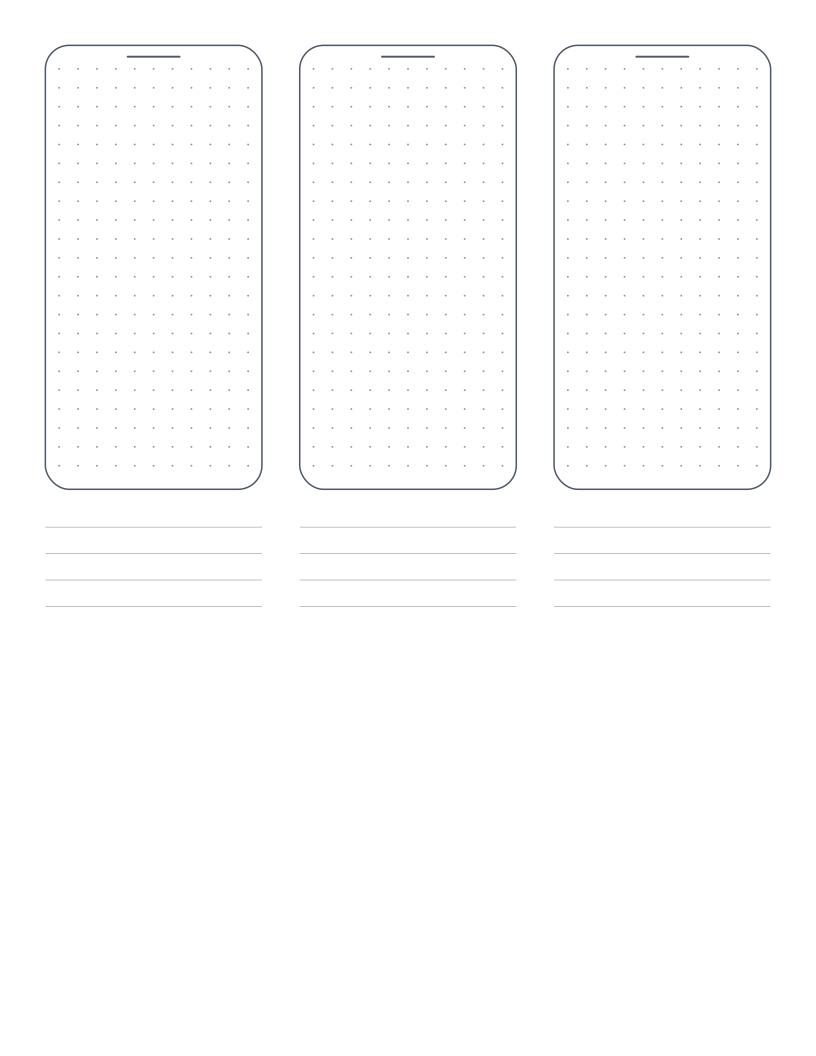
Mobile Wireframe Paper
Three phone outlines with a dot grid and note lines for sketching app screens.
Planning & Productivity
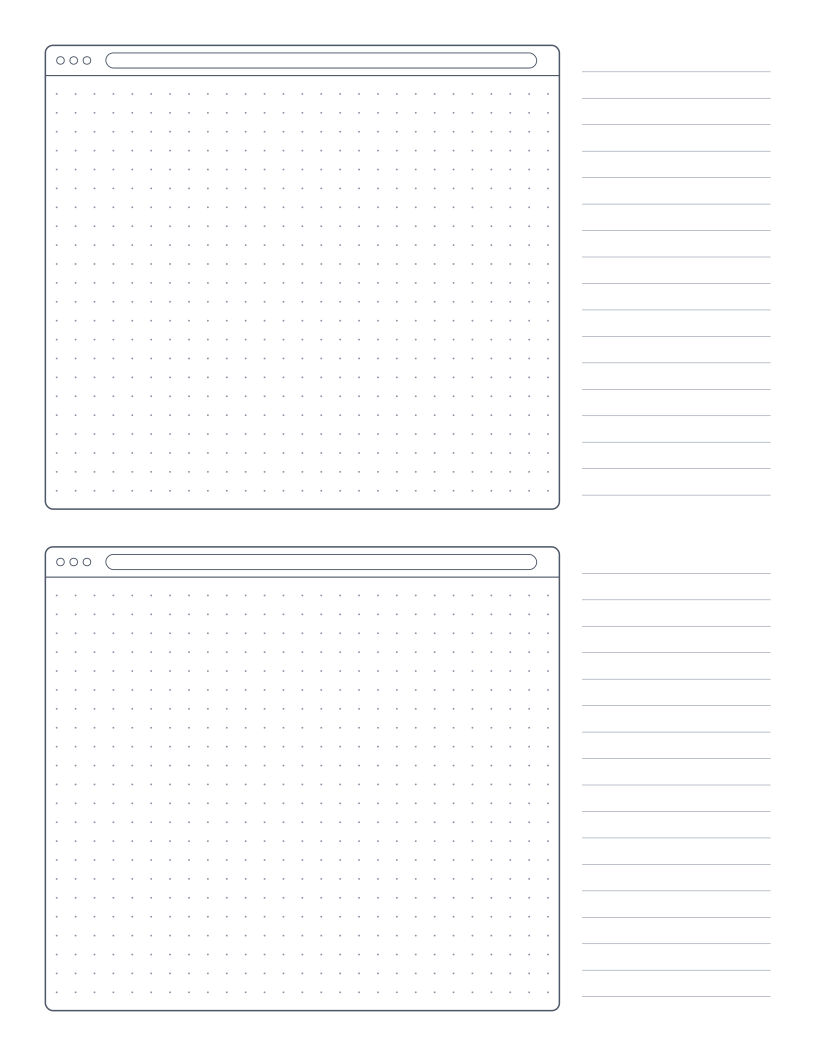
Browser Wireframe Paper
Two browser window frames with a dot grid and a notes column for sketching web pages.
Planning & Productivity
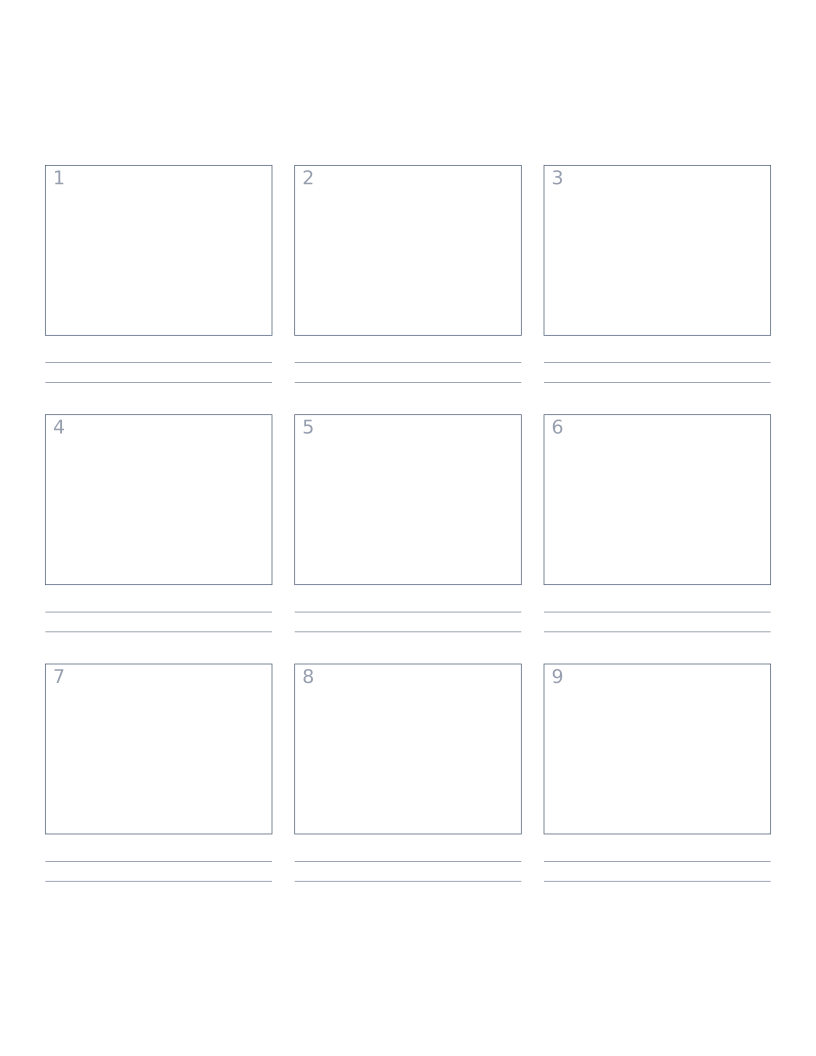
Storyboard Paper (3×3)
Nine-panel storyboard layout with caption space: for filmmakers, animators and UX designers.
Planning & Productivity
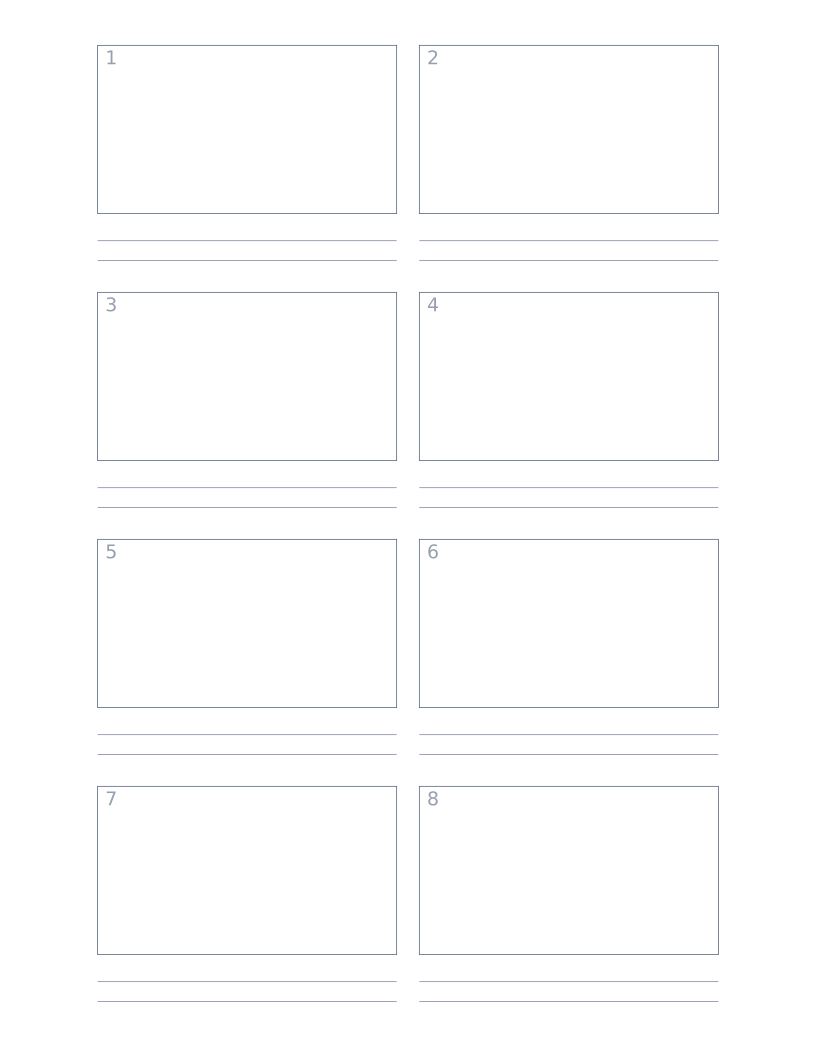
Storyboard Paper (2×4)
Eight-panel storyboard with widescreen 16:9 frames for video and film work.