Live preview · Letter (8.5" × 11") · Dark lines
Daily Planner
A one-page daily planner that puts the hours of the day down the left and your tasks down the right. It is undated, so you can print a stack and use them on any day.
Download saves a vector PDF in the size and color selected below, no print dialog needed.
Other formats:
Direct PDF:Daily Planner Letter PDFDaily Planner A4 PDF
Choose a different paper size:
Choose a different line color:
Great for
- Time blocking a workday
- Planning study sessions around classes
- Busy days with many appointments
- A daily page for a ring binder or clipboard
Daily Planner at a glance
| What it is | Undated one-page daily planner with an hourly schedule, top priorities, to-do list and notes. |
|---|---|
| Category | Planning & Productivity |
| Paper sizes | Letter (8.5" × 11"), A4 (210 × 297 mm), A5 (148 × 210 mm), Half Letter (5.5" × 8.5"), B5 (176 × 250 mm), Legal (8.5" × 14"), 11" × 17", A3 (297 × 420 mm), A2 (420 × 594 mm), Poster (18" × 24"), Movie Poster (27" × 40") |
| Line colors | Faint, Light, Gray, Dark, Black, Blue, Green (default: Dark) |
| Format | Vector PDF at exact physical scale (Letter PDF, A4 PDF), PNG or SVG, or print directly from the browser |
| Price & license | Free. No signup or watermark. Printed sheets may be used for personal, classroom and commercial work. |
About daily planner
A daily planner page combines two different kinds of plan. The schedule column answers 'when': appointments and blocks of work pinned to hours. The task column answers 'what': things to finish today that are not tied to a time. Seeing both on one page shows quickly whether the task list is realistic for the free hours available, which is the idea behind time blocking. The short priorities box at the top right is for the few tasks that would make the day a success even if nothing else got done. For a view of the whole week on one page, use the weekly planner instead.
What's on the page
A date line across the top. On the left, a schedule of 16 hourly rows from 6 AM to 9 PM, each split by a dotted half-hour line. On the right, three sections: Top 3 Priorities with three checkbox lines, To Do with eight checkbox lines, and Notes, which is lined to the bottom of the page. All labels are in English and nothing is dated.
How to use it well
Fill in fixed commitments first
Write meetings, classes and travel into the schedule before anything else. What is left is the time you can actually assign to tasks.
Limit yourself to three priorities
The box has three lines on purpose. If everything is a priority, nothing is; choose the three tasks that matter most and schedule them first.
Block time for tasks
Draw a bracket down the schedule for each important task instead of leaving it on the list. A task with a time slot is far more likely to get done.
Plan the evening before
Filling in tomorrow's page at the end of today takes five minutes and means you start the day already knowing what to do first.
Common mistakes to avoid
- Filling every hour. Leave gaps for overruns, breaks and things you did not foresee.
- Copying an unfinished to-do list forward day after day. If a task has moved three times, either schedule it into a specific hour or drop it.
- Printing in Faint. The half-hour lines and checkboxes need to be visible; the default Dark prints clearly on any printer.
FAQ, Daily Planner
What hours does the schedule cover?+
6 AM to 9 PM in one-hour rows, each with a dotted line marking the half hour.
Is the planner dated?+
No. Write the date on the line at the top, so the same printable works for any day of any year.
Can I print two per page?+
Print the Letter or A4 version and choose '2 pages per sheet' in your print dialog to get two half-size planners side by side. Note that this option scales the page, which is fine for a planner.
Is there a weekly or monthly version?+
Yes. See the weekly planner, monthly calendar and to-do list.
What is time blocking?+
Assigning each task a specific block of time on your schedule instead of working from an open list. The hourly column on this page is designed for it.
Printing tips for best results+
- 1. Click Print above. A new tab opens the template at exact size.
- 2. The print dialog appears automatically. Set Scale to 100%. Never "Fit to page", which silently shrinks every cell.
- 3. Set Margins to None or Minimum so the grid reaches the page edge.
- 4. For a PDF, click Download instead. It generates a vector PDF directly without going through the printer driver.
More detail in the guide to printing graph paper at actual size. Need a spacing that isn’t listed? Use the graph paper generator.
You might also like
Planning & Productivity
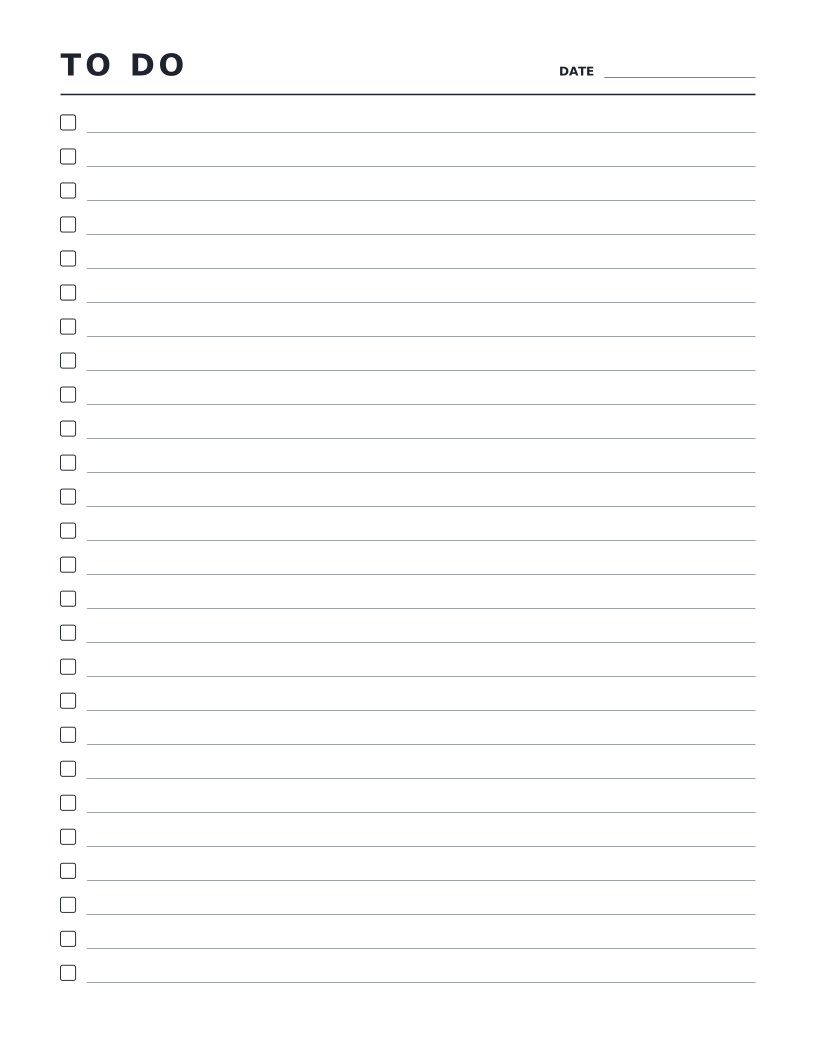
To-Do List
Simple checklist page with a checkbox at the start of every line.
Planning & Productivity
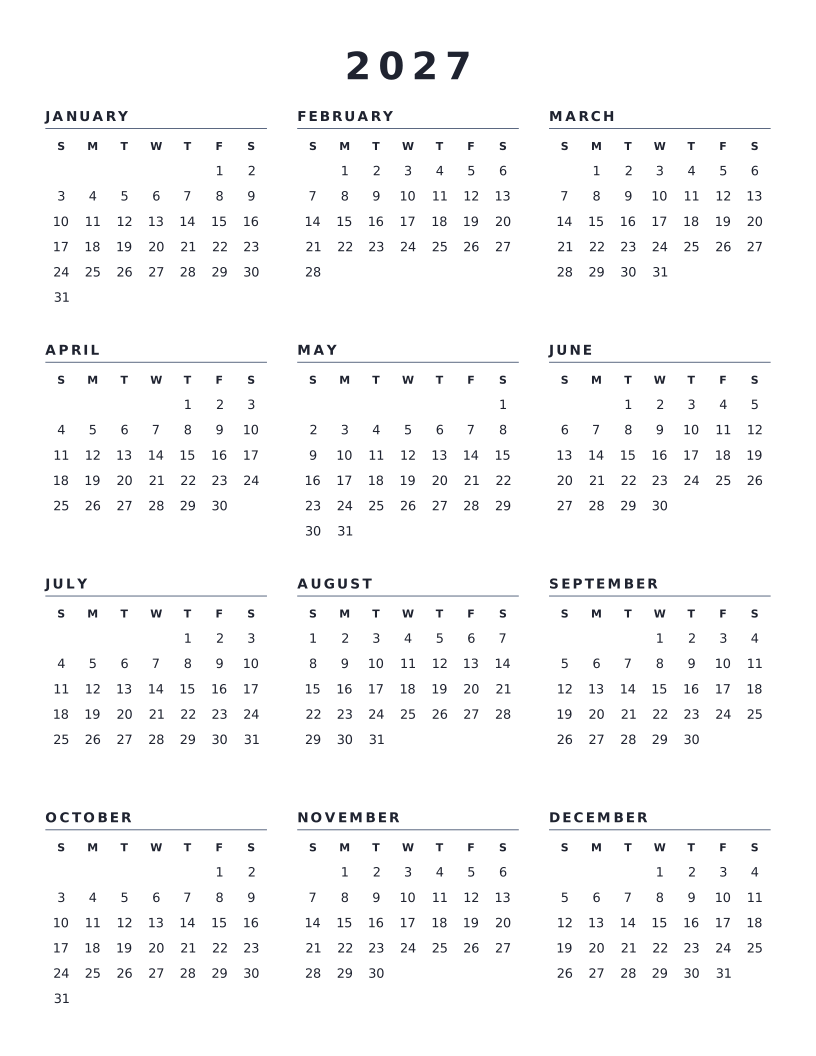
2027 Calendar (Year at a Glance)
All twelve months of 2027 on one page, with weeks starting on Sunday.
Planning & Productivity
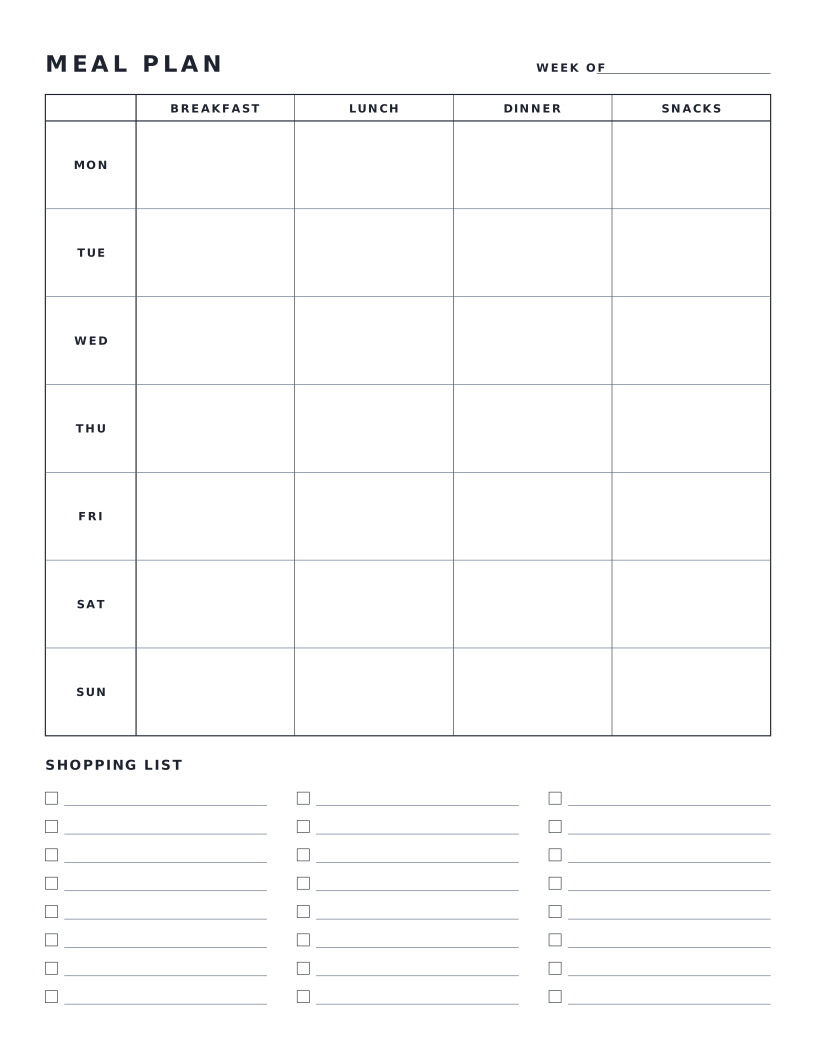
Weekly Meal Planner
Seven-day meal plan grid with breakfast, lunch, dinner and snacks, plus a shopping list.
Planning & Productivity
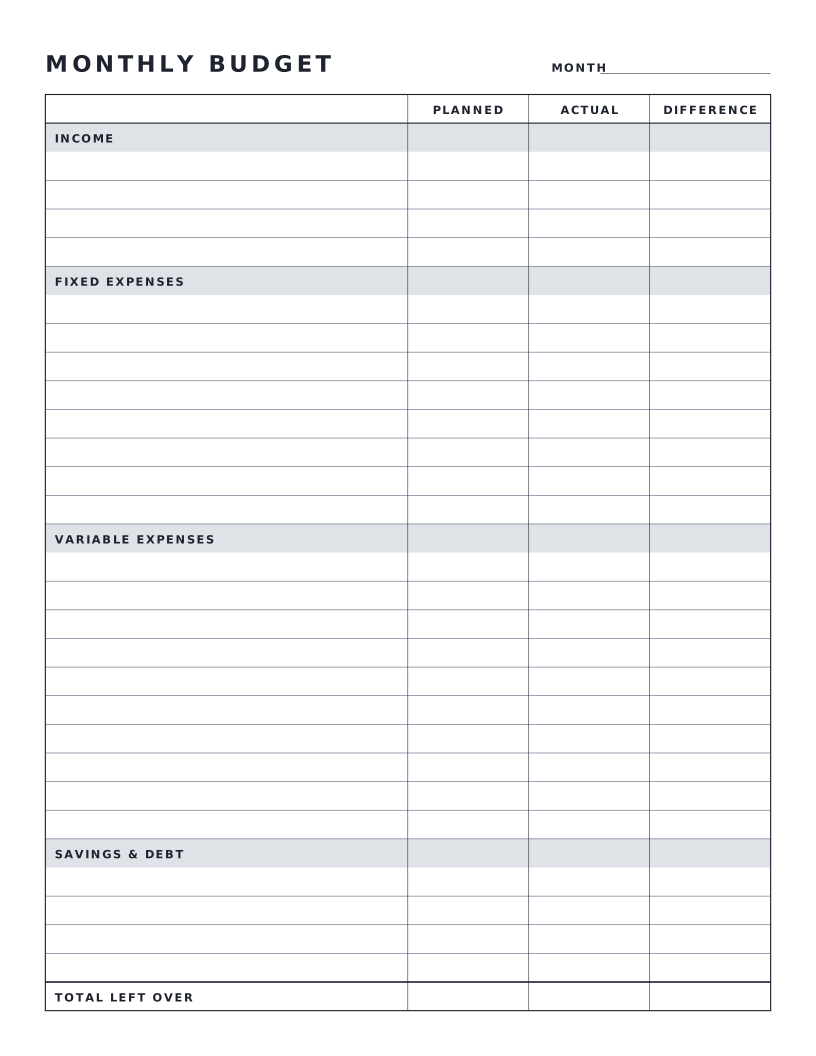
Monthly Budget Sheet
One-page monthly budget with planned, actual and difference columns.