Live preview · Letter (8.5" × 11") · Dark lines
To-Do List
A plain to-do list: a title, a date line and a full page of lines, each starting with a checkbox. Nothing else is printed, so it works as a task list, shopping list, packing list or any other checklist.
Download saves a vector PDF in the size and color selected below, no print dialog needed.
Other formats:
Direct PDF:To-Do List Letter PDFTo-Do List A4 PDF
Choose a different paper size:
Choose a different line color:
Great for
- Daily and weekly task lists
- Shopping and packing lists
- Project and event checklists
- Chore charts and classroom checklists
To-Do List at a glance
| What it is | Simple checklist page with a checkbox at the start of every line. |
|---|---|
| Category | Planning & Productivity |
| Paper sizes | Letter (8.5" × 11"), A4 (210 × 297 mm), A5 (148 × 210 mm), Half Letter (5.5" × 8.5"), B5 (176 × 250 mm), Legal (8.5" × 14"), 11" × 17", A3 (297 × 420 mm), A2 (420 × 594 mm), Poster (18" × 24"), Movie Poster (27" × 40") |
| Line colors | Faint, Light, Gray, Dark, Black, Blue, Green (default: Dark) |
| Format | Vector PDF at exact physical scale (Letter PDF, A4 PDF), PNG or SVG, or print directly from the browser |
| Price & license | Free. No signup or watermark. Printed sheets may be used for personal, classroom and commercial work. |
About to-do list
Writing tasks down frees you from having to remember them, and ticking them off shows progress in a way a mental list never does. A paper list has one advantage over an app: it is finite. When the page is full you have to decide what really belongs on it. This template is deliberately minimal. There are no categories, priority columns or motivational quotes; just checkboxes and lines, with enough height on each line for ordinary handwriting. If you also need to fit tasks around appointments, the daily planner adds an hourly schedule beside the list.
What's on the page
The heading TO DO and a date line at the top, a rule, then checklist lines 9 mm apart running to the bottom margin: 26 lines on US Letter and 28 on A4. Each line begins with a 4 mm checkbox. The side margins are slightly wider than on other templates so the page can be hole-punched.
How to use it well
Start each task with a verb
'Email Sam the quote' is a task; 'quote' is a reminder that you will have to decode later. Specific wording makes it easier to start.
Break big items down
If a line has stayed unticked for days, it is probably a project. Replace it with the first concrete step.
Mark the top three
Put a star beside the three most important lines and do those first. A long list with no order invites doing the easy things.
Use the checkbox states
A tick for done, a slash for started, an arrow for moved to another day and a cross for dropped. Four marks cover most situations.
Common mistakes to avoid
- Filling every line. A list of 26 tasks for one day guarantees most will be left over; use the remaining lines for a 'later' section.
- Keeping several lists at once. One current list is easier to trust than three partial ones.
- Printing in Faint. Checkboxes need a clear outline; keep the default Dark or use Black.
FAQ, To-Do List
How many items fit on the page?+
26 on US Letter and 28 on A4. Legal and larger sizes fit more.
Can I use it as a shopping or packing list?+
Yes. The page has no categories or labels beyond the title, so it works for any checklist.
Can I print it half-size?+
Yes. Choose '2 pages per sheet' in the print dialog to get two A5 or half-Letter lists on one sheet.
Is there a version with a schedule?+
Yes. The daily planner has an hourly schedule, priorities and a shorter to-do list on one page.
Is there a template for tracking recurring tasks?+
Yes. The habit tracker has a grid for ticking off up to 18 habits across a month.
Printing tips for best results+
- 1. Click Print above. A new tab opens the template at exact size.
- 2. The print dialog appears automatically. Set Scale to 100%. Never "Fit to page", which silently shrinks every cell.
- 3. Set Margins to None or Minimum so the grid reaches the page edge.
- 4. For a PDF, click Download instead. It generates a vector PDF directly without going through the printer driver.
More detail in the guide to printing graph paper at actual size. Need a spacing that isn’t listed? Use the graph paper generator.
You might also like
Planning & Productivity
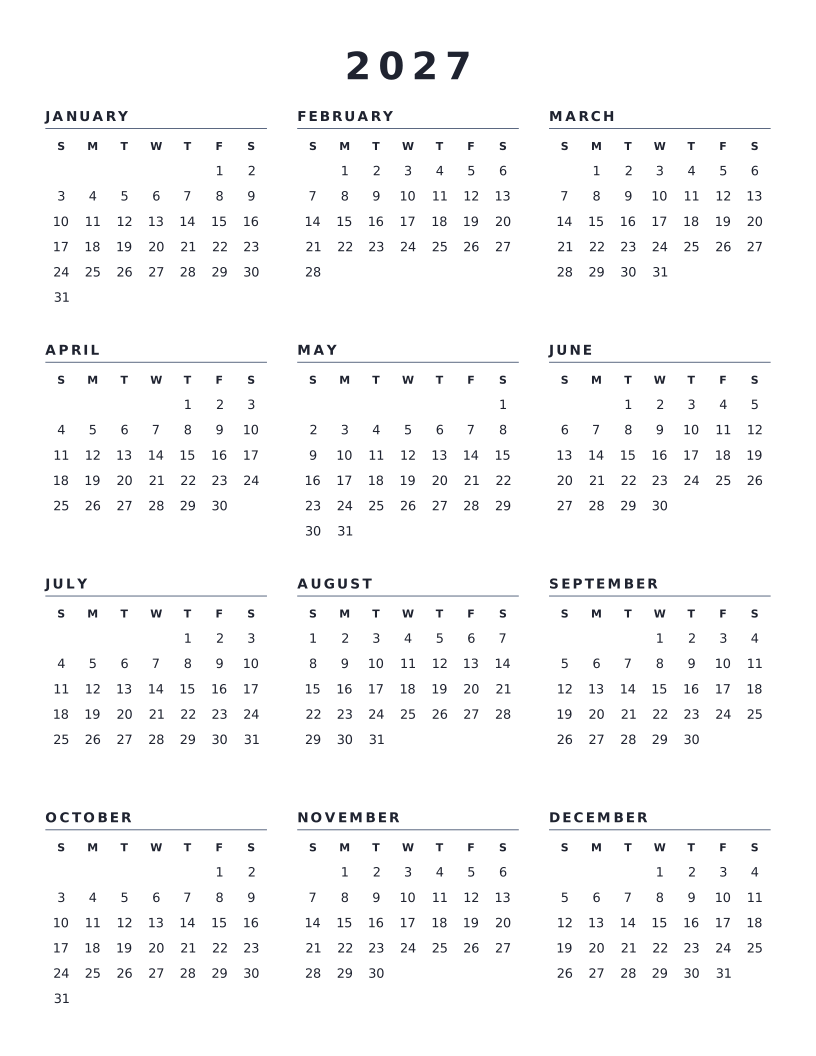
2027 Calendar (Year at a Glance)
All twelve months of 2027 on one page, with weeks starting on Sunday.
Planning & Productivity
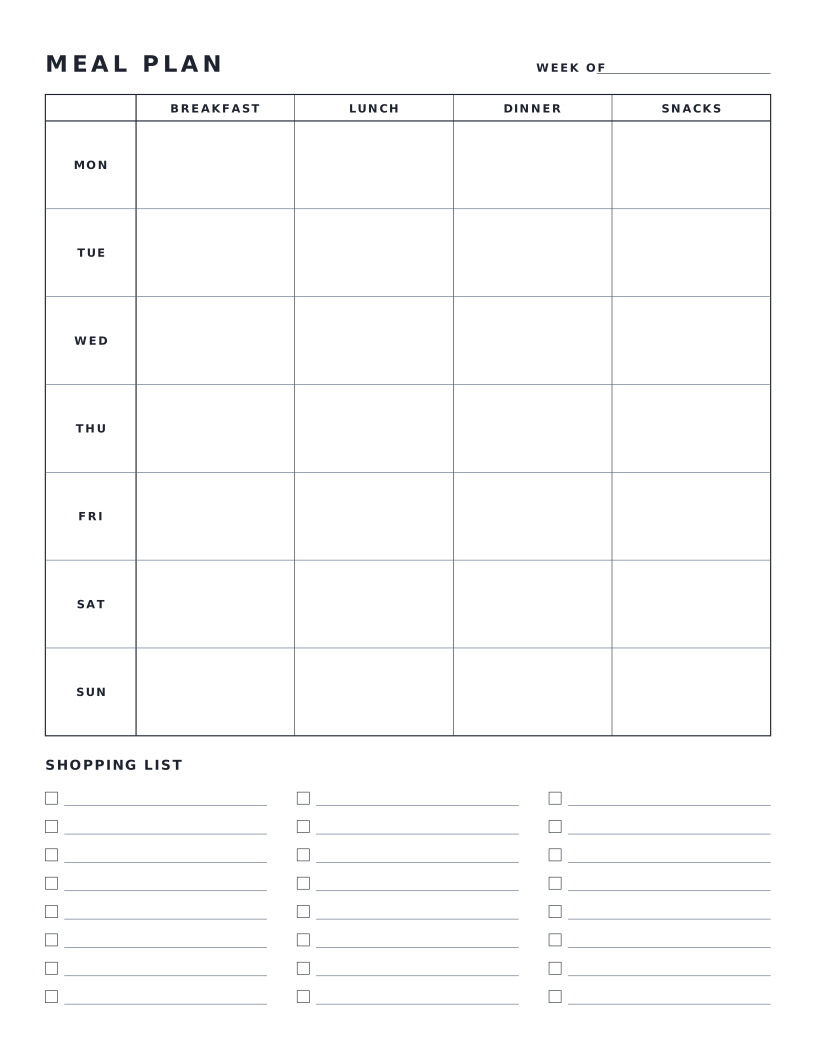
Weekly Meal Planner
Seven-day meal plan grid with breakfast, lunch, dinner and snacks, plus a shopping list.
Planning & Productivity
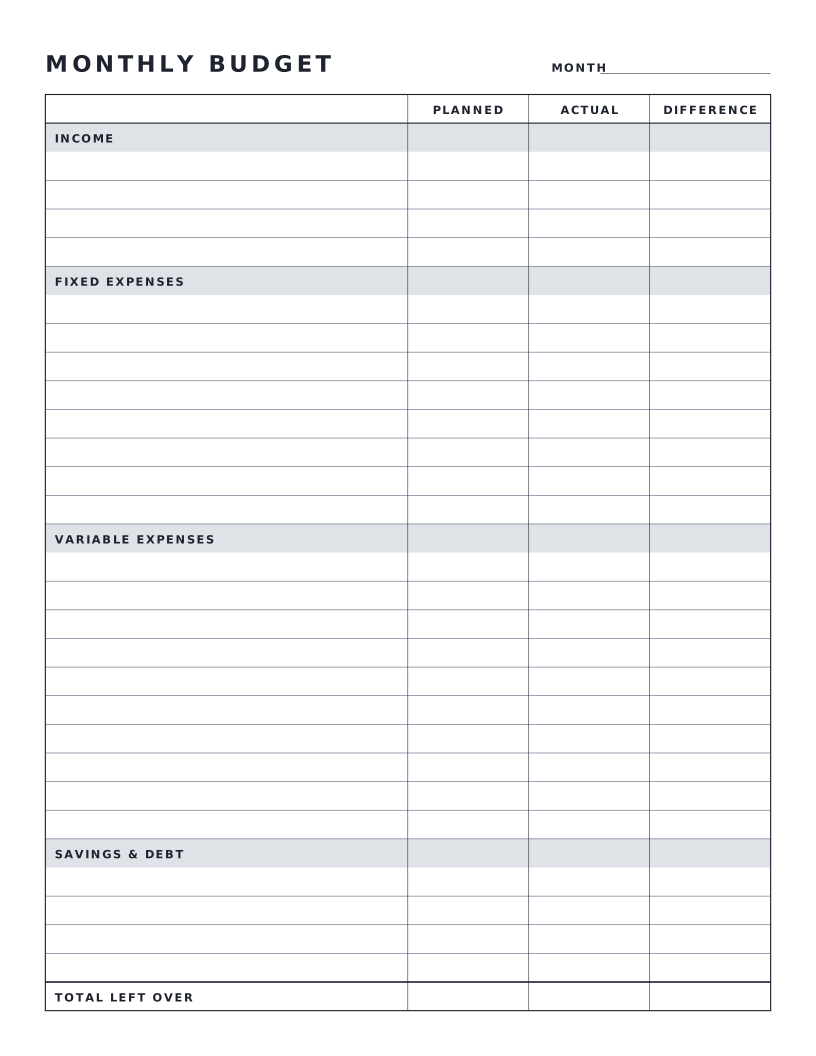
Monthly Budget Sheet
One-page monthly budget with planned, actual and difference columns.
Planning & Productivity
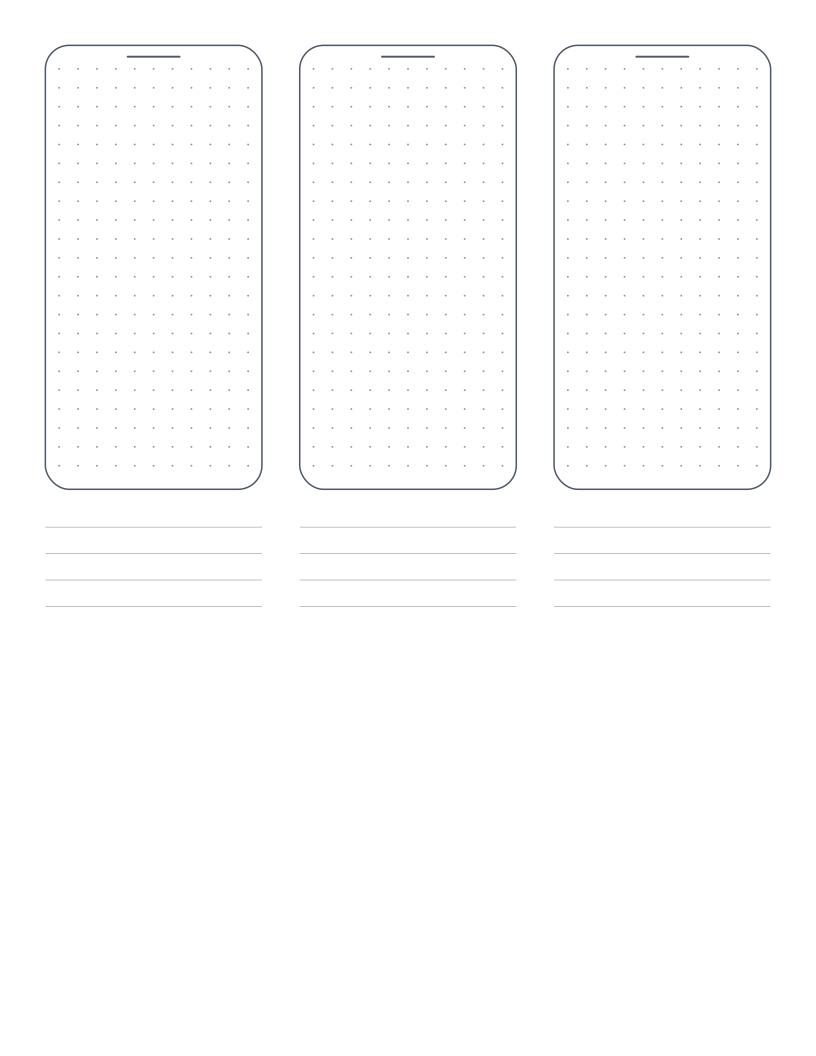
Mobile Wireframe Paper
Three phone outlines with a dot grid and note lines for sketching app screens.