Live preview · Letter (8.5" × 11") · Gray lines
Numbered Grid Paper
A 1 cm grid with every column numbered along the top and every row numbered down the left. Any square can be named by its column and row, which makes the sheet useful for grid references and counted patterns.
Download saves a vector PDF in the size and color selected below, no print dialog needed.
Other formats:
Direct PDF:Numbered Grid Paper Letter PDFNumbered Grid Paper A4 PDF
Choose a different paper size:
Choose a different line color:
Great for
- Colour-by-coordinate and mystery pictures
- Teaching grid references before coordinates
- Seating plans and garden layouts
- Counted craft patterns
Numbered Grid Paper at a glance
| What it is | 1cm grid with columns numbered across the top and rows down the side. |
|---|---|
| Category | Math & Learning |
| Paper sizes | Letter (8.5" × 11"), A4 (210 × 297 mm), A5 (148 × 210 mm), Half Letter (5.5" × 8.5"), B5 (176 × 250 mm), Legal (8.5" × 14"), 11" × 17", A3 (297 × 420 mm), A2 (420 × 594 mm), Poster (18" × 24"), Movie Poster (27" × 40") |
| Line colors | Faint, Light, Gray, Dark, Black, Blue, Green (default: Gray) |
| Format | Vector PDF at exact physical scale (Letter PDF, A4 PDF), PNG or SVG, or print directly from the browser |
| Price & license | Free. No signup or watermark. Printed sheets may be used for personal, classroom and commercial work. |
About numbered grid paper
Before students plot points on axes, they learn to find a square by its row and column, the way a map index or a spreadsheet works. A numbered grid labels the squares themselves rather than the lines. It is also practical for any plan where you need to say 'column 7, row 12' to someone else.
What's on the page
1 cm squares with a darker line every fifth square and a heavier border. Columns are numbered from 1 across the top and rows from 1 down the left side. US Letter has 18 columns and 24 rows; A4 has 18 columns and 26 rows.
How to use it well
Agree on the order
Say column first, then row, to match the across-then-up order used later for coordinates.
Write a picture as a list
Give students a list of squares to colour, such as (4, 2), (5, 2), (6, 3), to reveal a hidden picture.
Use the darker lines
Every fifth line is darker, so square 13 is three past the second dark line.
Common mistakes to avoid
- Confusing squares with points. Here the numbers name squares. On a coordinate plane the numbers name lines and points.
- Counting rows from the bottom. On this sheet row 1 is at the top, like a table.
FAQ, Numbered Grid Paper
How many rows and columns are there?+
18 columns and 24 rows on US Letter; 18 columns and 26 rows on A4.
Is there a grid numbered from the bottom-left like a graph?+
Yes, first quadrant graph paper numbers its lines from 0 at the bottom-left.
How big are the squares?+
1 cm.
Is there a fixed-size numbered chart?+
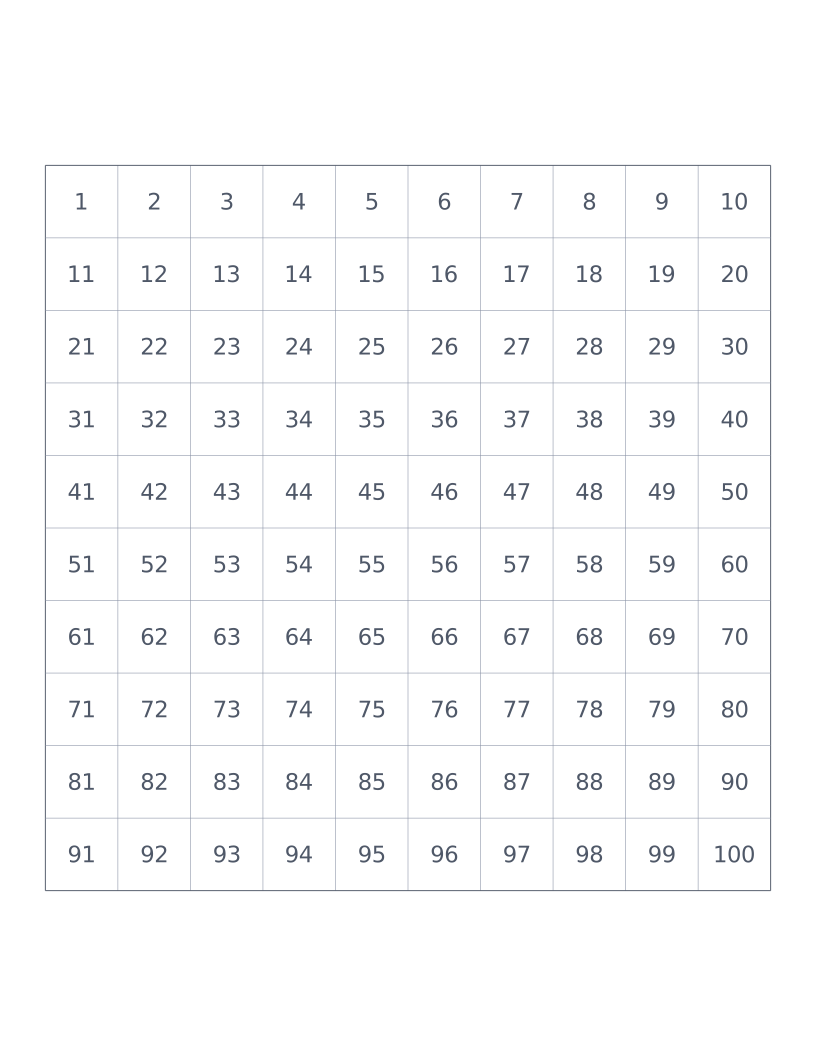
The hundreds chart has the numbers 1 to 100 written in a 10 × 10 grid.
Printing tips for best results+
- 1. Click Print above. A new tab opens the template at exact size.
- 2. The print dialog appears automatically. Set Scale to 100%. Never "Fit to page", which silently shrinks every cell.
- 3. Set Margins to None or Minimum so the grid reaches the page edge.
- 4. For a PDF, click Download instead. It generates a vector PDF directly without going through the printer driver.
More detail in the guide to printing graph paper at actual size. Need a spacing that isn’t listed? Use the graph paper generator.
You might also like
Math & Learning
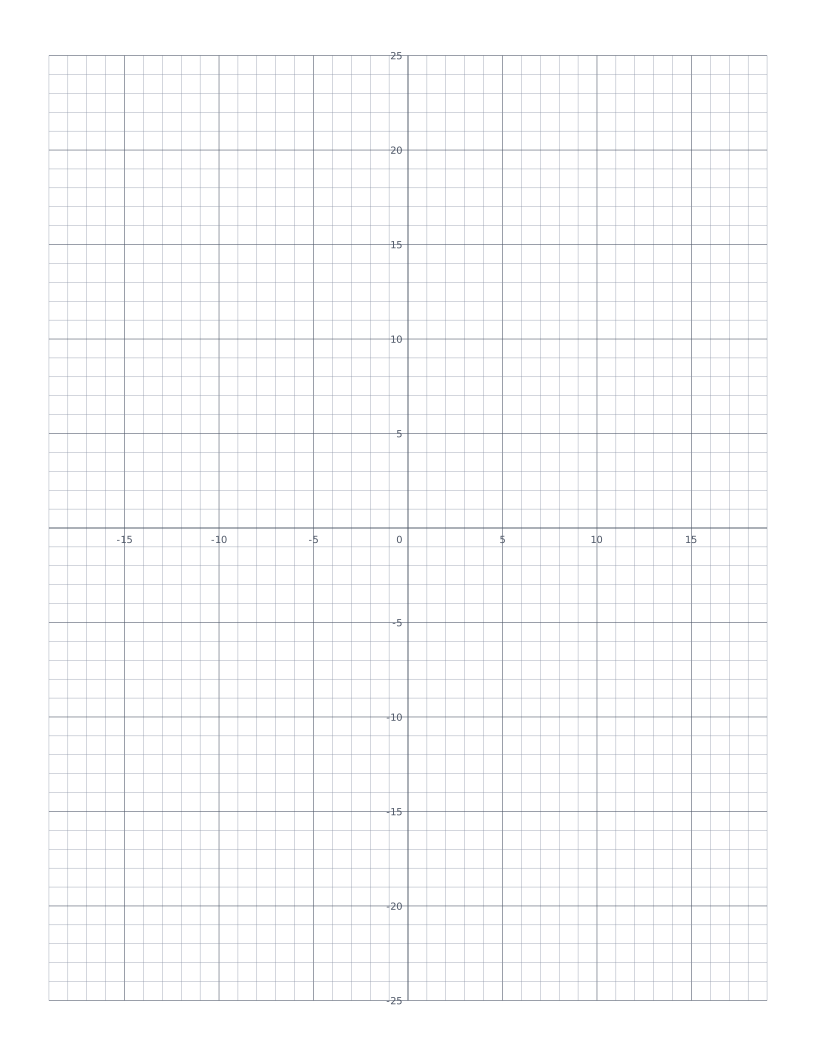
Coordinate Plane
Cartesian grid with numbered x and y axes through the centre: four quadrants for plotting points and graphing functions.
Math & Learning
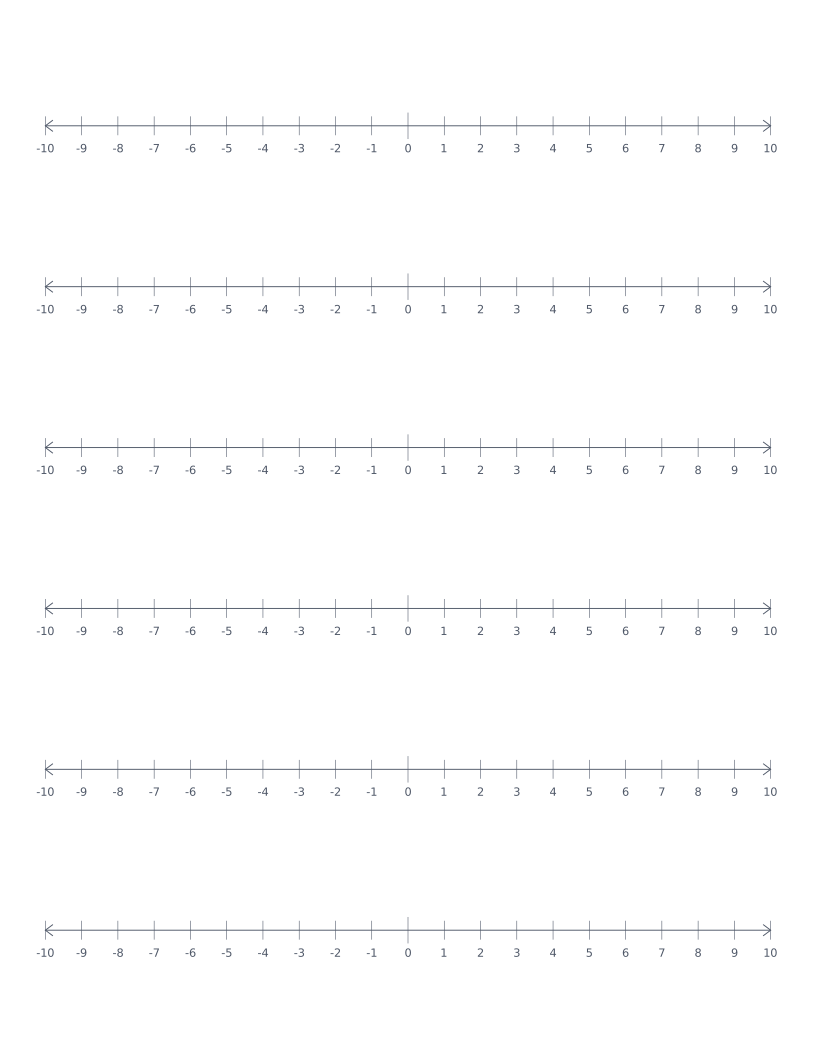
Number Line
Stacked number lines from -10 to 10: for elementary math, addition, subtraction and integer practice.
Math & Learning
Hundreds Chart
10×10 grid numbered 1 to 100: a classroom staple for counting, place value and skip-counting.
Math & Learning
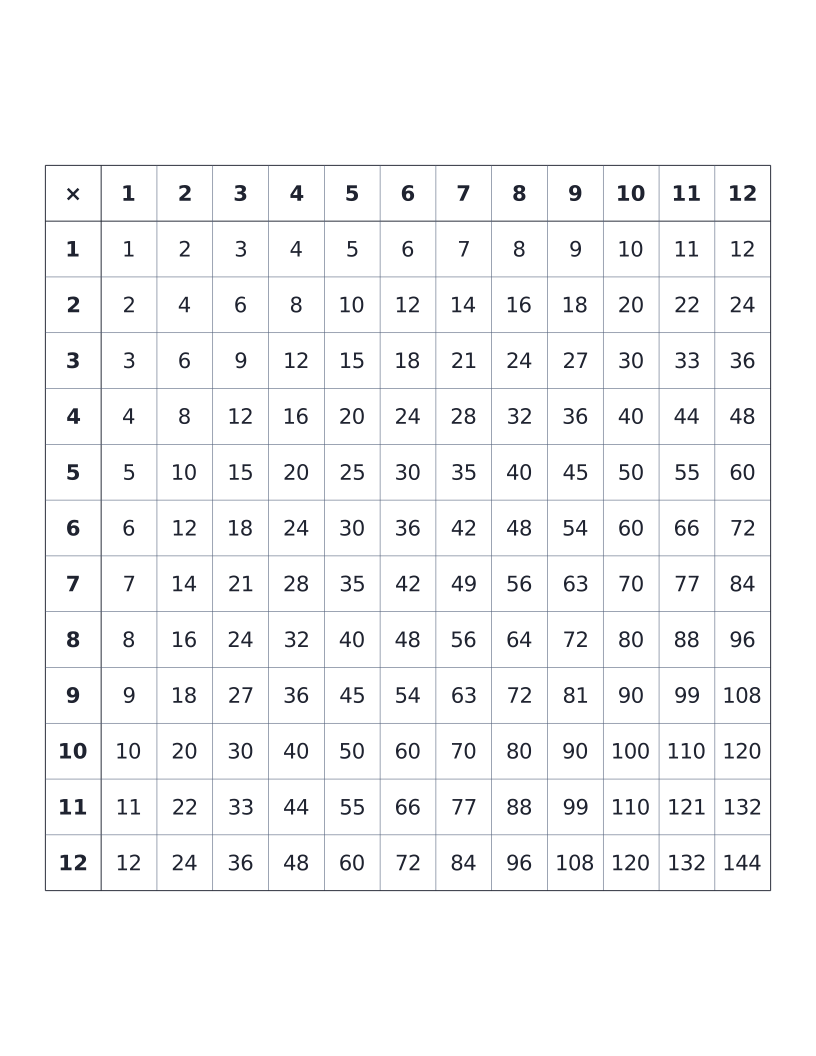
Multiplication Table (12×12)
12×12 times table with all products printed: the classic elementary reference chart.