Live preview · Letter Landscape (11" × 8.5") · Gray lines
Lined Paper (Landscape)
Lined paper in landscape orientation: the page is wider than it is tall and the lines run along the long side. It suits anything that needs width, from timelines to wide handwriting.
Download saves a vector PDF in the size and color selected below, no print dialog needed.
Other formats:
Direct PDF:Lined Paper (Landscape) Letter L PDFLined Paper (Landscape) A4 L PDF
Choose a different paper size:
Choose a different line color:
Great for
- Timelines and sequences
- Tables with many columns
- Sentence strips and wide handwriting
- Music lyrics and scripts with side notes
Lined Paper (Landscape) at a glance
| What it is | College ruled lined paper turned sideways, with long lines across the wide page. |
|---|---|
| Category | Writing & Notes |
| Paper sizes | Letter Landscape (11" × 8.5"), A4 Landscape (297 × 210 mm), Tabloid Landscape (17" × 11") |
| Line colors | Faint, Light, Gray, Dark, Black, Blue, Green (default: Gray) |
| Format | Vector PDF at exact physical scale (Letter L PDF, A4 L PDF), PNG or SVG, or print directly from the browser |
| Price & license | Free. No signup or watermark. Printed sheets may be used for personal, classroom and commercial work. |
About lined paper (landscape)
Most ruled paper is portrait because books are. Some work fits a wide page better: a timeline across a century, a table with eight columns, or writing for students who need long uninterrupted lines. This sheet uses college ruled spacing with the usual red margin line at the left.
What's on the page
Lines 7.1 mm apart running across the long dimension of the sheet, with a red margin line 32 mm from the left. Letter landscape has 28 lines, each about 235 mm long.
How to use it well
Set the printer to landscape
The file is already landscape. If the preview shows it rotated or shrunk, set orientation to landscape and scale to 100 percent.
Rule columns for a table
Draw vertical lines where you need them; the long rows give room for many columns.
Bind on the short edge
Punch the left short edge to keep sheets in a binder without turning the lines vertical.
Common mistakes to avoid
- Printing a portrait template sideways instead. The margin and line count will be wrong; use this landscape file.
- Leaving 'Fit to page' on, which shrinks the page if the printer assumes portrait.
FAQ, Lined Paper (Landscape)
How many lines are there?+
28 on Letter landscape and 27 on A4 landscape.
What is the line spacing?+
7.1 mm, college ruled.
Is there portrait lined paper?+
Yes: college ruled, wide ruled and narrow ruled.
Is there landscape graph paper?+
Yes, landscape graph paper.
Printing tips for best results+
- 1. Click Print above. A new tab opens the template at exact size.
- 2. The print dialog appears automatically. Set Scale to 100%. Never "Fit to page", which silently shrinks every cell.
- 3. Set Margins to None or Minimum so the grid reaches the page edge.
- 4. For a PDF, click Download instead. It generates a vector PDF directly without going through the printer driver.
More detail in the guide to printing graph paper at actual size. Need a spacing that isn’t listed? Use the graph paper generator.
You might also like
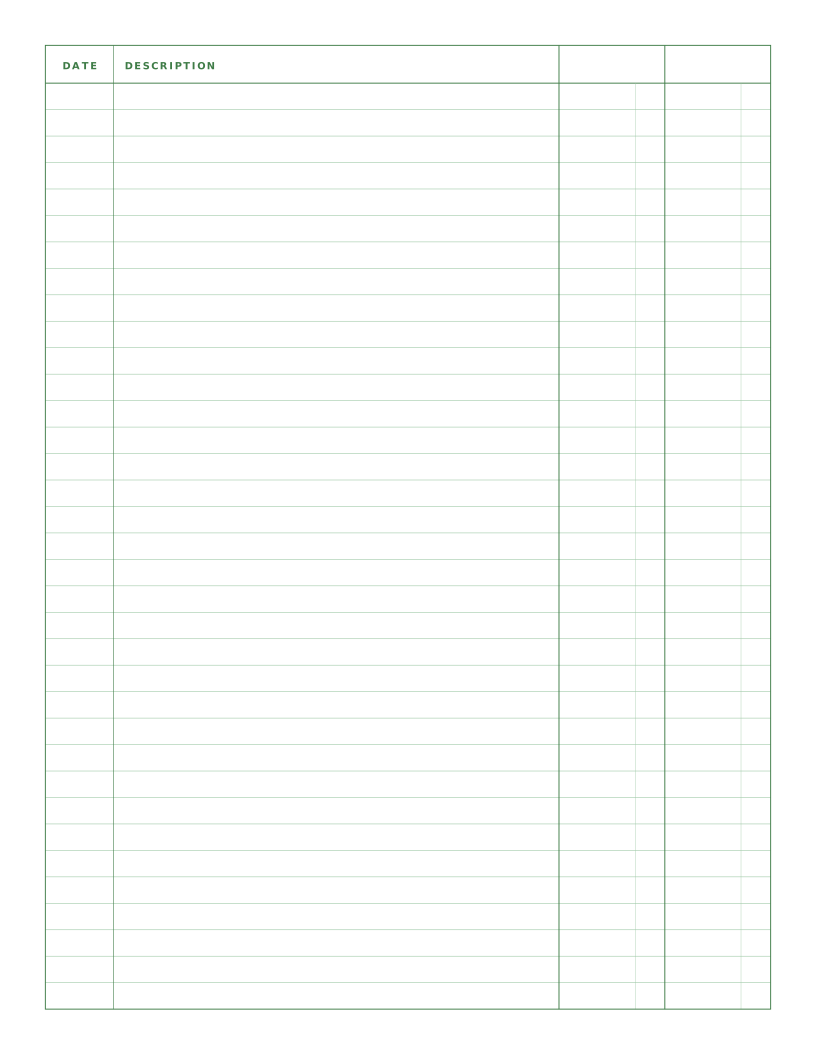
Writing & Notes
Ledger Paper (2 Column)
Columnar paper with date, a wide description and two amount columns.
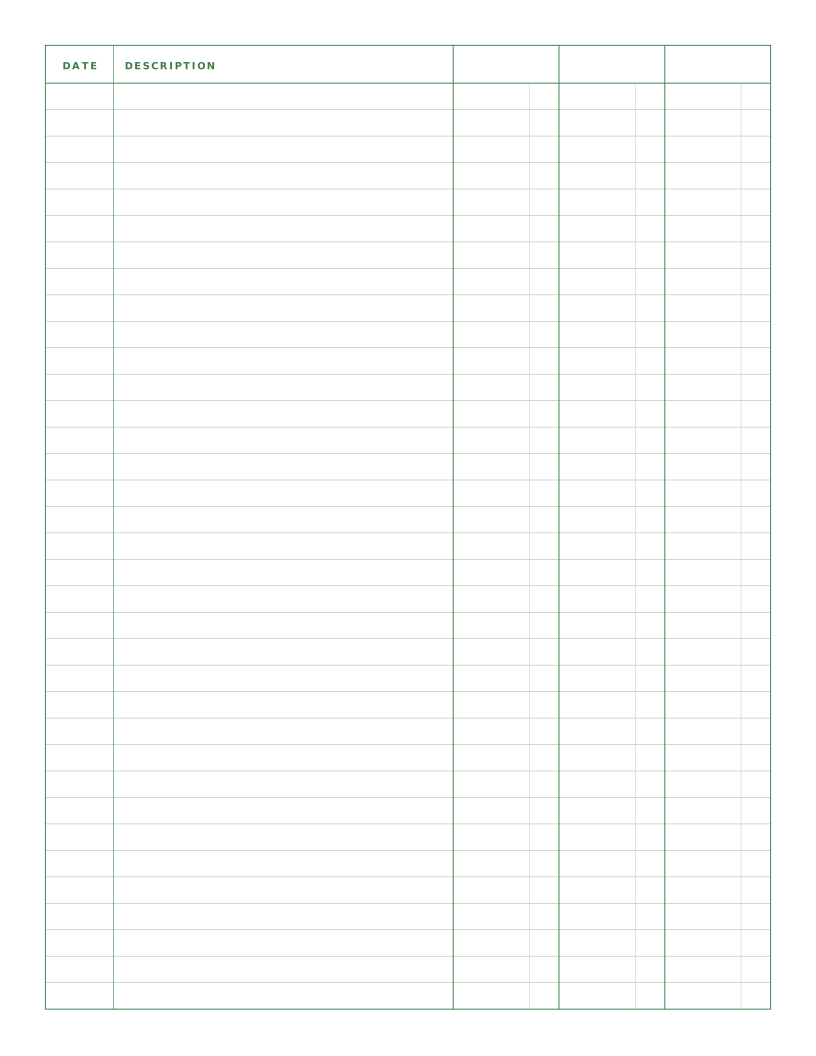
Writing & Notes
Ledger Paper (3 Column)
Columnar paper with date, description and three amount columns for debit, credit and balance.
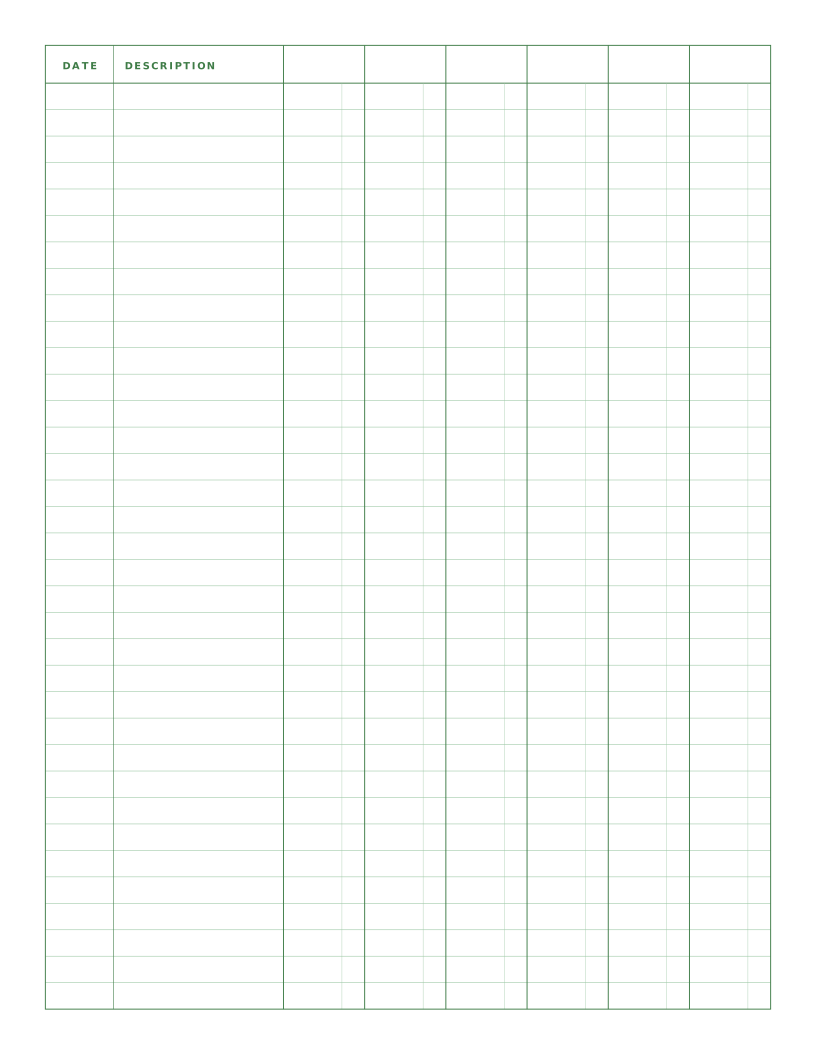
Writing & Notes
Ledger Paper (6 Column)
Columnar paper with date, description and six amount columns for categorised records.
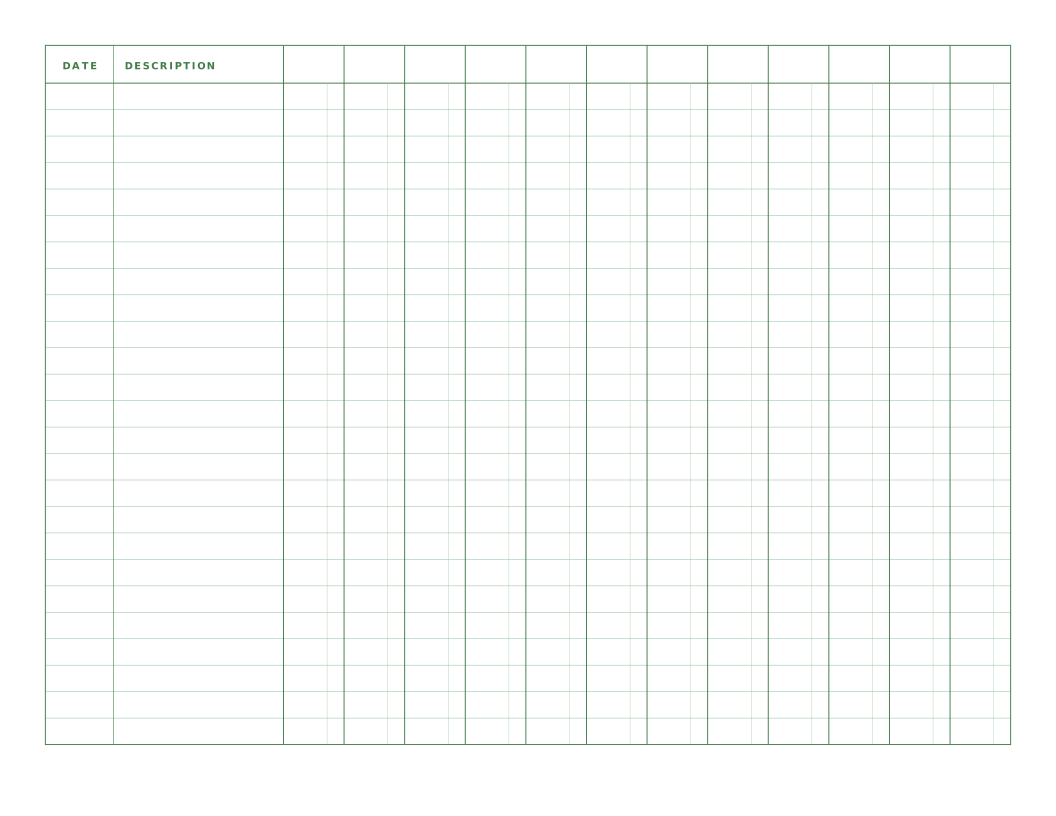
Writing & Notes
Ledger Paper (12 Column, Landscape)
Landscape columnar paper with twelve amount columns, one for each month.