Live preview · Letter Landscape (11" × 8.5") · Gray lines
Landscape Graph Paper
Landscape graph paper turns the page sideways, giving you a grid that's wider than it is tall. It's the right sheet whenever your work runs horizontally: timelines, Gantt charts, wide graphs, room plans and anything with a long x-axis.
Download generates a crisp vector PDF directly, no print dialog needed.
Choose a different paper size:
Choose a different line color:
Great for
- Timelines, Gantt charts and project schedules
- Graphs with a long horizontal axis (time series)
- Wide floor plans, gardens and room layouts
- Hand-drawn tables and spreadsheets
Landscape Graph Paper at a glance
| What it is | Quarter-inch graph paper in landscape orientation: a wide page for timelines, charts and plans that run sideways. |
|---|---|
| Category | Grid Paper |
| Paper sizes | Letter Landscape (11" × 8.5"), A4 Landscape (297 × 210 mm), Tabloid Landscape (17" × 11") |
| Line colors | Faint, Light, Gray, Dark, Black, Blue, Green (default: Gray) |
| Format | Vector PDF download at exact physical scale, or print directly from the browser |
| Price & license | Free. No signup or watermark. Printed sheets may be used for personal, classroom and commercial work. |
About landscape graph paper
Most graph paper is printed portrait because that's how notebooks are bound, but plenty of work is naturally wide. A year of monthly data, a ten-week project plan or a long, narrow room all fit badly on a portrait sheet: you either squeeze the horizontal axis or tape pages together. A landscape sheet fixes that by putting the long edge on the bottom. This template uses the familiar 1/4 inch grid, four squares to the inch, which gives 40 columns across a Letter sheet. If you prefer a different ruling, every grid template on this site, including 5 mm, 1 cm and dot grid, also offers landscape sizes in its size picker. Landscape also makes better use of the page for anything you'll pin to a wall or show on a screen, since monitors and noticeboards are wider than they are tall.
What's on the page
A uniform 1/4 inch (6.35 mm) grid in 0.15 mm lines, printed on a landscape page and centred with even margins. You get 40 × 30 cells on Letter landscape, 43 × 29 on A4 landscape and 64 × 40 on 11 × 17 landscape.
How to use it well
Put time on the long axis
For any graph or schedule over time, run time left to right along the 40-cell width. Twelve months at three cells each fits with room for labels.
Use one cell per day for project plans
A landscape Letter sheet holds about eight weeks at one cell per working day. Draw each task as a bar and the overlaps become obvious at a glance.
Leave the first columns for labels
Reserve the left four to six columns for row labels (task names, categories), then start the timeline. Labels squeezed into one cell get unreadable.
Set your printer to landscape
Most browsers pick the orientation from the PDF, but some printers default to portrait and shrink the page. If the grid prints small, set the orientation to landscape and scale to 100 percent.
Common mistakes to avoid
- Letting the printer rotate and shrink the page. A landscape PDF printed in portrait mode gets scaled down to fit and the cells are no longer a quarter inch. Check orientation and scale before printing a stack.
- Squeezing labels into the grid. Wide charts tempt you to use every column for data. Leave space for a title, axis labels and a legend, or the chart becomes hard to read.
- Using landscape for ordinary notes. For handwriting and everyday maths, portrait is easier to hold and file. Save landscape for work that's genuinely wide.
FAQ, Landscape Graph Paper
What grid size is this?+
1/4 inch (four squares per inch), the standard US quad ruling. For metric or other spacings, open any grid template, such as 5 mm or millimeter paper, and pick a landscape size.
How many squares fit across the page?+
40 across and 30 down on US Letter landscape, 43 × 29 on A4 landscape, and 64 × 40 on 11 × 17 landscape.
How do I print it the right way round?+
Use the Download button for a landscape PDF, then print at 100 percent scale. If your printer insists on portrait, set orientation to landscape in the print dialog; never use 'Fit to page'.
Is landscape graph paper good for Gantt charts?+
Yes, it's one of the most common uses. Tasks go down the left side and time runs across the page, so the width of the sheet sets how far ahead you can plan.
Can I get dot grid in landscape?+
Yes. The 5 mm and 1/4 inch dot grid templates both include landscape sizes.
Can I make a timeline on it?+
Yes. Draw a horizontal line across the middle, choose a scale (for example one cell per week or per year), and mark events above and below the line. The 40-cell width on Letter gives room for detailed timelines.
Printing tips for best results+
- 1. Click Print above. A new tab opens the template at exact size.
- 2. The print dialog appears automatically. Set Scale to 100%. Never "Fit to page", which silently shrinks every cell.
- 3. Set Margins to None or Minimum so the grid reaches the page edge.
- 4. For a PDF, click Download instead. It generates a vector PDF directly without going through the printer driver.
You might also like
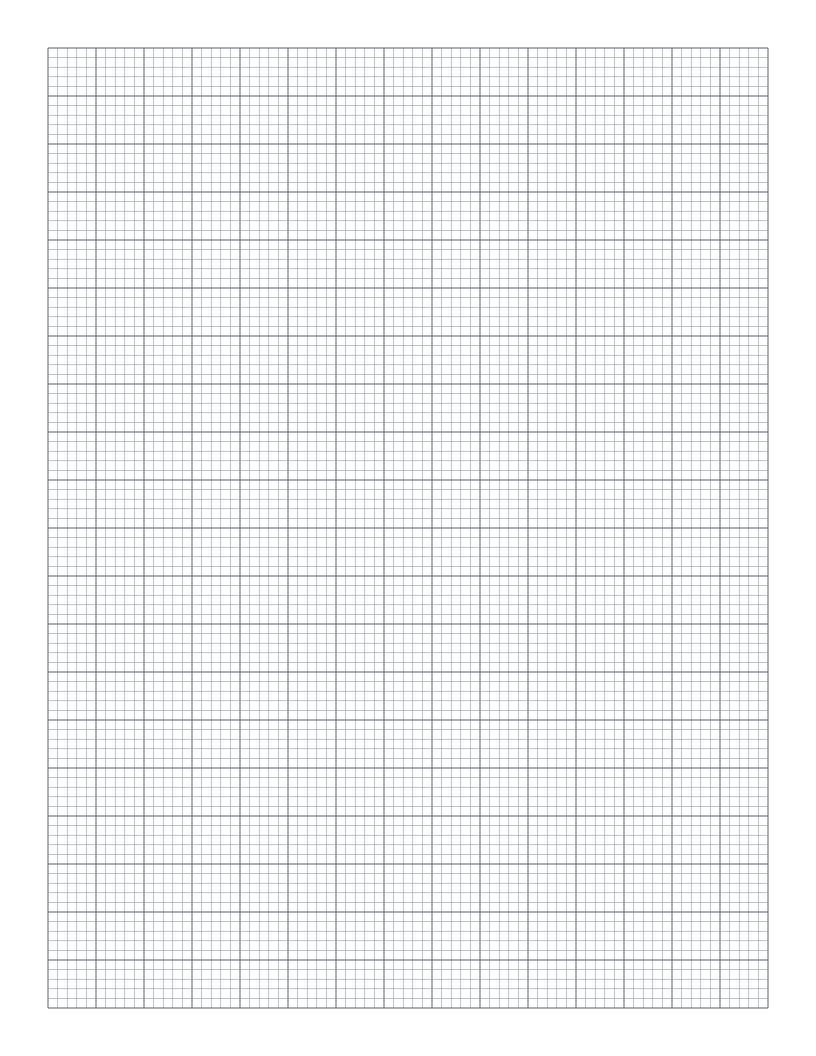
Engineering Paper
10 squares per inch with a bolder line every half inch: a fine engineering grid for technical sketches and circuit layouts.
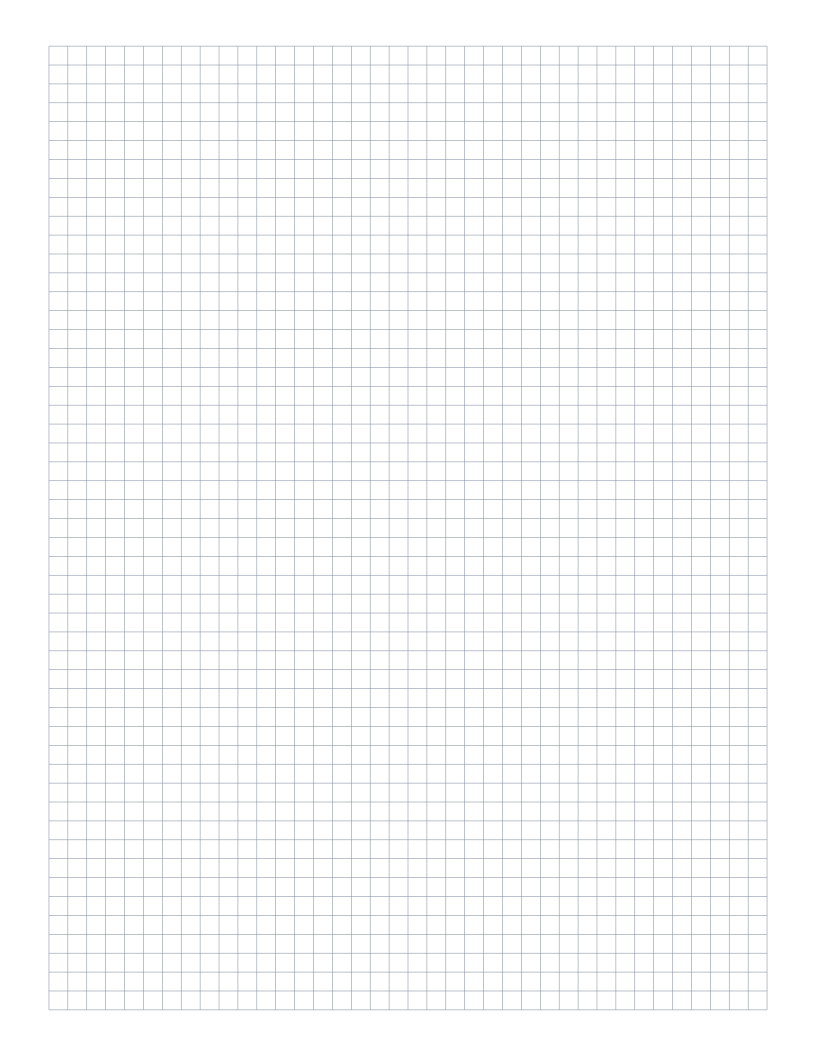
5mm Graph Paper
Standard 5mm square grid: the most popular spacing for math, engineering and general use.
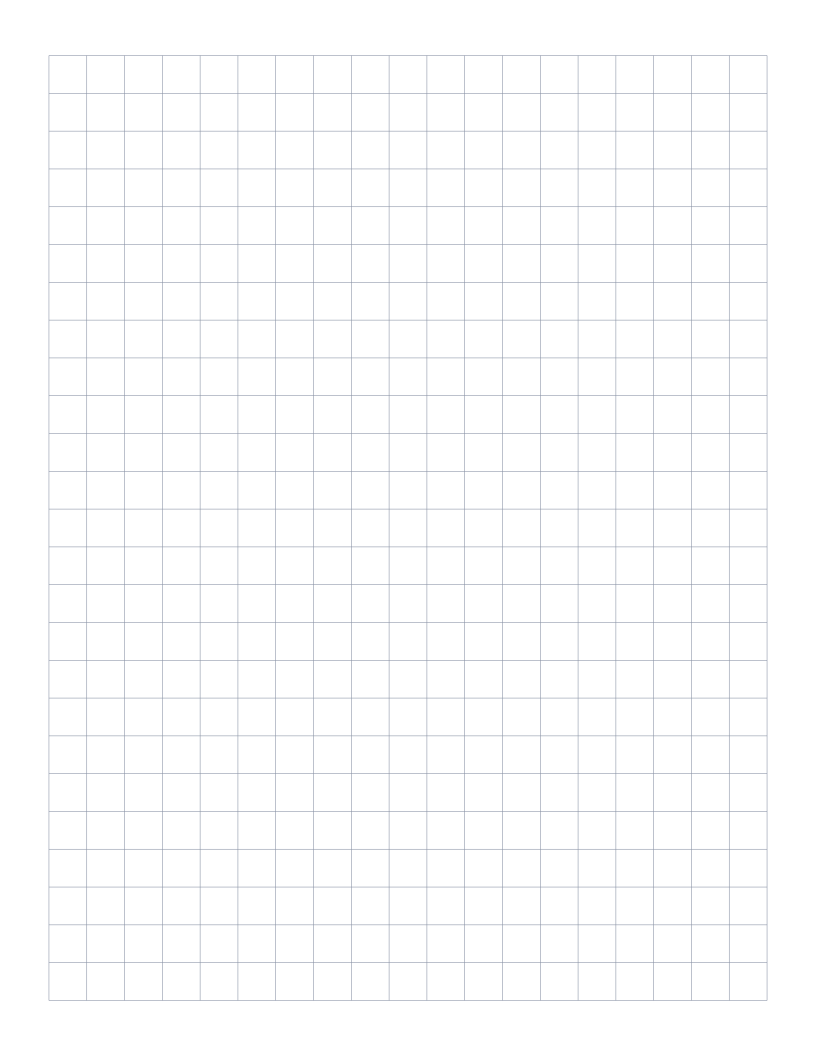
1cm Graph Paper
1 centimeter grid: the everyday graphing standard for elementary math and primary school.
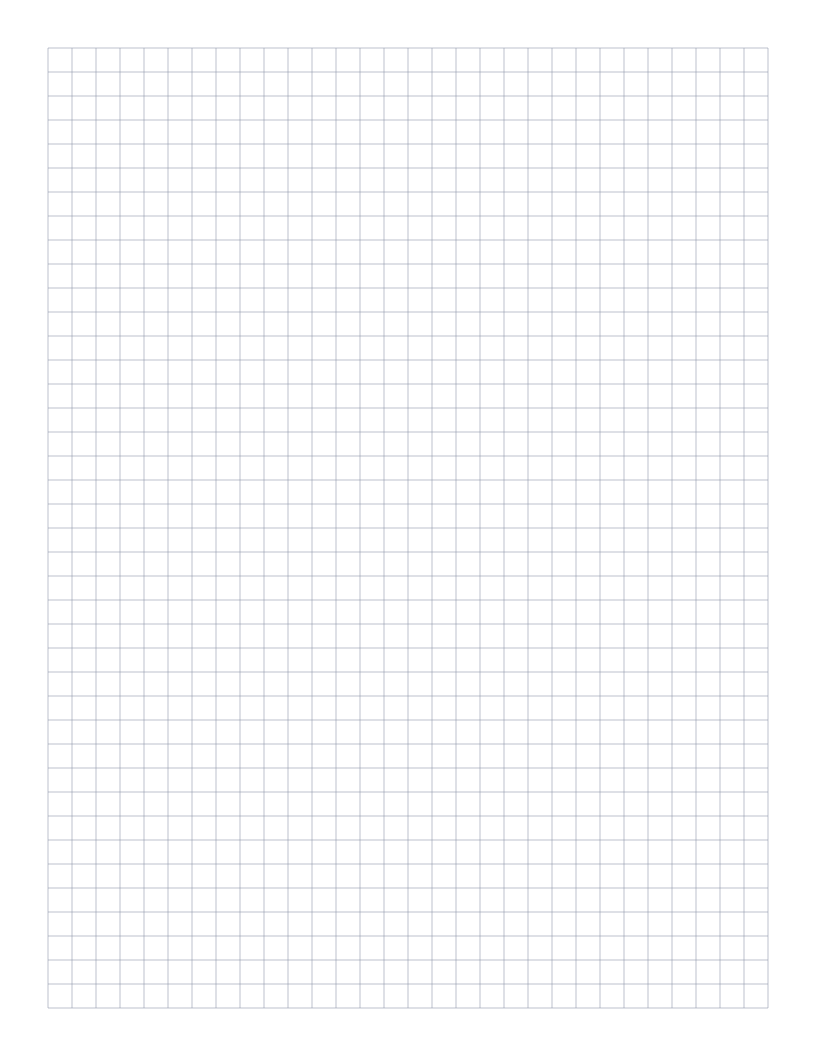
1/4 Inch Graph Paper
Classic four-squares-per-inch quad ruled paper: the US engineering standard.