Live preview · Letter (8.5" × 11") · Black lines
Blank Piano Keyboard Diagram
Four blank piano keyboards per page, each two octaves long from C to C. Label the keys, shade a scale or mark the notes of a chord.
Download saves a vector PDF in the size and color selected below, no print dialog needed.
Other formats:
Direct PDF:Blank Piano Keyboard Diagram Letter PDFBlank Piano Keyboard Diagram A4 PDF
Choose a different paper size:
Choose a different line color:
Great for
- Learning the names of the keys
- Marking scales and fingerings
- Showing chord shapes and inversions
- Music theory worksheets
Blank Piano Keyboard Diagram at a glance
| What it is | Four blank two-octave piano keyboards per page for labelling notes, scales and chords. |
|---|---|
| Category | Music & Tablature |
| Paper sizes | Letter (8.5" × 11"), A4 (210 × 297 mm), A5 (148 × 210 mm), Half Letter (5.5" × 8.5"), B5 (176 × 250 mm), Legal (8.5" × 14"), 11" × 17", A3 (297 × 420 mm), A2 (420 × 594 mm), Poster (18" × 24"), Movie Poster (27" × 40") |
| Line colors | Faint, Light, Gray, Dark, Black, Blue, Green (default: Black) |
| Format | Vector PDF at exact physical scale (Letter PDF, A4 PDF), PNG or SVG, or print directly from the browser |
| Price & license | Free. No signup or watermark. Printed sheets may be used for personal, classroom and commercial work. |
About blank piano keyboard diagram
The keyboard is the clearest picture of how Western music is organised: seven white keys and five black keys repeating in every octave, with the black keys in groups of two and three. Theory teachers use keyboard diagrams even with non-pianists, because intervals, scales and chords can be seen as distances between keys.
What's on the page
Four keyboards per page, each with 15 white keys and 10 black keys covering two octaves from C to C. Black keys are filled; white keys are empty for writing in.
How to use it well
Find C first
C is the white key immediately to the left of each group of two black keys. Label the Cs, then fill in the rest.
Shade a scale
Colour the keys of a major scale and notice the pattern of steps: whole, whole, half, whole, whole, whole, half.
Number the fingers
Write fingering numbers 1 to 5 on the keys of a scale or chord for each hand.
Common mistakes to avoid
- Printing in a light colour. The black keys are filled with the darker shade of the chosen colour, so keep Black for a true keyboard.
- Assuming every pair of white keys has a black key between. There is none between E and F or between B and C.
FAQ, Blank Piano Keyboard Diagram
How many keys does each keyboard show?+
25: fifteen white and ten black, two octaves from C to C.
How many keyboards are on a page?+
Four.
Is there staff paper for piano?+
Yes, grand staff paper.
Is there large staff paper for children?+
Yes, large staff paper has six big staves per page.
Printing tips for best results+
- 1. Click Print above. A new tab opens the template at exact size.
- 2. The print dialog appears automatically. Set Scale to 100%. Never "Fit to page", which silently shrinks every cell.
- 3. Set Margins to None or Minimum so the grid reaches the page edge.
- 4. For a PDF, click Download instead. It generates a vector PDF directly without going through the printer driver.
More detail in the guide to printing graph paper at actual size. Need a spacing that isn’t listed? Use the graph paper generator.
You might also like
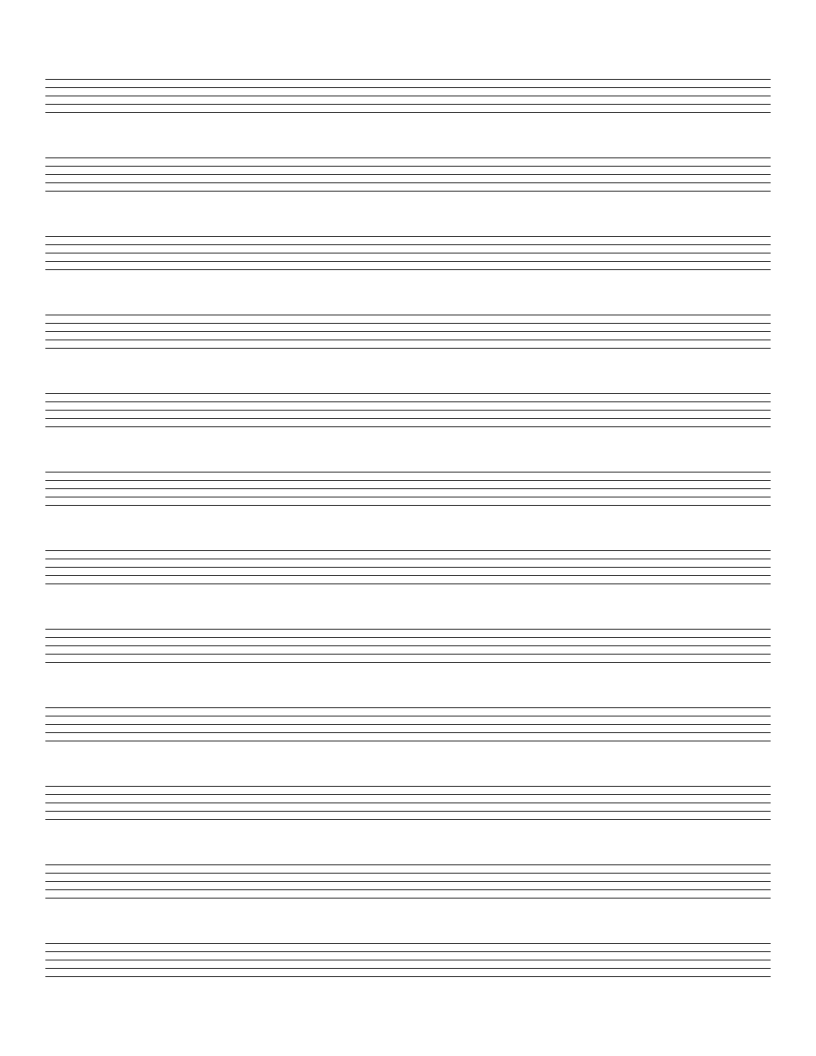
Music & Tablature
Music Staff Paper
Blank 5-line staff paper: for composition, transcription and music theory.
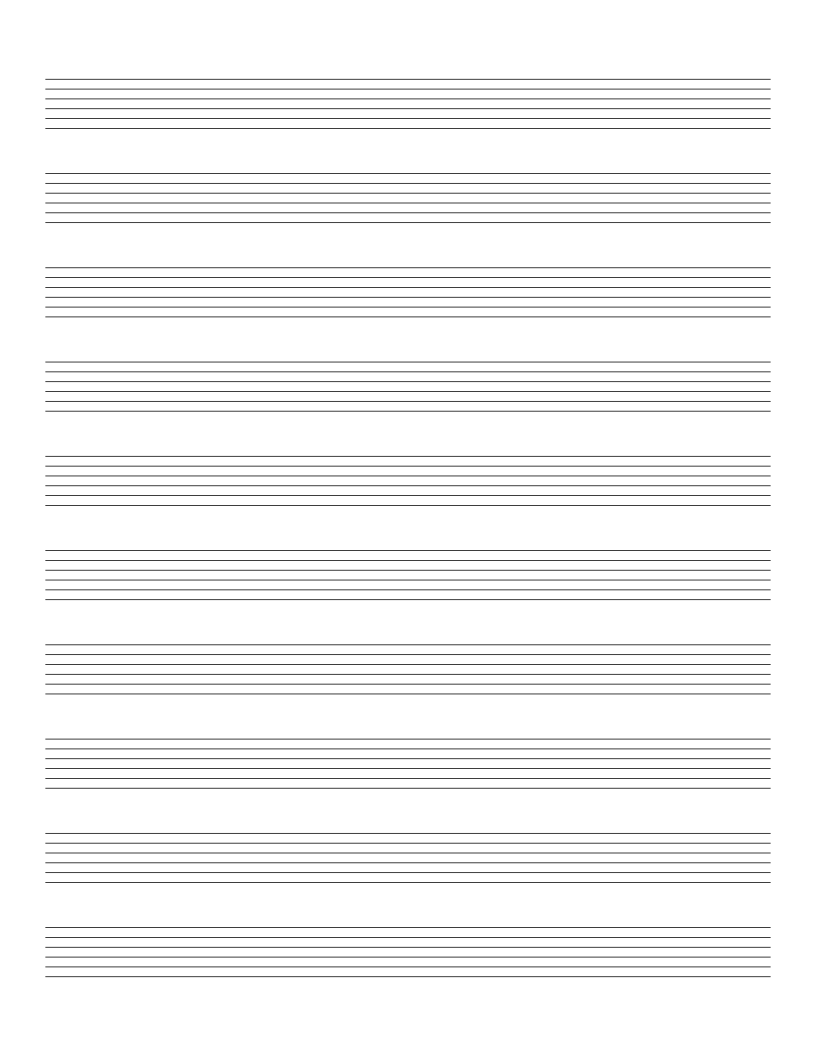
Music & TablaturePopular
Guitar Tab Paper
6-line guitar tablature paper: for writing out riffs, songs and exercises.
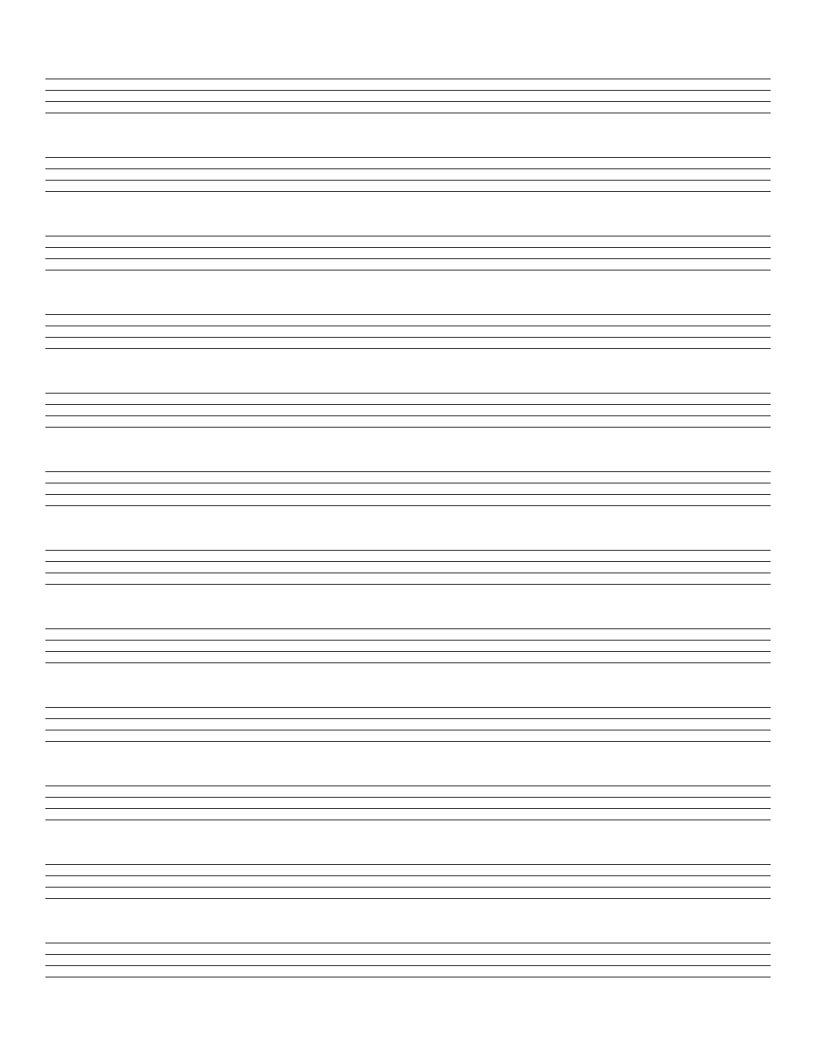
Music & Tablature
Bass Tab Paper
4-line bass tablature paper: standard layout for 4-string bass guitar.
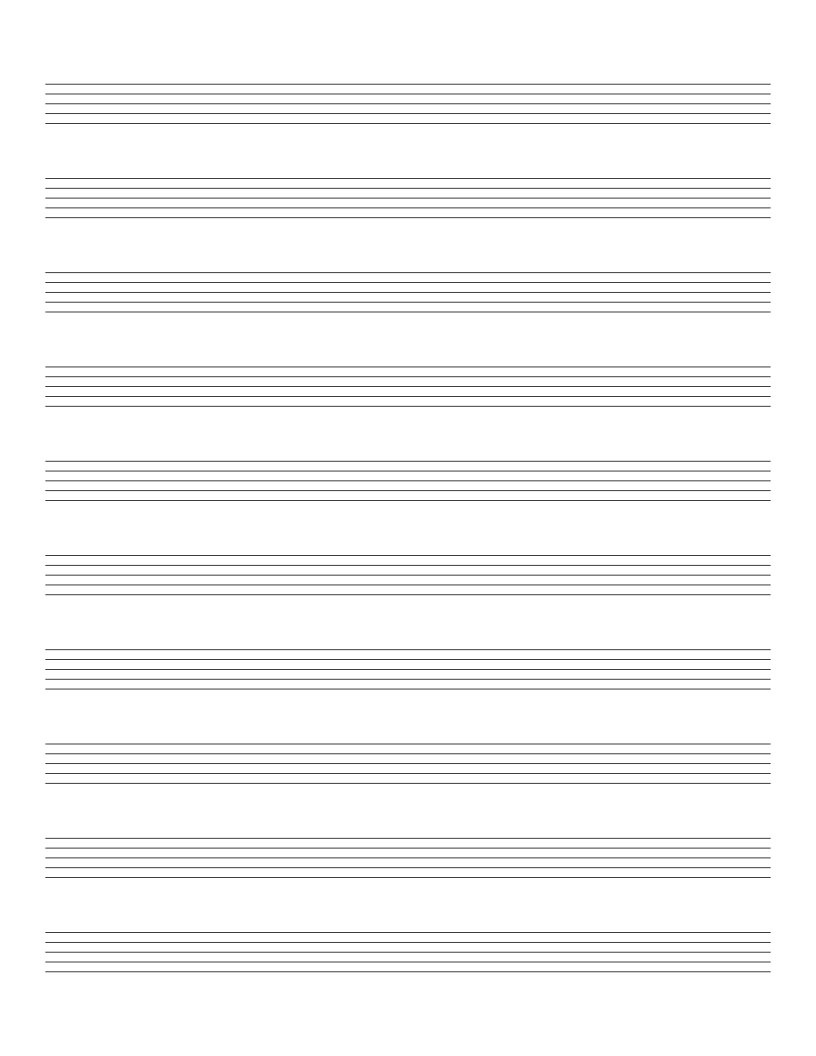
Music & Tablature
Drum Tab Paper
5-line drum tablature paper: for writing out drum patterns.