Live preview · Letter (8.5" × 11") · Black lines
Grand Staff Paper (Piano)
Grand staff paper pairs two five-line staves with a brace so the right and left hand of a keyboard part can be written together. This sheet has five systems per page and leaves the clefs for you to draw.
Download saves a vector PDF in the size and color selected below, no print dialog needed.
Other formats:
Direct PDF:Grand Staff Paper (Piano) Letter PDFGrand Staff Paper (Piano) A4 PDF
Choose a different paper size:
Choose a different line color:
Great for
- Writing and arranging piano music
- Harp, organ manuals and marimba parts
- Theory homework and four-part harmony
- Composition sketches and lead sheets with bass
Grand Staff Paper (Piano) at a glance
| What it is | Blank piano manuscript paper with braced pairs of staves for treble and bass. |
|---|---|
| Category | Music & Tablature |
| Paper sizes | Letter (8.5" × 11"), A4 (210 × 297 mm), A5 (148 × 210 mm), Half Letter (5.5" × 8.5"), B5 (176 × 250 mm), Legal (8.5" × 14"), 11" × 17", A3 (297 × 420 mm), A2 (420 × 594 mm), Poster (18" × 24"), Movie Poster (27" × 40") |
| Line colors | Faint, Light, Gray, Dark, Black, Blue, Green (default: Black) |
| Format | Vector PDF at exact physical scale (Letter PDF, A4 PDF), PNG or SVG, or print directly from the browser |
| Price & license | Free. No signup or watermark. Printed sheets may be used for personal, classroom and commercial work. |
About grand staff paper (piano)
Keyboard instruments cover more range than a single staff can show, so their music is written on two staves joined by a curly brace: normally treble clef on top for the right hand and bass clef below for the left. The pair is called the grand staff, or great stave. Middle C sits on a ledger line exactly between the two. The same layout is used for harp, celesta, marimba and for four-part choral harmony written in short score. Blank grand staff paper lets you write any of these without ruling lines by hand, and without the fixed clefs and bar lines that pre-printed worksheets impose.
What's on the page
Five systems per page. Each system is two five-line staves with 2.2 mm between lines, 14 mm apart, joined by a brace and a bar line at the left and closed by a bar line at the right. Staff lines are solid black by default, as engraved music is. No clefs, key signatures, time signatures or interior bar lines are printed.
How to use it well
Draw clefs, key and time once per system
Convention is treble clef on the upper staff and bass clef on the lower, followed by the key signature on every system and the time signature on the first only.
Rule bar lines through both staves
In keyboard music, bar lines run unbroken from the top line of the upper staff to the bottom line of the lower. Use a ruler so the beats line up vertically.
Align notes that sound together
Notes played at the same moment sit directly above each other across the two staves. Lightly mark beat positions in pencil before writing a rhythmically busy bar.
Print double-sided on heavier paper
24 lb / 90 gsm paper stands up on a music desk better than copier paper and takes pencil erasing without tearing.
Common mistakes to avoid
- Using single-staff paper for piano and bracketing staves by hand. The spacing between ordinary staves is too tight for ledger lines around middle C; that is what the wider gap here is for.
- Printing in a light colour. Staff lines need to be dark to read at arm's length on a music stand. Keep Black or Dark.
- Cramming more than four bars into a system. Dense bars are hard to sight-read; three or four per system is typical for handwritten keyboard music.
FAQ, Grand Staff Paper (Piano)
What is a grand staff?+
Two staves joined by a brace and played by one performer, usually with treble clef on the upper staff and bass clef on the lower. It is the standard notation for piano.
How many systems are on a page?+
Five, each made of two staves, so ten staves in total.
Why are there no clefs printed?+
So the paper works for any use. Piano normally takes treble and bass, but some passages use two treble or two bass clefs, and other instruments differ.
Is there single-staff paper?+
Yes. Music staff paper has twelve separate staves per page for single-line instruments and voice.
Can I use this for organ?+
For the two manuals, yes. Organ music adds a third staff for the pedals; write the pedal part on the upper staff of the next system or use single-staff paper and bracket three staves.
Printing tips for best results+
- 1. Click Print above. A new tab opens the template at exact size.
- 2. The print dialog appears automatically. Set Scale to 100%. Never "Fit to page", which silently shrinks every cell.
- 3. Set Margins to None or Minimum so the grid reaches the page edge.
- 4. For a PDF, click Download instead. It generates a vector PDF directly without going through the printer driver.
More detail in the guide to printing graph paper at actual size. Need a spacing that isn’t listed? Use the graph paper generator.
You might also like
Music & Tablature
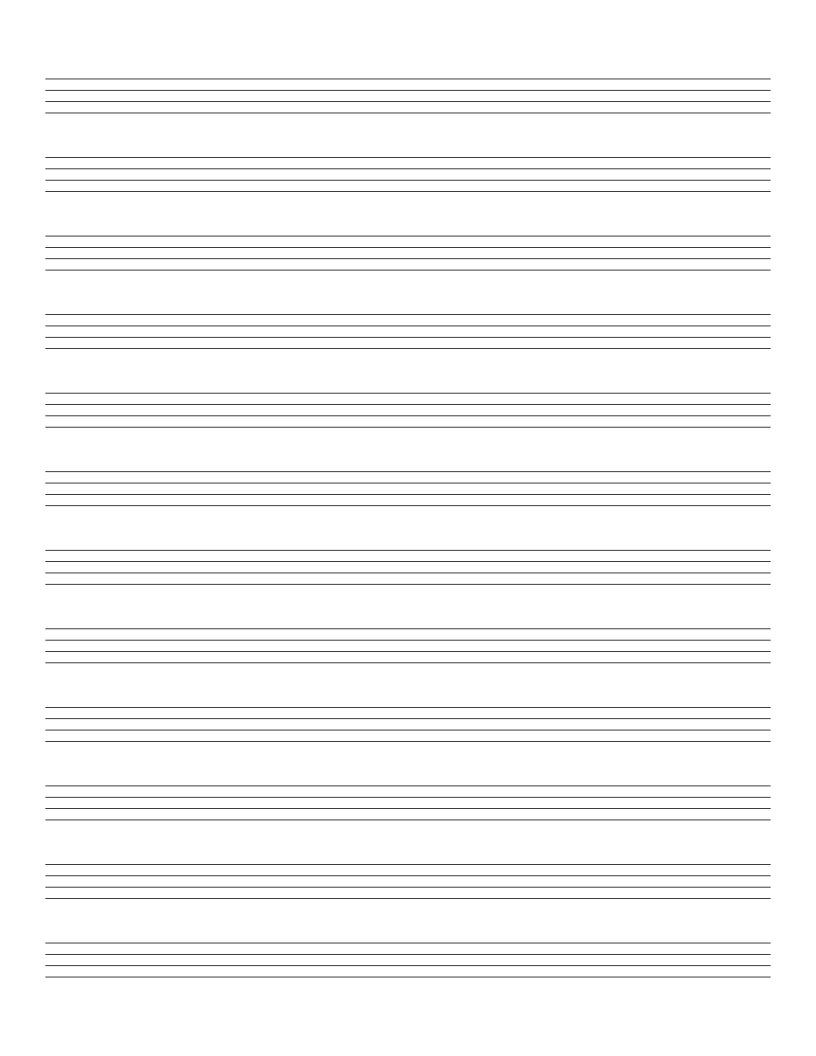
Ukulele Tab Paper
Blank four-line tablature for ukulele, one line per string.
Music & Tablature
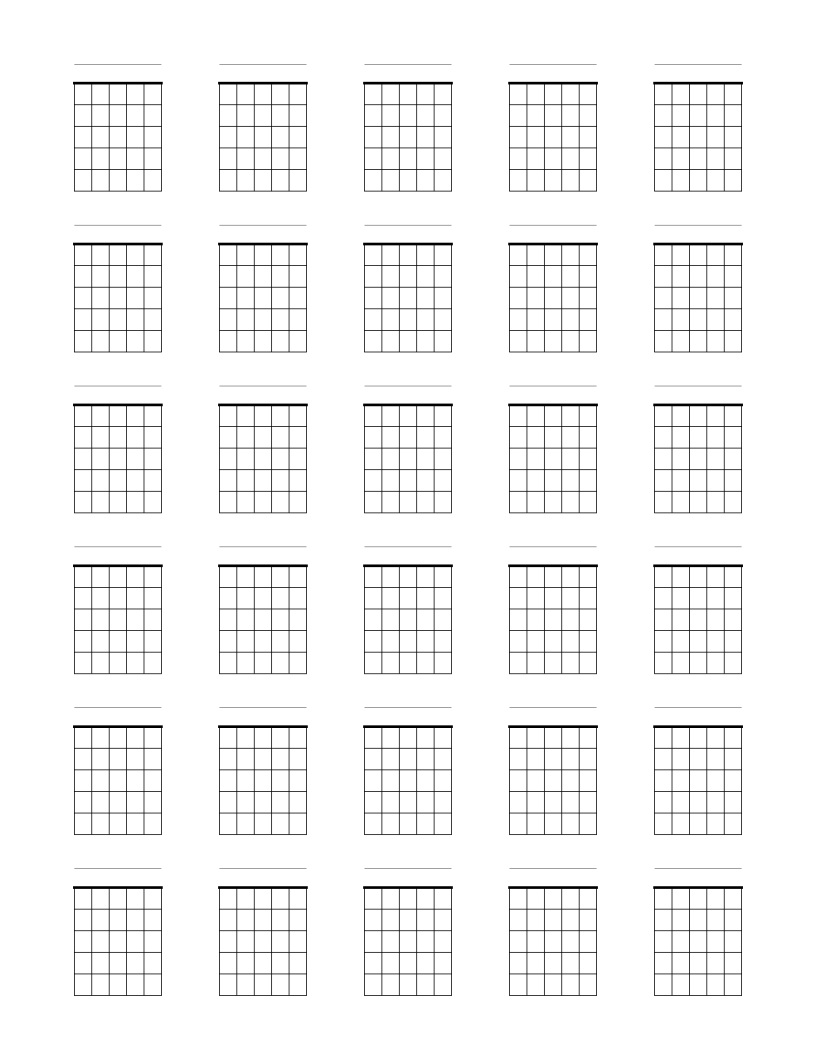
Blank Guitar Chord Chart Paper
Thirty blank six-string chord boxes per page for writing guitar chord diagrams.
Music & Tablature
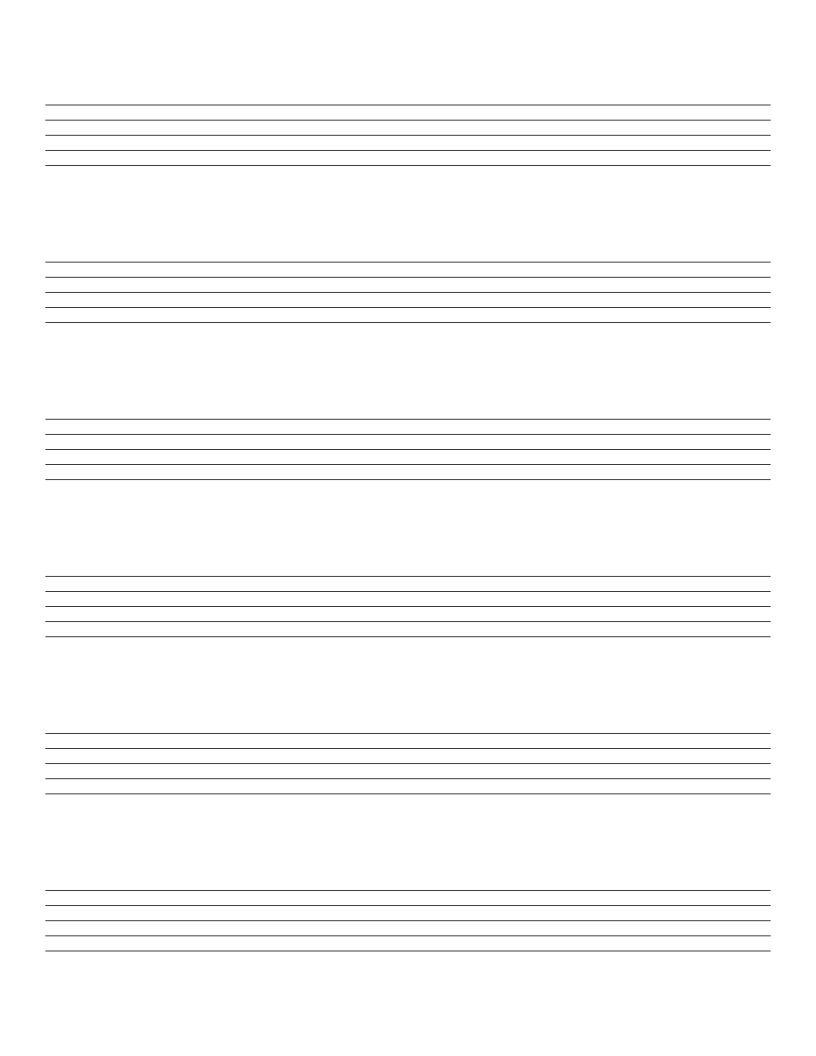
Large Staff Paper
Six extra-large music staves per page for children and beginners.
Music & Tablature
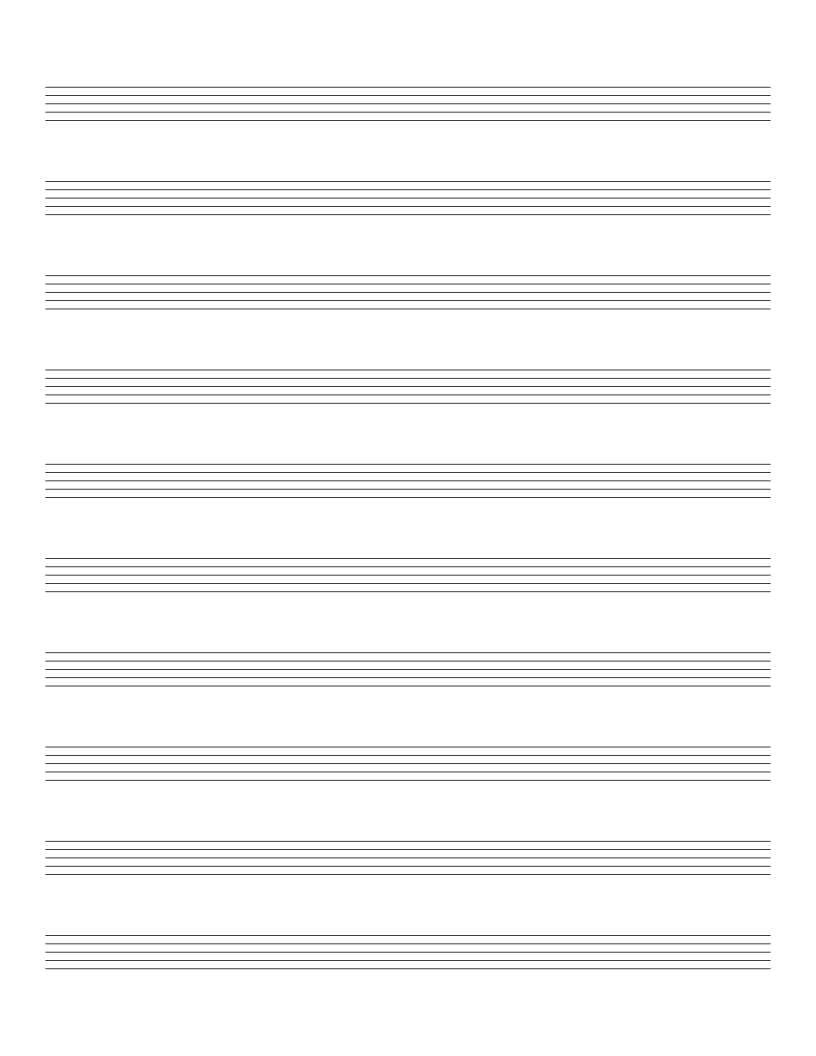
Staff Paper (10 Stave)
Ten music staves per page with extra space between them for lyrics and markings.