Live preview · Letter (8.5" × 11") · Black lines
Staff Paper (10 Stave)
Ten-stave manuscript paper gives a little more room between staves than the usual twelve. The extra space takes lyrics, chord symbols, dynamics and notes on ledger lines without crowding.
Download saves a vector PDF in the size and color selected below, no print dialog needed.
Other formats:
Direct PDF:Staff Paper (10 Stave) Letter PDFStaff Paper (10 Stave) A4 PDF
Choose a different paper size:
Choose a different line color:
Great for
- Songs with lyrics under the melody
- Lead sheets with chord symbols
- Parts with many ledger lines
- Theory exercises with annotations
Staff Paper (10 Stave) at a glance
| What it is | Ten music staves per page with extra space between them for lyrics and markings. |
|---|---|
| Category | Music & Tablature |
| Paper sizes | Letter (8.5" × 11"), A4 (210 × 297 mm), A5 (148 × 210 mm), Half Letter (5.5" × 8.5"), B5 (176 × 250 mm), Legal (8.5" × 14"), 11" × 17", A3 (297 × 420 mm), A2 (420 × 594 mm), Poster (18" × 24"), Movie Poster (27" × 40") |
| Line colors | Faint, Light, Gray, Dark, Black, Blue, Green (default: Black) |
| Format | Vector PDF at exact physical scale (Letter PDF, A4 PDF), PNG or SVG, or print directly from the browser |
| Price & license | Free. No signup or watermark. Printed sheets may be used for personal, classroom and commercial work. |
About staff paper (10 stave)
Manuscript paper is sold by the number of staves per page. Twelve is the general-purpose standard; ten is preferred for vocal music and for instruments whose parts often leave the staff, such as flute and violin, because the wider gaps keep ledger-line notes from colliding with the staff above.
What's on the page
Ten five-line staves with 2.2 mm between lines, evenly spaced down the page. Lines are solid black. No clefs, bar lines or brackets are printed.
How to use it well
Keep lyrics to one line
Write syllables directly under their notes, with hyphens between syllables of a word.
Put chords above
Chord symbols go above the staff, aligned with the beat on which they change.
Plan the bars
Lightly mark four bars per staff before you start so the music is evenly spaced.
Common mistakes to avoid
- Using it for piano without bracketing pairs. For keyboard music use grand staff paper.
- Printing in grey. Staff lines need to be read at arm's length.
FAQ, Staff Paper (10 Stave)
Why choose 10 staves over 12?+
The extra space between staves leaves room for lyrics, chord symbols and ledger lines.
Is there 12 stave paper?+
Yes, music staff paper has twelve staves.
Is there paper for choirs?+
Yes, SATB choral staff paper brackets four staves into systems.
Are clefs printed?+
No, so the paper works for any instrument or voice.
Printing tips for best results+
- 1. Click Print above. A new tab opens the template at exact size.
- 2. The print dialog appears automatically. Set Scale to 100%. Never "Fit to page", which silently shrinks every cell.
- 3. Set Margins to None or Minimum so the grid reaches the page edge.
- 4. For a PDF, click Download instead. It generates a vector PDF directly without going through the printer driver.
More detail in the guide to printing graph paper at actual size. Need a spacing that isn’t listed? Use the graph paper generator.
You might also like
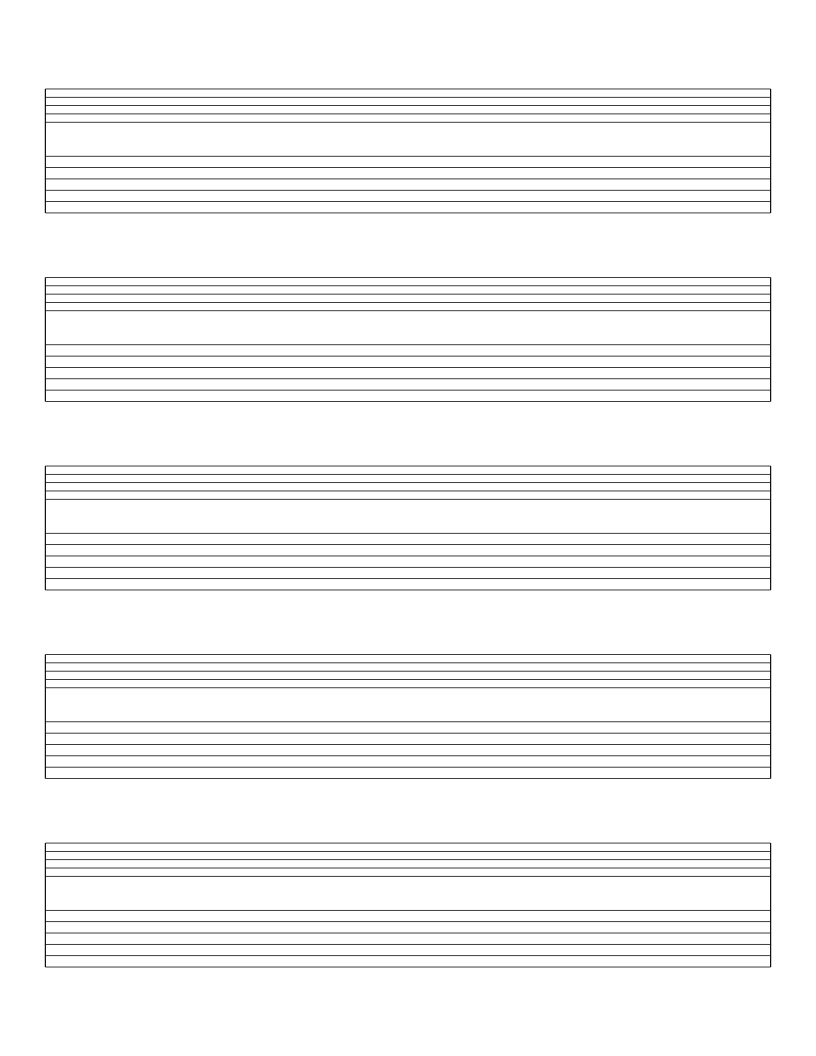
Music & Tablature
Guitar Tab with Staff Paper
Five systems pairing a standard music staff with a six-line guitar tab staff.
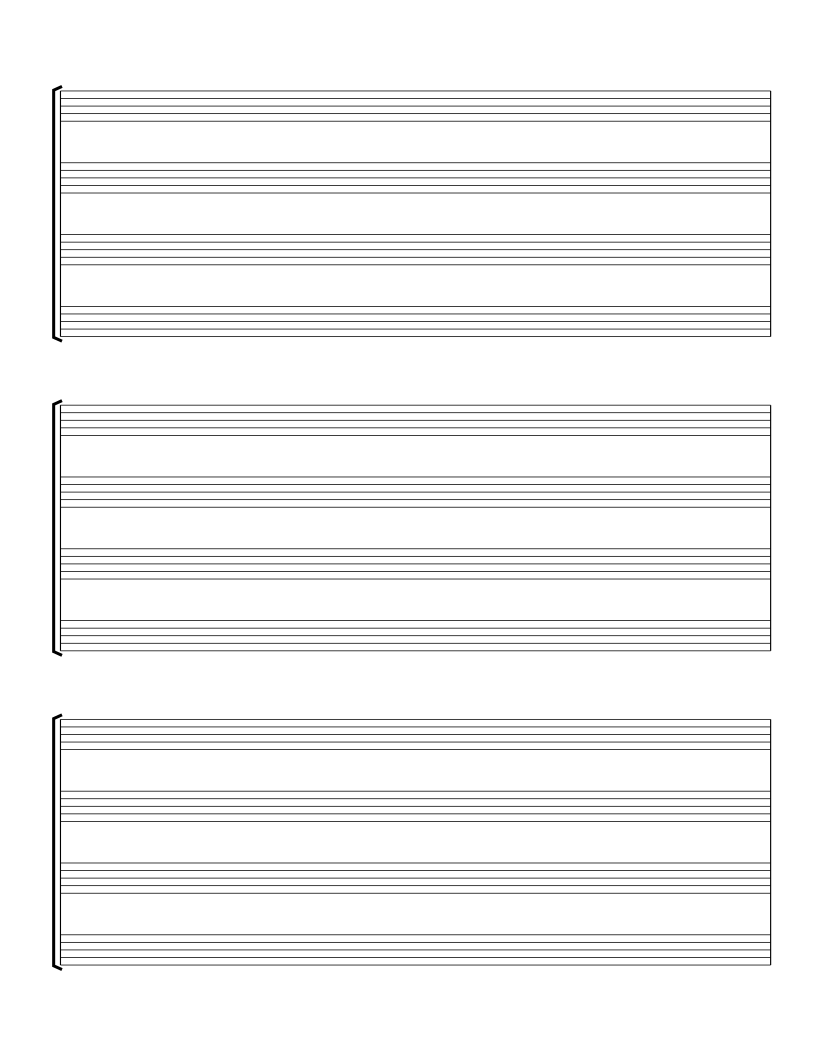
Music & Tablature
SATB Choral Staff Paper
Three bracketed systems of four staves for soprano, alto, tenor and bass.
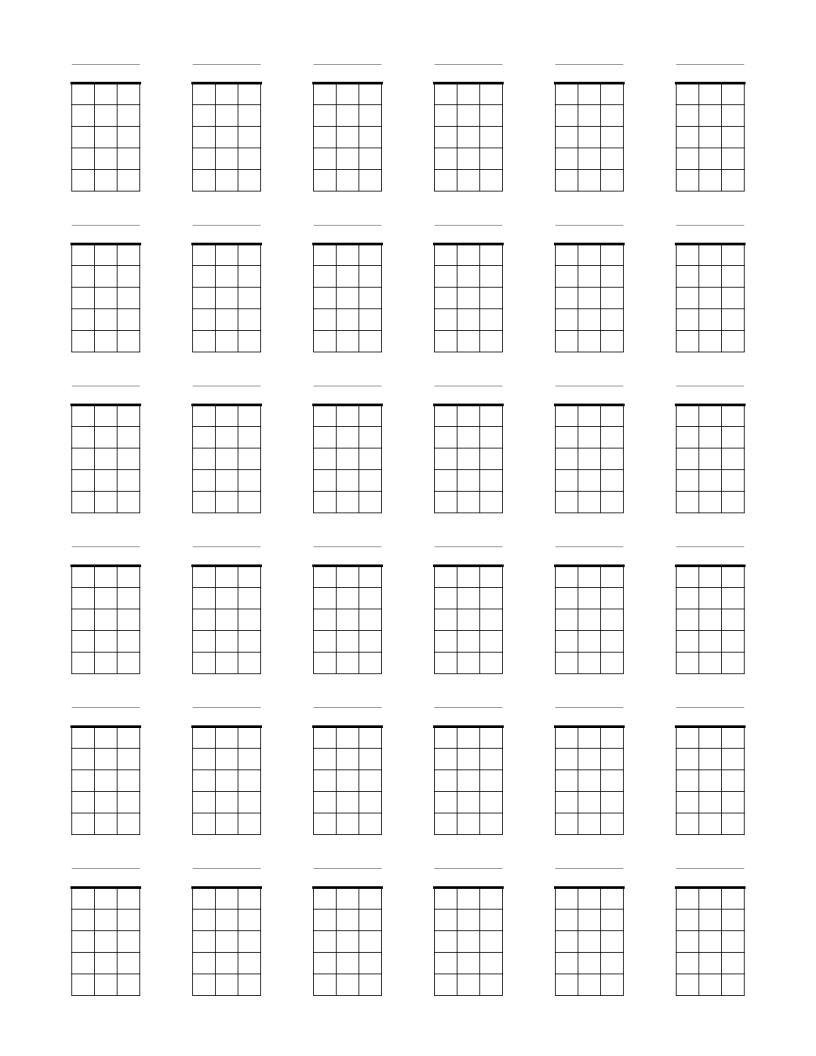
Music & Tablature
Blank Ukulele Chord Chart Paper
Thirty-six blank four-string chord boxes per page for ukulele chord diagrams.
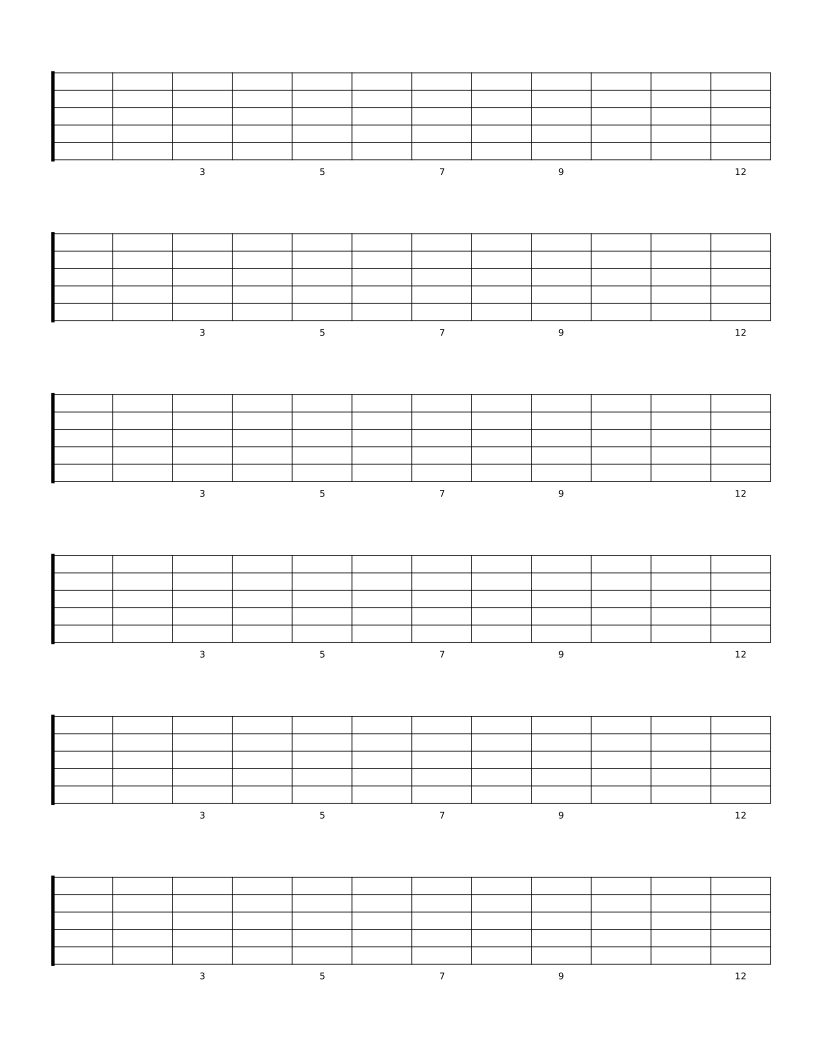
Music & Tablature
Blank Guitar Fretboard Diagrams
Six blank 12-fret guitar necks per page for mapping scales, arpeggios and note names.