Live preview · Letter (8.5" × 11") · Black lines
Large Staff Paper
Large staff paper has six big staves per page, with the lines 4 mm apart, nearly twice the spacing of standard manuscript paper. There is room for a child to draw a note head that clearly sits on a line or in a space.
Download saves a vector PDF in the size and color selected below, no print dialog needed.
Other formats:
Direct PDF:Large Staff Paper Letter PDFLarge Staff Paper A4 PDF
Choose a different paper size:
Choose a different line color:
Great for
- Young children learning to write notes
- Beginner theory and note-naming drills
- Teachers' demonstration sheets
- Musicians with low vision
Large Staff Paper at a glance
| What it is | Six extra-large music staves per page for children and beginners. |
|---|---|
| Category | Music & Tablature |
| Paper sizes | Letter (8.5" × 11"), A4 (210 × 297 mm), A5 (148 × 210 mm), Half Letter (5.5" × 8.5"), B5 (176 × 250 mm), Legal (8.5" × 14"), 11" × 17", A3 (297 × 420 mm), A2 (420 × 594 mm), Poster (18" × 24"), Movie Poster (27" × 40") |
| Line colors | Faint, Light, Gray, Dark, Black, Blue, Green (default: Black) |
| Format | Vector PDF at exact physical scale (Letter PDF, A4 PDF), PNG or SVG, or print directly from the browser |
| Price & license | Free. No signup or watermark. Printed sheets may be used for personal, classroom and commercial work. |
About large staff paper
Standard manuscript paper has about 2 mm between staff lines, which demands fine control of a pencil. Beginners, especially young children, draw notes that are too big for it, so the notes straddle lines and spaces and cannot be read. A larger staff lets them form clefs, note heads and stems correctly before moving to normal size.
What's on the page
Six five-line staves spaced evenly down the page, each 16 mm tall with 4 mm between lines. Lines are solid black. No clefs or bar lines are printed.
How to use it well
Fill the space
A note in a space should touch the line above and below it. A note on a line should be cut in half by it.
Practise clefs first
Trace over a teacher-drawn treble clef a few times; the large staff makes its shape easy to follow.
Use coloured pencils
Colouring line notes and space notes differently helps children see the pattern.
Common mistakes to avoid
- Staying on large staves too long. Once notes are consistently placed, move to standard staff paper.
- Printing in a light colour. Staff lines should be black or dark.
FAQ, Large Staff Paper
How big are the staves?+
16 mm tall, with 4 mm between lines. Standard manuscript paper is about 8 to 9 mm tall.
How many staves are on a page?+
Six.
Is there paper for piano?+
Yes, grand staff paper, and a piano keyboard diagram for labelling keys.
Printing tips for best results+
- 1. Click Print above. A new tab opens the template at exact size.
- 2. The print dialog appears automatically. Set Scale to 100%. Never "Fit to page", which silently shrinks every cell.
- 3. Set Margins to None or Minimum so the grid reaches the page edge.
- 4. For a PDF, click Download instead. It generates a vector PDF directly without going through the printer driver.
More detail in the guide to printing graph paper at actual size. Need a spacing that isn’t listed? Use the graph paper generator.
You might also like
Music & Tablature
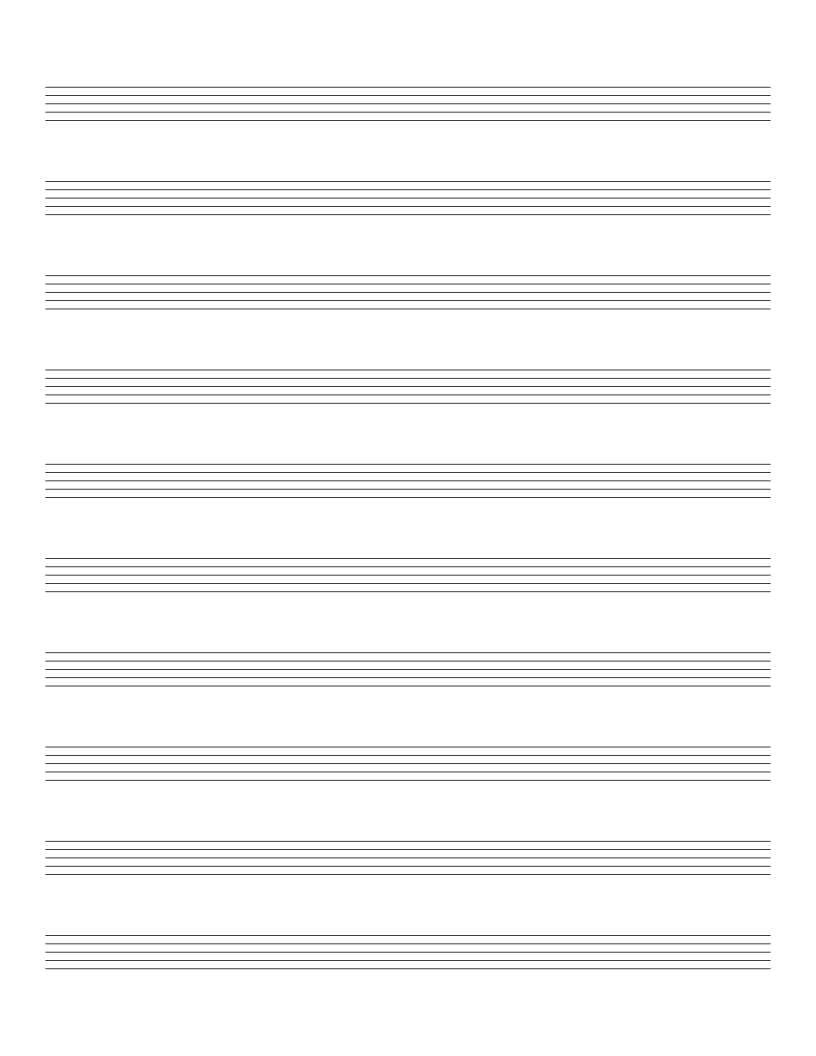
Staff Paper (10 Stave)
Ten music staves per page with extra space between them for lyrics and markings.
Music & Tablature
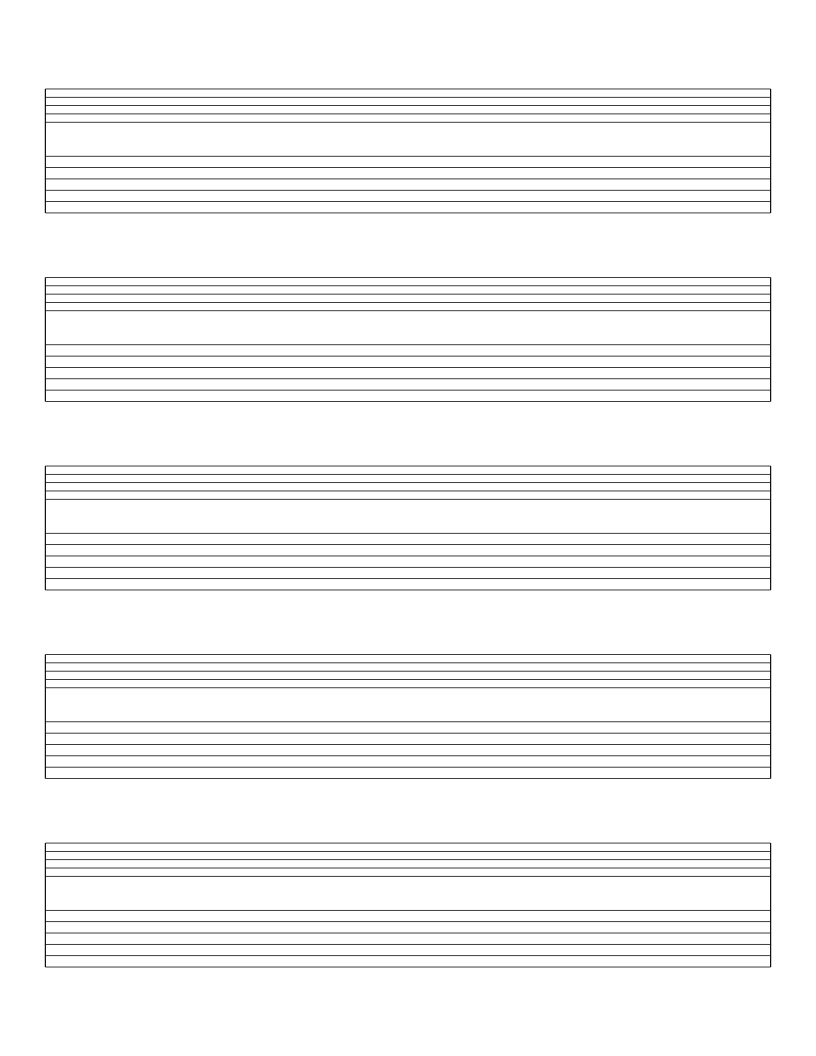
Guitar Tab with Staff Paper
Five systems pairing a standard music staff with a six-line guitar tab staff.
Music & Tablature
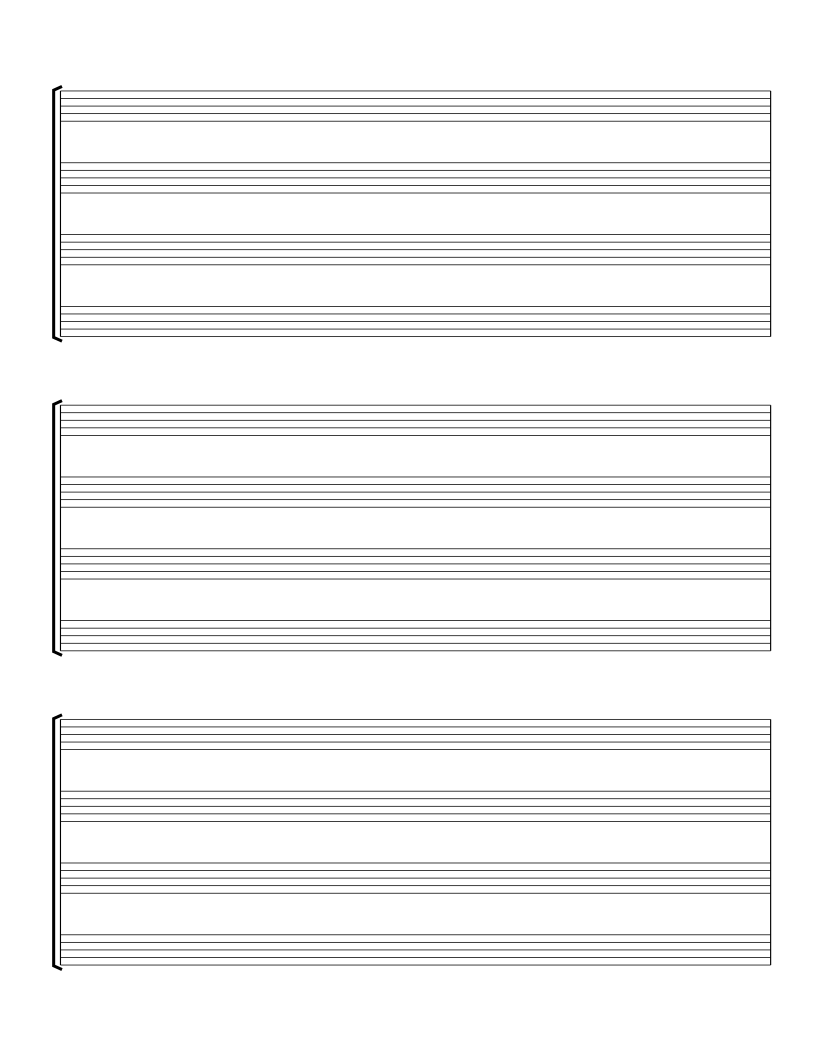
SATB Choral Staff Paper
Three bracketed systems of four staves for soprano, alto, tenor and bass.
Music & Tablature
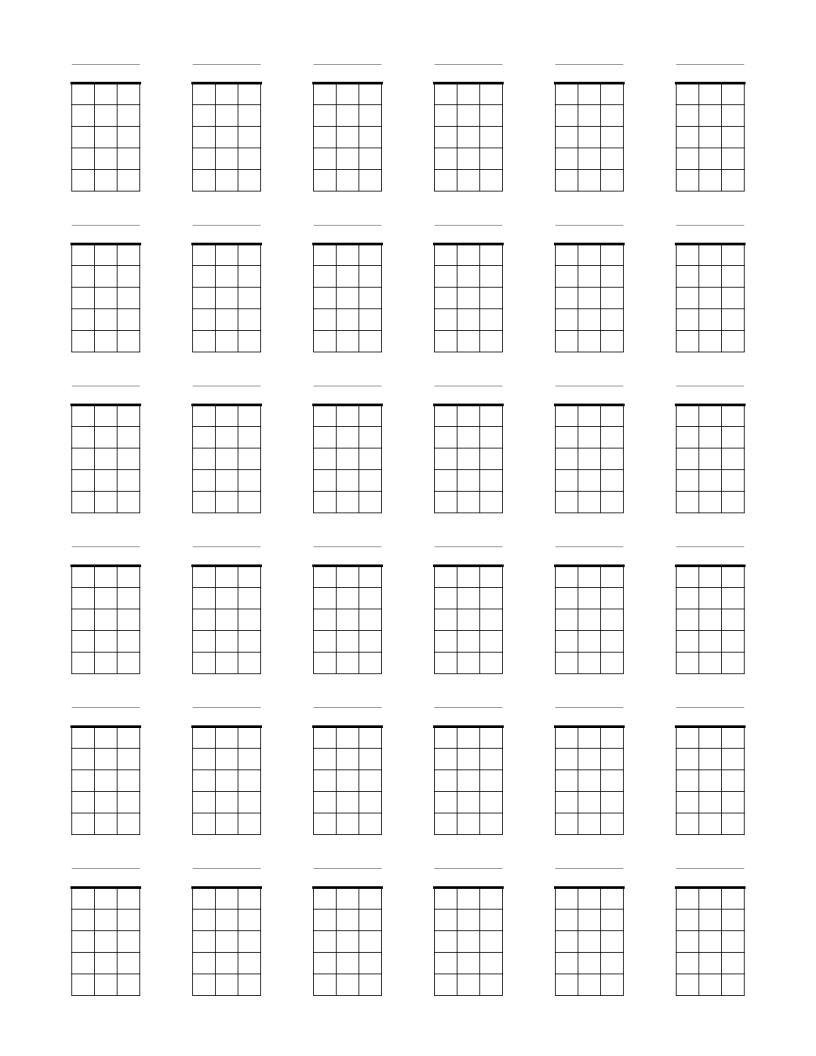
Blank Ukulele Chord Chart Paper
Thirty-six blank four-string chord boxes per page for ukulele chord diagrams.