Live preview · Letter (8.5" × 11") · Dark lines
Monthly Calendar (Monday Start)
A blank monthly calendar with Monday as the first day of the week, the international (ISO 8601) and European convention. Six rows of seven days, no printed dates, so you fill in the month and it works for any month of any year.
Download generates a crisp vector PDF directly, no print dialog needed.
Choose a different paper size:
Choose a different line color:
Great for
- Monthly planning with work weeks kept together
- Wall or fridge calendars outside the US
- Project and deadline overviews
- School, shift and training schedules
Monthly Calendar (Monday Start) at a glance
| What it is | Blank monthly calendar with weeks starting on Monday: six weeks × seven days, undated so it works for any month. |
|---|---|
| Category | Planning & Productivity |
| Paper sizes | Letter (8.5" × 11"), A4 (210 × 297 mm), 11" × 17", Legal (8.5" × 14"), A3 (297 × 420 mm), A2 (420 × 594 mm), Poster (18" × 24"), Movie Poster (27" × 40") |
| Line colors | Faint, Light, Gray, Dark, Black, Blue, Green (default: Dark) |
| Format | Vector PDF download at exact physical scale, or print directly from the browser |
| Price & license | Free. No signup or watermark. Printed sheets may be used for personal, classroom and commercial work. |
About monthly calendar (monday start)
Whether a week starts on Sunday or Monday is a regional habit. US calendars traditionally start on Sunday, while ISO 8601 and most of Europe start on Monday. For many people the Monday layout is simply more practical: the five working days sit together and the weekend stays as one block at the end of each row, instead of being split across two rows. This template is the Monday-start version of our monthly calendar, with the same undated six-week grid so one printable serves every month. A Monday-start grid also lines up with ISO week numbers, which many workplaces and schools outside the US use for planning (week 1 is the week containing the year's first Thursday). If your organisation talks about 'week 14' or 'week 37', you can write the ISO week number in the margin beside each row and every row will match exactly.
What's on the page
A 'MONTH' header for the month and year, a weekday row from MONDAY to SUNDAY, and a 6 × 7 grid of blank day cells. The outer frame is drawn heavier than the inner lines. On Letter or A4, each cell is about 2.7 cm wide and 4 cm tall, with room for the date in a corner and a few short entries.
How to use it well
Find the weekday of the 1st first
Check a phone or computer calendar for which weekday the month starts on, write '1' in that cell, and number the rest from there.
Keep weekends for personal plans
With Saturday and Sunday together on the right, it's easy to see at a glance whether weekends are free. Use a different colour for social plans.
Mark deadlines a few days early
Write a reminder a few cells before each deadline. A grid you look at daily is only useful if it warns you in time.
Cross off each day
A diagonal line through each finished day shows how much of the month is left, which helps with pacing longer tasks.
Common mistakes to avoid
- Numbering from the wrong weekday. If the 1st is placed under the wrong day, the whole month shifts. Double-check the first week before writing events.
- Using it with a Sunday-start planner. If your other planners start on Sunday, mixing layouts causes mistakes. Use the Sunday-start monthly calendar instead.
- Forgetting the year. Write the year next to the month so the page still makes sense when you find it later.
FAQ, Monthly Calendar (Monday Start)
Why start the week on Monday?+
Monday is the first day of the week in the ISO 8601 standard and in most of Europe and many other countries. It also keeps Saturday and Sunday together at the end of each row.
Is there a Sunday-start version?+
Yes, the original monthly calendar starts on Sunday, the usual US layout.
Why six rows?+
Some months touch six calendar weeks. A 31-day month that starts on a Sunday needs six rows in a Monday-start layout, so six rows guarantee every month fits.
Does it work for any year?+
Yes. There are no printed dates, so you write in the month, year and day numbers yourself.
Is there a matching weekly planner?+
Yes. Our weekly planner also starts on Monday, and there's a Sunday-start weekly planner too.
Can I add week numbers?+
Yes. Write the ISO week number to the left of each row. Because ISO weeks run Monday to Sunday, each row of this calendar is exactly one numbered week, which isn't true of a Sunday-start grid.
How do I fill in the dates quickly?+
Find the weekday of the 1st, write 1 in that cell, and continue left to right, row by row. The last day lands in the fourth, fifth or sixth row; leave any cells after it blank or use them for notes.
Printing tips for best results+
- 1. Click Print above. A new tab opens the template at exact size.
- 2. The print dialog appears automatically. Set Scale to 100%. Never "Fit to page", which silently shrinks every cell.
- 3. Set Margins to None or Minimum so the grid reaches the page edge.
- 4. For a PDF, click Download instead. It generates a vector PDF directly without going through the printer driver.
You might also like
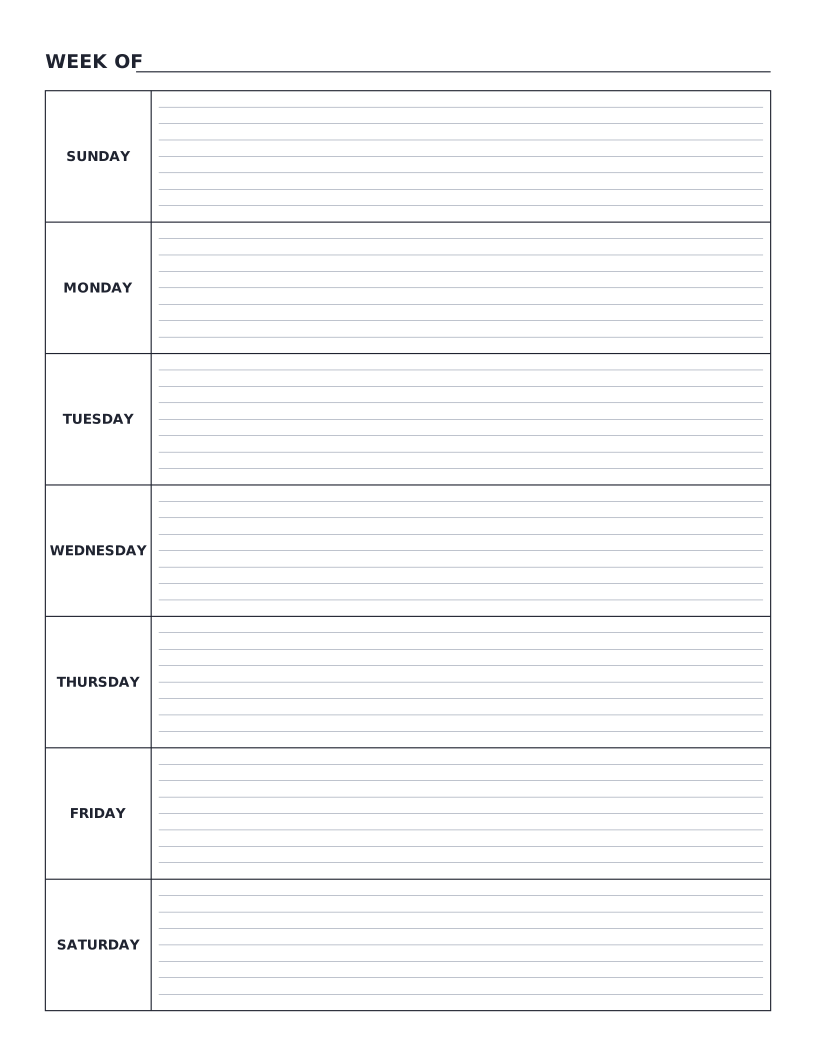
Weekly Planner (Sunday Start)
Sunday-to-Saturday weekly planner: seven labelled day rows with writing lines, undated for any week.
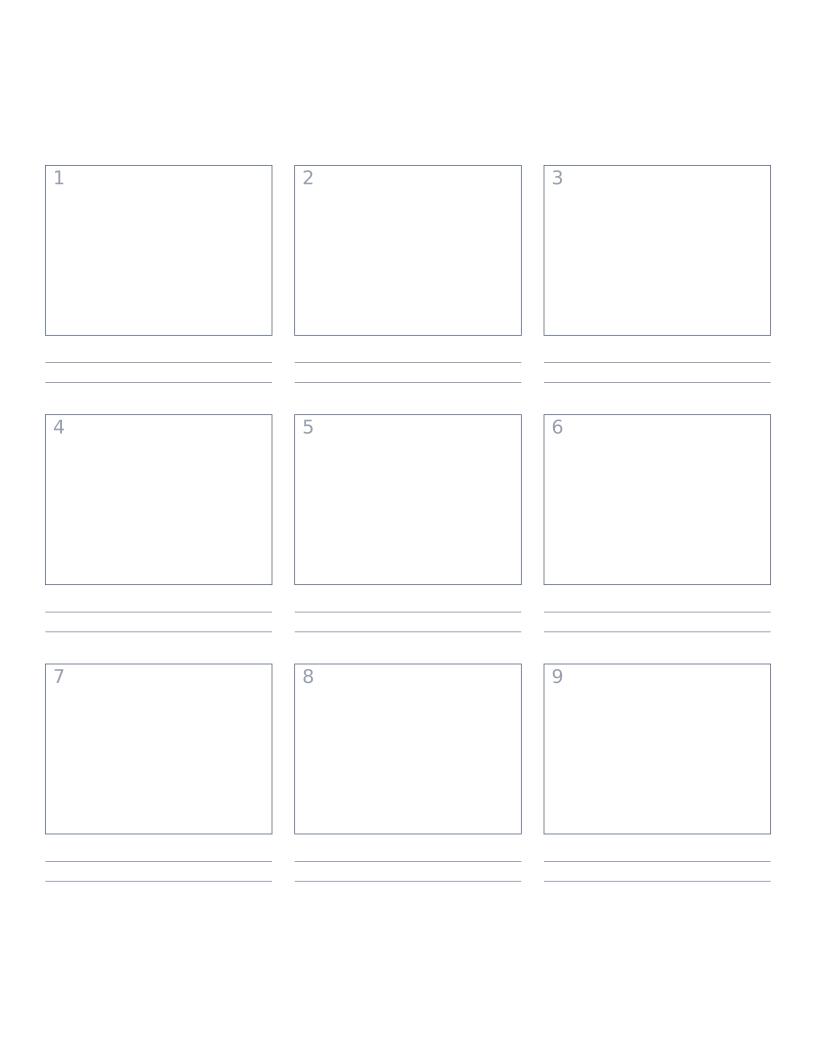
Storyboard Paper (3×3)
Nine-panel storyboard layout with caption space: for filmmakers, animators and UX designers.
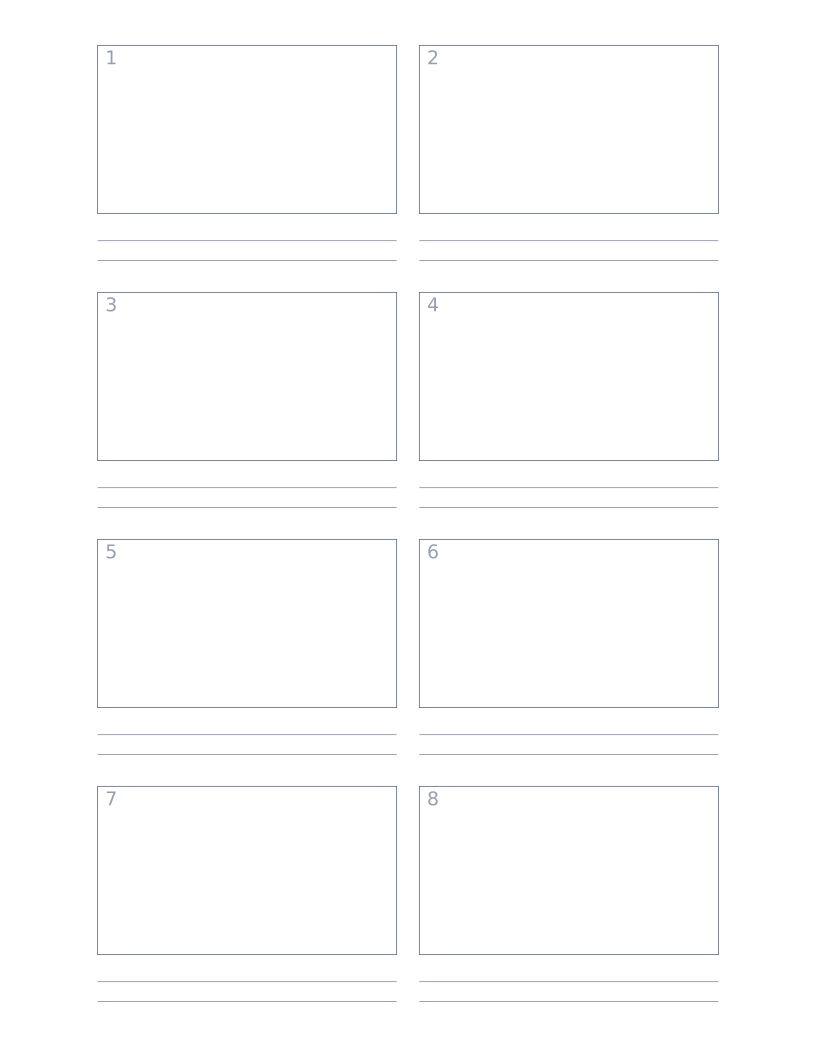
Storyboard Paper (2×4)
Eight-panel storyboard with widescreen 16:9 frames for video and film work.
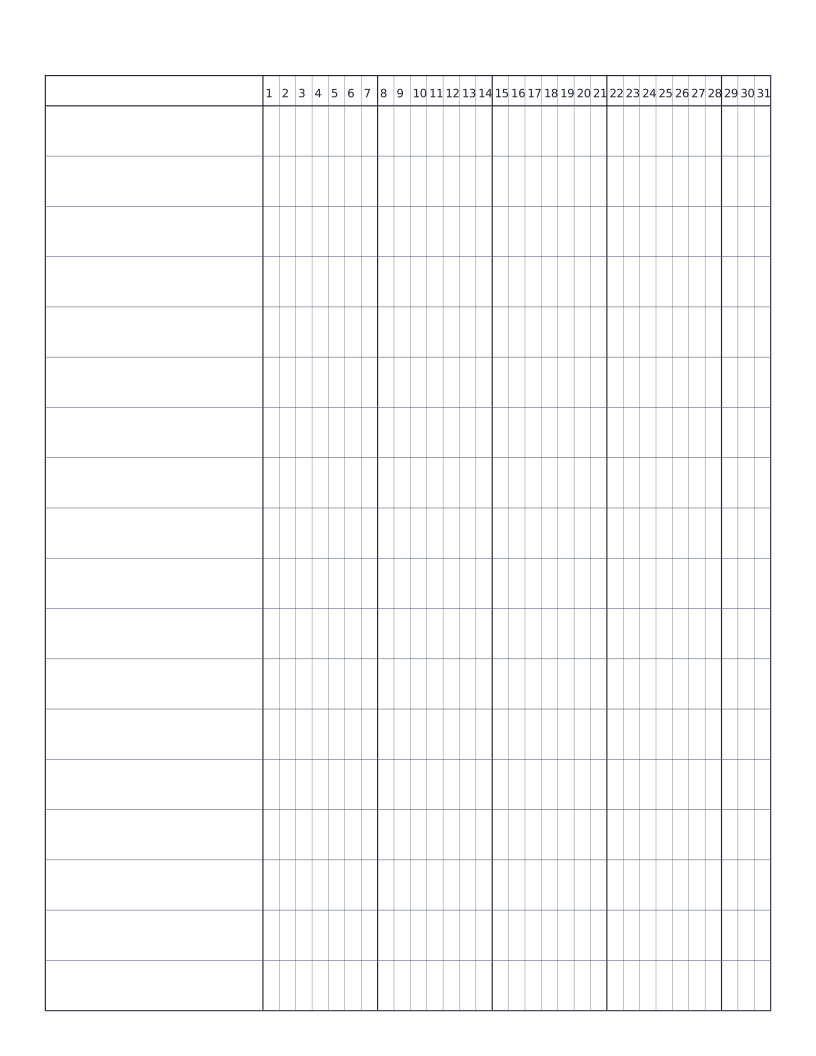
Habit Tracker (Monthly)
Monthly habit tracker: name column plus 31-day grid for marking off daily habits.