Live preview · Letter (8.5" × 11") · Black lines
Low Vision Lined Paper (Bold Line)
Bold line paper has thick, high-contrast black lines spaced half an inch apart. It is made for people who cannot see the pale, thin lines of ordinary notebook paper clearly.
Download saves a vector PDF in the size and color selected below, no print dialog needed.
Other formats:
Direct PDF:Low Vision Lined Paper (Bold Line) Letter PDFLow Vision Lined Paper (Bold Line) A4 PDF
Choose a different paper size:
Choose a different line color:
Great for
- Writers with low vision or macular degeneration
- Writing with thick markers such as 20/20 pens
- Occupational therapy and handwriting recovery
- Large-print notes and lists
Low Vision Lined Paper (Bold Line) at a glance
| What it is | Bold black lines half an inch apart for writers with low vision. |
|---|---|
| Category | Writing & Notes |
| Paper sizes | Letter (8.5" × 11"), A4 (210 × 297 mm), A5 (148 × 210 mm), Half Letter (5.5" × 8.5"), B5 (176 × 250 mm), Legal (8.5" × 14"), 11" × 17", A3 (297 × 420 mm), A2 (420 × 594 mm), Poster (18" × 24"), Movie Poster (27" × 40") |
| Line colors | Faint, Light, Gray, Dark, Black, Blue, Green (default: Black) |
| Format | Vector PDF at exact physical scale (Letter PDF, A4 PDF), PNG or SVG, or print directly from the browser |
| Price & license | Free. No signup or watermark. Printed sheets may be used for personal, classroom and commercial work. |
About low vision lined paper (bold line)
Standard ruled paper is printed in pale blue hairlines that many people with reduced vision cannot follow. Bold line paper replaces them with heavy black lines and more space between, so the lines can be seen and there is room for larger handwriting. It is widely recommended by low vision services and is usually used with a bold black felt-tip pen for maximum contrast.
What's on the page
Black lines 0.8 mm thick, 12.7 mm (1/2 inch) apart, running between the side margins with no margin line. US Letter has 21 lines.
How to use it well
Use a bold pen
A black felt-tip or gel pen with a 1 mm tip gives handwriting the same contrast as the lines.
Print on matte paper
Glossy paper reflects light and adds glare. Plain matte or off-white paper is easier on the eyes.
Adjust the spacing if needed
For wider or narrower spacing, the generator makes lined paper at any gap and line thickness.
Common mistakes to avoid
- Switching the line colour to a pale one, which defeats the purpose.
- Using a draft or economy print mode, which thins and greys the lines.
FAQ, Low Vision Lined Paper (Bold Line)
How thick are the lines?+
0.8 mm, four times the weight of the lines on standard templates here.
How far apart are the lines?+
Half an inch, 12.7 mm.
Can I get a different spacing?+
Yes. In the generator choose Lined, set the spacing and raise the line thickness.
Printing tips for best results+
- 1. Click Print above. A new tab opens the template at exact size.
- 2. The print dialog appears automatically. Set Scale to 100%. Never "Fit to page", which silently shrinks every cell.
- 3. Set Margins to None or Minimum so the grid reaches the page edge.
- 4. For a PDF, click Download instead. It generates a vector PDF directly without going through the printer driver.
More detail in the guide to printing graph paper at actual size. Need a spacing that isn’t listed? Use the graph paper generator.
You might also like

Writing & Notes
Two-Column Lined Paper
College ruled lines split into two columns with a gutter between them.

Writing & Notes
Lined Paper (Landscape)
College ruled lined paper turned sideways, with long lines across the wide page.
Writing & Notes
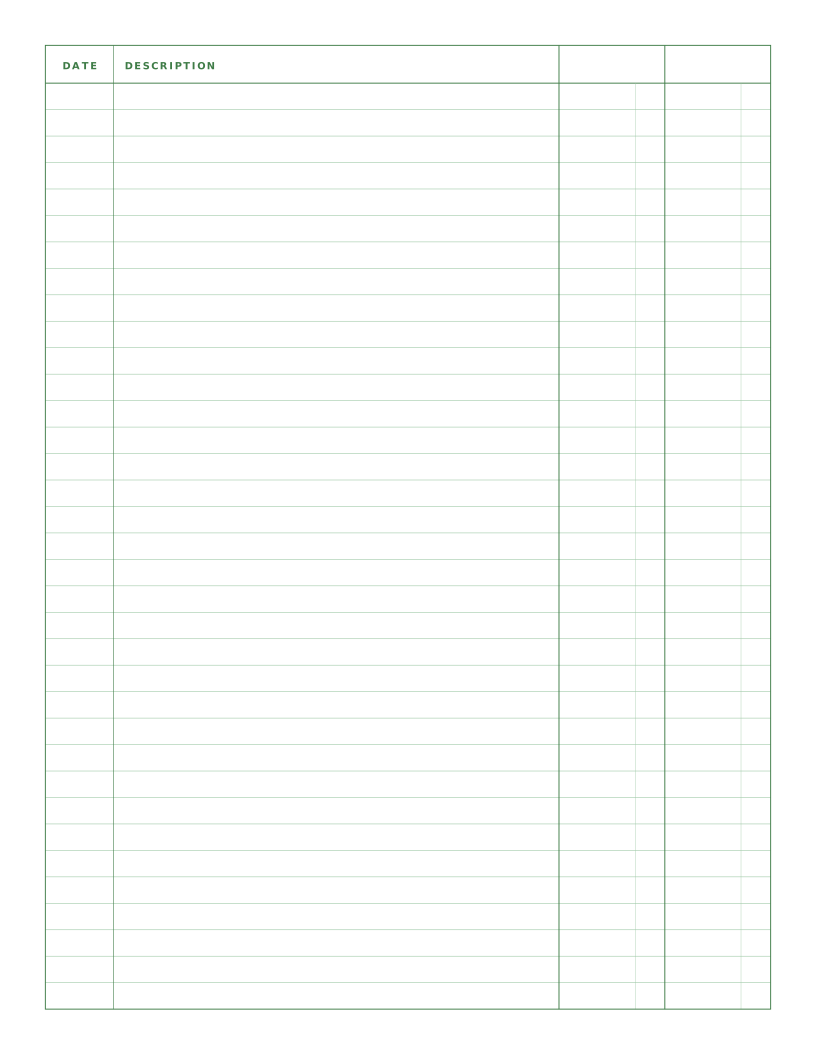
Ledger Paper (2 Column)
Columnar paper with date, a wide description and two amount columns.
Writing & Notes
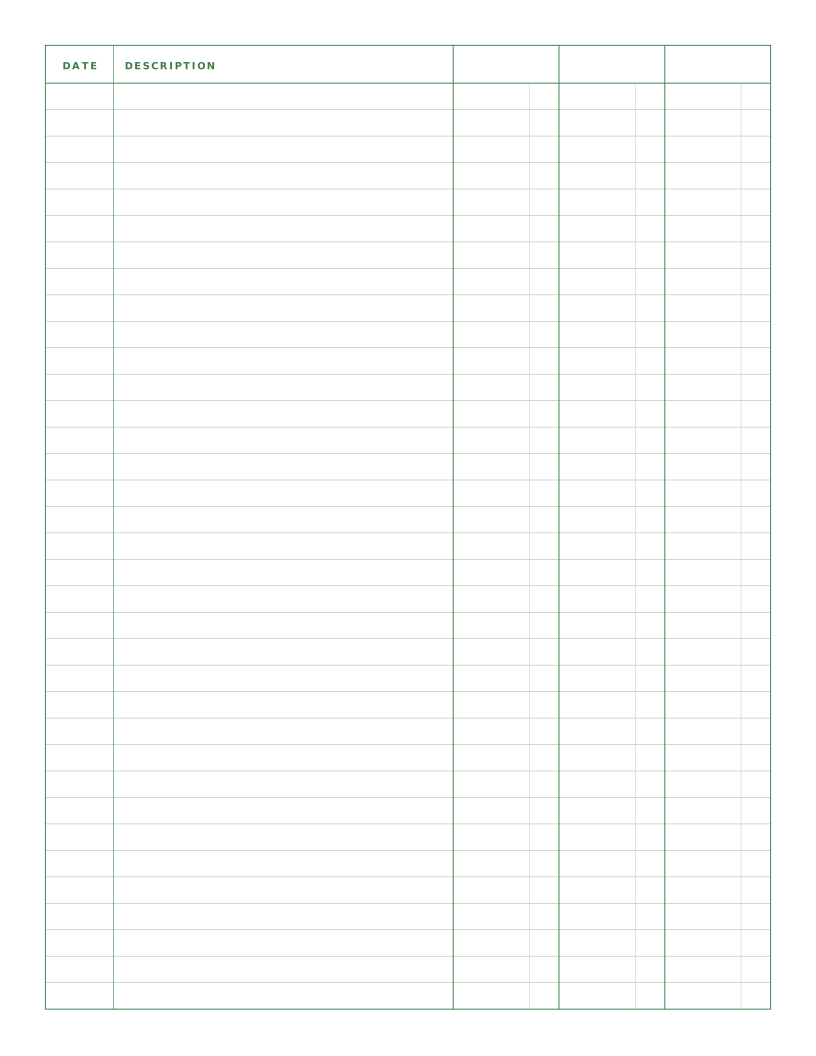
Ledger Paper (3 Column)
Columnar paper with date, description and three amount columns for debit, credit and balance.