Live preview · Letter (8.5" × 11") · Gray lines
Two-Column Lined Paper
Two columns of college ruled lines side by side, separated by a blank gutter. Use the columns for paired information or simply to fit two lists on one sheet.
Download saves a vector PDF in the size and color selected below, no print dialog needed.
Other formats:
Direct PDF:Two-Column Lined Paper Letter PDFTwo-Column Lined Paper A4 PDF
Choose a different paper size:
Choose a different line color:
Great for
- Vocabulary words and definitions
- Double-entry reading journals
- Compare and contrast notes
- Long lists such as spelling words
Two-Column Lined Paper at a glance
| What it is | College ruled lines split into two columns with a gutter between them. |
|---|---|
| Category | Writing & Notes |
| Paper sizes | Letter (8.5" × 11"), A4 (210 × 297 mm), A5 (148 × 210 mm), Half Letter (5.5" × 8.5"), B5 (176 × 250 mm), Legal (8.5" × 14"), 11" × 17", A3 (297 × 420 mm), A2 (420 × 594 mm), Poster (18" × 24"), Movie Poster (27" × 40") |
| Line colors | Faint, Light, Gray, Dark, Black, Blue, Green (default: Gray) |
| Format | Vector PDF at exact physical scale (Letter PDF, A4 PDF), PNG or SVG, or print directly from the browser |
| Price & license | Free. No signup or watermark. Printed sheets may be used for personal, classroom and commercial work. |
About two-column lined paper
A double-entry journal puts a quotation or fact on the left and the reader's response on the right. Compare-and-contrast notes, translation practice and question-and-answer revision all use the same two-column structure. Ruled columns keep the two sides aligned row by row without drawing a line down the page by hand.
What's on the page
Two columns, each about 91 mm wide on US Letter, with a 10 mm gutter. Lines are 7.1 mm apart (college ruled), 36 per column on Letter.
How to use it well
Head each column
Write a heading on the first line of each column, such as 'Quote' and 'My thinking'.
Keep pairs on the same line
Start each right-hand entry on the same line as its left-hand partner.
Fold to self-test
Fold along the gutter to hide one column and quiz yourself on the other.
Common mistakes to avoid
- Writing long paragraphs in a narrow column. If one side needs much more room, Cornell notes has unequal columns.
- Printing in Faint, where the gutter is hard to see.
FAQ, Two-Column Lined Paper
How wide are the columns?+
About 91 mm each on US Letter and 88 mm on A4, with a 10 mm gap.
What is the line spacing?+
7.1 mm, the college ruled standard.
Is there a version with a single centre line?+
Yes, steno pad paper.
Is there paper with number columns?+
Yes, ledger paper has date, description and amount columns.
Printing tips for best results+
- 1. Click Print above. A new tab opens the template at exact size.
- 2. The print dialog appears automatically. Set Scale to 100%. Never "Fit to page", which silently shrinks every cell.
- 3. Set Margins to None or Minimum so the grid reaches the page edge.
- 4. For a PDF, click Download instead. It generates a vector PDF directly without going through the printer driver.
More detail in the guide to printing graph paper at actual size. Need a spacing that isn’t listed? Use the graph paper generator.
You might also like

Writing & Notes
Lined Paper (Landscape)
College ruled lined paper turned sideways, with long lines across the wide page.
Writing & Notes
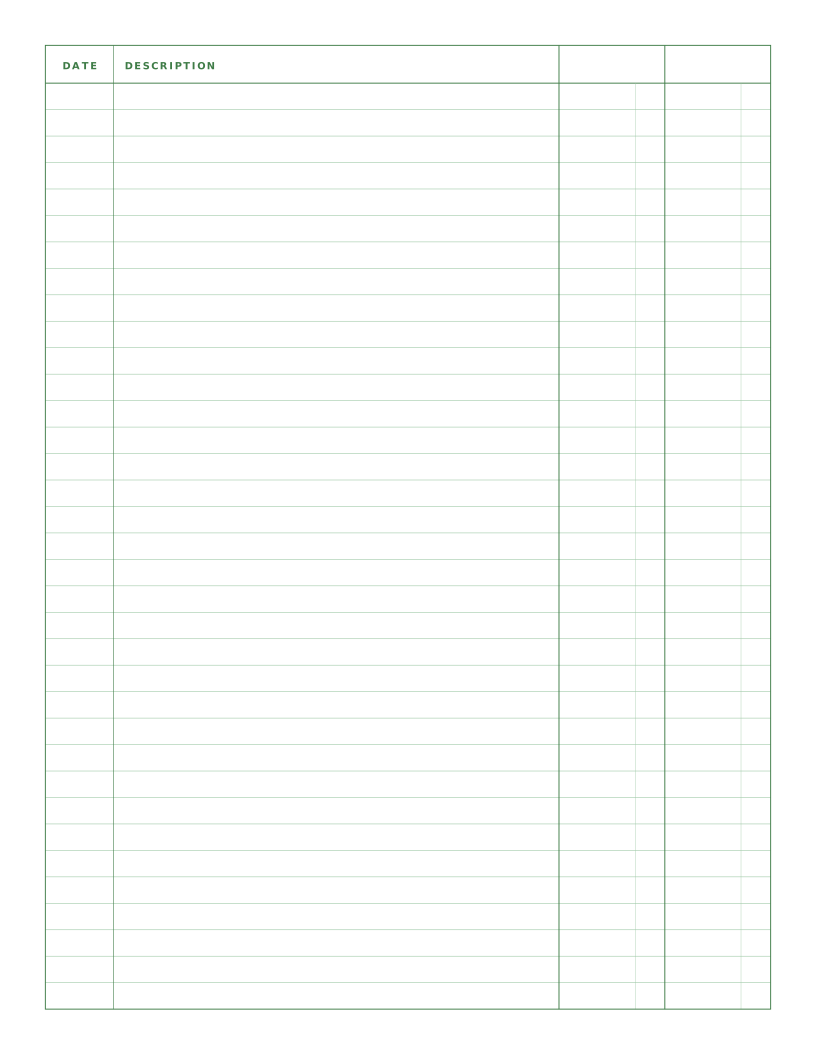
Ledger Paper (2 Column)
Columnar paper with date, a wide description and two amount columns.
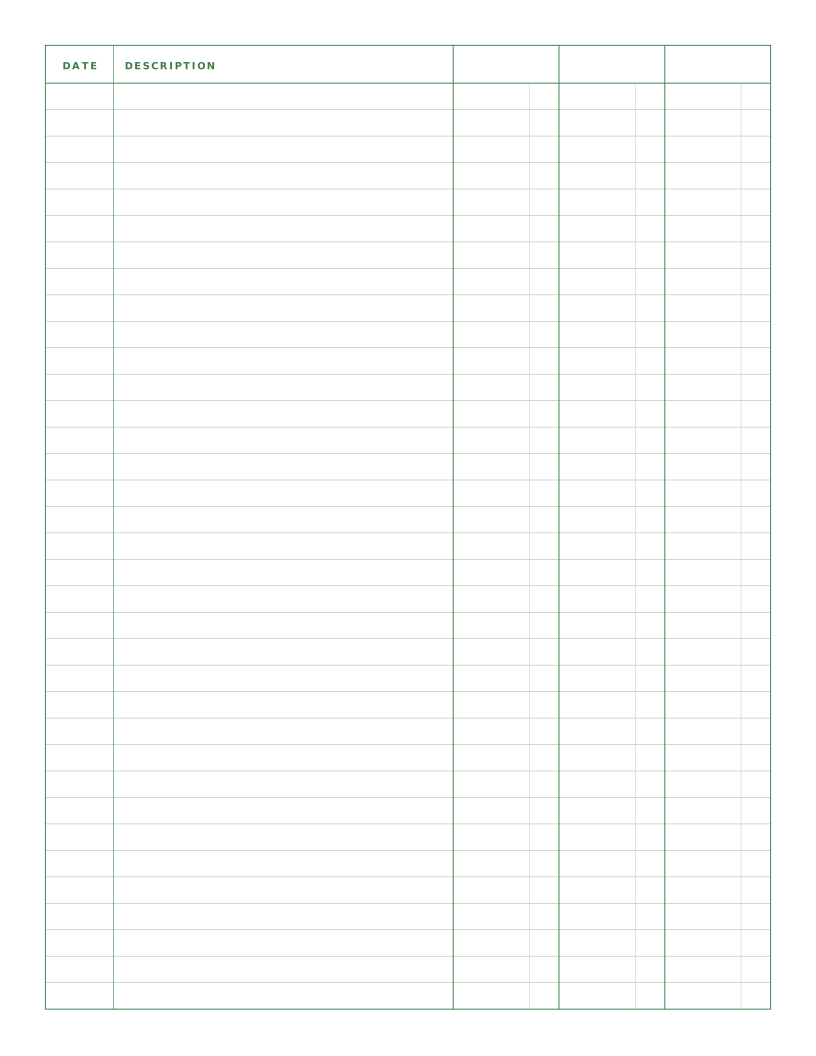
Writing & Notes
Ledger Paper (3 Column)
Columnar paper with date, description and three amount columns for debit, credit and balance.
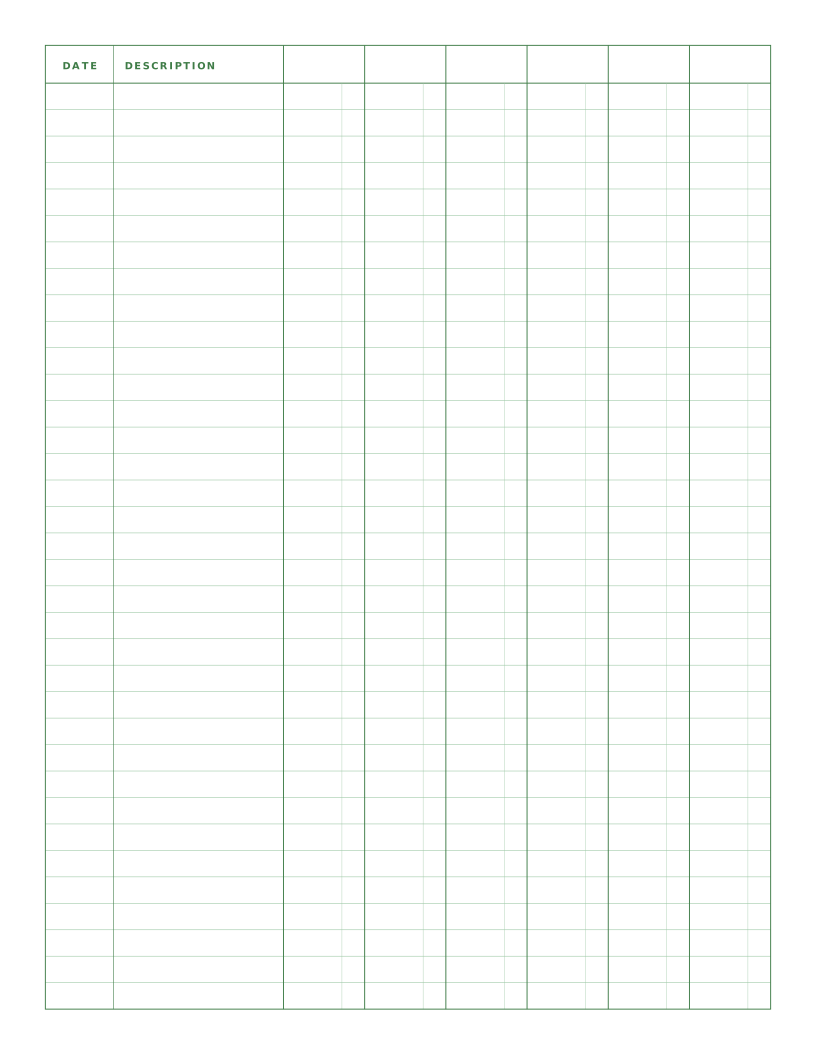
Writing & Notes
Ledger Paper (6 Column)
Columnar paper with date, description and six amount columns for categorised records.