Live preview · Letter (8.5" × 11") · Gray lines
Pixel Art Grid Paper
Pixel art grid paper is graph paper with heavier lines every 8 squares, the block size that sprites and tiles are built on. Colour one square per pixel to plan game art, fuse bead designs or mosaics before you commit.
Download saves a vector PDF in the size and color selected below, no print dialog needed.
Other formats:
Direct PDF:Pixel Art Grid Paper Letter PDFPixel Art Grid Paper A4 PDF
Choose a different paper size:
Choose a different line color:
Great for
- Sketching 16×16 and 32×32 game sprites
- Planning Perler, Hama and fuse bead patterns
- Minecraft builds and pixel murals
- Classroom pixel art and coding activities
Pixel Art Grid Paper at a glance
| What it is | 5mm grid with bold lines every 8 squares for planning 8, 16 and 32 pixel sprites. |
|---|---|
| Category | Specialty |
| Paper sizes | Letter (8.5" × 11"), A4 (210 × 297 mm), A5 (148 × 210 mm), Half Letter (5.5" × 8.5"), B5 (176 × 250 mm), Legal (8.5" × 14"), 11" × 17", A3 (297 × 420 mm), A2 (420 × 594 mm), Poster (18" × 24"), Movie Poster (27" × 40") |
| Line colors | Faint, Light, Gray, Dark, Black, Blue, Green (default: Gray) |
| Format | Vector PDF at exact physical scale (Letter PDF, A4 PDF), PNG or SVG, or print directly from the browser |
| Price & license | Free. No signup or watermark. Printed sheets may be used for personal, classroom and commercial work. |
About pixel art grid paper
Pixel art is drawn one square at a time, and its traditional canvas sizes are powers of two: 8, 16, 32 and 64 pixels on a side. Those sizes come from the tile and sprite formats of early game consoles and are still the default in pixel art tools today. Ordinary graph paper accents every 5 or 10 lines, which fights against counting in eights. This sheet moves the bold lines to every 8 squares, so one bold block is an 8×8 tile, two by two blocks make a 16×16 sprite and four by four make 32×32. Working on paper first is useful because it forces every pixel to be a decision, and it needs no screen, which makes it popular for classroom activities.
What's on the page
A 5 mm square grid with a heavier line every 8 squares, trimmed to whole blocks and centred on the page. On US Letter and A4 that is 32 squares across by 48 down: four 8×8 blocks wide and six tall. That fits one 32×32 design with space to spare, six 16×16 sprites, or twenty-four 8×8 tiles. Larger paper sizes give more blocks at the same 5 mm square size.
How to use it well
Outline the canvas first
Draw a pencil border around the blocks you will use, for example two by two blocks for a 16×16 sprite, so you do not drift outside the canvas.
Block in the silhouette
Fill the overall shape in one colour before adding detail. If the silhouette does not read clearly, shading will not rescue it.
Limit the palette
Classic sprites use very few colours. Pick four to eight coloured pencils and stick to them; the constraint is part of the look.
Use symbols for bead patterns
For fuse beads, write a letter or symbol for each colour in the squares and add a key. It is quicker than colouring and easier to follow at the pegboard.
Common mistakes to avoid
- Matching it to a pegboard by size. Standard fuse bead pegboards are 29 × 29 pegs, which does not align with 8-square blocks; count squares rather than relying on the bold lines.
- Drawing lines along the gridlines. Pixel art fills whole squares; a line that follows an edge is not a pixel.
- Using it for cross-stitch. Stitch charts are counted in tens; use cross-stitch paper for that.
FAQ, Pixel Art Grid Paper
How many squares is the grid?+
32 across by 48 down on US Letter and A4, divided by bold lines into 8×8 blocks.
Why are the bold lines every 8 squares?+
Because pixel art canvases are usually 8, 16, 32 or 64 pixels wide. Blocks of 8 let you mark out any of those sizes by counting blocks instead of squares.
Can I use it for Perler or Hama beads?+
Yes. Treat each square as one bead. Standard square pegboards hold 29 × 29 beads, so outline a 29 × 29 area if you are designing for one board.
How big are the squares?+
5 mm. For larger squares that suit young children, use 1 cm graph paper.
Can I use it for isometric pixel art?+
Isometric pixel art is still drawn on a square pixel grid, so yes. For true isometric drawing use isometric dot paper.
Printing tips for best results+
- 1. Click Print above. A new tab opens the template at exact size.
- 2. The print dialog appears automatically. Set Scale to 100%. Never "Fit to page", which silently shrinks every cell.
- 3. Set Margins to None or Minimum so the grid reaches the page edge.
- 4. For a PDF, click Download instead. It generates a vector PDF directly without going through the printer driver.
More detail in the guide to printing graph paper at actual size. Need a spacing that isn’t listed? Use the graph paper generator.
You might also like
Specialty
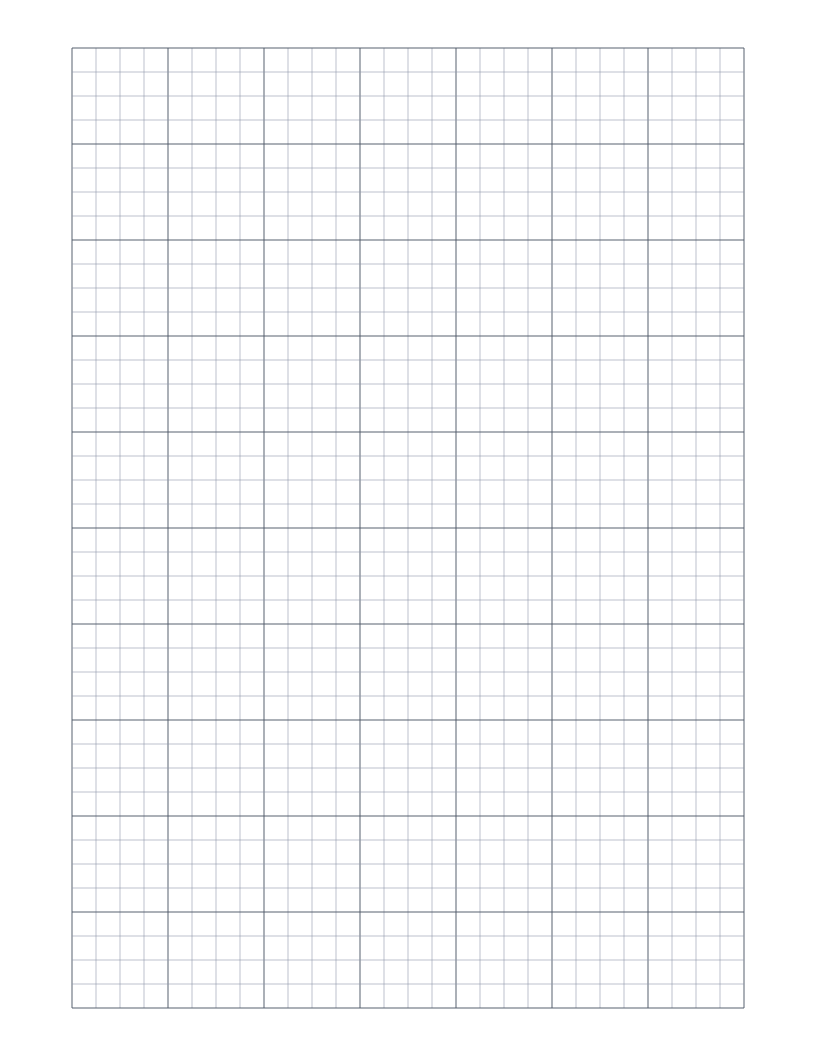
Quilt Graph Paper
1/4 inch grid with bold lines every inch for drafting quilt blocks and layouts to scale.
Specialty
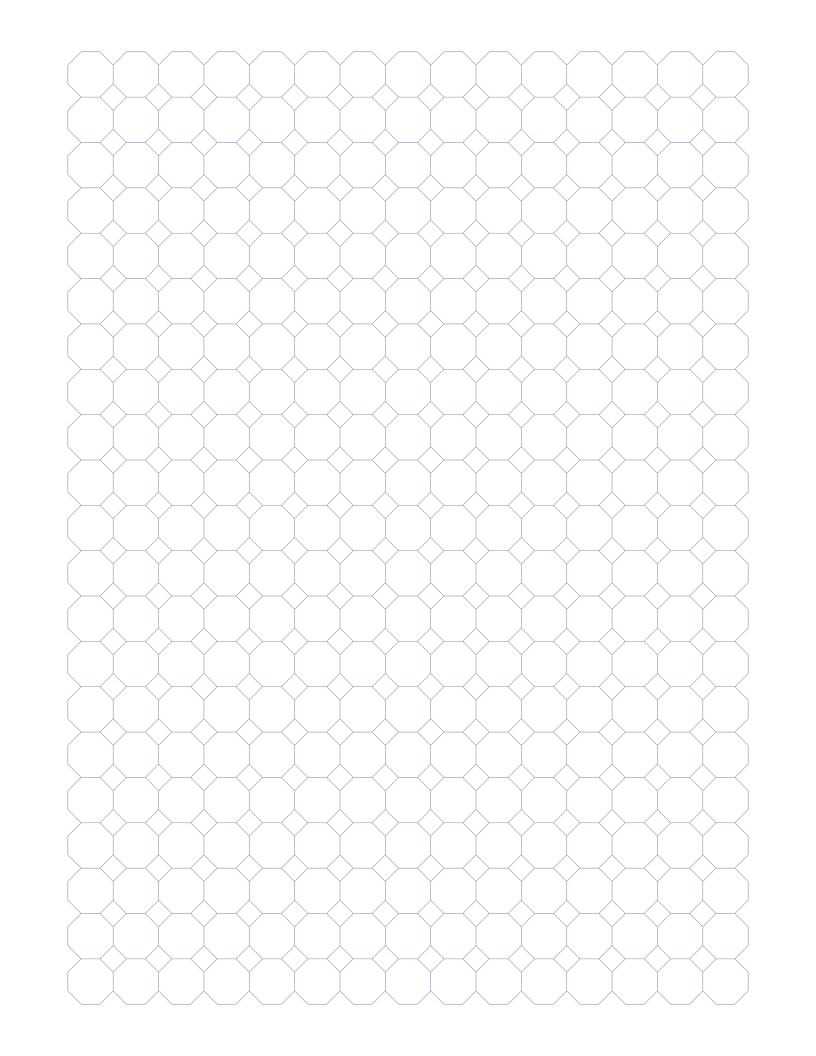
Octagon Graph Paper
Regular octagons with small squares between them: the classic octagon-and-square tiling.
Specialty
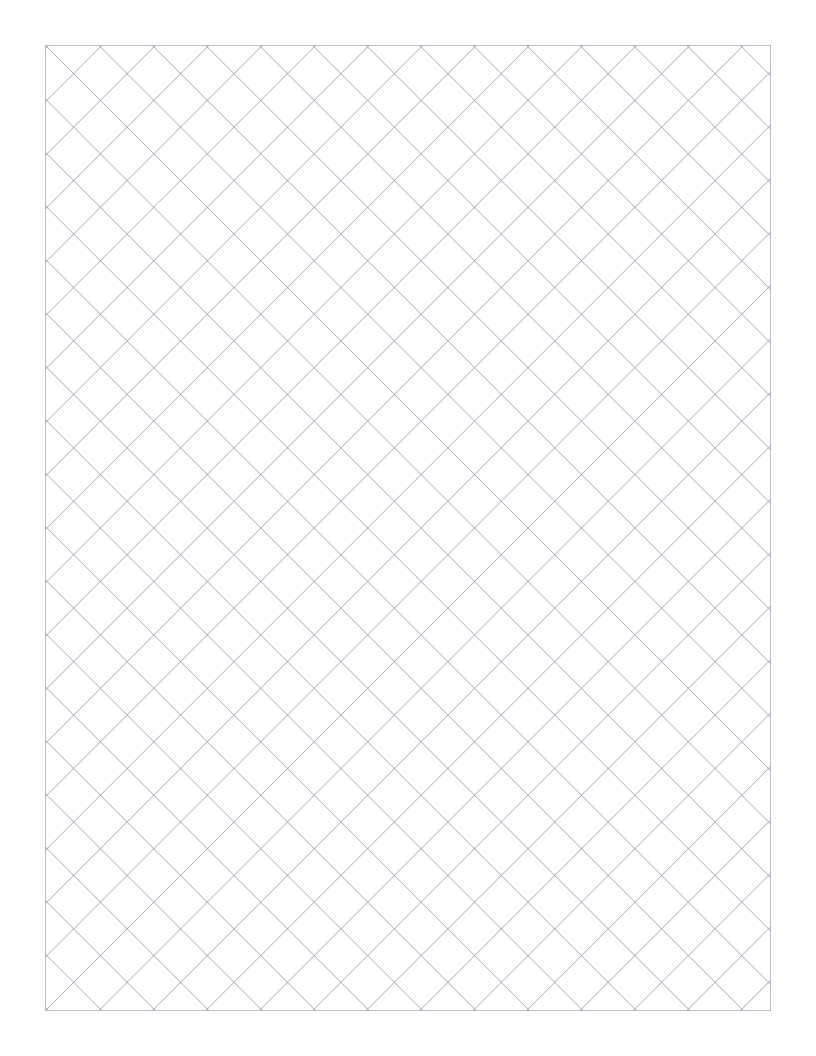
Diamond Graph Paper
Square grid turned 45 degrees, for argyle, harlequin and on-point designs.
SpecialtyPopular
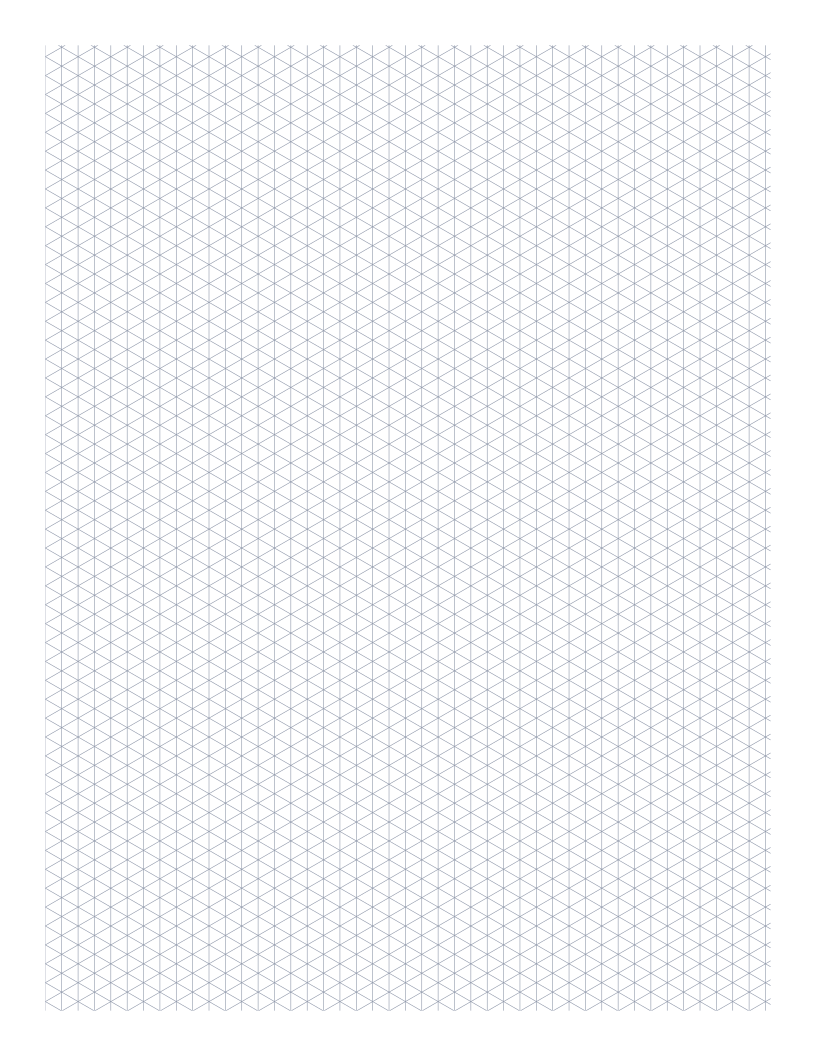
Isometric Graph Paper
Triangular 30°/60° grid for 3D drawings, technical sketches and Minecraft-style design.