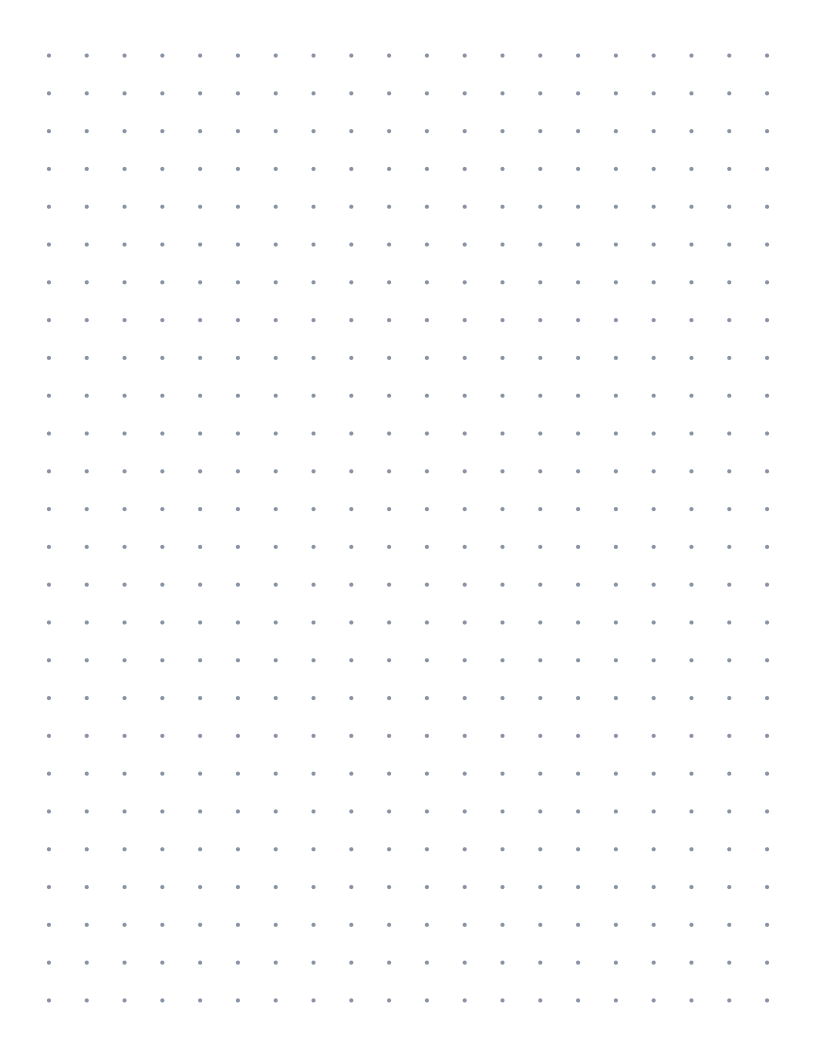
Live preview · Letter (8.5" × 11") · Light lines
Dot Grid Paper (7mm)
A 7 mm dot grid gives each line of writing about 40 percent more height than the usual 5 mm dot grid. It suits people whose handwriting feels cramped on standard dotted notebooks, and it matches the line height of wide ruled paper closely enough to feel familiar.
Download saves a vector PDF in the size and color selected below, no print dialog needed.
Other formats:
Direct PDF:Dot Grid Paper (7mm) Letter PDFDot Grid Paper (7mm) A4 PDF
Choose a different paper size:
Choose a different line color:
Great for
- Journaling with larger handwriting
- Hand lettering and brush pen practice
- Planner spreads with fewer, bigger boxes
- Notes for readers with low vision
Dot Grid Paper (7mm) at a glance
| What it is | Roomy 7mm dot grid for larger handwriting, lettering practice and planner layouts. |
|---|---|
| Category | Dot Grid |
| Paper sizes | Letter (8.5" × 11"), A4 (210 × 297 mm), A5 (148 × 210 mm), Half Letter (5.5" × 8.5"), B5 (176 × 250 mm), Legal (8.5" × 14"), 11" × 17", A3 (297 × 420 mm), A2 (420 × 594 mm), Poster (18" × 24"), Movie Poster (27" × 40"), Letter Landscape (11" × 8.5"), A4 Landscape (297 × 210 mm), Tabloid Landscape (17" × 11") |
| Line colors | Faint, Light, Gray, Dark, Black, Blue, Green (default: Light) |
| Format | Vector PDF at exact physical scale (Letter PDF, A4 PDF), PNG or SVG, or print directly from the browser |
| Price & license | Free. No signup or watermark. Printed sheets may be used for personal, classroom and commercial work. |
About dot grid paper (7mm)
Most dotted notebooks use 5 mm spacing, which is comfortable for small, neat handwriting and tight for everyone else. A 7 mm dot grid keeps the same idea, a lattice of small dots that guides both rows and columns without drawing lines, and simply opens it up. One row of dots per line of writing gives a line height of 7 mm, close to the 7.1 mm of US college ruled paper and a little under the 8.7 mm of wide ruled. That makes it a natural step for anyone moving from lined paper to dot grid who does not want to shrink their handwriting to fit.
What's on the page
Round dots 0.9 mm across, spaced exactly 7 mm apart in both directions. The lattice is centred on the sheet with whole cells only, giving 27 × 36 cells on US Letter and 26 × 39 on A4. There are no lines, borders or page numbers. The dots are slightly larger than on the 5 mm sheet so they stay visible at the wider spacing.
How to use it well
Write one line per row
Unlike 5 mm dots, where many people skip every other row, 7 mm is spaced for writing on every row. If your letters still collide with the row above, your natural size is closer to a 1 cm grid.
Use it for lettering drills
Treat two rows as one line: the lower row is the baseline, the middle row of dots marks the x-height and the top row caps the ascenders. That gives a 14 mm practice line, a good size for brush pens.
Plan boxes in whole cells
A week laid out as seven boxes of 3 cells wide uses 21 of the 27 columns on Letter, leaving room for a margin column. Count before you draw so the last box does not fall off the lattice.
Print in Light or Gray
The Faint colour can drop out on economy print settings. Light keeps the dots visible while you write and lets them recede once the page is full.
Common mistakes to avoid
- Expecting printed pages to match a bought dotted notebook. Almost all commercial dot grid notebooks are 5 mm, so 7 mm inserts will not line up with their dots.
- Printing with 'Fit to page' turned on. The sheet is scaled to about 96 percent and the dots land 6.7 mm apart, which matters if you measure or rule lines against them.
- Choosing it for dense layouts. A 7 mm grid has roughly half as many cells per page as a 5 mm grid, so habit trackers and monthly calendars get tight.
FAQ, Dot Grid Paper (7mm)
Is 7 mm dot grid a standard size?+
It is less common than 5 mm, but several notebook makers sell 7 mm dotted or lined pages for larger handwriting. As a printable it has no compatibility concerns: every dot is exactly 7 mm from its neighbours.
How is this different from the 5 mm dot grid?+
Only the spacing and dot size. The 5 mm dot grid fits about twice as many cells on a page and matches commercial bullet journals. The 7 mm version gives each line of writing more height.
Is there a size between the two?+
Yes. The 1/4 inch dot grid is 6.35 mm, which sits between 5 mm and 7 mm.
Can I print it in landscape?+
Yes. Choose Letter L, A4 L or 11×17 L from the size picker. The dots stay 7 mm apart in either orientation.
What pen works best on printed dot grid?+
Any pen works on ordinary copier paper, but wet inks such as fountain pens and brush markers can feather on 20 lb / 75 gsm stock. Print on 24 lb / 90 gsm or heavier if you see fuzzy edges.
Printing tips for best results+
- 1. Click Print above. A new tab opens the template at exact size.
- 2. The print dialog appears automatically. Set Scale to 100%. Never "Fit to page", which silently shrinks every cell.
- 3. Set Margins to None or Minimum so the grid reaches the page edge.
- 4. For a PDF, click Download instead. It generates a vector PDF directly without going through the printer driver.
More detail in the guide to printing graph paper at actual size. Need a spacing that isn’t listed? Use the graph paper generator.
You might also like
Dot Grid
Dot Grid Paper (1cm)
1 centimeter dot paper for classroom geometry, geoboard work and area and perimeter exercises.

Dot Grid
Isometric Dot Paper
Dots on a triangular lattice for drawing cubes, 3D shapes and isometric views.

Dot GridPopular
Dot Grid Paper (5mm)
Subtle 5mm dot grid: the gold standard for bullet journals and clean sketches.
Dot Grid
Dot Grid Paper (1/4")
Quarter-inch dot grid: bullet journal layout matched to US paper.