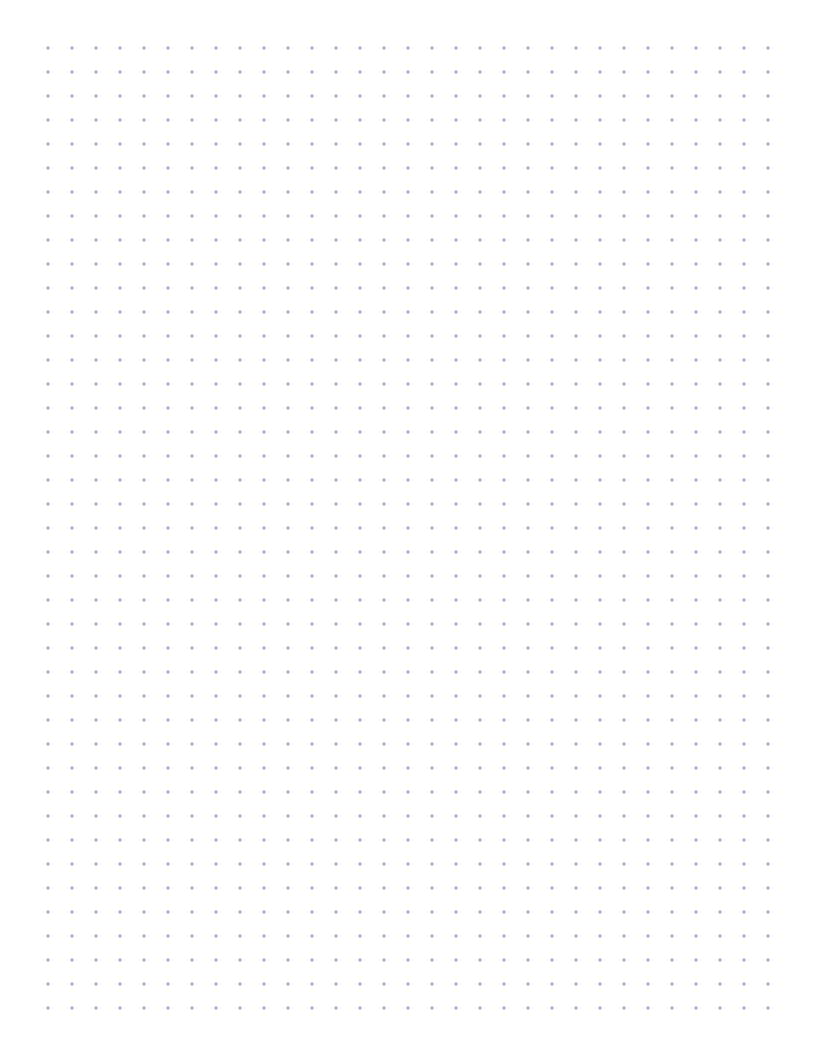
Live preview · Letter (8.5" × 11") · Gray lines
Dot Grid Paper (1cm)
Centimeter dot paper is the classroom version of dot grid. The dots are 1 cm apart, large enough for young students to see and connect, and every segment between neighbouring dots is exactly one centimetre long.
Download saves a vector PDF in the size and color selected below, no print dialog needed.
Other formats:
Direct PDF:Dot Grid Paper (1cm) Letter PDFDot Grid Paper (1cm) A4 PDF
Choose a different paper size:
Choose a different line color:
Great for
- Drawing polygons and finding area and perimeter
- Recording geoboard shapes on paper
- Symmetry, reflection and translation exercises
- Dots and boxes and other pencil games
Dot Grid Paper (1cm) at a glance
| What it is | 1 centimeter dot paper for classroom geometry, geoboard work and area and perimeter exercises. |
|---|---|
| Category | Dot Grid |
| Paper sizes | Letter (8.5" × 11"), A4 (210 × 297 mm), A5 (148 × 210 mm), Half Letter (5.5" × 8.5"), B5 (176 × 250 mm), Legal (8.5" × 14"), 11" × 17", A3 (297 × 420 mm), A2 (420 × 594 mm), Poster (18" × 24"), Movie Poster (27" × 40"), Letter Landscape (11" × 8.5"), A4 Landscape (297 × 210 mm), Tabloid Landscape (17" × 11") |
| Line colors | Faint, Light, Gray, Dark, Black, Blue, Green (default: Gray) |
| Format | Vector PDF at exact physical scale (Letter PDF, A4 PDF), PNG or SVG, or print directly from the browser |
| Price & license | Free. No signup or watermark. Printed sheets may be used for personal, classroom and commercial work. |
About dot grid paper (1cm)
Square dot paper is a staple of elementary and middle school geometry. Students join dots with a ruler to draw shapes whose side lengths can be counted instead of measured, which makes area, perimeter and transformations concrete. It is also the paper record of a geoboard: each dot stands for a peg and each pencil line for a rubber band. The 1 cm spacing is the standard for this work because one step between dots equals one centimetre and one square of four dots encloses one square centimetre, so the numbers students count are real measurements. For note-taking and journaling, the finer 5 mm dot grid is a better fit.
What's on the page
Round dots 1.1 mm across on a square lattice with exactly 10 mm between neighbours. The lattice is centred with whole cells only: 19 × 25 cells on US Letter and 18 × 27 on A4. The dots default to Gray so they are easy to find with a ruler edge and survive classroom photocopying. No axes, numbers or border are printed.
How to use it well
Count area by squares
Each square formed by four neighbouring dots is 1 cm². Draw a shape with corners on dots, then count whole squares and pair up half squares to find its area.
Try Pick's theorem
For a polygon with every corner on a dot, the area equals the number of dots inside, plus half the dots on the boundary, minus one. Students can check it against square counting.
Check the scale once
Lay a ruler along a row and confirm ten gaps measure 10 cm. If they measure about 9.6 cm, the print dialog scaled the page; set scale to 100 percent and reprint.
Use Dark for photocopies
If one printed sheet will be copied for a class, switch the colour to Dark or Black. Gray dots this small can fade after a pass through an office copier.
Common mistakes to avoid
- Using square dot paper for 3D cube drawings. Cubes drawn in isometric view need isometric dot paper, where the dots form triangles.
- Measuring diagonals as 1 cm. The distance between diagonal neighbours is about 1.41 cm, a common source of wrong perimeters.
- Printing at 'Fit to page'. The dots end up about 9.6 mm apart and every measurement taken from the sheet is off by 4 percent.
FAQ, Dot Grid Paper (1cm)
What is centimeter dot paper used for?+
Mostly geometry. Students connect dots to draw polygons, find area and perimeter by counting, explore symmetry and transformations, and copy shapes made on a geoboard.
Is this the same as a geoboard template?+
It serves the same purpose. A geoboard is usually a 5 × 5 or 11 × 11 array of pegs; this sheet is a full page of dots, so you can box off any size of geoboard with a pencil.
Are the dots exactly 1 cm apart?+
Yes, when printed at 100 percent scale or from the downloaded PDF. Ten gaps measure exactly 10 cm.
Is there a version with lines instead of dots?+
Yes. 1 cm graph paper has the same spacing drawn as a line grid.
Which dot paper should I use for bullet journaling?+
Use the 5 mm dot grid. 1 cm dots are too far apart to guide normal handwriting.
Printing tips for best results+
- 1. Click Print above. A new tab opens the template at exact size.
- 2. The print dialog appears automatically. Set Scale to 100%. Never "Fit to page", which silently shrinks every cell.
- 3. Set Margins to None or Minimum so the grid reaches the page edge.
- 4. For a PDF, click Download instead. It generates a vector PDF directly without going through the printer driver.
More detail in the guide to printing graph paper at actual size. Need a spacing that isn’t listed? Use the graph paper generator.
You might also like

Dot Grid
Isometric Dot Paper
Dots on a triangular lattice for drawing cubes, 3D shapes and isometric views.

Dot GridPopular
Dot Grid Paper (5mm)
Subtle 5mm dot grid: the gold standard for bullet journals and clean sketches.
Dot Grid
Dot Grid Paper (1/4")
Quarter-inch dot grid: bullet journal layout matched to US paper.

Dot Grid
Dot Grid Paper (7mm)
Roomy 7mm dot grid for larger handwriting, lettering practice and planner layouts.