Live preview · Letter (8.5" × 11") · Gray lines
2mm Graph Paper
2 mm graph paper sits between the two classic metric rulings. It has more resolution than 5 mm paper, but without the density of millimeter paper: five small squares make each bold centimeter, so plotting and reading values stays quick.
Download generates a crisp vector PDF directly, no print dialog needed.
Choose a different paper size:
Choose a different line color:
Great for
- School science and maths graphs with a line of best fit
- Plotting experimental data that needs more resolution than 5 mm
- Detailed technical sketches and diagrams
- Pixel art, mosaics and small-scale pattern design
2mm Graph Paper at a glance
| What it is | 2 mm squares with a bold line every centimeter: finer than 5 mm paper, easier on the eye than millimeter paper. |
|---|---|
| Category | Grid Paper |
| Paper sizes | Letter (8.5" × 11"), A4 (210 × 297 mm), 11" × 17", Legal (8.5" × 14"), A3 (297 × 420 mm), A2 (420 × 594 mm), Poster (18" × 24"), Movie Poster (27" × 40"), Letter Landscape (11" × 8.5"), A4 Landscape (297 × 210 mm), Tabloid Landscape (17" × 11") |
| Line colors | Faint, Light, Gray, Dark, Black, Blue, Green (default: Gray) |
| Format | Vector PDF download at exact physical scale, or print directly from the browser |
| Price & license | Free. No signup or watermark. Printed sheets may be used for personal, classroom and commercial work. |
About 2mm graph paper
2 mm paper is a common choice for graph work in schools and labs because it balances precision against readability. Each bold centimeter is split into five cells, so a value can be plotted to a fifth of a unit, which is usually more precision than school-level data supports. Compared with millimeter paper, the page looks far calmer, which matters when the plotted points and the line through them should be the most visible things on the page. Compared with 5 mm paper, it gives two and a half times the resolution along each axis, enough to read a gradient or an intercept with confidence.
What's on the page
A 2 mm grid in hairline (0.1 mm) lines with bold 0.25 mm lines every 1 cm (every fifth line). The grid is trimmed to whole centimeters and centred: 95 × 125 cells (19 × 25 cm) on US Letter and 90 × 135 cells (18 × 27 cm) on A4. Landscape sizes are available for graphs with long horizontal axes.
How to use it well
Make each bold line a round number
Set the scale so one centimeter is 1, 2, 5 or 10 units. Each small cell is then a fifth of that, which keeps plotting to simple counting rather than arithmetic.
Use as much of the page as you can
Choose a scale that makes your data fill at least half the grid in each direction. A graph squeezed into one corner wastes the resolution and makes gradients hard to read.
Plot with small crosses
Mark points with a small × or + about one cell across. Dots get lost in the grid and large blobs hide the true position.
Draw best-fit lines with a clear ruler
A transparent ruler lets you see points on both sides of the line while you position it, so roughly equal numbers of points fall above and below.
Common mistakes to avoid
- Scaling with 'Fit to page'. A small shrink makes each centimeter slightly short, which skews any value you read off the graph. Print at 100 percent.
- Choosing awkward scales. If one centimeter is 3 or 7 units, each 2 mm cell becomes an awkward fraction and plotting errors creep in. Stick to scales based on 1, 2 and 5.
- Starting both axes at zero when the data doesn't need it. If all your values sit between 40 and 60, a zero-based axis wastes most of the page. Break the axis or start it nearer your data.
FAQ, 2mm Graph Paper
How is 2 mm paper different from millimeter paper?+
Millimeter paper has 1 mm squares with lines at 5 mm and 1 cm. 2 mm paper has squares twice as wide and only two line weights, so it is easier to read at a glance while still giving five divisions per centimeter.
How many squares are on an A4 page?+
90 × 135 squares, which is 18 × 27 cm of grid. On US Letter it's 95 × 125 squares (19 × 25 cm).
Is 2 mm the same as 1/12 inch?+
No. 1/12 inch is about 2.12 mm, so the two drift apart by 1 mm roughly every eight or nine cells. If you need inch-based rulings, use 1/8 inch or 5 squares per inch paper.
Which line colour should I choose?+
Gray works for most graphs. Choose Light if you want your plotted points and lines to stand out more, or Dark if the sheet will be photocopied.
Can I use it for pixel art?+
Yes. The small square cells and the bold centimeter blocks make it easy to count out sprites and patterns. For larger, easier-to-colour pixels, 5 mm paper is a better fit.
Printing tips for best results+
- 1. Click Print above. A new tab opens the template at exact size.
- 2. The print dialog appears automatically. Set Scale to 100%. Never "Fit to page", which silently shrinks every cell.
- 3. Set Margins to None or Minimum so the grid reaches the page edge.
- 4. For a PDF, click Download instead. It generates a vector PDF directly without going through the printer driver.
You might also like
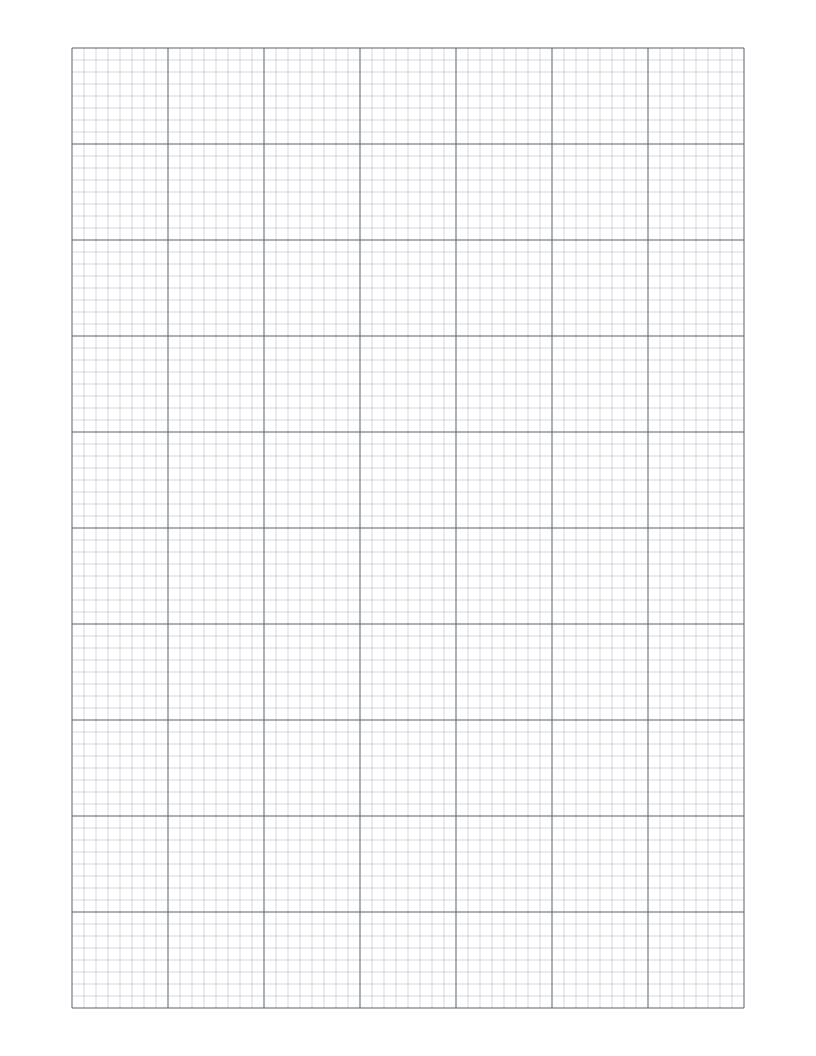
1/8 Inch Graph Paper
Eight squares per inch with a bold line every inch: a fine imperial grid for detailed plans, drafting and scale drawings.
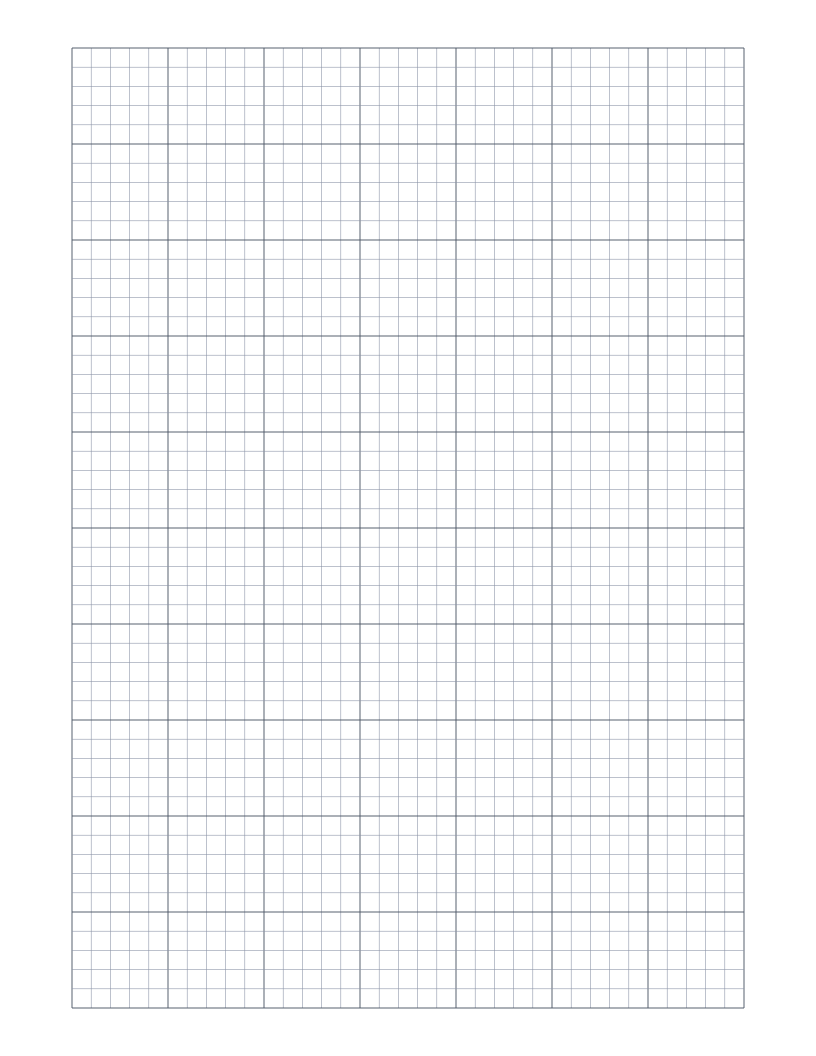
5 Squares Per Inch Graph Paper
Five squares per inch with a bold line every inch: the ruling of classic engineering computation pads and cross-section paper.
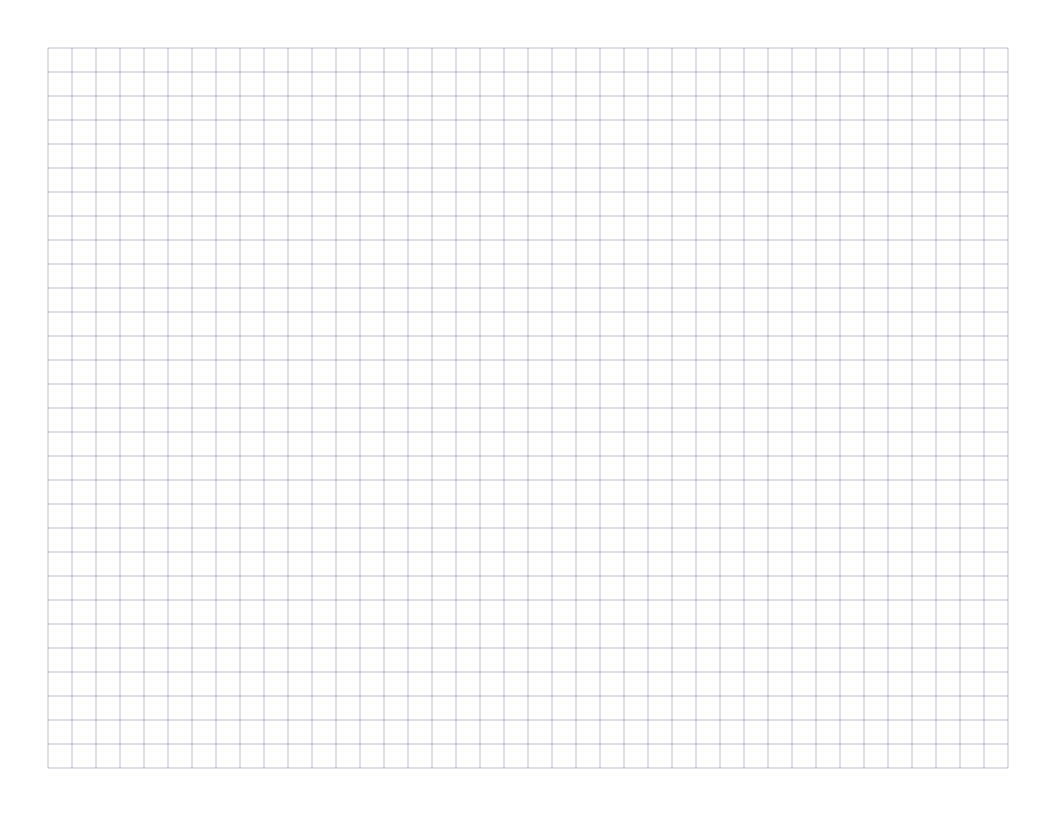
Landscape Graph Paper
Quarter-inch graph paper in landscape orientation: a wide page for timelines, charts and plans that run sideways.
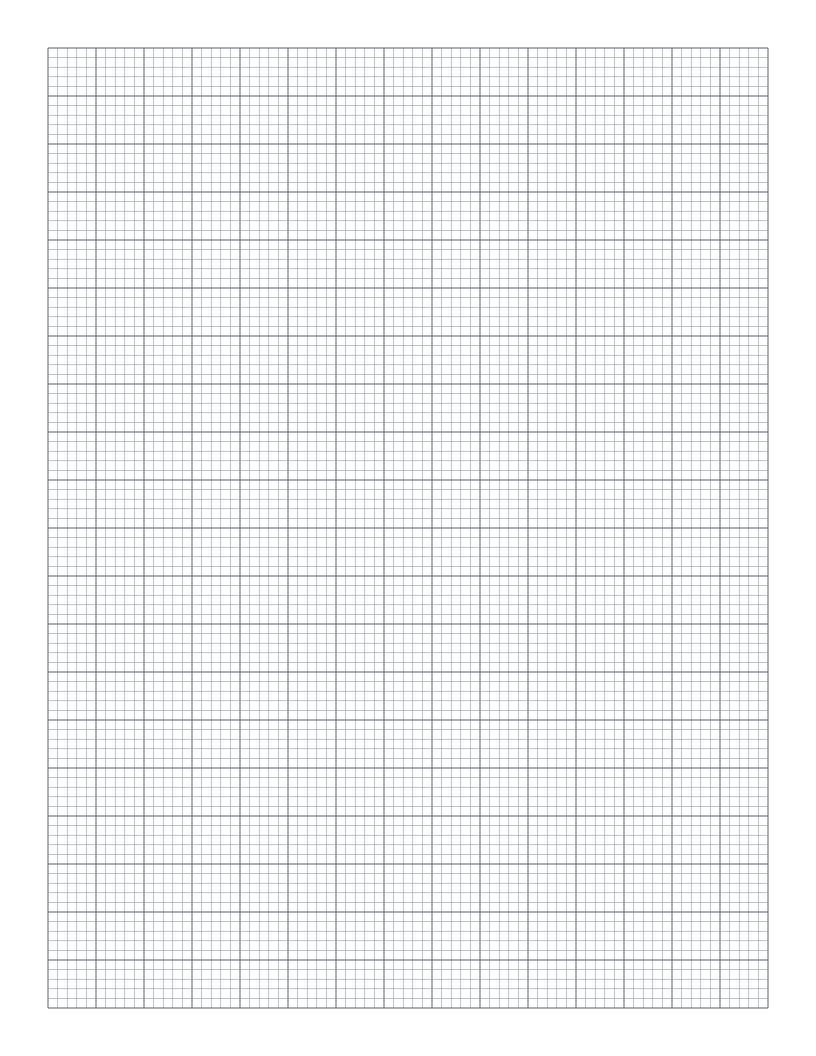
Engineering Paper
10 squares per inch with a bolder line every half inch: a fine engineering grid for technical sketches and circuit layouts.