Live preview · Letter (8.5" × 11") · Gray lines
1/8 Inch Graph Paper
1/8 inch graph paper has eight squares per inch, with a bold line marking every full inch. It's the fine imperial grid: twice the resolution of quad-ruled paper, and the natural surface for floor plans drawn at the common 1/8 inch = 1 foot scale.
Download generates a crisp vector PDF directly, no print dialog needed.
Choose a different paper size:
Choose a different line color:
Great for
- Floor plans and site plans at 1/8 inch = 1 foot
- Woodworking, furniture and project plans
- Detailed sketches that need more resolution than 1/4 inch
- Quilting, needlework and craft layouts in inches
1/8 Inch Graph Paper at a glance
| What it is | Eight squares per inch with a bold line every inch: a fine imperial grid for detailed plans, drafting and scale drawings. |
|---|---|
| Category | Grid Paper |
| Paper sizes | Letter (8.5" × 11"), A4 (210 × 297 mm), 11" × 17", Legal (8.5" × 14"), A3 (297 × 420 mm), A2 (420 × 594 mm), Poster (18" × 24"), Movie Poster (27" × 40"), Letter Landscape (11" × 8.5"), A4 Landscape (297 × 210 mm), Tabloid Landscape (17" × 11") |
| Line colors | Faint, Light, Gray, Dark, Black, Blue, Green (default: Gray) |
| Format | Vector PDF download at exact physical scale, or print directly from the browser |
| Price & license | Free. No signup or watermark. Printed sheets may be used for personal, classroom and commercial work. |
About 1/8 inch graph paper
Eighth-inch paper follows the same logic as US rulers and tape measures, which are themselves marked in eighths and sixteenths of an inch. Each cell is 1/8 inch (3.175 mm) and every eighth line is a full inch, so any measurement read off a tape measure can be transferred straight to the page. Architects use 1/8 inch = 1 foot (1:96) for whole-building plans where 1/4 inch = 1 foot would not fit on the sheet, and on this paper that means one cell equals one foot. Woodworkers and makers like it for the same reason: a part that is 3 5/8 inches long is simply three bold blocks and five cells.
What's on the page
A 1/8 inch (3.175 mm) grid in hairline lines with a bold line every inch. The grid is trimmed to whole inches and centred: 7 × 10 inches (56 × 80 cells) on both US Letter and A4. Landscape sizes swap the orientation for wide plans.
How to use it well
Use 1 cell = 1 foot for building plans
At 1/8 inch = 1 foot, a 40 × 30 ft house footprint is 40 × 30 cells, five by roughly four bold inch blocks. Write the scale in a corner of the sheet before you start.
Read it like a tape measure
Each bold block is one inch and each cell is an eighth. Half an inch is four cells, a quarter inch is two. Transferring measurements from a tape becomes counting.
Draw walls with two lines
On a floor plan, draw each wall as two parallel lines about one cell apart (roughly 6 to 12 inches at 1/8 scale). Plans drawn with single lines are harder to read and hide door and window openings.
Lighten the grid for presentation
If the drawing is going to be shown to others, pick Light or Faint so the grid supports the lines without competing with them.
Common mistakes to avoid
- Confusing 1/8 inch scale with 1/4 inch scale. A plan drawn at 1/8 inch = 1 foot is half the size of the same plan at 1/4 inch = 1 foot. Mark the scale on every sheet.
- Mixing metric and imperial. 1/8 inch (3.175 mm) is close to 3 mm but drifts about 1.4 mm every inch. Don't overlay metric templates or rulers on this grid.
- Printing with scaling on. If the printed inch isn't exactly one inch, every dimension you read off the plan is wrong. Print at 100 percent and check one bold block with a ruler.
FAQ, 1/8 Inch Graph Paper
How is 1/8 inch different from 1/4 inch graph paper?+
1/4 inch paper has four squares per inch; this has eight, so each cell is half as wide and you get four times as many cells per page. Use 1/4 inch for everyday maths and 1/8 inch when you need more detail.
What is 1/8 inch = 1 foot scale?+
An architectural scale of 1:96, where one eighth of an inch on paper represents one foot. It's commonly used for larger floor plans and site plans. On this paper each cell is one foot.
How many squares fit on a page?+
56 × 80 squares on US Letter or A4, which is a grid of 7 × 10 whole inches. Tabloid and larger sizes give proportionally more.
Can I use it for cross-stitch?+
You can, but cross-stitch paper is ruled in blocks of ten, which matches how cross-stitch patterns are counted. Eighth-inch paper is better for anything measured in inches.
Is there a version with five squares per inch?+
Yes. 5 squares per inch paper divides each inch into fifths, the ruling used on classic engineering computation pads and for decimal-inch work.
Printing tips for best results+
- 1. Click Print above. A new tab opens the template at exact size.
- 2. The print dialog appears automatically. Set Scale to 100%. Never "Fit to page", which silently shrinks every cell.
- 3. Set Margins to None or Minimum so the grid reaches the page edge.
- 4. For a PDF, click Download instead. It generates a vector PDF directly without going through the printer driver.
You might also like
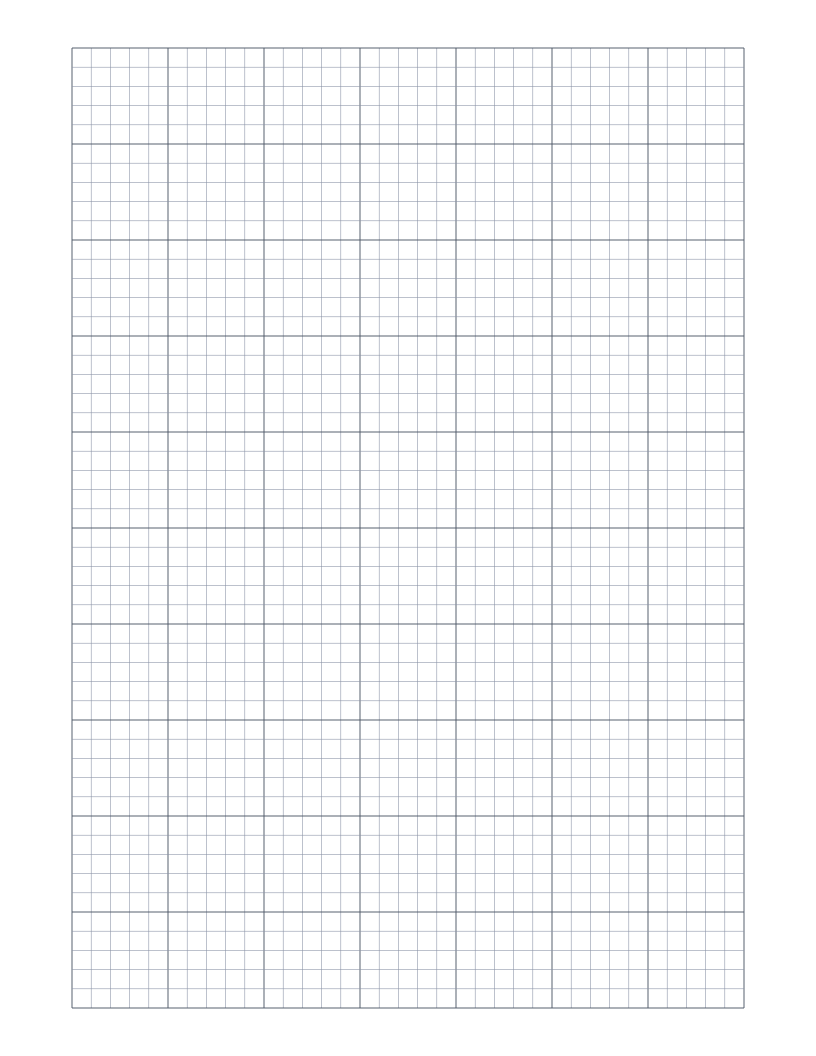
5 Squares Per Inch Graph Paper
Five squares per inch with a bold line every inch: the ruling of classic engineering computation pads and cross-section paper.
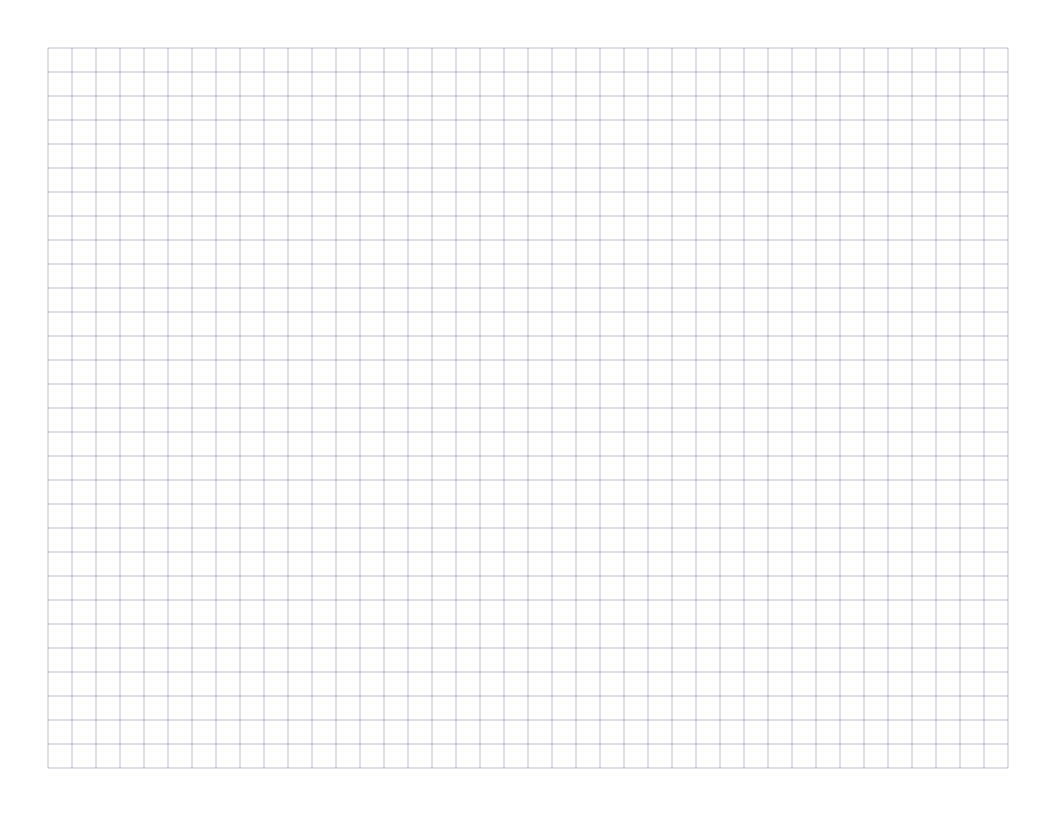
Landscape Graph Paper
Quarter-inch graph paper in landscape orientation: a wide page for timelines, charts and plans that run sideways.
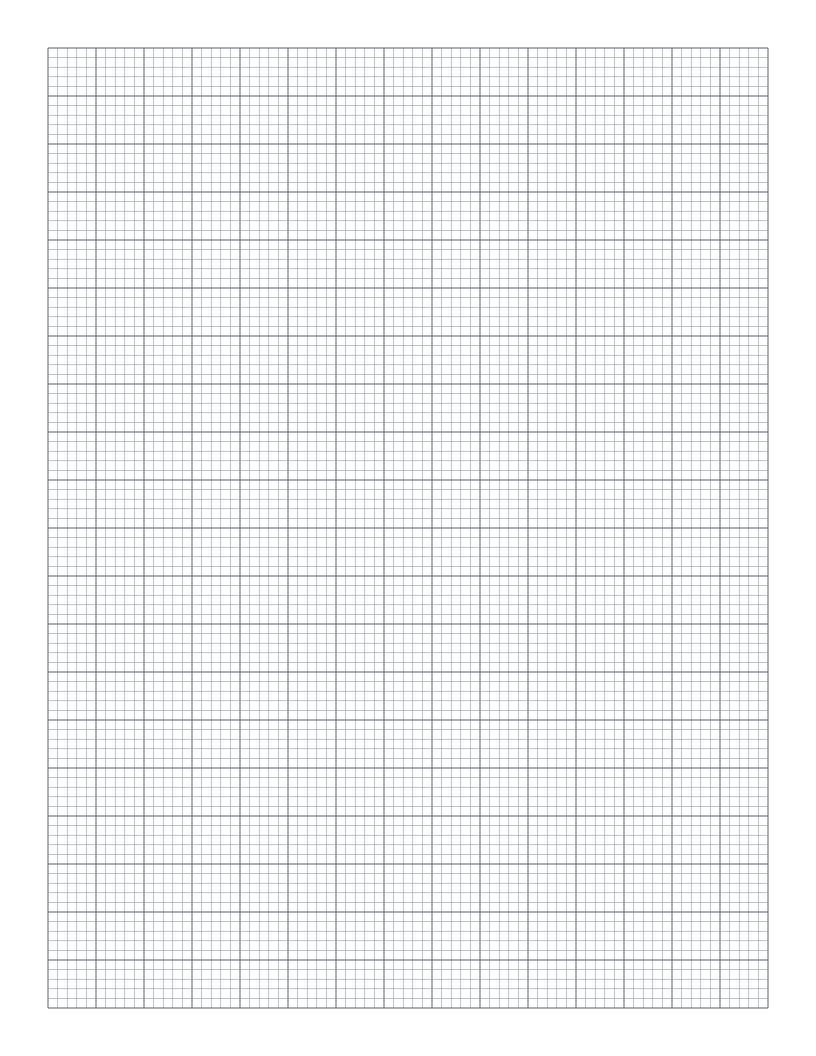
Engineering Paper
10 squares per inch with a bolder line every half inch: a fine engineering grid for technical sketches and circuit layouts.
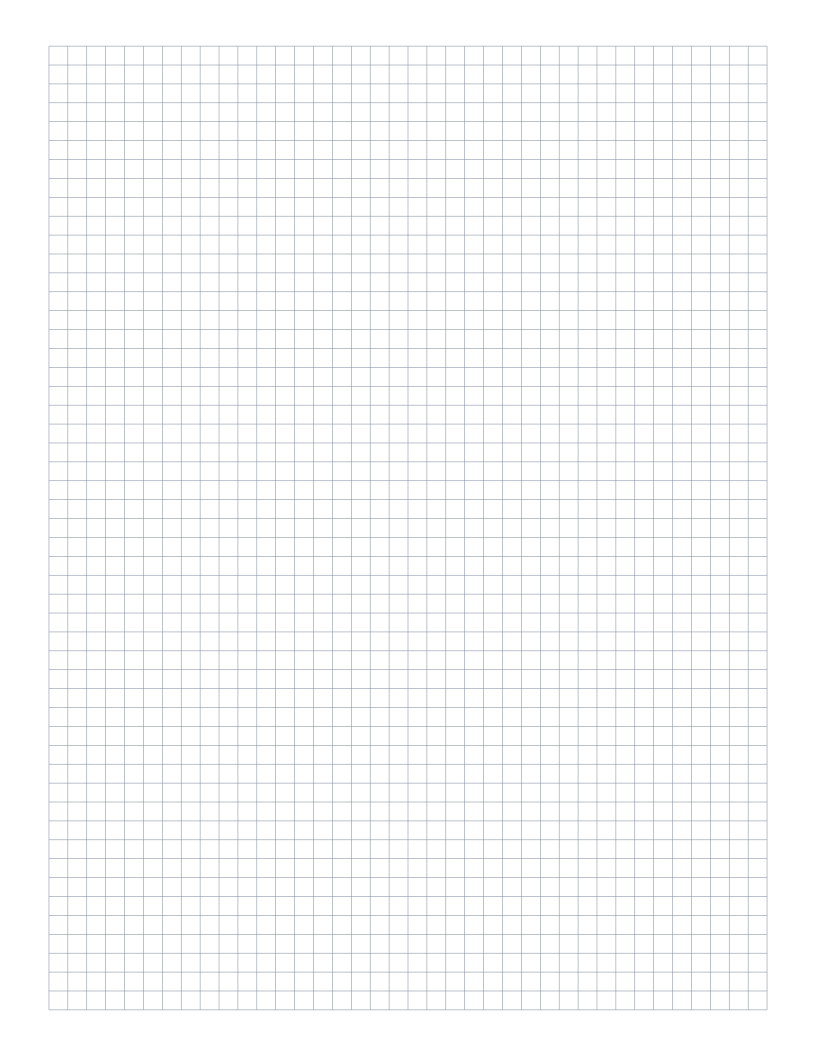
5mm Graph Paper
Standard 5mm square grid: the most popular spacing for math, engineering and general use.