Live preview · Letter (8.5" × 11") · Blue lines
Seyès Ruled Paper (French Ruled)
Seyès ruling, known in France as grands carreaux, is the paper French children learn to write on. Heavy lines form 8 mm squares, and three lighter lines inside each row sit 2 mm apart to guide the height of every letter.
Download saves a vector PDF in the size and color selected below, no print dialog needed.
Other formats:
Direct PDF:Seyès Ruled Paper (French Ruled) Letter PDFSeyès Ruled Paper (French Ruled) A4 PDF
Choose a different paper size:
Choose a different line color:
Great for
- Cursive handwriting practice
- French-style school notebooks and exercises
- Fountain pen and calligraphy practice
- Neat tables and indented notes
Seyès Ruled Paper (French Ruled) at a glance
| What it is | French school ruling: 8mm squares with three fine lines in each row and a red margin. |
|---|---|
| Category | Writing & Notes |
| Paper sizes | Letter (8.5" × 11"), A4 (210 × 297 mm), A5 (148 × 210 mm), Half Letter (5.5" × 8.5"), B5 (176 × 250 mm), Legal (8.5" × 14"), 11" × 17", A3 (297 × 420 mm), A2 (420 × 594 mm), Poster (18" × 24"), Movie Poster (27" × 40") |
| Line colors | Faint, Light, Gray, Dark, Black, Blue, Green (default: Blue) |
| Format | Vector PDF at exact physical scale (Letter PDF, A4 PDF), PNG or SVG, or print directly from the browser |
| Price & license | Free. No signup or watermark. Printed sheets may be used for personal, classroom and commercial work. |
About seyès ruled paper (french ruled)
The ruling was designed by the Paris stationer Jean-Alexandre Seyès and patented in 1892. It has been the standard in French schools ever since. Its purpose is to teach consistent letter proportions in cursive. The heavy horizontal line is the baseline. Small letters such as a, e and o rise to the first fine line, 2 mm up. Taller strokes are counted in further 2 mm steps: under the traditional rules d and t reach the second line and the looped letters b, f, h, k and l reach the third. Descenders drop two lines below the baseline. The vertical lines every 8 mm help with indents, margins, tables and column alignment. Fountain pen users outside France like the ruling for the same reason: it gives precise control of letter height without separate guide sheets.
What's on the page
A grid of 8 mm squares with three fine horizontal lines at 2 mm intervals inside each row, and a red vertical margin line four squares in from the left edge of the grid. US Letter holds 23 squares across and 31 rows; A4 holds 23 across and 34 rows. Lines default to blue, close to the violet-blue of French notebooks, with the fine lines lighter than the main grid.
How to use it well
Write on every heavy line
The heavy horizontal lines are baselines. Each row of writing occupies one 8 mm band, with ascenders rising into it and descenders dropping into the band below.
Keep small letters to the first fine line
The body of each lowercase letter is 2 mm tall. It feels small at first; that discipline is the point of the ruling.
Use the squares for layout
French students are taught to count squares: skip one square to indent a paragraph, start the date a set number of squares in. The same habit keeps tables and lists aligned.
Choose A4 for authenticity
French notebooks are A4 or 17 × 22 cm. The ruling prints at true size on any paper, but A4 matches what the system was designed around.
Common mistakes to avoid
- Treating the fine lines as separate writing lines. Writing on every 2 mm line gives unreadably small text; only the heavy lines are baselines.
- Printing with scaling on. The ruling depends on exact 2 mm and 8 mm intervals, and 'Fit to page' shrinks them by about 4 percent.
- Using a broad pen. A 2 mm body height needs a fine or extra-fine nib, or a 0.5 mm or finer ballpoint.
FAQ, Seyès Ruled Paper (French Ruled)
What is Seyès ruled paper?+
The standard ruling of French school notebooks: 8 mm squares with three additional fine horizontal lines, 2 mm apart, in each row, and a margin line. It is also called French ruled or grands carreaux.
How do you write on Seyès paper?+
Sit letters on the heavy horizontal line. Small letters reach the first fine line above it, tall letters the second or third, and descenders go two fine lines below.
What are the dimensions of the ruling?+
Heavy lines form 8 mm × 8 mm squares. Fine horizontal lines divide each square into four 2 mm bands.
Why is it called grands carreaux?+
It means 'large squares', in contrast to petits carreaux, the plain 5 mm grid. For the latter see 5 mm graph paper.
Is it good for learning cursive in English?+
Yes, if you want strict control of letter height. For the three-line system more common in US schools see handwriting practice paper.
Printing tips for best results+
- 1. Click Print above. A new tab opens the template at exact size.
- 2. The print dialog appears automatically. Set Scale to 100%. Never "Fit to page", which silently shrinks every cell.
- 3. Set Margins to None or Minimum so the grid reaches the page edge.
- 4. For a PDF, click Download instead. It generates a vector PDF directly without going through the printer driver.
More detail in the guide to printing graph paper at actual size. Need a spacing that isn’t listed? Use the graph paper generator.
You might also like
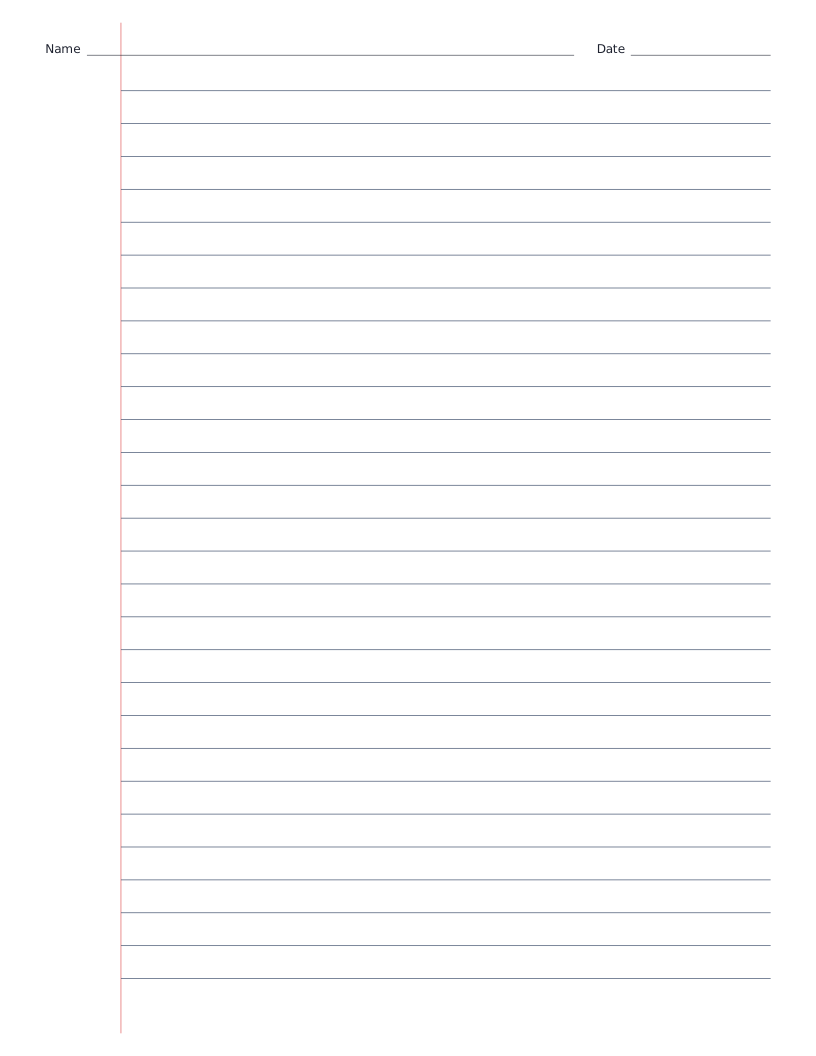
Writing & Notes
Lined Paper with Name and Date
Wide ruled lined paper with Name and Date lines at the top, ready for classwork.
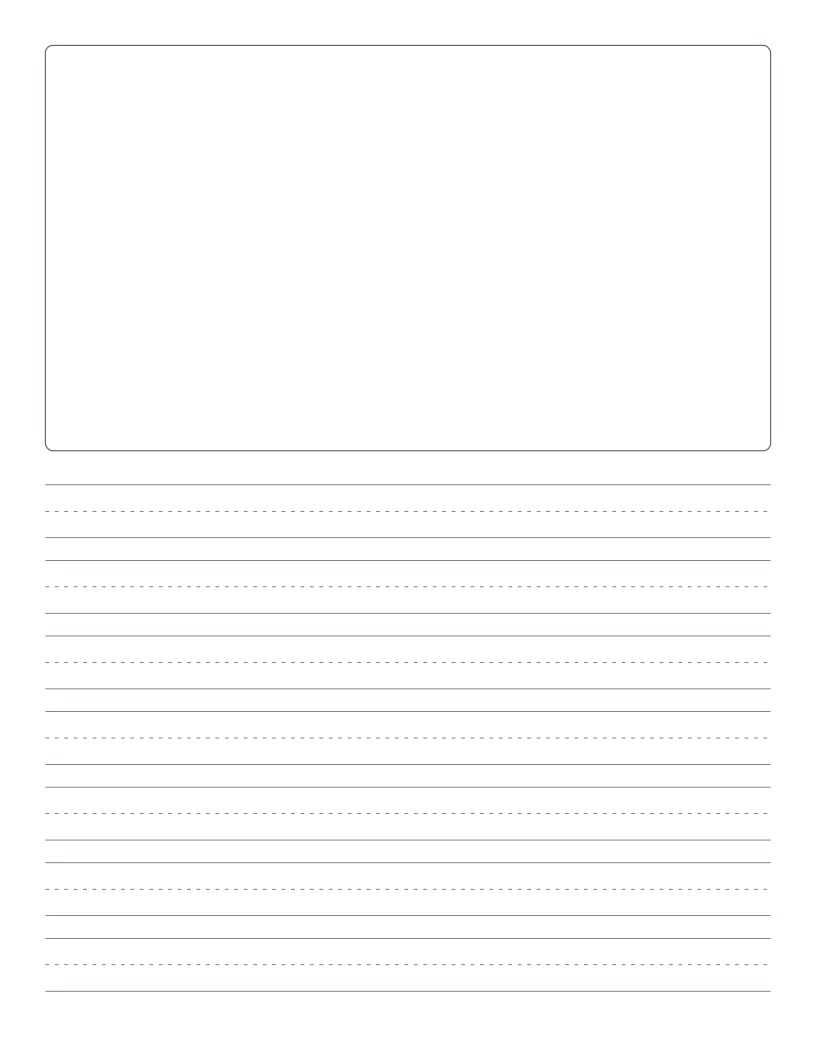
Writing & Notes
Picture Story Paper
Drawing box on top with primary writing lines below, for young authors.

Writing & Notes
Legal Pad Paper
Legal ruled paper with wide lines and the double red margin of a legal pad.
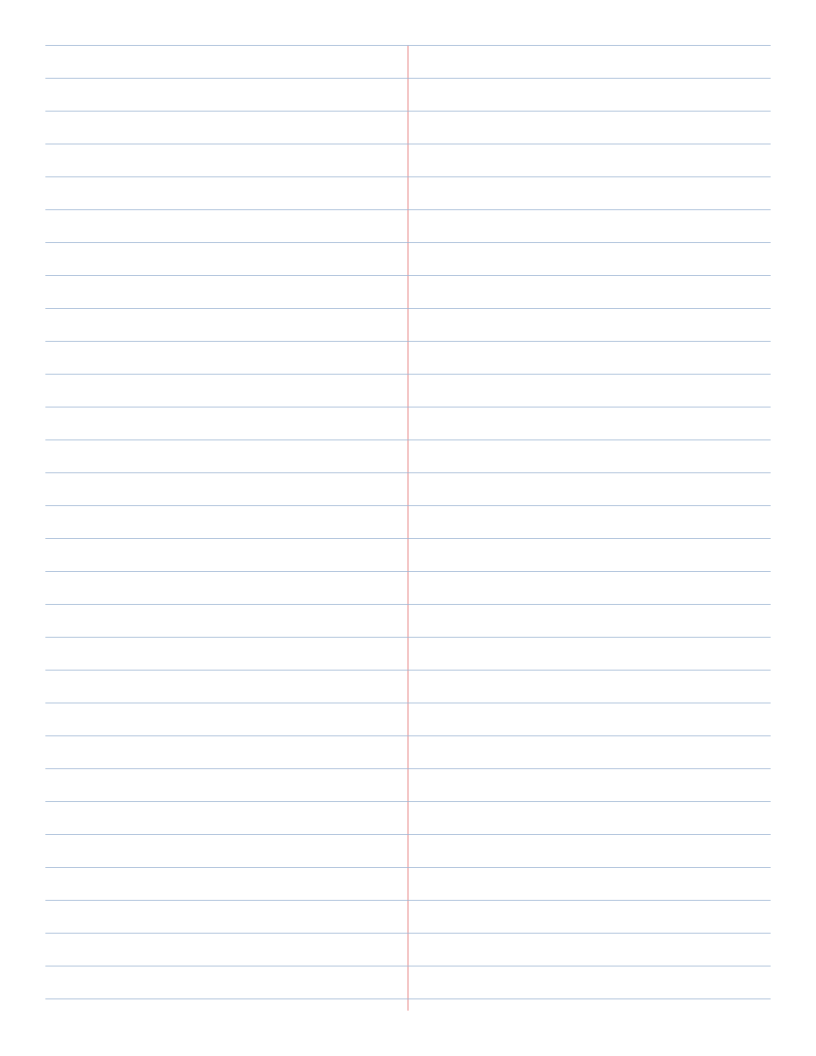
Writing & Notes
Steno Pad Paper (Gregg Ruled)
Gregg ruled paper with a centre line down the page, as used in stenographer's notebooks.