Live preview · Letter (8.5" × 11") · Gray lines
Graph Paper, 4 Grids Per Page
Four bordered 5 mm grids on one page, with space between them. Use one grid per problem, or put four related graphs side by side for comparison.
Download saves a vector PDF in the size and color selected below, no print dialog needed.
Other formats:
Direct PDF:Graph Paper, 4 Grids Per Page Letter PDFGraph Paper, 4 Grids Per Page A4 PDF
Choose a different paper size:
Choose a different line color:
Great for
- Homework sets with several graphs
- Comparing results from repeated experiments
- Thumbnail layouts and design variations
- Saving paper on small plots
Graph Paper, 4 Grids Per Page at a glance
| What it is | Four separate 5mm grids on one sheet for homework problems and small graphs. |
|---|---|
| Category | Grid Paper |
| Paper sizes | Letter (8.5" × 11"), A4 (210 × 297 mm), A5 (148 × 210 mm), Half Letter (5.5" × 8.5"), B5 (176 × 250 mm), Legal (8.5" × 14"), 11" × 17", A3 (297 × 420 mm), A2 (420 × 594 mm), Poster (18" × 24"), Movie Poster (27" × 40"), Letter Landscape (11" × 8.5"), A4 Landscape (297 × 210 mm), Tabloid Landscape (17" × 11") |
| Line colors | Faint, Light, Gray, Dark, Black, Blue, Green (default: Gray) |
| Format | Vector PDF at exact physical scale (Letter PDF, A4 PDF), PNG or SVG, or print directly from the browser |
| Price & license | Free. No signup or watermark. Printed sheets may be used for personal, classroom and commercial work. |
About graph paper, 4 grids per page
A full sheet of graph paper is more than most single problems need, and four graphs drawn freehand on one sheet tend to collide. Separate bordered grids give each graph its own frame, with blank gutters for problem numbers, titles and working.
What's on the page
Four grids in a two-by-two layout, each outlined with a heavier border and separated by a 10 mm gutter. Each grid is 18 × 24 squares of 5 mm on US Letter (9 × 12 cm) and 17 × 26 on A4.
How to use it well
Number each grid
Write the problem number in the gutter above the top-left corner of each grid.
Use the same scale on all four
When comparing graphs, identical axes let the eye see differences in shape directly.
Draw your own axes
The grids are blank. For pre-drawn axes use the coordinate plane worksheet.
Common mistakes to avoid
- Plotting data with a wide range. Each grid is only 18 squares across on Letter; choose a scale that fits or use a full-page grid.
- Writing titles inside the grid, where they cover data. Use the gutters.
FAQ, Graph Paper, 4 Grids Per Page
How big is each grid?+
18 by 24 squares (9 × 12 cm) on US Letter and 17 by 26 squares on A4.
Do the grids have axes?+
No. For four numbered coordinate planes use the coordinate plane worksheet.
What is the square size?+
5 mm.
Can I get one full-page grid instead?+
Yes, 5 mm graph paper.
Printing tips for best results+
- 1. Click Print above. A new tab opens the template at exact size.
- 2. The print dialog appears automatically. Set Scale to 100%. Never "Fit to page", which silently shrinks every cell.
- 3. Set Margins to None or Minimum so the grid reaches the page edge.
- 4. For a PDF, click Download instead. It generates a vector PDF directly without going through the printer driver.
More detail in the guide to printing graph paper at actual size. Need a spacing that isn’t listed? Use the graph paper generator.
You might also like
Grid PaperPopular
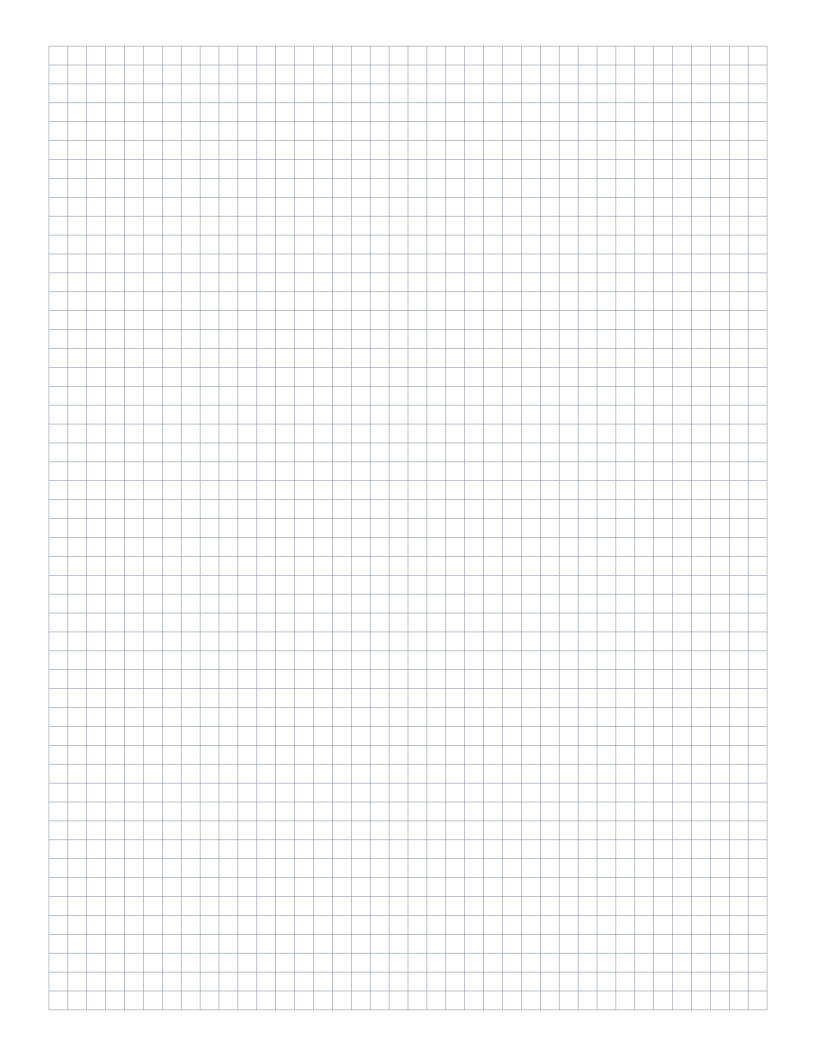
5mm Graph Paper
Standard 5mm square grid: the most popular spacing for math, engineering and general use.
Grid PaperPopular
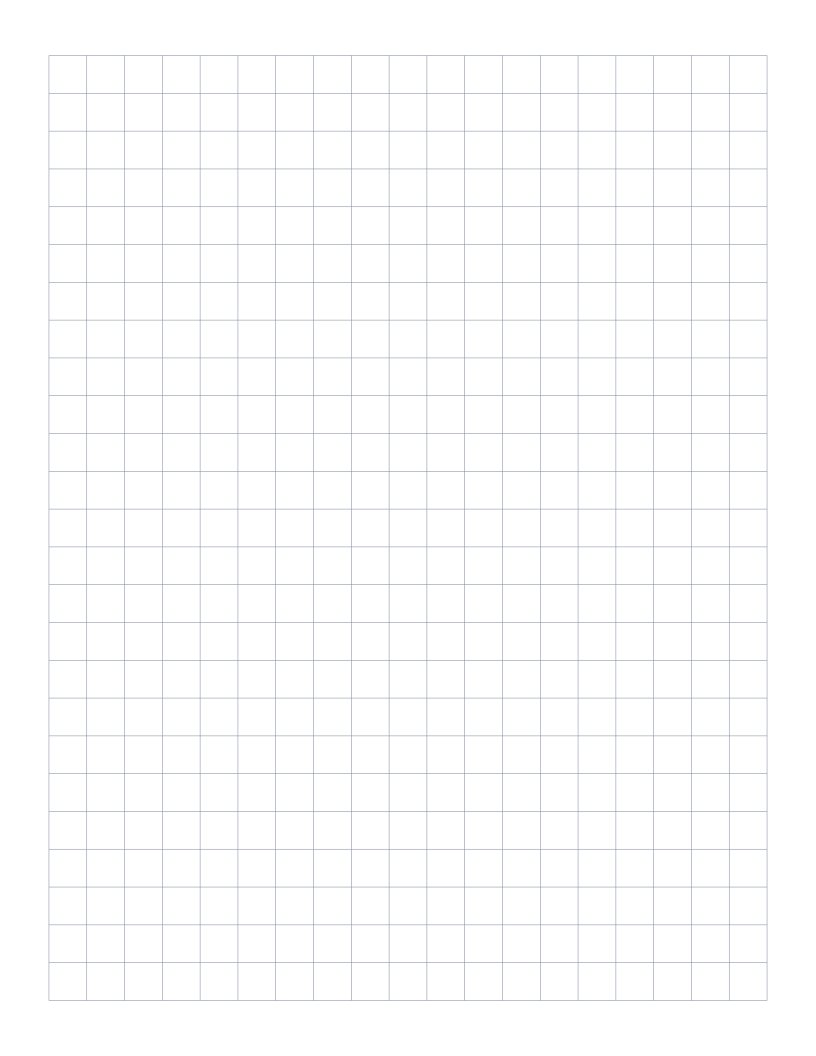
1cm Graph Paper
1 centimeter grid: the everyday graphing standard for elementary math and primary school.
Grid PaperPopular
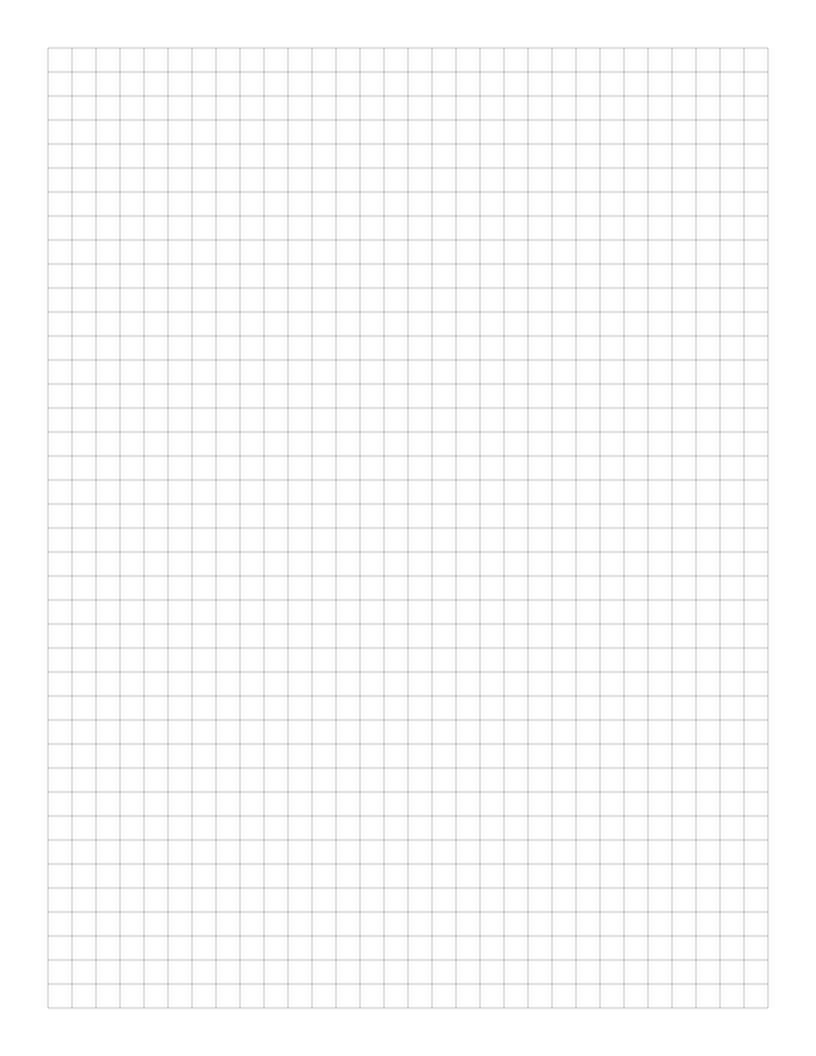
1/4 Inch Graph Paper
Classic four-squares-per-inch quad ruled paper: the US engineering standard.
Grid Paper
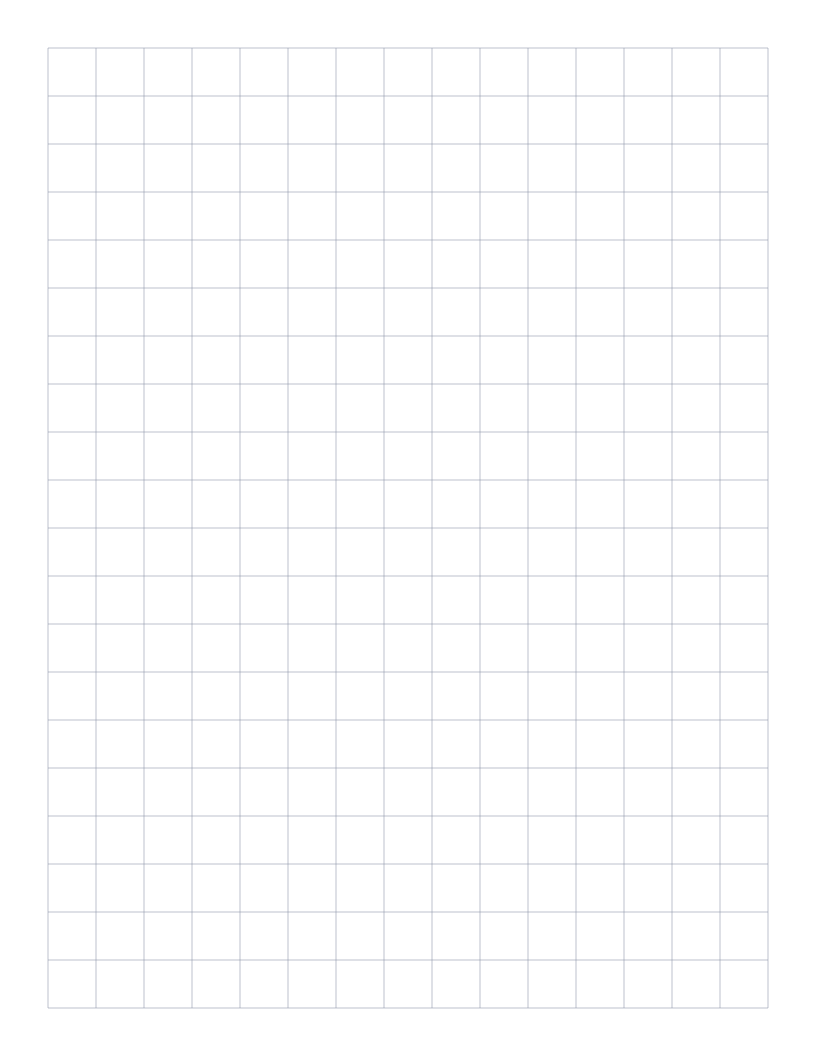
1/2 Inch Graph Paper
Two squares per inch: large grid that doubles as a 2D ruler for measurement.